Template details
Best Chrome Extensions
A curated list of best Chrome extensions for developers, designers, and SEO professionals.
About this template
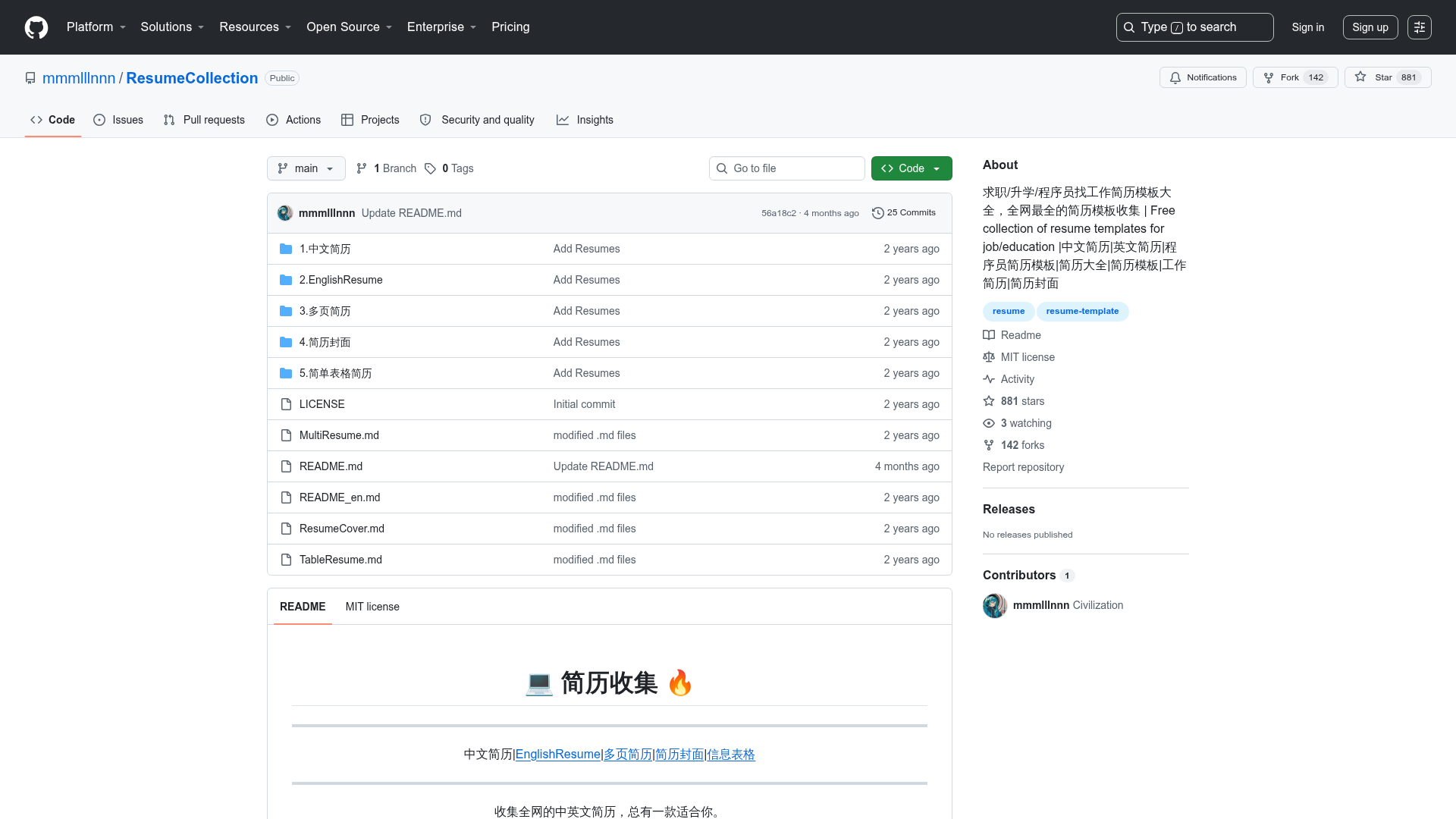
Best Chrome Extensions is a community-curated GitHub repository that indexes the most useful Chrome browser extensions for developers, designers, SEO professionals, and everyday users. The project is maintained by ThemeSelection, a company known for admin dashboard templates, and it organizes more than a hundred extension listings into categories with direct links to the Chrome Web Store.
What is Best Chrome Extensions?
Best Chrome Extensions is a GitHub repository that curates a categorized list of browser extensions for Chrome and other Chromium-based browsers. It takes the form of a single README file with tables that list each extension's name and description alongside a direct link to its Chrome Web Store page. The repository is maintained under the ThemeSelection GitHub account and accepts contributions from the community through a CONTRIBUTING.md file.
Key Features
- Categorized organization — The list is split into three main parts: extensions for developers (10 subcategories), extensions for designers (2 subcategories), and all-time best extensions (8 subcategories), each in its own table.
- Direct Chrome Web Store links — Every extension entry links directly to its Chrome Web Store listing, so you can install without searching manually.
- Developer-centered coverage — Subcategories include Code Editors and IDEs, Debugging and Testing, CSS Tools, Version Control, Workflow, Password Manager & Security, Frameworks and Libraries, Automation and Productivity Tools, VPN Extensions, and Web Scraping.
- Designer-centered coverage — Subcategories cover Color Pickers and Palettes and Typography Tools, with extensions like ColorZilla, Fonts Ninja, and Colour Contrast Checker.
- Security and privacy tools — A dedicated password manager section lists nine options including LastPass, Bitwarden, Dashlane, NordPass, and Proton Pass, plus a separate VPN extensions category.
- AI and productivity section — The all-time best list includes an AI Copilots and Productivity Tools section with extensions such as Monica, Merlin, MaxAI.me, and LINER that integrate GPT models into browsing.
- SEO and web analysis tools — A full section features tools like Ahrefs SEO Toolbar, SEOquake, Similarweb, Ubersuggest, and Keywords Everywhere for SERP and traffic analysis.
- Community maintained — The repository has a CONTRIBUTING.md file, and the README invites users to submit new tools through the project's guidelines.
Who is it for?
- Front-end developers — find extensions for responsive testing (Mobile Simulator, Responsive Viewer), CSS live editing (Magic CSS, Amino), and GitHub file tree navigation (Gitako).
- UI/UX designers — use the color pickers and typography sections to identify fonts on any site, check WCAG contrast, and build color palettes from images.
- SEO professionals — access SERP counters, keyword research tools, and site audit extensions like WooRank and Redirect Path.
- General browser users — the all-time best list includes tab managers, ad blockers, screen recorders, and writing assistants for daily productivity.
What can you do with Best Chrome Extensions?
- Speed up your tool discovery: browse 20 curated subcategories and click straight from the README table to the Chrome Web Store install page.
- Validate your web stack: use tools like Wappalyzer to detect the CMS, framework, and ecommerce platform behind any website.
- Automate repetitive work: install UI.Vision RPA for web automation or use text expanders like Text Blaze and ProKeys to save keystrokes.
- Research competitors: leverage FindNiche for Shopify store analysis, Instant Data Scraper for web data extraction, and Similarweb for traffic insights.
How does Best Chrome Extensions work?
The repository is a single markdown README with a table of contents at the top. Each category section contains a markdown table listing extension names, descriptions, and Chrome Web Store links, and each section includes a "Top" link to jump back to the table of contents. To use it, you browse to the category you care about and click the extension's link to open its store page.
Pricing
The curated list itself is free to access on GitHub. Individual extensions listed in the repository carry their own pricing models; for example, AdGuard VPN is described as freemium, while LastPass, Bitwarden, and Proton Pass are described as free password managers.
FAQ
Is Best Chrome Extensions free?
Yes, the repository is publicly accessible on GitHub and costs nothing to view. Individual browser extensions have their own pricing; some are free, some are freemium, and the page identifies examples like AdGuard VPN as freemium.
How are extensions categorized?
The list is organized into three major groups: extensions useful for developers, extensions useful for designers, and all-time best extensions. These groups split into 20 subcategories such as Debugging and Testing, CSS Tools, Typography Tools, Tab Management, and SEO and Web Analysis Tools.
Can I contribute to the list?
Yes, the repository includes contributing guidelines in a CONTRIBUTING.md file. The README asks potential contributors to review the guidelines before adding a new extension to the list.
What kinds of extensions are included?
The repository covers everything from code editors and REST clients to password managers, VPNs, ad blockers, screen recorders, AI copilots, and SEO toolbars. Many entries are aimed at developers and designers, but the all-time best section targets general productivity.