Template details
Modol
Modol is a free Bootstrap 4 model agency website template with one-page/multipage layouts, sliders, carousels, contact form, and geolocation.
About this template
Modol is a free Bootstrap 4 agency website template from ThemeWagon that builds model-agency, portfolio, or business sites with both one-page and multipage layouts.
What is Modol?
Modol is a free, fully responsive agency website template built with Bootstrap 4.1.0, HTML5, CSS3, and jQuery, distributed by ThemeWagon and created by HTML Design. It produces a complete static website with 5+ HTML pages, sliders, a hero header carousel, a blog section, and a contact form UI, and it runs directly in any web browser without a server-side backend.
Key Features
- Bootstrap 4.1.0 foundation — Layouts are built on Bootstrap 4 with a Sass-supported codebase, so you can recompile styles with your own variables.
- One-page and multipage designs — The template includes both a single-page scrolling layout and a multipage structure with 5+ HTML pages.
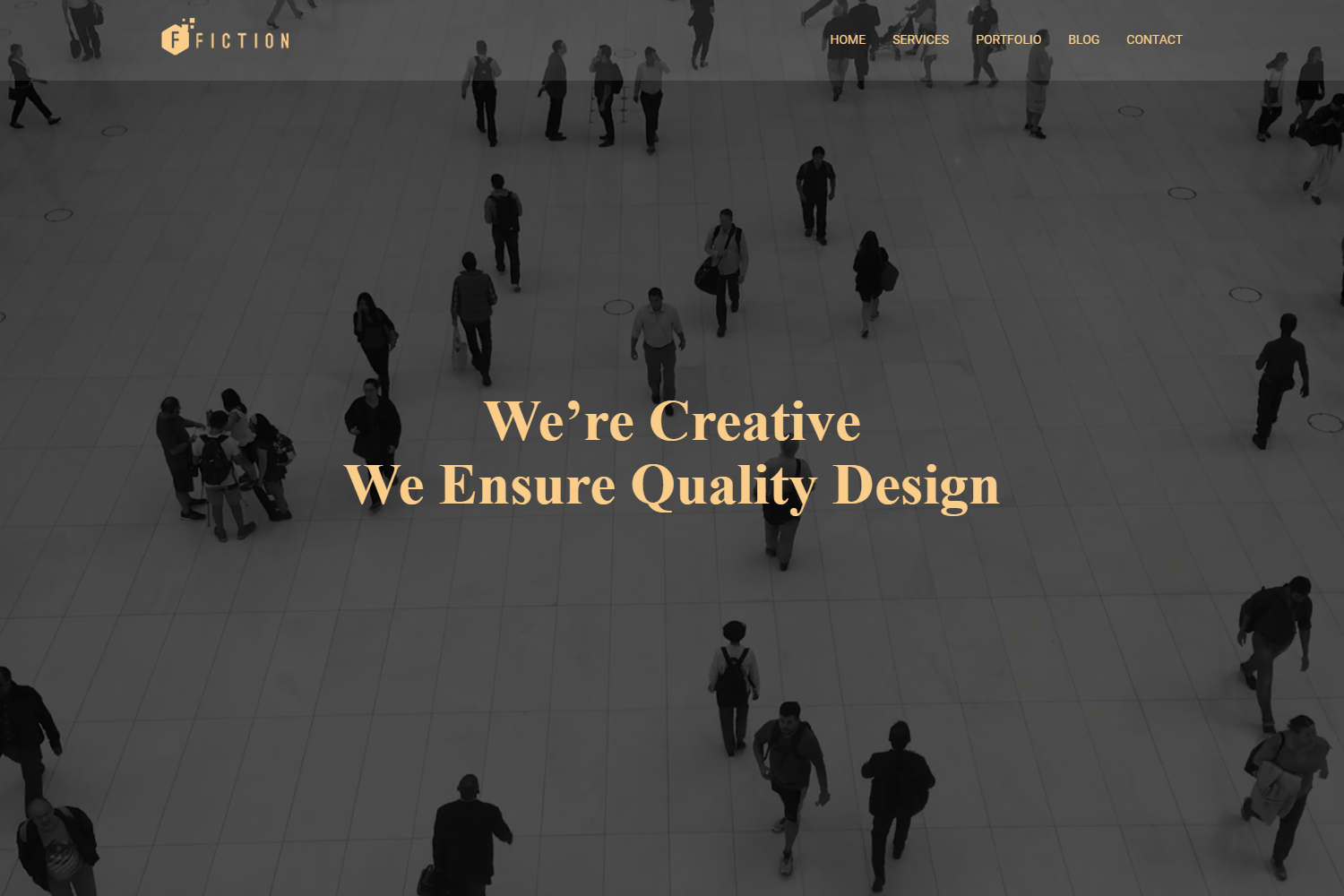
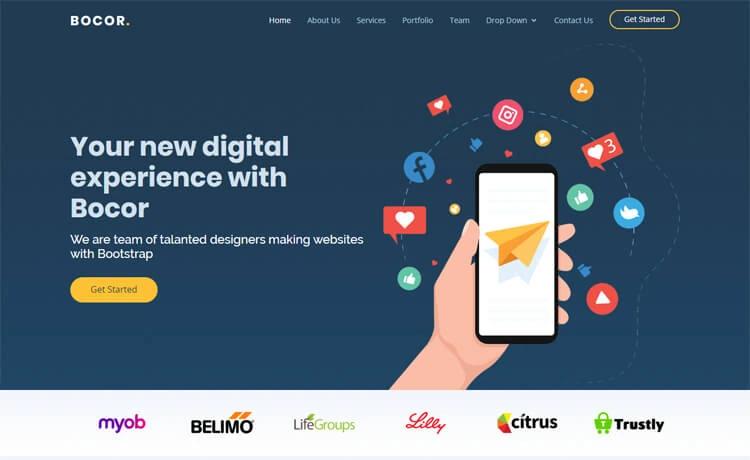
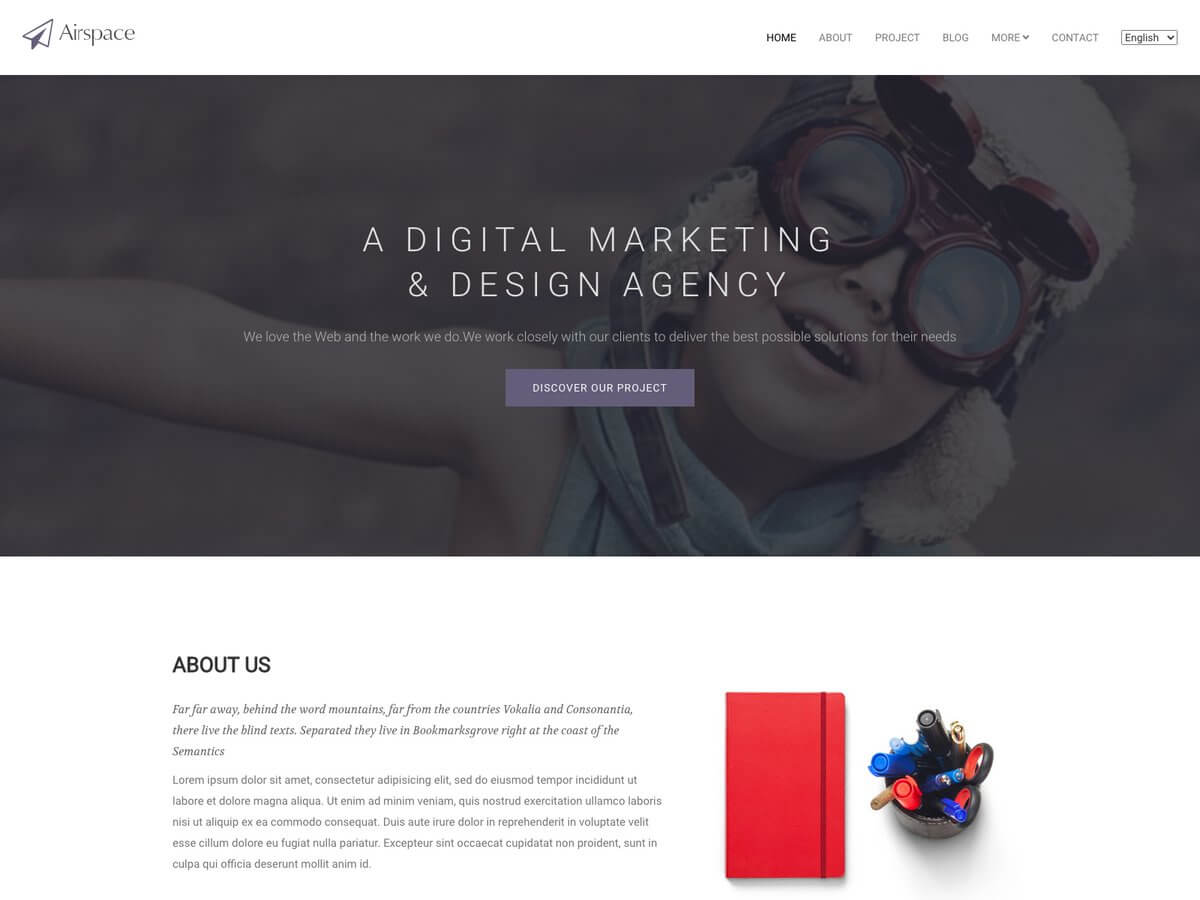
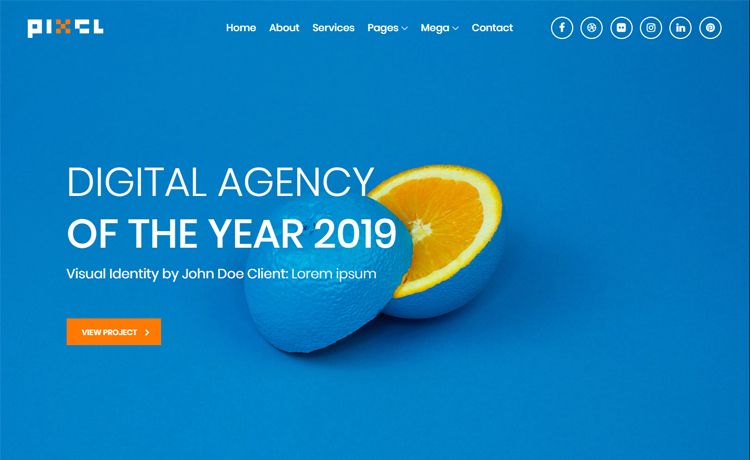
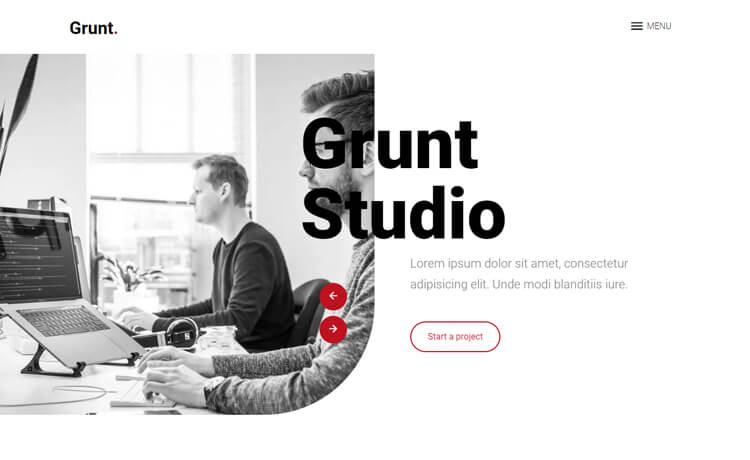
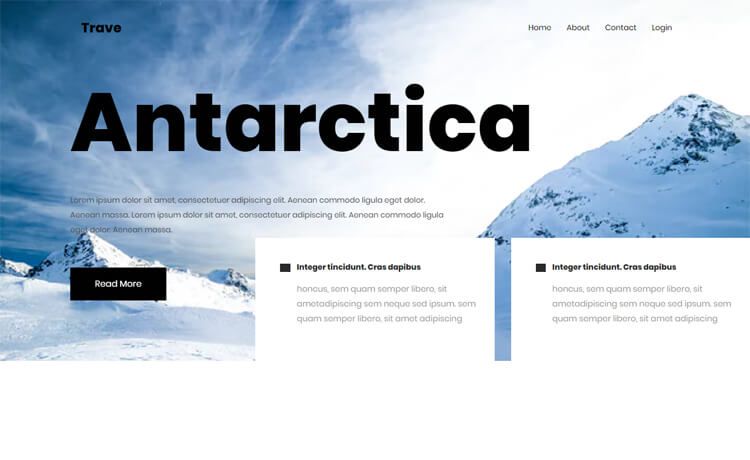
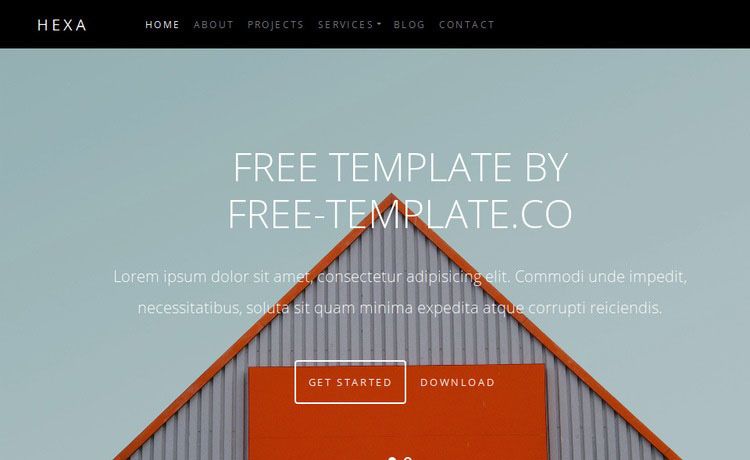
- Hero header with carousel and hero image — The home page includes an image carousel slider and a large hero image section for visual impact.
- Sliders and carousels via Owl Carousel — The bundled Owl Carousel library powers the slider components, with on-hover effects throughout.
- Contact form UI and Google Maps geolocation — A ready-made contact form interface is paired with a Google Maps embed for location display.
- Blog section — A blog listing layout is included for posting agency news or model portfolios.
- Top navigation with burger menu — The top navigation collapses into a burger menu on mobile screens, and social media icons are included.
- SEO and page-speed optimized — The template is search-engine optimized with a clean codebase and is cross-browser compatible across Chrome, Edge, Firefox, Opera, Safari, and mobile browsers.
Who is it for?
- Model agencies and talent management firms — Build a portfolio site to showcase model photos, upcoming castings, and contact information.
- Freelance web designers — Use the clean, developer-friendly codebase as a starting point for client sites, editing the Sass files to match brand colors.
- Small businesses and startups — Create a professional one-page or multipage marketing site with a hero carousel, blog, and contact form without writing code from scratch.
What can you do with Modol?
- Display a visual portfolio: Use the hero image, sliders, and on-hover effects to present model portfolios or photography work in an engaging gallery format.
- Share agency news: Publish updates and industry posts using the built-in blog section layout.
- Collect leads: Use the contact form UI combined with the Google Maps geolocation block to let visitors find your studio and send inquiries.
- Build a multi-page site: Link the 5+ included HTML pages to create a full agency website with separate pages for services, about, and contact.
Pricing
Modol is free to download from ThemeWagon. The license allows commercial use and lifetime free updates; all demo images and JavaScript source files are included in the download package.
FAQ
Is Modol free?
Yes, Modol is a free template. ThemeWagon lists it in the free price category, and the download includes all HTML, CSS, JavaScript, library, and plugin files. The license permits commercial use and lifetime free updates.
What Bootstrap version does Modol use?
Modol is built with Bootstrap v4.1.0. It also uses jQuery, Owl Carousel, Google Fonts, Google Maps, and Font Awesome, so the layout adapts to desktop, tablet, and mobile screens.
Can I use Modol for commercial projects?
Yes. The template license states it is open source and can be used in commercial projects. You can edit the source files to build a client website and charge for your services.
Does Modol support one-page and multipage designs?
Both are included. The template works as a one-page scrolling site or as a multipage site with 5+ HTML pages, so you can choose the structure that fits your content.
Does Modol include a contact form?
The template provides a contact form UI, but since it is a static HTML site, the form itself doesn't process submissions — you'll need to connect it to a backend service or form handler.