Template details
App Landing Page
Open-source Tailwind CSS starter template for app landing pages, delivered as a single CDN-based HTML file.
About this template
App Landing Page is an open-source Tailwind CSS starter template for building app landing pages, created by Tailwind Toolbox and released under the MIT license.
What is App Landing Page?
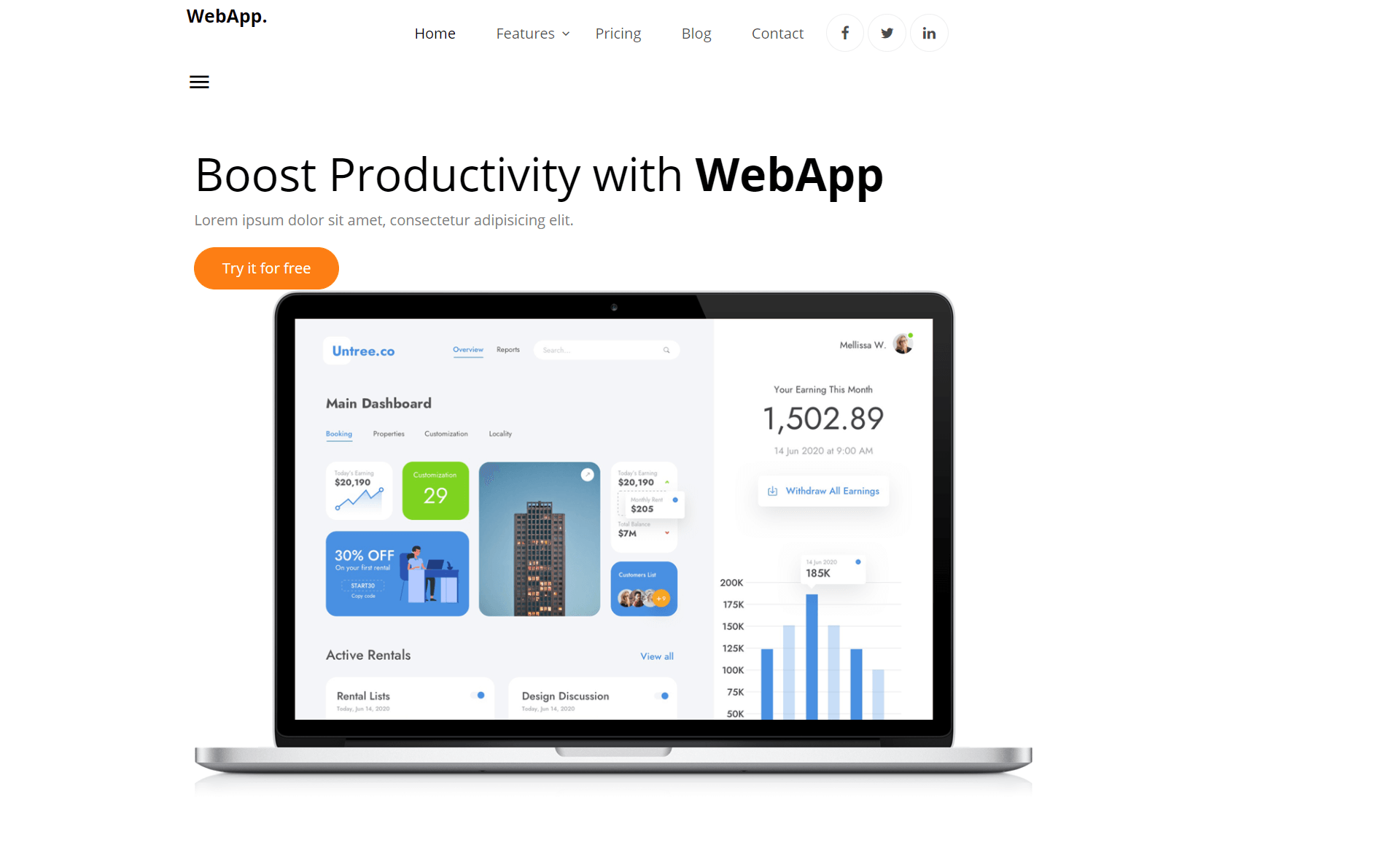
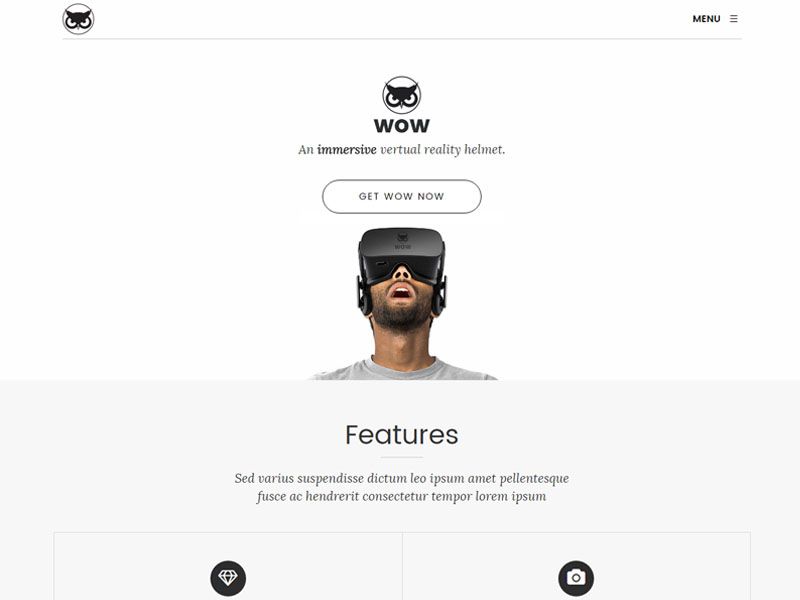
App Landing Page is a free, open-source HTML template that provides a ready-made layout for promoting a mobile or web application. It consists of a single HTML file that loads Tailwind CSS from a CDN, so you get utility-first styling without a local build setup. The template was created by Tailwind Toolbox, maintained by Amrit Nagi, and is hosted on GitHub with the repository description "Tailwind CSS Starter Template - App Landing Page." It is licensed under MIT and has received 220 stars on GitHub.
Key Features
- Single HTML file — The template ships as one HTML file using a full CDN-hosted Tailwind CSS file, so it runs by opening the file in a browser.
- Download, clone, or fork — Get started by downloading the latest release from GitHub, cloning the repo with
git clone https://github.com/tailwindtoolbox/App-Landing-Page.git, or forking the repository. - Tailwind CSS via CDN — No build step is needed; Tailwind classes are available directly from the CDN link included in the HTML.
- Open source under MIT — The code is free to use, modify, and redistribute for any purpose, as released by Astrava.Solutions Ltd.
- Setup guide for customization — Tailwind Toolbox links to its own setup guide to help you start tweaking the template's design.
- GitHub issue tracker — Bugs and issues can be reported by opening a new issue on the repository.
Who is it for?
- Startup founders — Quickly build a landing page for a new app without writing layout code from scratch.
- Front-end developers — Use the template as a starting point for client projects and customize it with Tailwind utility classes.
- Designers — Get a pre-built HTML structure that can be restyled by editing the CDN Tailwind variables.
What can you do with App Landing Page?
- Launch a product page — Create a professional-looking landing page for an app by editing the HTML content and replacing placeholder text.
- Prototype a marketing site — Quickly put together a page to test a product idea before building a full custom site.
- Learn Tailwind CSS — Study the template's markup and use the setup guide to understand how to structure a Tailwind-based page.
How does App Landing Page work?
To use the template, first download the latest release, clone the repository, or fork it on GitHub. Once you have the files, open the HTML file in a browser to see the landing page; it already loads Tailwind CSS from a CDN. For deeper customization, follow Tailwind Toolbox's setup guide to compile Tailwind locally and adjust design tokens.
Pricing
App Landing Page is free. The project is released under the MIT license, and the source code is publicly available on GitHub.
FAQ
Is App Landing Page free to use?
Yes, the template is open source and released under the MIT license. You can use it for personal and commercial projects, modify it, and redistribute it without paying a fee or providing attribution.
Does App Landing Page require a build step?
No. The template is a single HTML file that uses Tailwind CSS from a CDN, so you can open it directly in a browser. If you want to customize Tailwind beyond CDN capabilities, the setup guide explains how to set up a local Tailwind environment.
How do I get started with App Landing Page?
Choose one of three options: download the latest release from GitHub as a ZIP, clone the repository with git clone https://github.com/tailwindtoolbox/App-Landing-Page.git, or fork the repository into your own GitHub account. Then edit the HTML file.
Who created App Landing Page?
The template is created and maintained by Tailwind Toolbox, which was founded by Amrit Nagi, co-owner of Astrava.Solutions. It is based on the Tailwind CSS framework created by Adam Wathan and team.