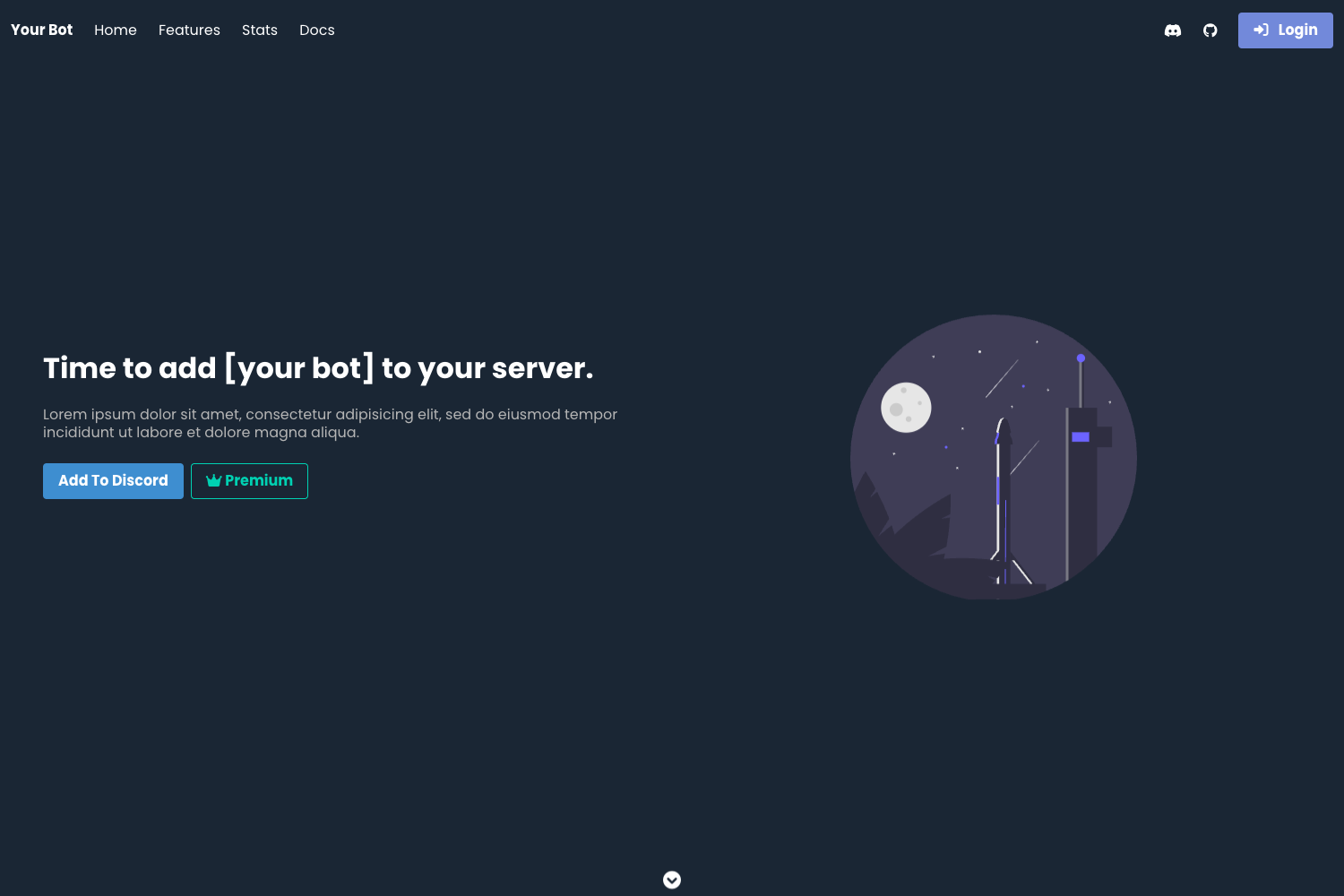
Template details
Astro Cube
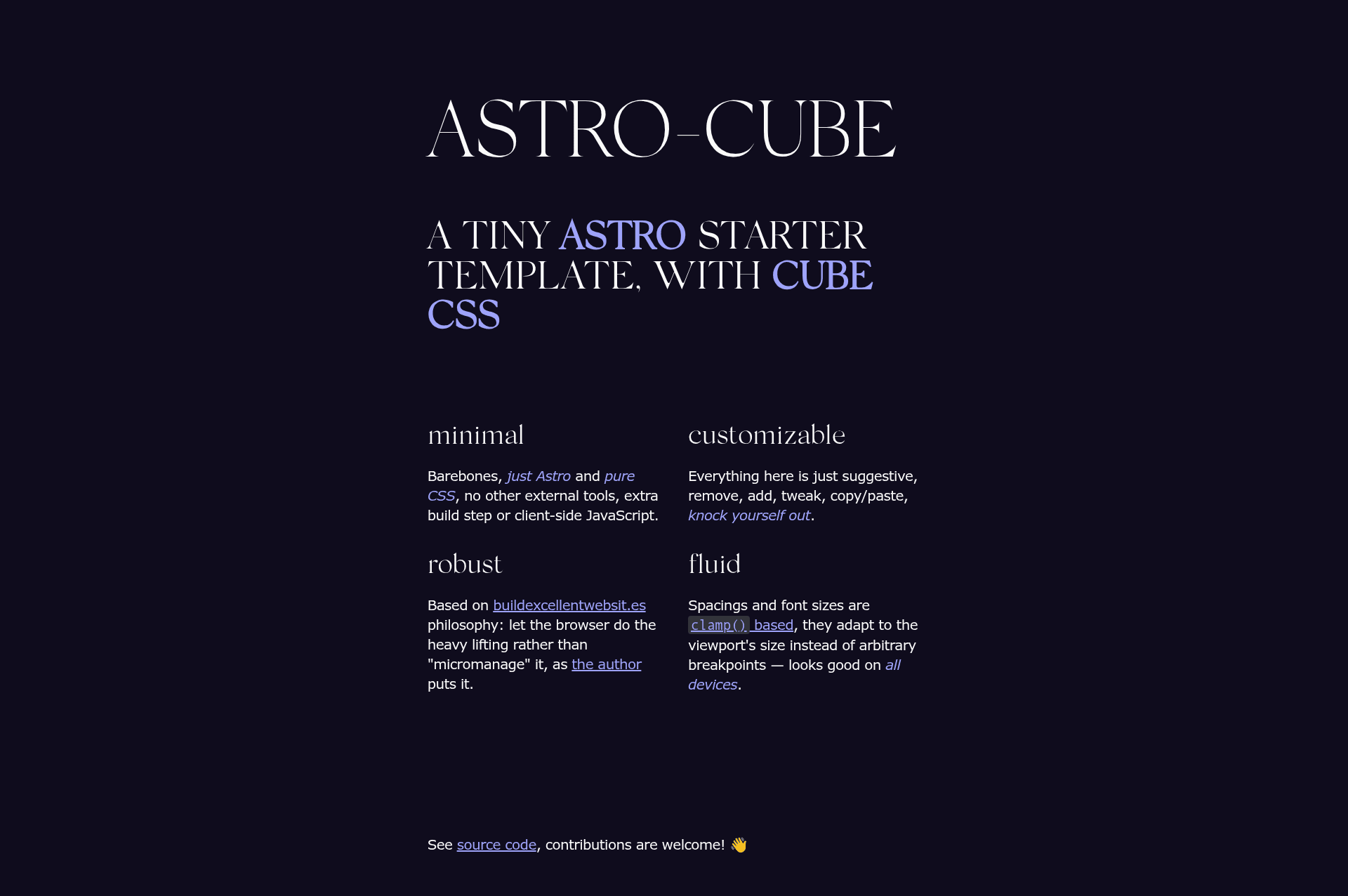
A minimal Astro starter template with CUBE CSS for blogs, documentation, and marketing sites.
About this template
Astro Cube is a minimal, open-source Astro starter template that bundles the CUBE CSS methodology, Every Layout patterns, and Utopia fluid type and spacing into a barebones foundation for blogs, documentation sites, and marketing pages.
What is Astro Cube?
Astro Cube is a minimal starter kit for Astro, the static site builder, created by developer williamhzo. It takes a standard Astro project structure and adds a CUBE CSS stylesheet architecture, fluid typography and spacing via Utopia's clamp() functions, and a set of Every Layout examples, producing a lightweight, responsive site with a perfect Lighthouse score. The template is intentionally almost-unopinionated: instead of a batteries-included solution, it provides copyable stylesheets and examples that explain how to apply the included methodologies.
Key Features
- CUBE CSS implementation — Includes the full CUBE CSS (Composition, Utility, Block, Exception) file structure for managing stylesheets at any project scale.
- Fluid and responsive layouts — Uses Every Layout examples and Utopia's clamping for font sizes and spacing that scale between device sizes.
- Lightweight with perfect Lighthouse score — The project is small enough to earn 100 across all Lighthouse performance categories, according to the README.
- Dark-mode ready — Toggling the
data-themeattribute on the body element switches themes; the starter leaves the switch implementation to you. - SEO and sitemap built in — Basic SEO meta tags are preconfigured and sitemaps are automatically generated at build time.
- No-JavaScript default — Listed under its topics, the template relies on HTML and CSS only for its demo styles and layout (the framework itself can still run frontend scripts if you add them).
Who is it for?
- Developers learning CUBE CSS — The template pairs the methodology with examples that demonstrate why each pattern exists, so you can study and adapt the approach.
- Blog creators — The content-ready Astro setup gives you a starting point to add your own post collection without extra styling baggage.
- Documentation site authors — Because the starter is unopinionated, you can shape it into a docs layout and use the provided CSS utilities for consistent spacing and composition.
- Marketing-page builders — The fluid typography and responsive layout utilities cover the common sections of a landing page, minus the prebuilt components.
What can you do with Astro Cube?
- Launch a blog — Set up Astro's content collections and the cube.css utilities, and you have a responsive reading experience with dark-mode support.
- Build a documentation site — Use the composition and utility classes to create a sidebar-less, content-first docs layout with SEO sitemaps automatically generated.
- Create a personal or portfolio site — The minimal markup and no-JS CSS approach keeps the page fast and accessible.
- Learn modern CSS layout — Reverse-engineer the included Every Layout and Utopia patterns to understand fluid size, space, and composition in isolation.
How does Astro Cube work?
The template is a standard Astro project. To run it locally, clone the repository, run npm i to install dependencies, then npm run dev to start the dev server; npm run build outputs to ./dist/ and npm run preview serves that production build. Alternatively, GitHub's "Use this template" button creates a new repository pre-populated with the starter.
Alternatives
- Eleventy Excellent — A more mature Eleventy starter built on CUBE CSS by Lene Saile; it comes with more features out of the box, whereas Astro Cube stays minimal.
FAQ
Is Astro Cube free?
Yes, the repository is publicly available on GitHub under williamhzo's account; no pricing or license restrictions are mentioned in the README.
Does Astro Cube require JavaScript?
The template's topics include "no-javascript," meaning the demo styles and layout work without script. Astro itself can still transpile and ship script components if you add them.
What styling does Astro Cube use?
It uses CUBE CSS as its architecture, Utopia for fluid clamp-based type and spacing, and Every Layout for compositional patterns. It does not rely on a UI framework like Tailwind.
Can I turn it into a full blog?
Yes, but the starter is intentionally barebones. You would add Astro content collections or a CMS integration yourself; the README positions it as a starting kit rather than a battery-included solution.
Where can I see a live demo?
The README links to a live deployment at astro-cube.vercel.app (Vercel), which shows the template running with its default content.