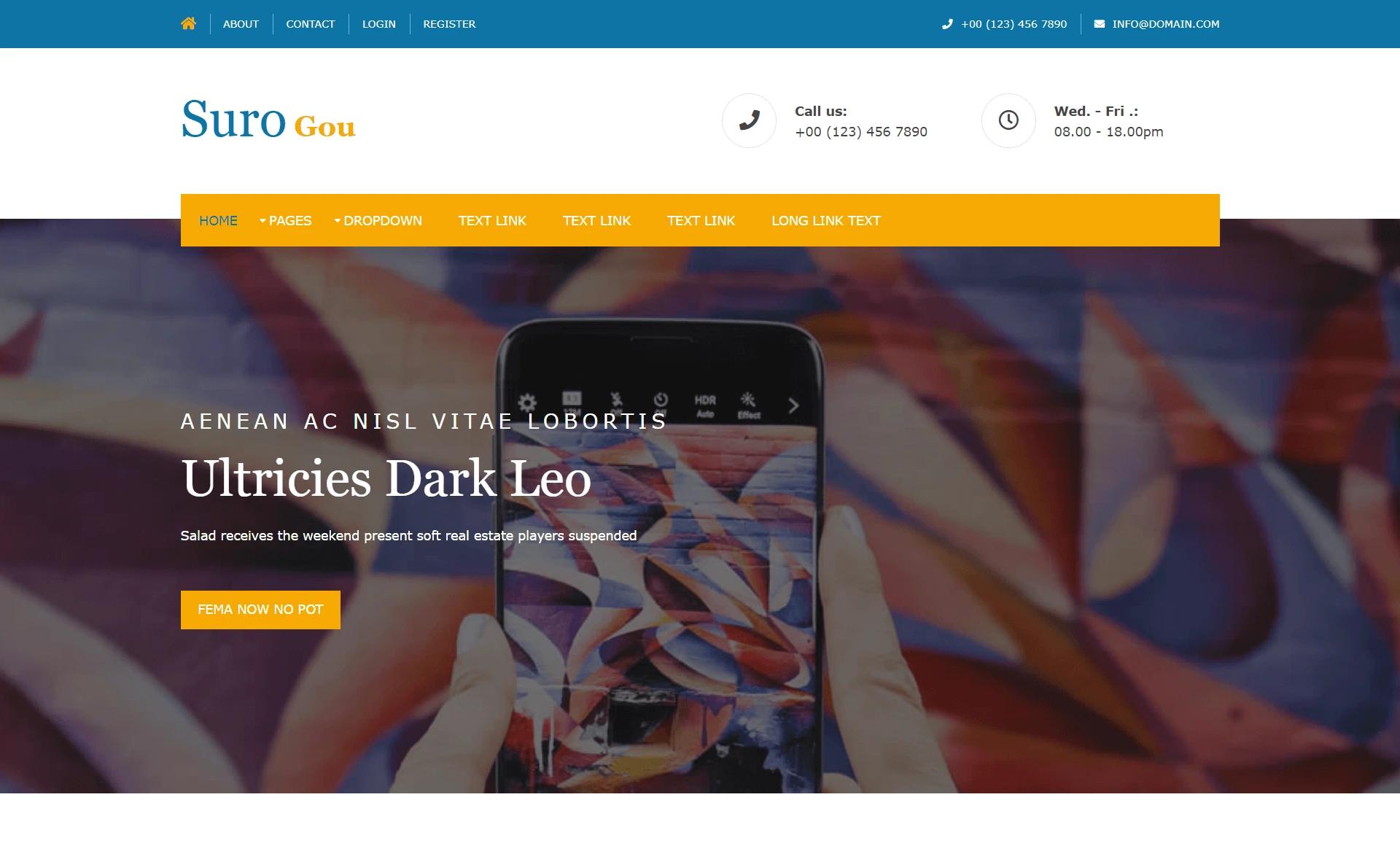
Template details
Blast
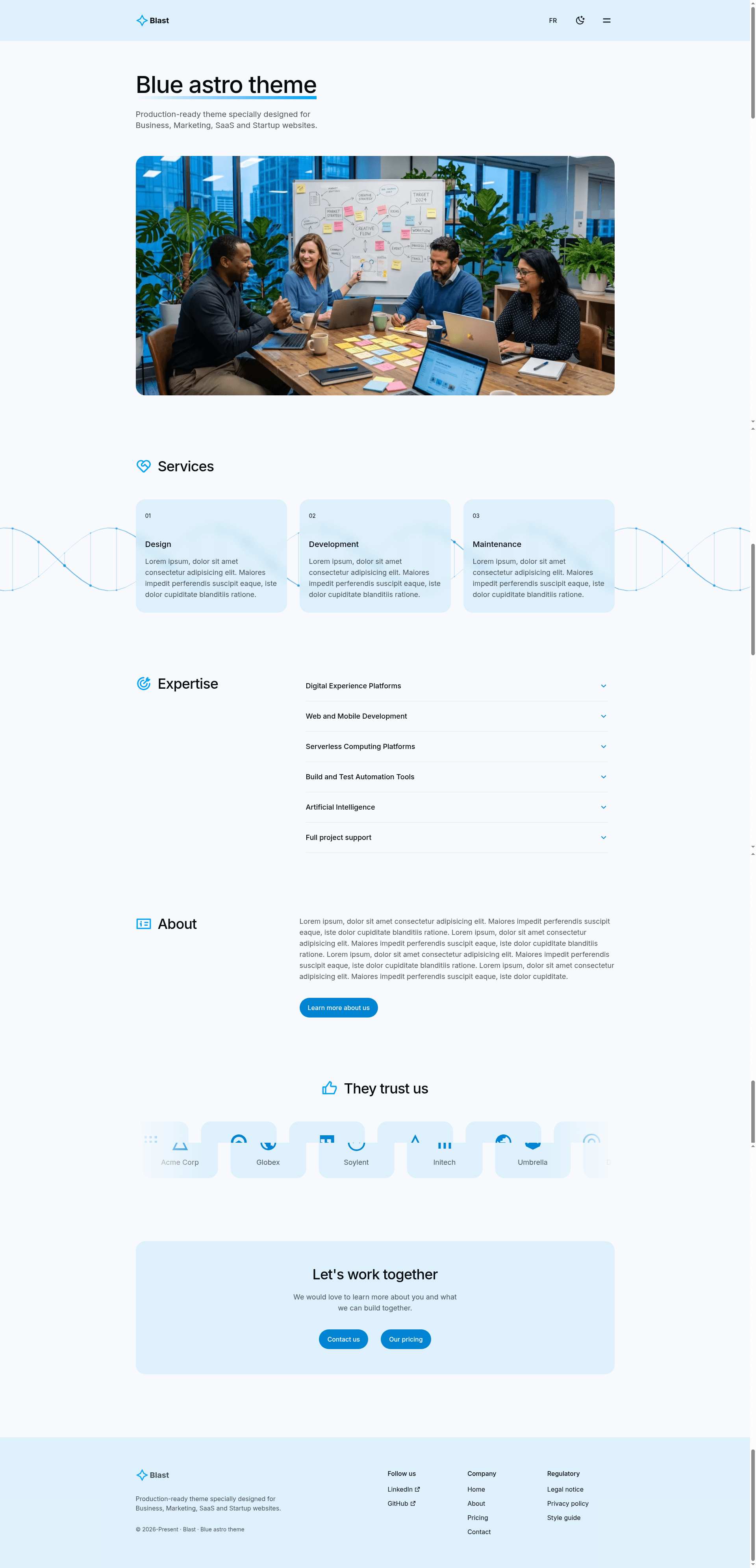
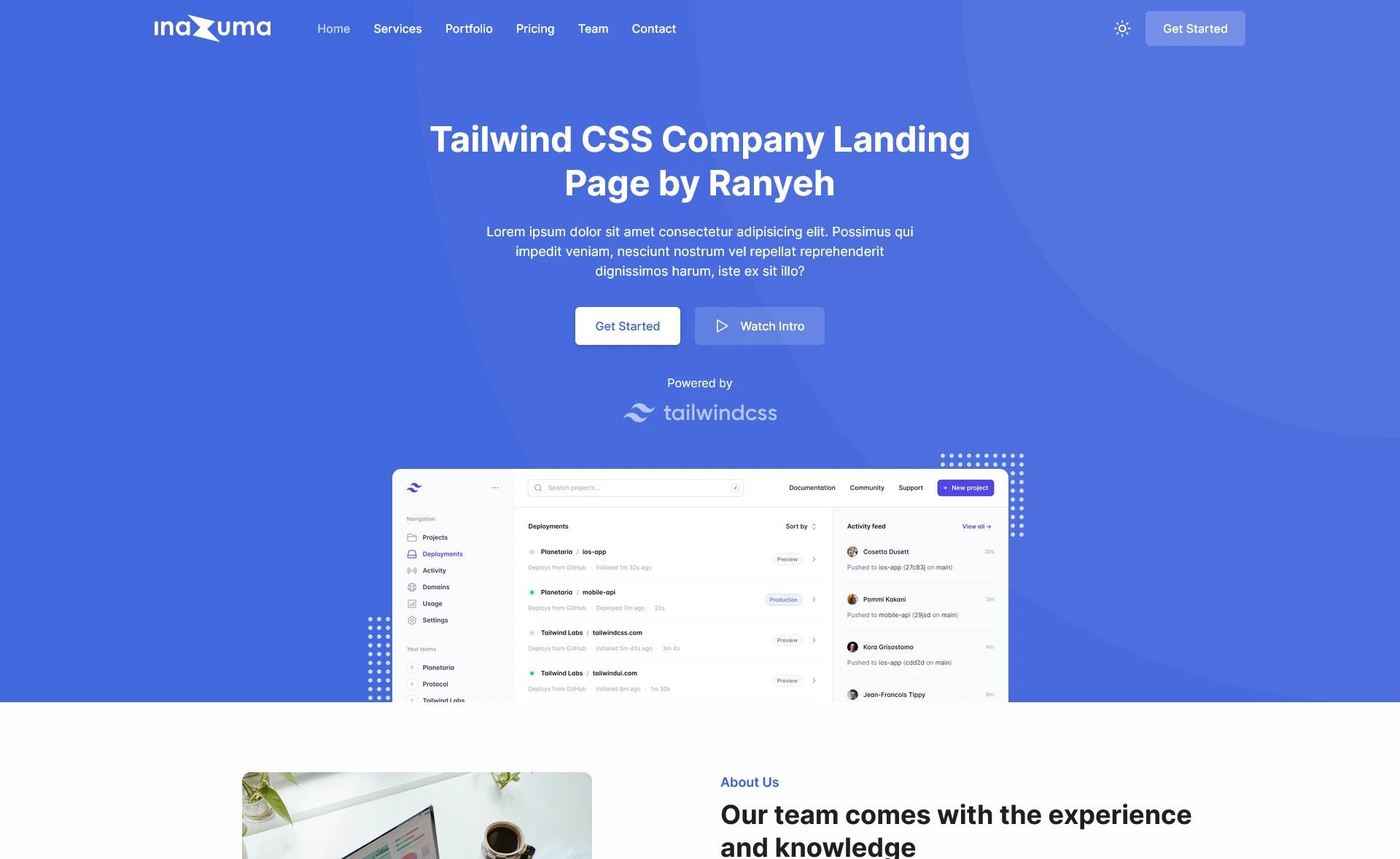
Free open-source Astro theme for business, marketing, SaaS, and startup websites. Built with Astro 7, Tailwind CSS v4, and Alpine.js.
About this template
Blast is a free, open-source Astro website template built for business, marketing, SaaS, and startup sites. It is created by cjoyau and ships with Astro 7, Tailwind CSS v4, and Alpine.js, producing a static site through Astro's SSG.
What is Blast?
Blast is a production-ready Astro theme that takes your content defined in Astro components and outputs a fully static website into the ./dist/ folder. It runs on Node.js 22 or higher and requires basic knowledge of Astro, HTML, and CSS. The template includes 7+ pages and 17+ sections, and it is licensed under MIT, so you can use it for personal or commercial projects without restriction.
Key Features
- Built with Astro 7, Tailwind CSS v4 & Alpine.js — a modern static-site stack that keeps the generated site lightweight and fast.
- 7+ pages and 17+ sections — ready-made layouts for pages like home, pricing, blog, and more, with reusable components.
- Multi-language support — internationalization files live in
src/i18n/and contain translations for your site's textual content. - Static site generation (SSG) optimized — builds a plain HTML output in
./dist/that can be deployed anywhere. - Content Security Policy (CSP) enabled by default — automatic sha256 hashing of inline scripts and styles helps protect against injection attacks.
- Dark & light mode — built-in theme switching with a responsive, modern design.
- Basin contact form with Turnstile spam protection — connect a Basin form ID and Cloudflare Turnstile site key via environment variables to receive form submissions without spam.
- Client router — enables faster page transitions on the static site.
- Vitest unit tests and Prettier formatting — the project includes a
vitest.config.ts, unit tests insrc/tests/, and a.prettierrcfor consistent code style. - Google Fonts and Remix Icons — Google Fonts for typography and Remix Icons included as SVG components in
src/assets/icons/.
Who is it for?
Blast is aimed at founders, marketers, and developers who need a polished marketing site without building from scratch. SaaS founders can set up a landing page with pricing and feature sections quickly, while marketing teams can launch a startup website that supports multiple languages and a working contact form. Developers will appreciate the clean Astro project structure, predefined scripts, and unit test coverage, which make the template easy to extend.
What can you do with Blast?
- SaaS founders: create a startup landing page with pricing, features, and FAQ sections, then deploy the static output to any hosting service.
- Marketing teams: launch a business website with a Basin-powered contact form and Turnstile spam protection, so leads reach your inbox without bot noise.
- Developers: fork the MIT-licensed repository, customize the Tailwind theme in
src/styles/global.css, and extend pages with Astro components while keeping tests green.
How does Blast work?
After cloning the repository, you create a .env file with BASIN_FORM_ID and TURNSTILE_SITEKEY if you use the contact form. Running npm install pulls dependencies, npm run dev starts a local server at localhost:4321, and npm run build checks and builds the production site into ./dist/. The project structure separates source code in src/ from static assets in public/, with layouts, components, pages, and i18n files organized in their own folders.
Pricing
Blast is free and open source under the MIT license, so there are no paid tiers or license fees.
FAQ
Is Blast free?
Yes, Blast is released under the MIT license, which means you can use, modify, and distribute it for free, including in commercial projects.
What tech stack does Blast use?
Blast uses Astro 7 as the static-site generator, Tailwind CSS v4 for styling, and Alpine.js for interactive behavior. It also includes Google Fonts, Remix Icons, Basin for forms, and Cloudflare Turnstile for spam protection.
Does Blast support multiple languages?
Yes, Blast has multi-language support. Translation files are stored in src/i18n/, and you can add or edit locale files to provide text for each language your site targets.
How do I set up the contact form?
Set the BASIN_FORM_ID and TURNSTILE_SITEKEY environment variables in a .env file at the project root. You can find your Basin Form ID in the Basin dashboard and your Turnstile Site Key in the Cloudflare dashboard.
What version of Node.js do I need?
Blast requires Node.js 22 or higher. The package.json and vite config assume a modern Node runtime, and the development server runs on localhost:4321.