Template details
Coffee
Free one-page Bootstrap 4 template for coffee shops and restaurants with lightbox gallery, video section, and sticky navigation.
About this template
Coffee is a free, one-page HTML5 Bootstrap 4 template created by Colorlib and distributed by ThemeWagon, built to give coffee shops and restaurants a visually engaging promotional website. It packages a full-screen hero header, sticky navigation with dropdowns, a lightbox gallery, a promotional video section, animated fun-fact counters, an email subscription form, social media icons, and a blog section UI into three HTML files and supporting assets.
What is Coffee?
Coffee is a static website template built on Bootstrap 4, jQuery v2.2.4, FontAwesome, Owl Carousel, Magnific Popup, Animate.css, and other front-end libraries. It takes your text, photos, a video URL, and email-subscription signups and outputs a one-page marketing site with a slide-out responsive navigation and an off-canvas menu. The package includes 3 HTML files, 18 CSS files, 18 JavaScript files, SCSS source files, 1 PHP file, documentation, and demo images, so you can edit the HTML directly or rebuild with SCSS. The template is open source, free to use in commercial projects, and receives lifetime free updates.
Key Features
- One-page layout — All content sits on a single scrolling page with anchor navigation, which suits promotional sites that need to tell a story top to bottom.
- Bootstrap 4 framework — The grid, components, and utility classes come from Bootstrap 4, so layout and responsive behavior are handled by a maintained framework.
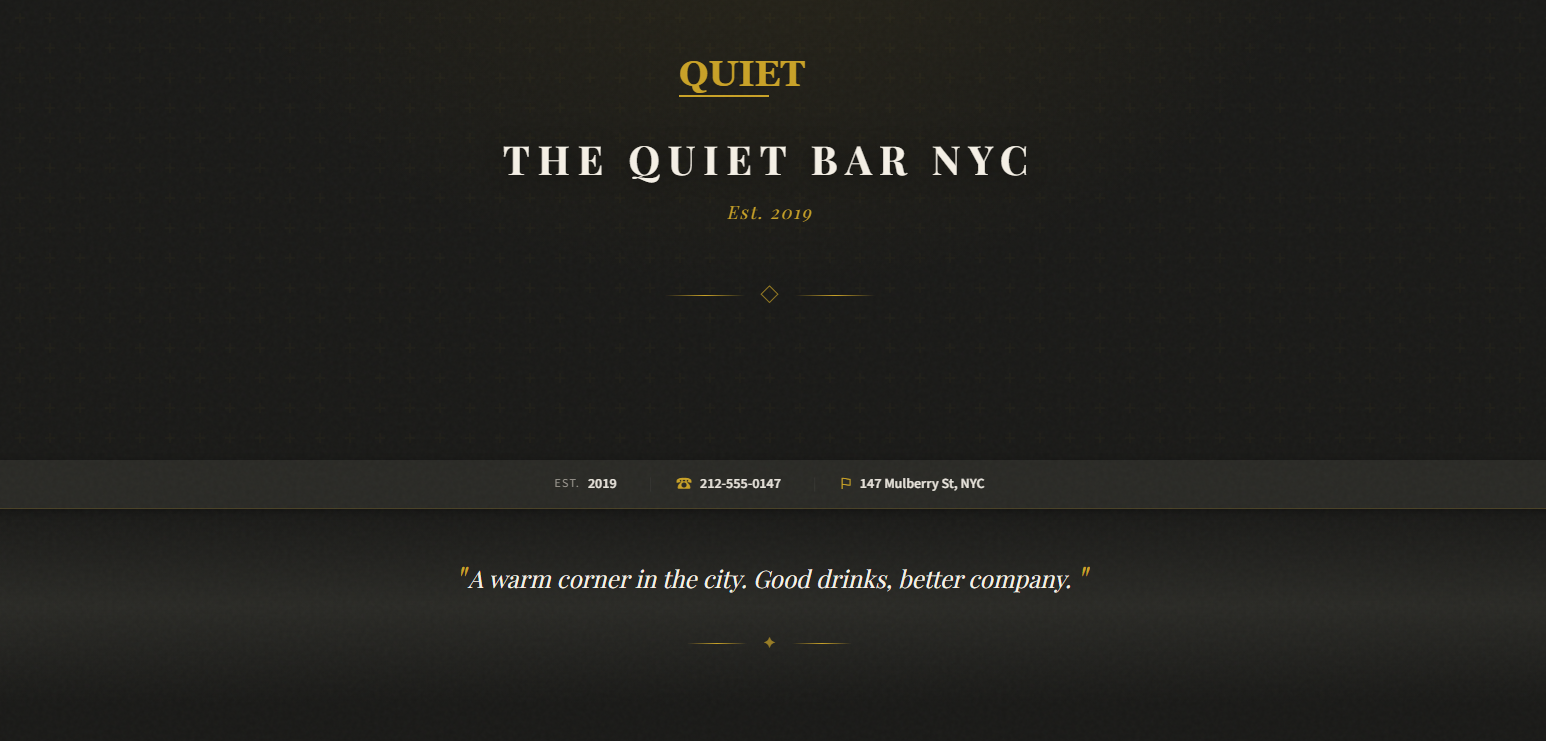
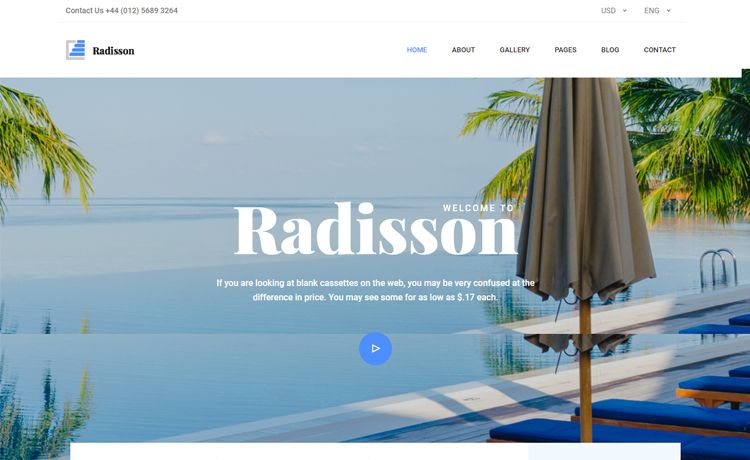
- Full-screen hero header — A full-width header background creates the first visual impression, with a promotional video option supported in this section.
- Sticky navigation with dropdowns — The nav bar sticks to the top on scroll and includes a dropdown option, plus an off-screen slide-out navigation for mobile.
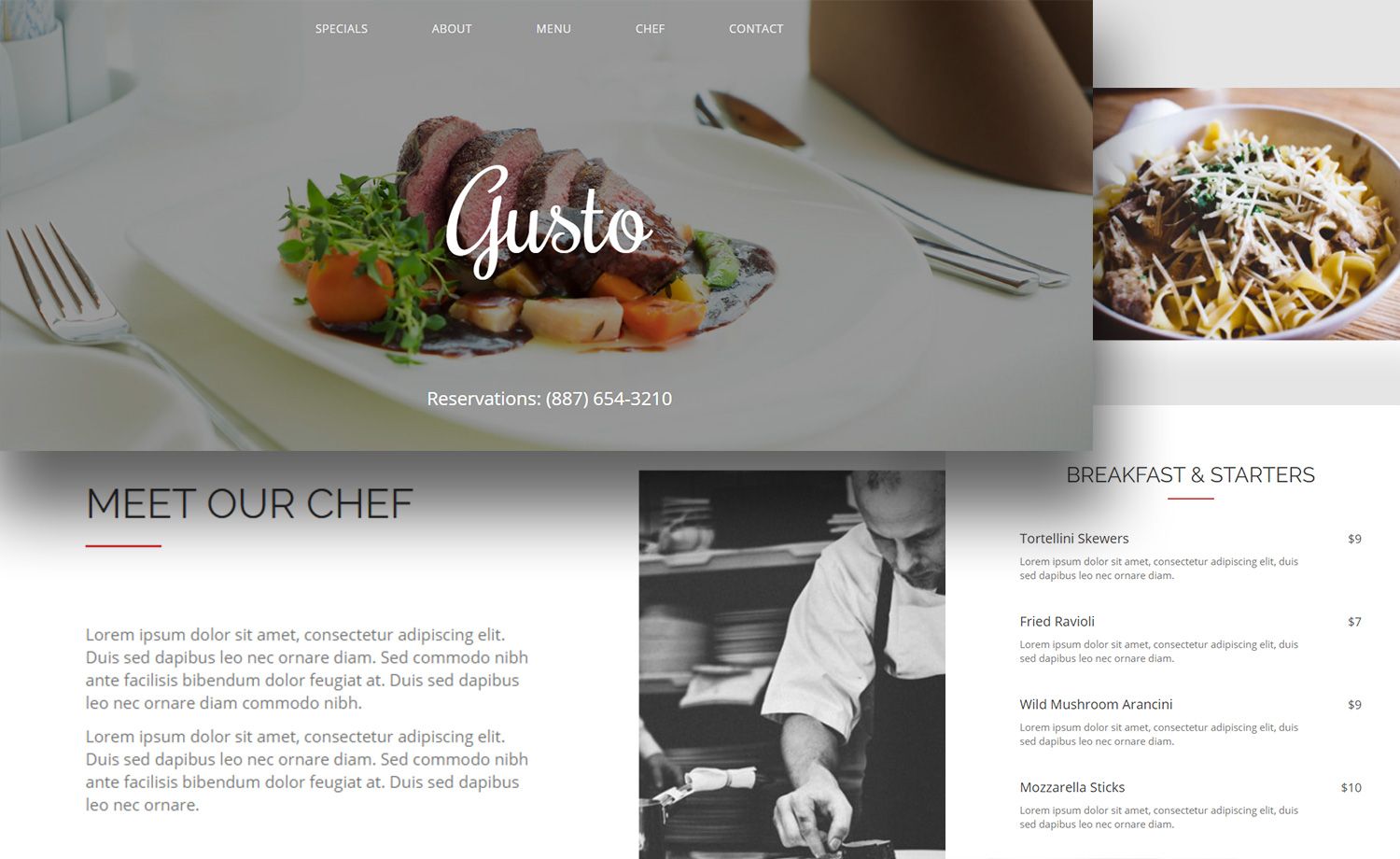
- Lightbox gallery — A Magnific Popup–based gallery displays selective coffee-shop moments in a lightbox as users scroll.
- Animated fun-fact counters — Number counters animate on scroll to display stats like cups served or years in business.
- Email subscription form — A newsletter signup box lets visitors connect with the business; it pairs with the included PHP file for handling submissions.
- Social media icons and on-hover effects — Font Awesome social icons and hover effects add interactivity throughout the page.
Who is it for?
Coffee is aimed at coffee shop owners, cafe startups, and restaurant managers who want a modern single-page site without hiring a developer. It is also useful for freelance web designers who need a clean, customizable starting point with commented HTML and SCSS files, and for small businesses that want a branded landing page that includes a blog section UI for posting updates.
What can you do with Coffee?
- Coffee shop owners: Build a one-page promotional site with a hero video, lightbox gallery of your shop, animated counters for social proof, and an email signup form to grow a customer list.
- Small restaurants: Present the menu or atmosphere through the gallery and video sections, then include a contact email subscription to drive repeat visits.
- Web designers: Quickly prototype a hospitality-themed landing page by editing the three HTML files or overriding the included SCSS variables, then test it in Chrome, Edge, Firefox, Opera, Safari, or mobile browsers.
FAQ
Is Coffee free to use?
Yes. The template is listed as open source, can be used in commercial projects, and comes with lifetime free updates, according to the ThemeWagon download page. No license fee is required, though attribution to Colorlib is standard practice.
Does Coffee use a CMS or backend?
No. Coffee is a static front-end template built with HTML, CSS, JavaScript, and one PHP file for email subscription handling. There is no CMS, and you edit the HTML files directly to change content.
What do I get in the download?
The download contains 3 HTML files, 18 CSS files, 18 JavaScript files, SCSS source files, 1 PHP file, documentation, and demo images. You use the HTML as the main page and replace the placeholder images and text with your own.
What technologies does Coffee rely on?
Coffee uses Bootstrap 4, jQuery v2.2.4, FontAwesome, Owl Carousel, Magnific Popup, Animate.css, Easing, Hover Intent, Nice Select, and Linear Icons. All are client-side libraries, so the site runs directly in the browser.