Template details
COPA
Free responsive business website template with six demo variations, dual color settings, and features like pricing tables, Google Maps, and sticky navbar.
About this template
COPA is a free responsive business website template that ships with six demo variations, dual color schemes, and a Bootstrap 4 foundation for building corporate sites. Built by Preweb Solution and distributed through ThemeWagon, it provides static HTML, CSS, and JavaScript files you can edit and host anywhere.
What is COPA?
COPA is a free responsive business website template created by Preweb Solution and listed on ThemeWagon. It outputs a complete static corporate website consisting of 7 HTML files, 6 CSS files, and 18 JavaScript files, ready to be customized and deployed. The template runs in any browser without a build step, relying on Bootstrap 4.0.0 for layout, jQuery 3.3.1 for interactivity, and FontAwesome 4.7.0 for icons.
Key Features
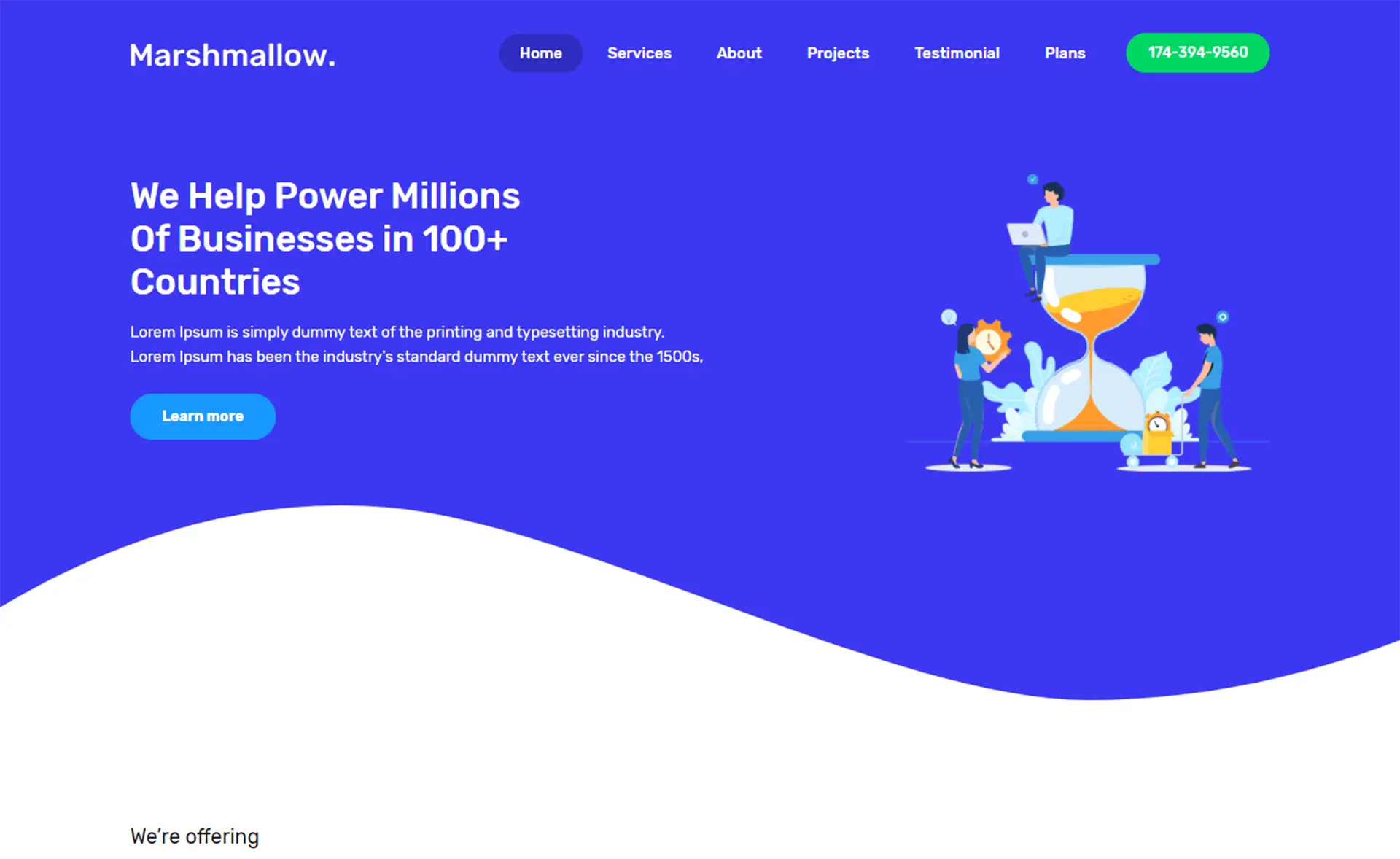
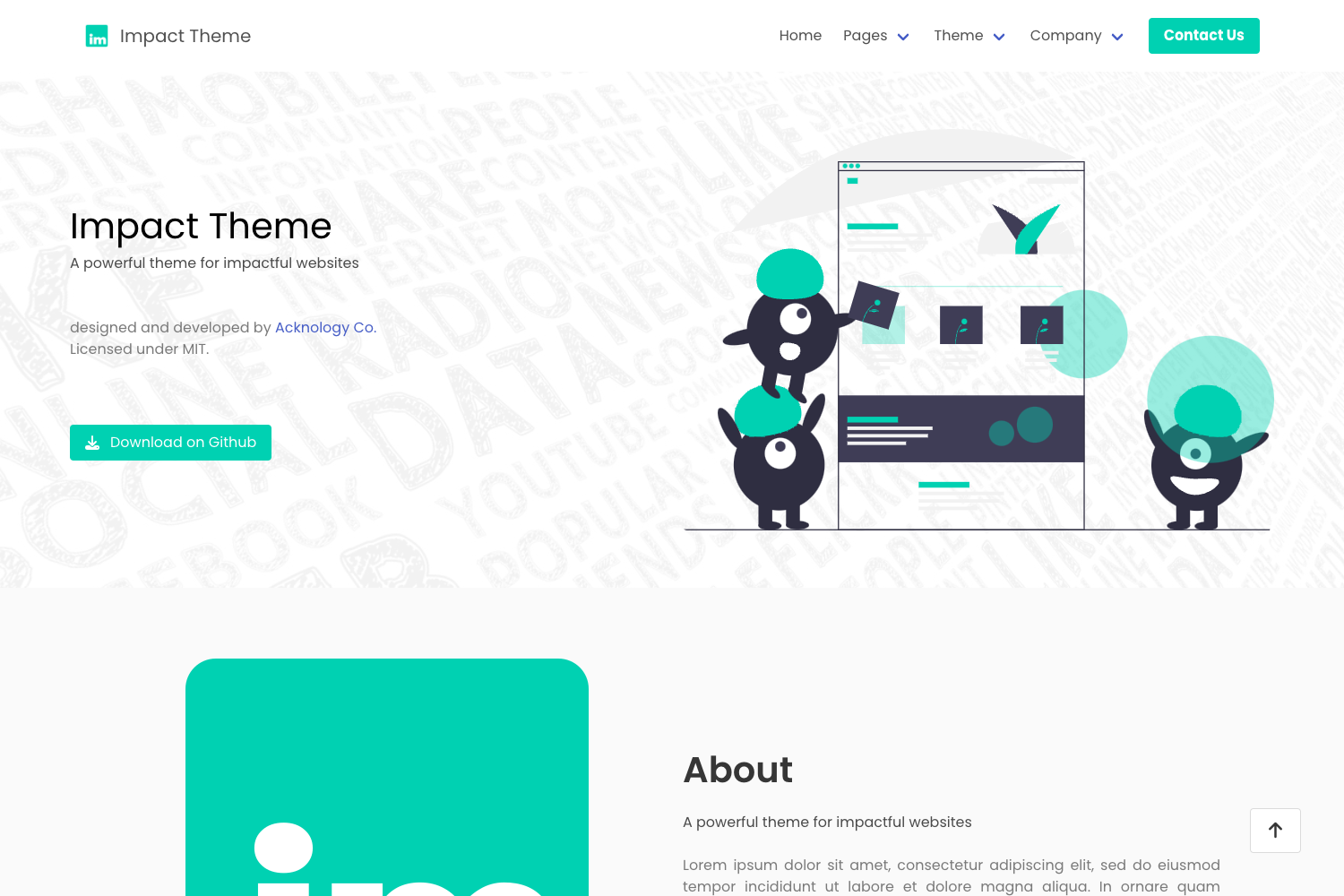
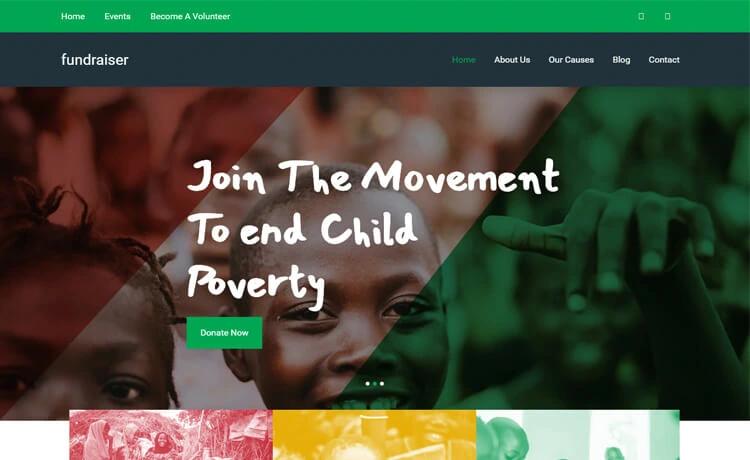
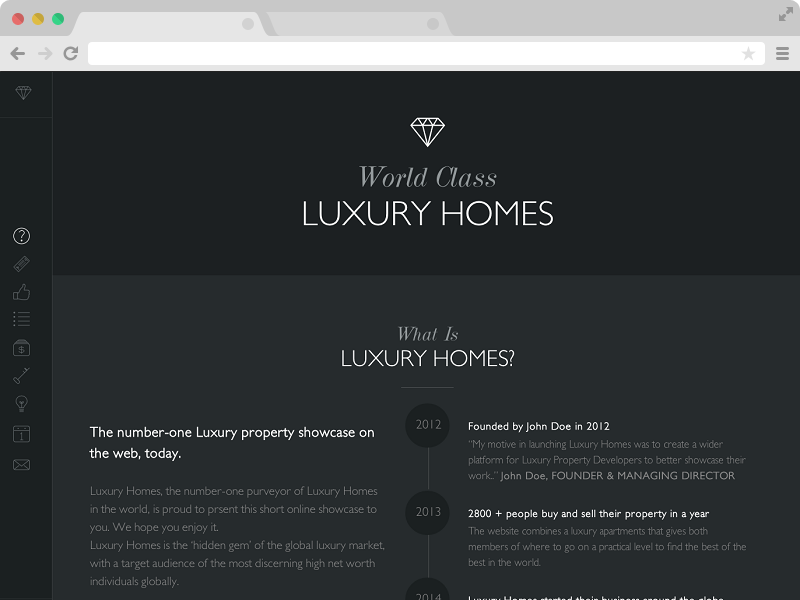
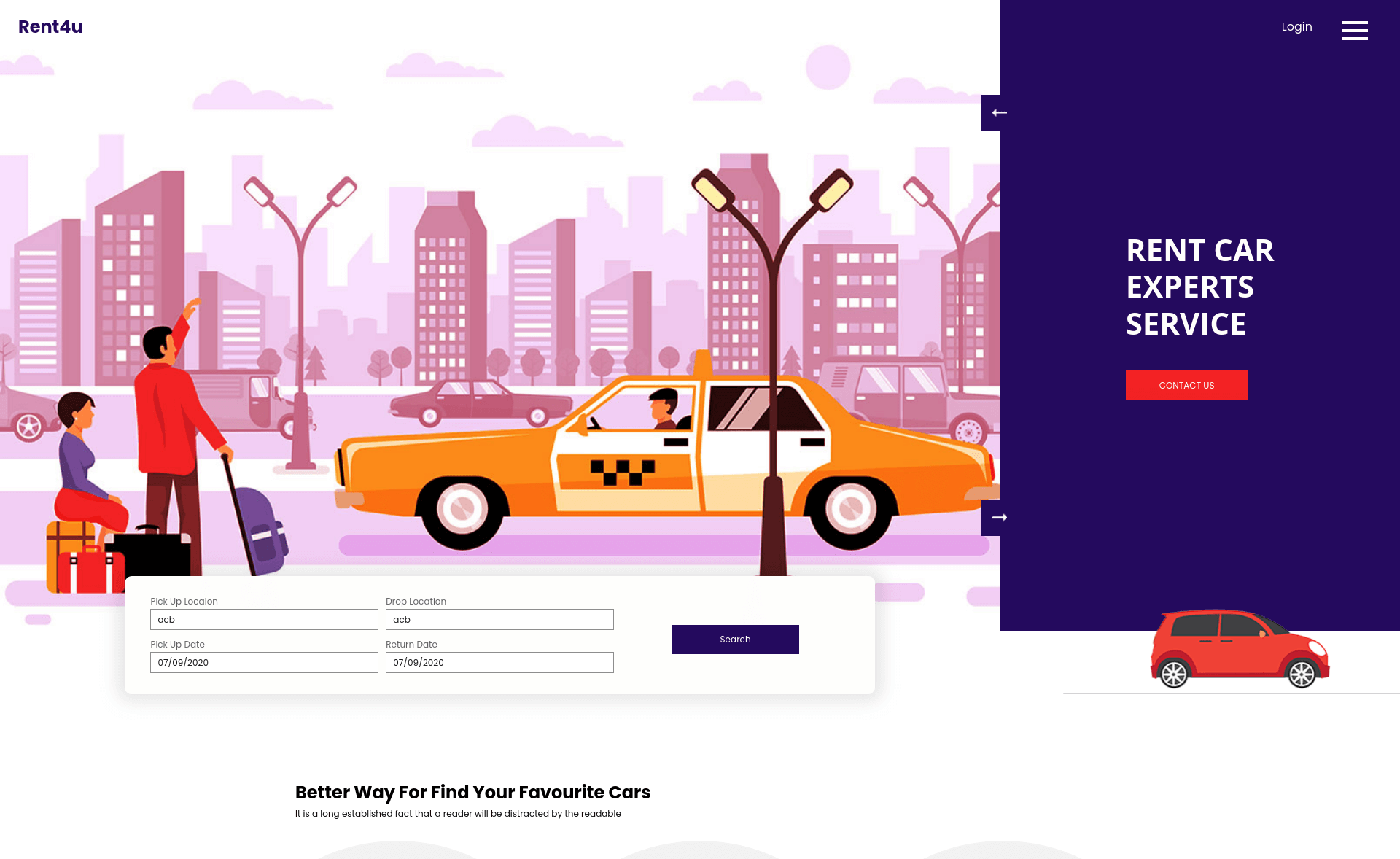
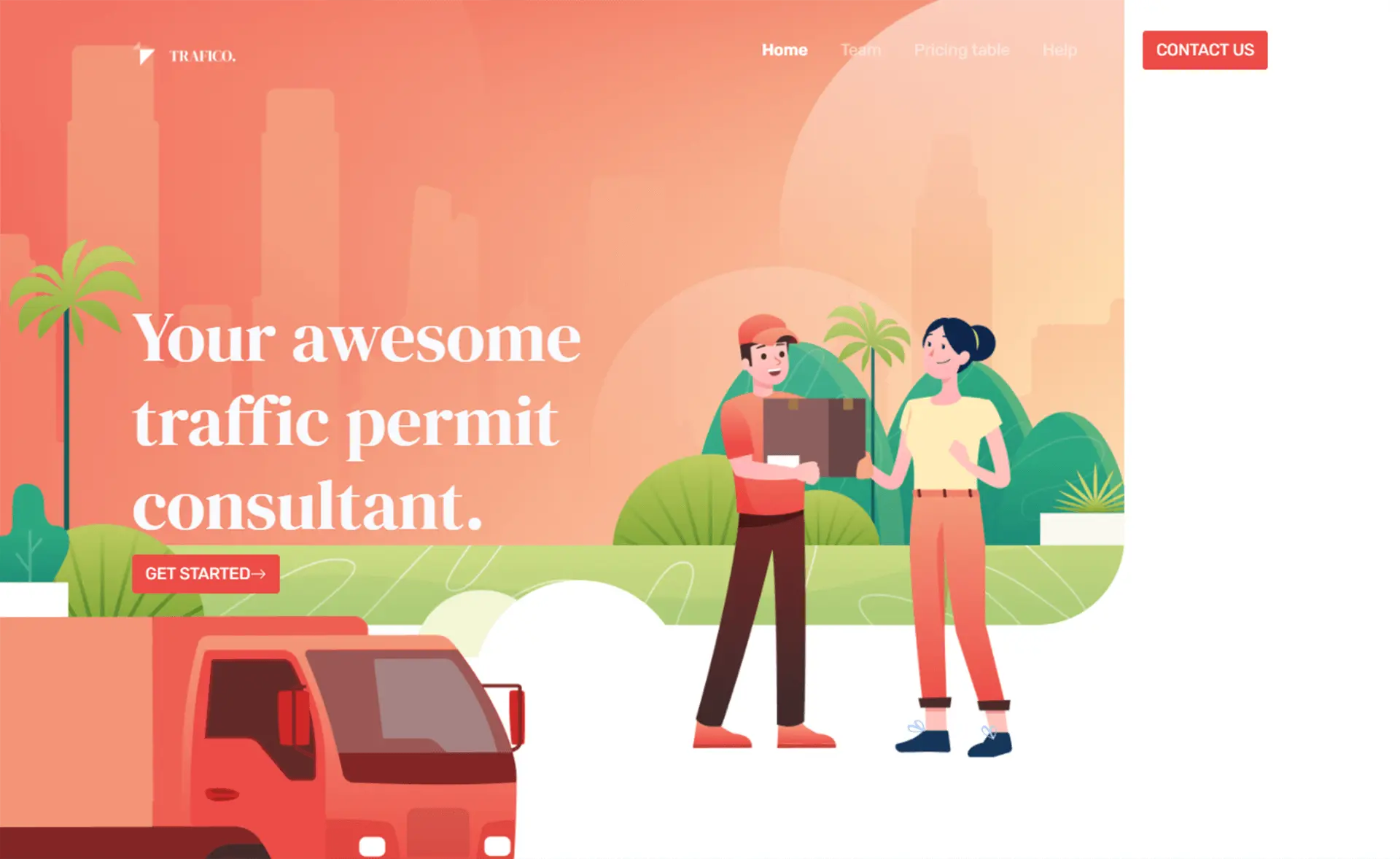
- Six demo variations — two main demos, two fixed-header versions, and image slider variants, each available in blue and orange color settings.
- On-hover animations — animated hover effects powered by Animate.css to make buttons, cards, and images feel interactive.
- Sticky navbar — a navigation bar that stays fixed at the top of the viewport as the user scrolls.
- One page layout — a single-page demo structure that keeps all sections on one scrolling page.
- Pricing table — a built-in pricing section for displaying service tiers or subscription plans.
- Client section — a dedicated area to showcase client logos, testimonials, or partner brands.
- Contact form UI — a pre-designed contact form interface paired with a Google Maps embed for location details.
- Feature image slider — a hero or content carousel built with Owl Carousel that supports multiple images.
- Fully responsive — mobile-first design tested for Chrome, Edge, Firefox, Opera, Safari, and mobile devices.
Who is it for?
- Freelance web developers — get a ready-made corporate website structure and six demo layouts to adapt for client projects without starting from scratch.
- Small business owners — publish a professional one-page site with pricing, client logos, and a contact form, then customize colors to match the brand.
- Digital agencies — use the portfolio-like client section and Google Maps integration to quickly assemble a polished agency presence.
What can you do with COPA?
- Launch a corporate website — pick one of six demo variations, swap the blue/orange color scheme, and fill in your services, pricing, and contact details.
- Build a one-page landing page — use the one-page layout with sticky navbar and image slider to present a single product, service, or campaign.
- Add a map and contact form — integrate the included Google Maps embed and contact form UI so visitors can locate and message your business.
How does COPA work?
Download the template files from ThemeWagon, unzip the folder, and open the HTML files in any text editor. Edit the content, replace the demo images, and change the CSS variables to switch between the blue and orange color settings. Then upload the folder to your web host — no build tools or server-side code required.
Pricing
COPA is free to download from ThemeWagon. It is open source, can be used in commercial projects, and includes lifetime free updates.
Alternatives
If you want a different starting point for a business site, consider Collab, a free Bootstrap 5 corporate template, or Gemdev, a free Bootstrap 4 startup template also available on ThemeWagon.
FAQ
Is COPA free to use?
Yes, COPA is completely free to download. The license permits use in commercial projects and provides lifetime free updates, with no time limit or watermark.
Which frameworks does COPA use?
COPA uses Bootstrap 4.0.0 for the responsive grid and UI components, jQuery 3.3.1 for JavaScript interactions, FontAwesome 4.7.0 for icons, Owl Carousel for sliders, Animate.css for hover animations, and Isotope for filtering.
How many demo variations are included?
COPA includes six demo variations: two main demos, two fixed-header versions, and image slider versions. Each demo can be displayed in either blue or orange color settings.
Does COPA work on mobile devices?
Yes, COPA is described as purely responsive and is compatible with Chrome, Edge, Firefox, Opera, Safari, and mobile browsers.
Can I change the color scheme?
Yes, the template ships with dual color settings — blue and orange — that you can switch between by modifying the CSS.