Template details
Daktilo
A Jekyll theme with a minimal design inspired by typewriters.
About this template
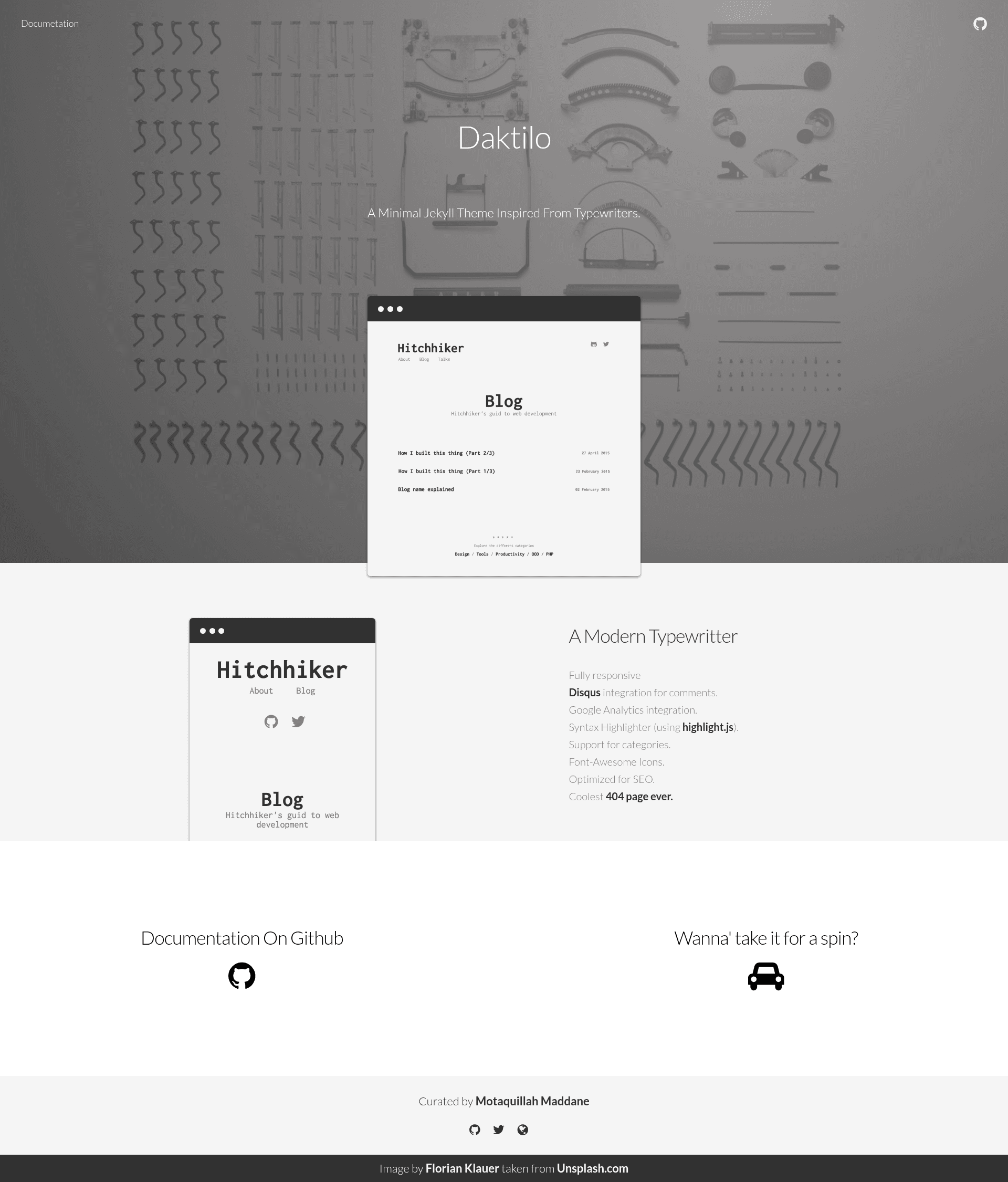
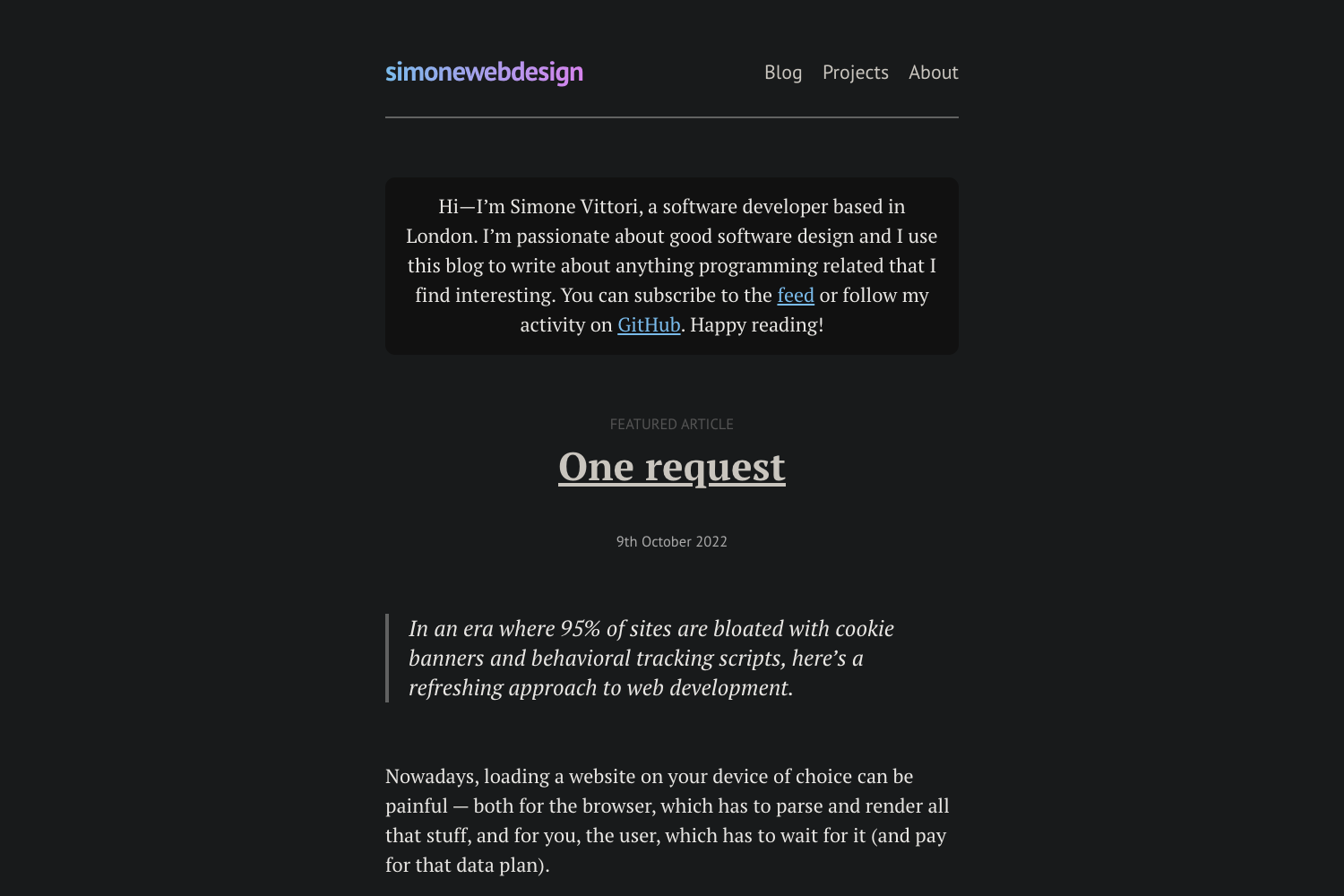
Daktilo is a Jekyll theme with a minimal design inspired by typewriters, built to give blogs and personal sites a clean, content-focused layout. It is a static site theme that runs on Jekyll, transforms Markdown posts into a responsive website, and is distributed under the MIT License.
What is Daktilo?
Daktilo is a Jekyll theme with a minimal design inspired by typewriters. It runs on Jekyll, a static site generator, and takes Markdown content as input to produce a fully responsive static website. The theme is maintained by GitHub user kronik3r and is open-sourced under the MIT License. A live preview is available at daktilo.github.io, and a demo 404 page can be viewed at kronik3r.github.io/daktilo/404.html.
Key Features
- Fully responsive — the layout adjusts to mobile, tablet, and desktop viewports without extra configuration.
- Disqus integration — enable comments on posts by connecting your Disqus shortname; no third-party commenting plugin needed.
- Google Analytics — add your tracking ID in the configuration file and the theme injects the analytics snippet.
- Syntax highlighting — code blocks are rendered with highlight.js, supporting many programming languages.
- Category support — organize posts into categories by creating a file in the
categoriesfolder and an entry in_data/categories.yml; categories then appear in the footer's Explore section. - Font Awesome icons — the theme bundles Font Awesome so you can use icons in navigation and content.
- SEO optimized — meta tags, structured headers, and clean URLs help search engines index your site.
- Custom 404 page — a styled 404 page is included to keep visitors engaged when they hit a broken link.
Who should use Daktilo?
- Bloggers who want a typewriter-inspired look and a distraction-free reading experience.
- Jekyll developers who need a lightweight theme they can customize quickly by editing
_config.yml. - Technical writers who want to publish Markdown-based docs or tutorials with built-in syntax highlighting.
- Portfolio owners who can use categories to separate projects, writing, and photography.
What can you do with Daktilo?
- Personal blog — write posts in Markdown, add a category file, and publish a responsive Jekyll site.
- Tech blog — include code snippets with highlight.js, let readers comment via Disqus, and track visits with Google Analytics.
- Project site — use the categories system to list demos or case studies, with Font Awesome icons for visual flair.
How does Daktilo work?
Start by cloning the repository. Then edit _config.yml — the title property is displayed as the site logo. Launch the site locally with jekyll serve --watch and visit localhost:4000. To add categories, create a file in the categories folder with the category slug, add a matching entry to _data/categories.yml, and the category will appear in the footer's Explore section.
FAQ
Is Daktilo free?
Yes, Daktilo is open source under the MIT License, so you can use and modify it without charge.
Does Daktilo support comments?
Yes, it includes Disqus integration. You just need to connect your Disqus account to the theme.
How do I add categories in Daktilo?
Create a file in the categories folder using the category slug (for example, an-awesome-category.html), then add a slug-name pair to _data/categories.yml. The category then shows up in the footer's Explore section.
Can I track site analytics with Daktilo?
Yes, the theme includes Google Analytics integration. Add your tracking ID in the configuration file and analytics will be loaded on your pages.
License
Daktilo is released under the MIT License, so you can use, modify, and distribute it freely.