Template details
Formspree & Next.js example
An example of using Formspree with Next.js
About this template
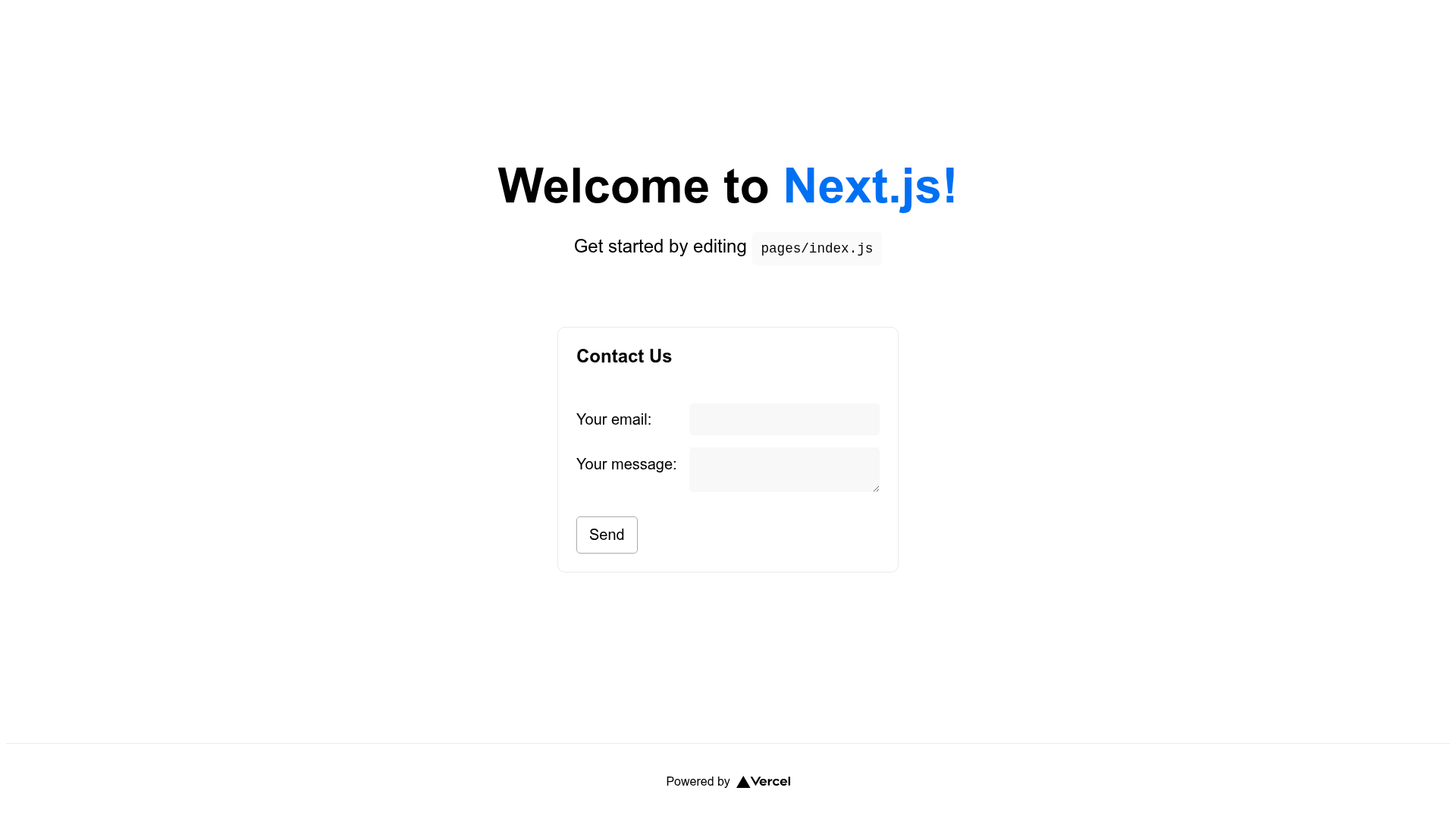
Formspree & Next.js example is a starter template that wires a Next.js site to Formspree's hosted form backend, giving you a working contact form without writing any server code. It is an official example maintained by Formspree and distributed as a public GitHub repository.
What is Formspree & Next.js example?
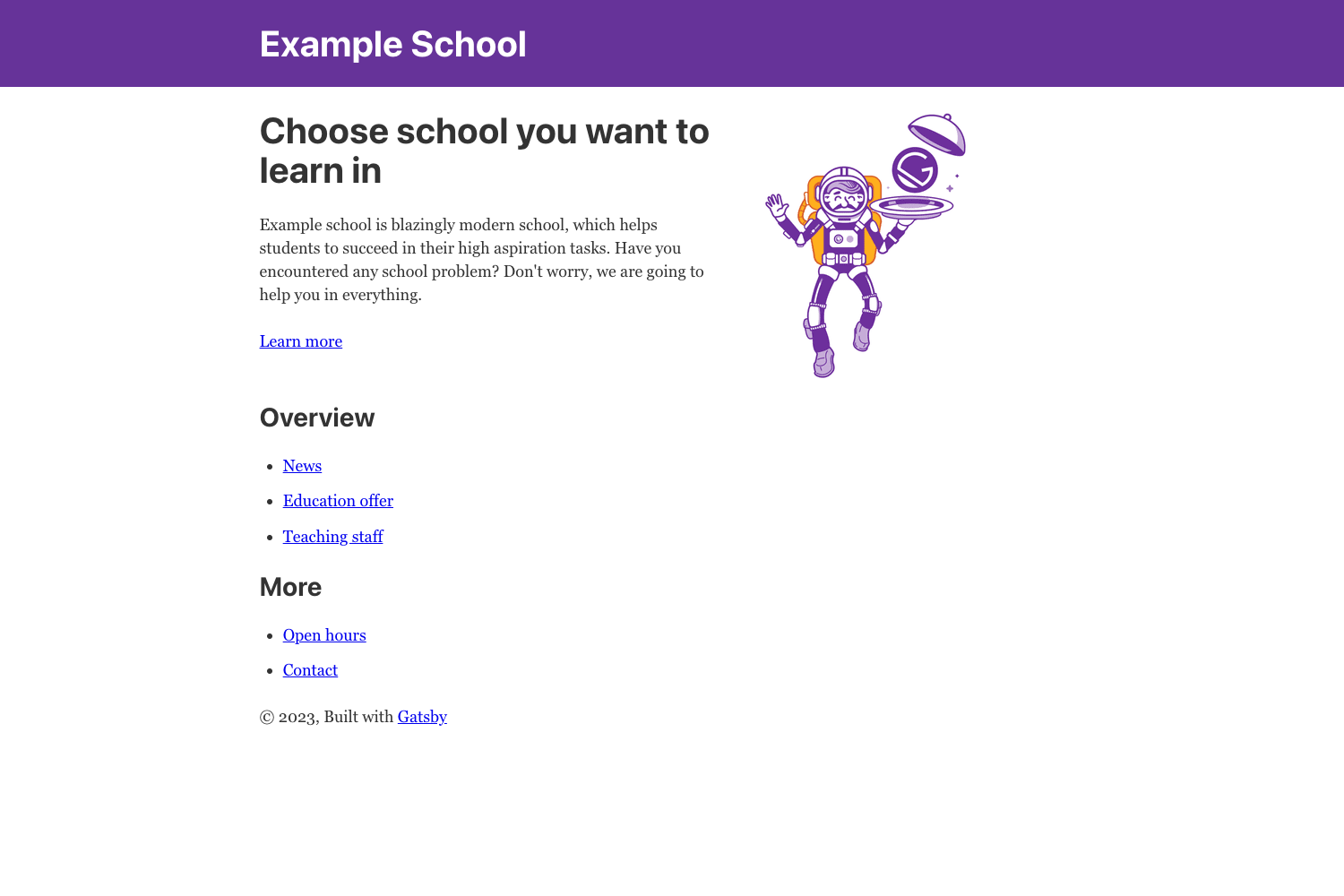
The template pairs the Next.js React framework with Formspree's form endpoint service, producing a deployable web application with a functional contact form. It takes a basic Next.js project skeleton and adds a form component that posts user input to Formspree for processing. The project runs on Node.js with Next.js and includes a pre-configured Vercel deployment option. Formspree, the company behind the form service, maintains the example and links to the official integration guide.
Key Features
- Next.js framework — Built on Next.js, the React production framework; run locally with
npm installandnpm run devat localhost:3000. - Formspree integration — The contact form submits to Formspree's backend, so you get form handling without a custom API route.
- One-click Vercel deploy — The repository's Deploy with Vercel button clones the project, sets up a new Vercel project, and creates a live demo URL.
- Live demo site — A public demo at formspree-example-next.vercel.app shows the form working.
- Official integration guide — The repo links to formspree.io/guides/nextjs for configuring custom endpoints and advanced options.
- Fork-ready on GitHub — The repository is designed for forking so you can customize the form and deploy your own version.
Who is it for?
- Next.js developers — A minimal starting point for adding a Formspree-powered contact form to a new project without building backend infrastructure.
- Freelancers and agencies — Fork the template to deliver client sites with a working contact form, then deploy to Vercel with one click.
- Jamstack adopters — The template deploys to a static host easily, giving static sites a dynamic form-submission endpoint.
What can you do with it?
- Add a contact form fast: Fork the repo, run
npm install, and you have a form that posts to Formspree's endpoint. - Deploy a demo in one click: Press the Vercel deploy button to create a live site with a form.
- Learn the Formspree flow: Follow the linked integration guide to understand form endpoints, submissions, and email notifications.
How does it work?
Fork and clone the repository, then run npm install to install dependencies and npm run dev to start the Next.js development server at localhost:3000. The form component in the template sends submissions to Formspree, which stores and forwards them; deploying via Vercel makes the form available publicly.
FAQ
What do I need to run this template?
Node.js and npm are required. After forking the repo, run npm install and npm run dev to see the site locally.
Where is the live demo?
The demo is hosted at formspree-example-next.vercel.app, linked from the repository's README.
How do I deploy this to production?
Use the Deploy with Vercel button in the README, which will clone the repository and create a new Vercel project with a generated URL.
Is this template free to use?
The template code is public on GitHub and can be forked freely. Formspree has its own service plans, but the example code itself is available without charge.