Template details
Gabo
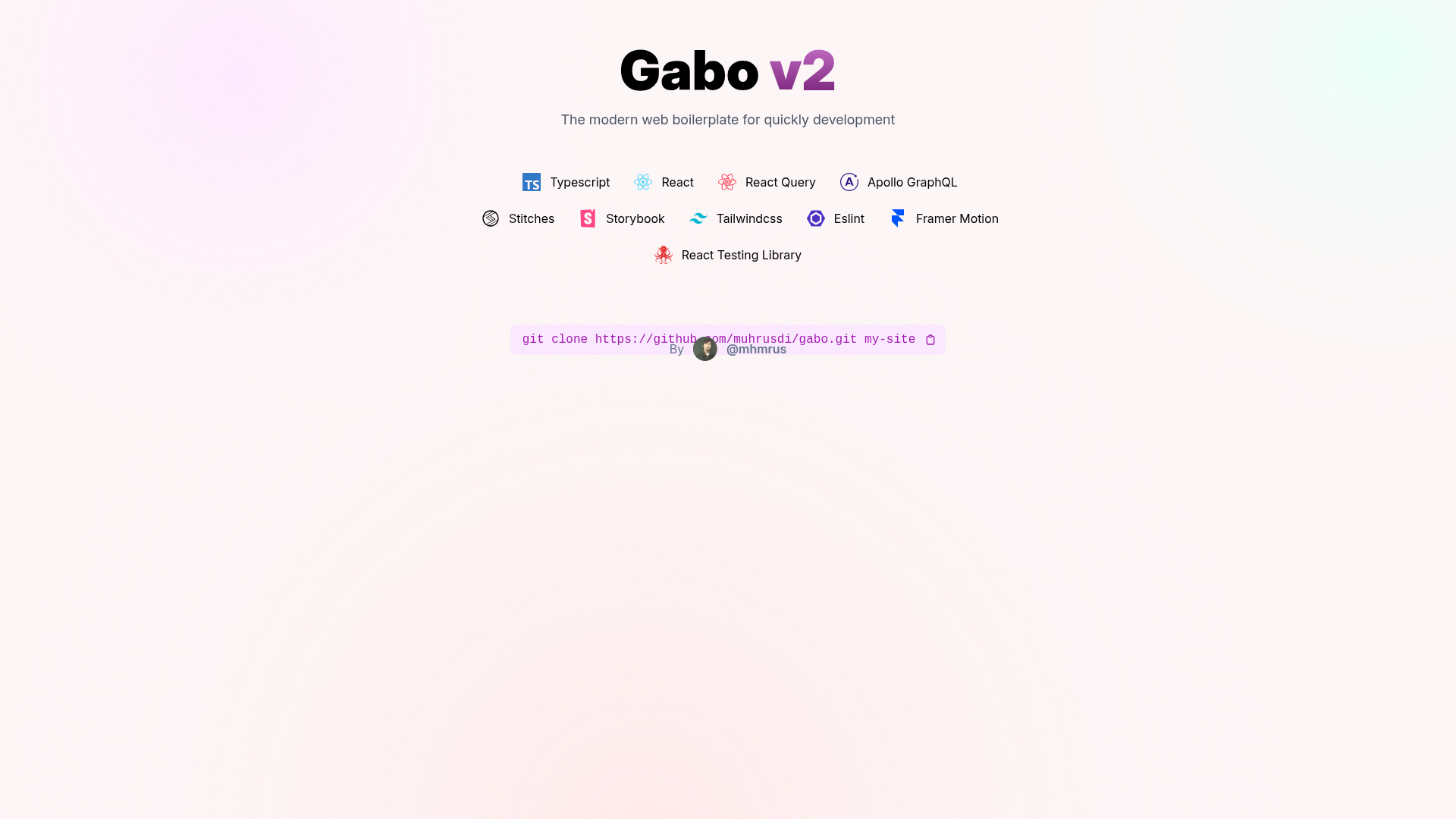
A Gatsby starter boilerplate with React and TypeScript for scaffolding fast static sites.
About this template
Gabo is a Gatsby starter (boilerplate) built on React and TypeScript that scaffolds a new static site from a single git clone.
What is Gabo?
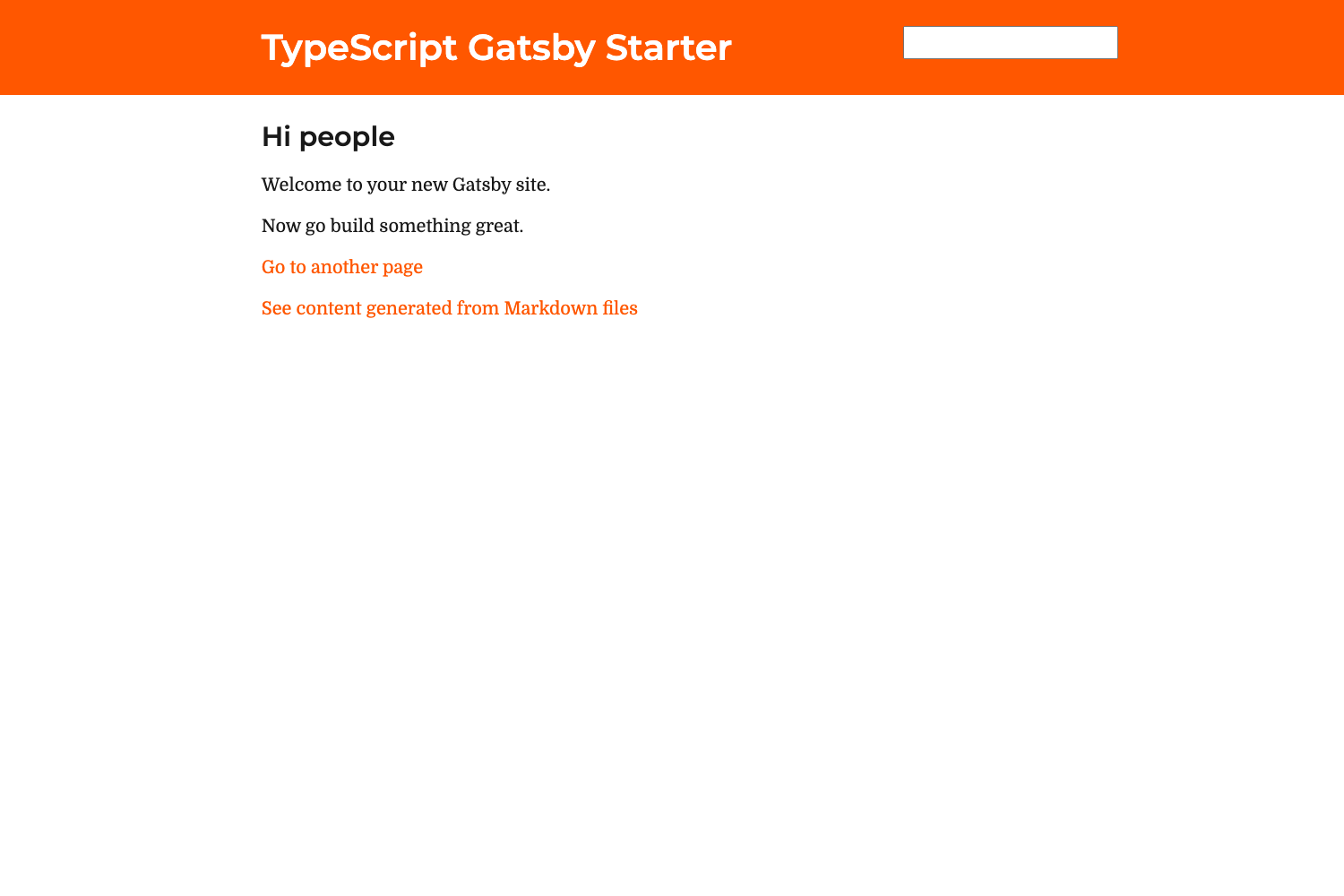
Gabo is a minimal Gatsby starter template that gives you a running static site after two commands: git clone and npm run develop. It is authored by muhrusdi and hosted on GitHub. The template uses the Gatsby minimal TypeScript starter as its foundation, so TypeScript is configured out of the box. Its output is a development server at http://localhost:8000 serving a default page defined in src/pages/index.tsx. The project is positioned as a boilerplate for starting new Gatsby sites.
Key Features
- Gatsby framework — Built on Gatsby, a React-based static site generator that produces fast, pre-rendered pages.
- TypeScript support — Derived from the Gatsby minimal-starter-ts, so TypeScript is wired in from the start.
- Clone-based setup — Create a new site with
git clone https://github.com/muhrusdi/gabo.git my-site. - Live development server — Run
npm run developto start the site at http://localhost:8000 with hot reloading. - Single entry point — The default page lives in
src/pages/index.tsx; edits appear in real time. - Gatsby Cloud deploy — A one-click deploy button sends the repo to Gatsby Cloud for hosting.
- Documentation links — The README includes links to Gatsby docs, tutorials, API reference, plugin library, and cheat sheet.
Who is it for?
- Gatsby developers — use Gabo as a clean starting point for any static site project, avoiding manual configuration.
- TypeScript adopters — get a preconfigured TypeScript environment in Gatsby without setting up the toolchain yourself.
- Gatsby newcomers — follow the linked tutorials and cheat sheet while customizing a minimal working site.
What can you do with Gabo?
- Quick prototyping: clone Gabo and edit the home page to stand up a landing page or personal site within minutes.
- Learning Gatsby: use the starter's simple structure and official docs links to understand page creation and theming.
- Cloud deployment: push the repository to Gatsby Cloud via the one-click deploy option to publish a static site.
How does Gabo work?
The README defines a three-step workflow. First, clone the repository into a new folder. Second, run npm run develop from that folder to start the development server. Third, edit src/pages/index.tsx and watch the page update live at http://localhost:8000.
Pricing
Gabo is a free open-source starter; you clone it from GitHub without payment or account setup.
FAQ
How do I create a site with Gabo?
Clone the repository with git clone https://github.com/muhrusdi/gabo.git my-site, then run npm run develop inside the new folder. The site appears at http://localhost:8000.
Does Gabo include TypeScript?
Yes. The starter is based on the Gatsby minimal-starter-ts, so TypeScript is preconfigured and the primary page file is src/pages/index.tsx.
Can I deploy Gabo to Gatsby Cloud?
Yes. The README includes a "Deploy to Gatsby Cloud" button that starts a deployment directly from the repository.
What is the default development URL?
After running npm run develop, the site is served at http://localhost:8000 and updates in response to edits in src/pages/index.tsx.