Template details
Get Ready Template
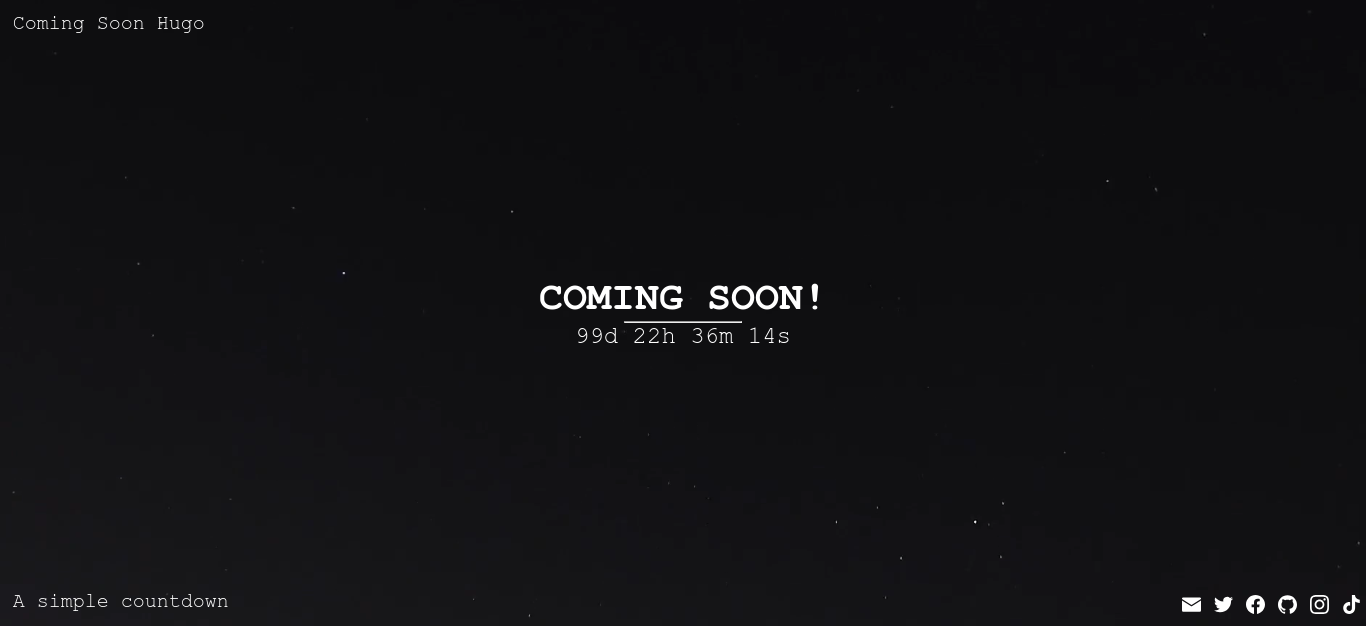
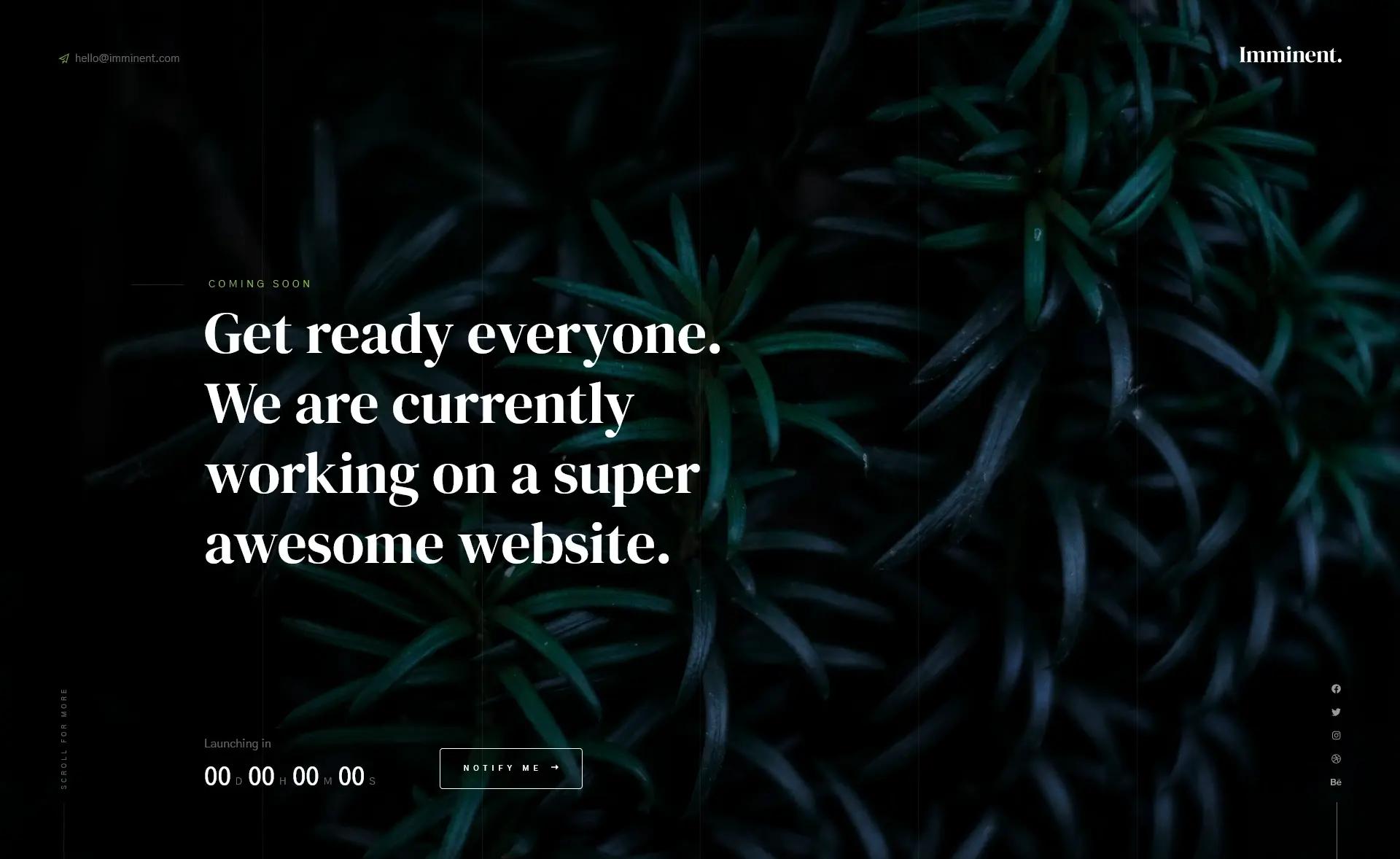
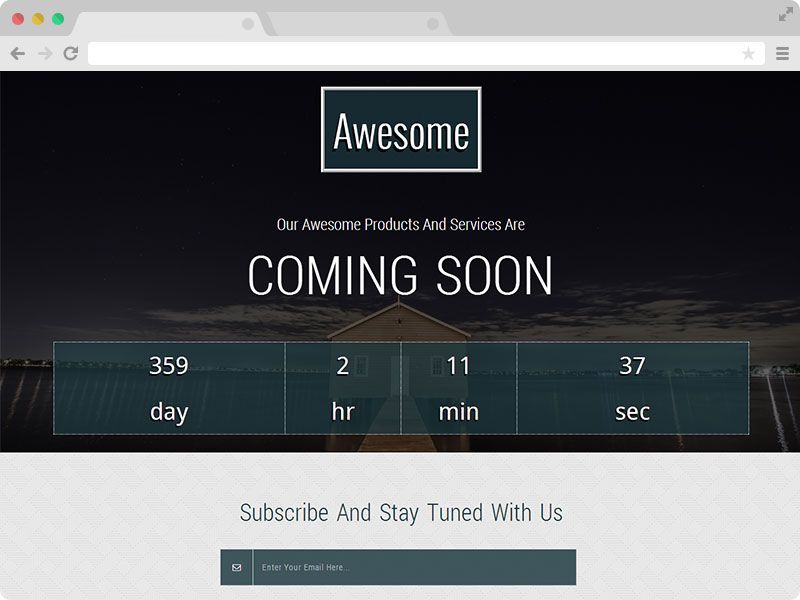
A coming soon HTML page with a countdown feature and full-page popup main menu, plus a zoom image slider.
About this template
Get Ready Template (ID 521) is a free, one-page coming-soon HTML/CSS template from Templatemo that uses a countdown timer, a full-page popup menu, and a zoom image slider to announce an upcoming site or event.
What is Get Ready Template?
Get Ready Template is a free single-page HTML/CSS website template released by Templatemo on 10 September 2018 for building a coming-soon landing page. It takes design content such as a headline, a countdown target date, menu items, and background images as inputs, and produces a responsive browser-based countdown page with a full-page popup navigation menu and a zooming image slider. The template runs in any modern web browser as static files, requires no server-side processing or database, and is distributed through Templatemo, a free CSS template directory.
Key Features
- Countdown timer — displays a live countdown to a target date, which is set by editing a JavaScript variable in the template's source code.
- Full-page popup main menu — navigation opens as an overlay that covers the entire viewport, fitting the minimal one-page design.
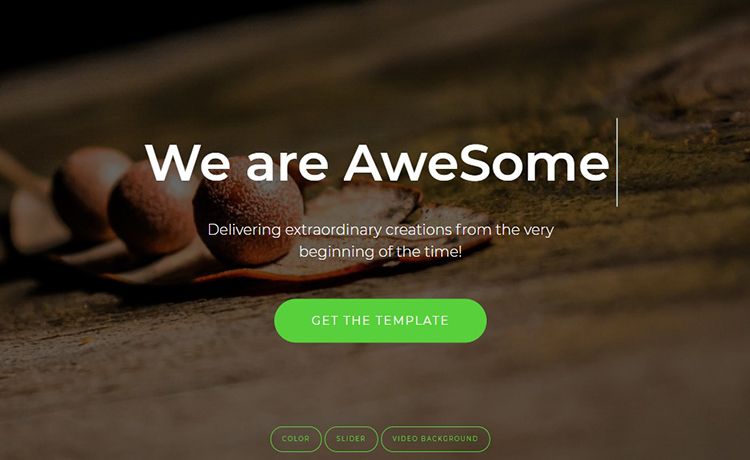
- Zoom image slider — background or gallery images animate with a zoom effect using the template's built-in slider script.
- Responsive layout — the page adapts to desktop, tablet, and mobile screens through CSS media queries.
- One-page structure — all content lives on a single HTML page, keeping the template lightweight and simple to customize.
- Free commercial use — Templatemo allows anyone to download, edit, and use the layout for commercial or non-commercial sites without payment.
- Minimal aesthetic — the design keeps visual clutter low so the countdown and imagery stay the focus.
- Tracked popularity — the listing shows 122,393 views and 18,765 downloads, indicating real-world adoption.
Who should use Get Ready Template?
- Startups and small businesses — publish a polished countdown page while the main website is still under construction.
- Event organizers — count down to a conference, product launch, or sale with an animated visual background.
- Web developers — use the free template as a starting point for client coming-soon projects without needing build tools.
- Designers — explore the zoom slider and full-page overlay menu patterns in a minimal layout.
What can you do with Get Ready Template?
- Launch announcements: set the countdown date to your product release and publish the page to build anticipation.
- Event countdowns: swap the background images and headline to promote a conference, wedding, or live stream.
- Under-construction placeholder: point your domain at the downloaded files while the full site is in development.
- Interaction prototyping: reuse the popup menu and zoom slider patterns in other web projects.
How does Get Ready Template work?
Download the ZIP file from the Templatemo page, extract it to any web server or open the HTML file locally, then edit the text and countdown date in the source. No server-side setup or database is needed; the page runs as a static HTML file with client-side JavaScript handling the timer, slider, and menu effects.
Pricing
Get Ready Template is 100% free to download and use. Templatemo permits editing and use for commercial or non-commercial sites at no cost.
FAQ
Is Get Ready Template free?
Yes, the template is free to download. Templatemo states that anyone is allowed to download, edit, and use the Get Ready HTML CSS layout for commercial or non-commercial sites.
What files are included in the download?
The page provides a ZIP download containing the HTML, CSS, and JavaScript files needed to run the coming-soon page. The exact file list is not shown on the listing.
Does Get Ready Template require a framework?
No. It is described as an HTML CSS layout, so it runs in any modern browser with plain HTML, CSS, and JavaScript—no build tools, frameworks, or server dependencies are required.
How do I set the countdown date?
Edit the JavaScript in the template's source files to change the target date. The listing does not show a settings panel, so the timer is configured by modifying the code directly.