Template details
Jekyll Theme Consulting
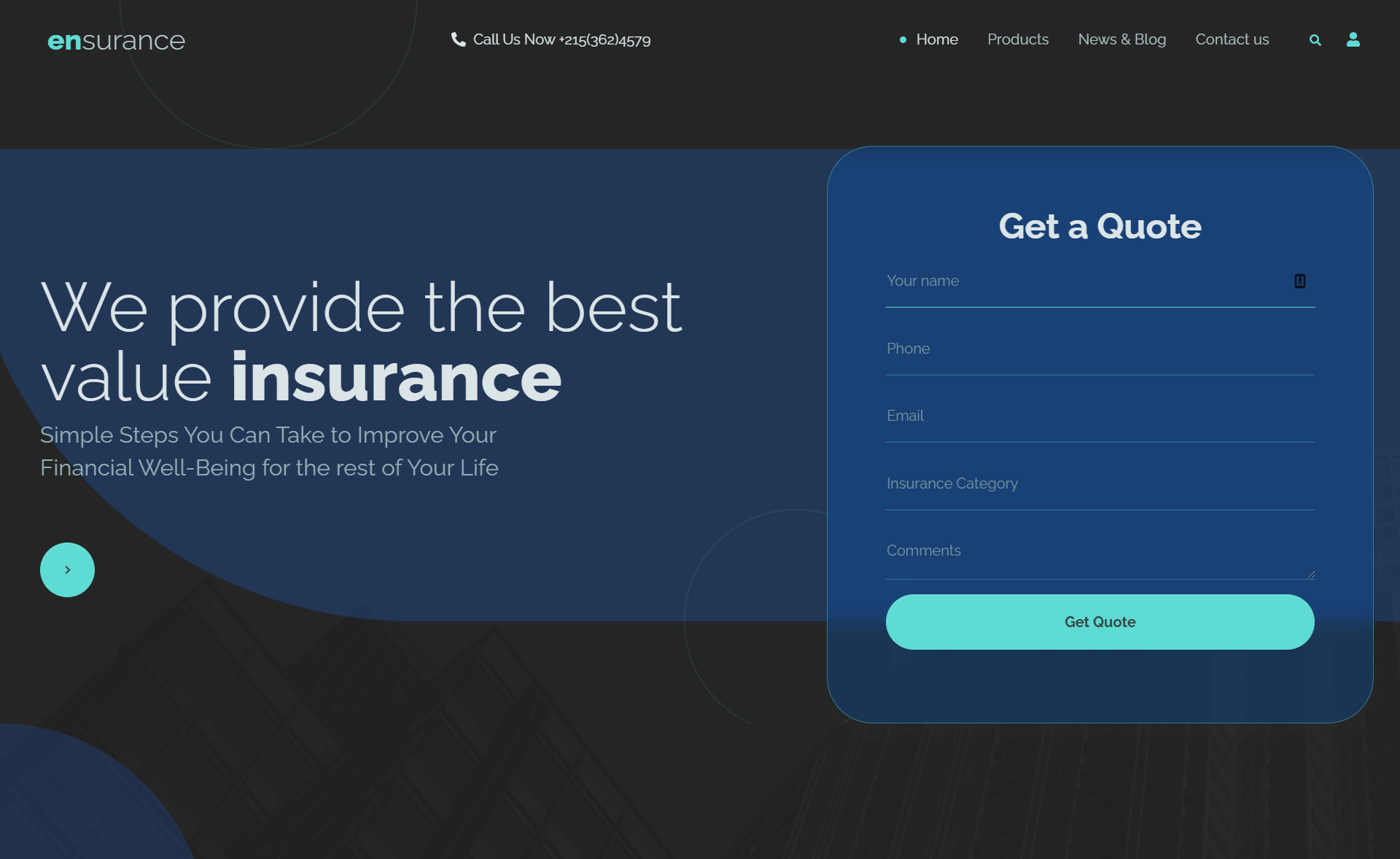
A sober, hassle-free Jekyll template for businesses with multilingual support, SEO, and GDPR compliance.
About this template
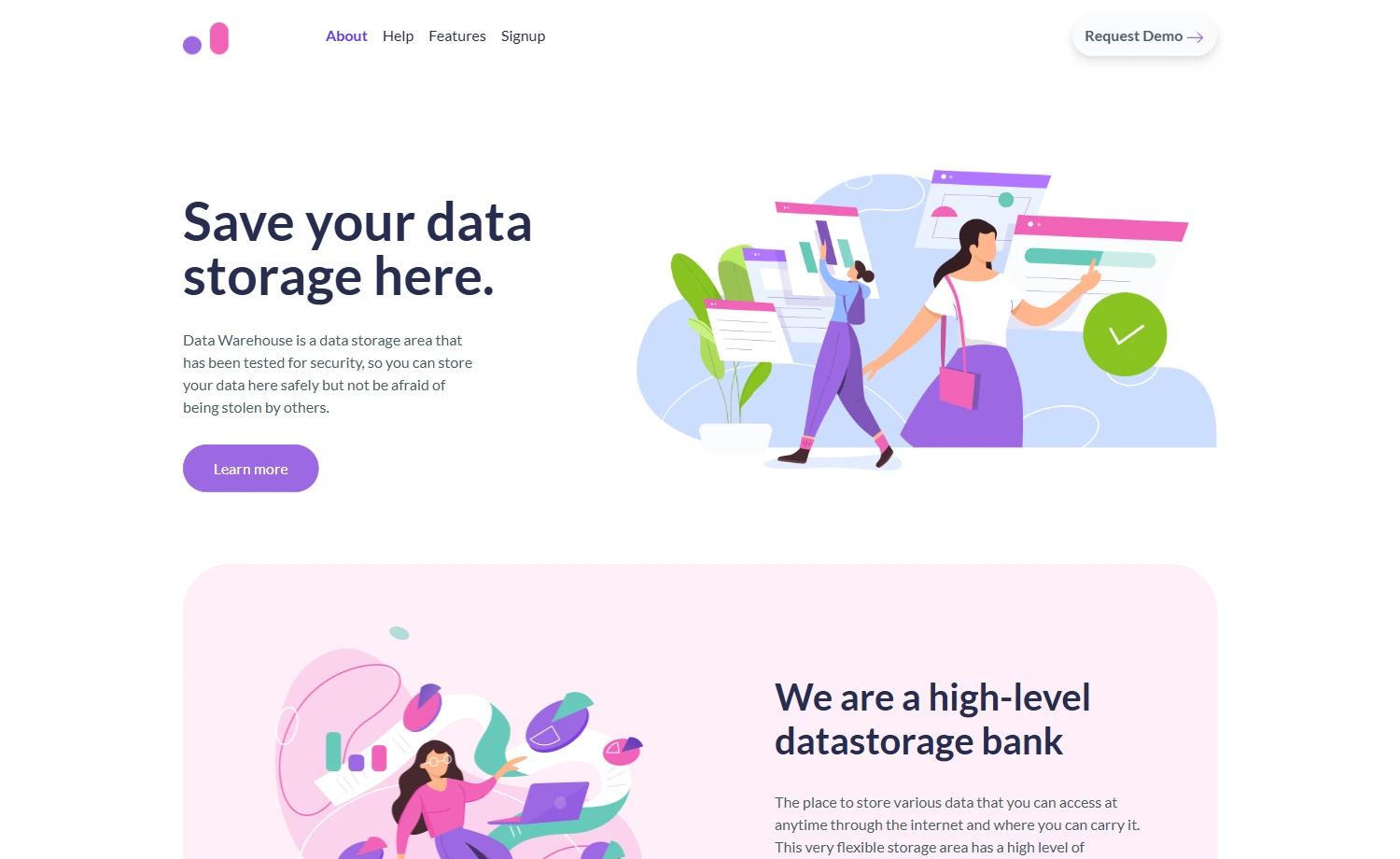
Jekyll Theme Consulting is a Jekyll-based business website template distributed as a Ruby gem, purpose-built to generate static, multilingual corporate sites with out-of-the-box SEO, GDPR, and performance features.
What is Jekyll Theme Consulting?
Jekyll Theme Consulting is a sober, hassle-free Jekyll template for businesses. It takes a Jekyll site configured through _config.yml and produces a static website with responsive layouts, multilingual pages, contact forms, and built-in SEO and GDPR compliance. The theme is developed by apehex on GitHub and distributed as the jekyll-theme-consulting Ruby gem.
Key Features
- Responsive — out of the box support for smartphones, laptops, and tablets.
- Multilingual — manage pages, menu, URLs, dates, and sitemap in several languages.
- Customizable — theme colors, menu, and social items are changed from a central config file.
- Widgets — tabs, mini-posts, spotlight, and feature listings can be inserted without handling their internals.
- Templates — contact forms and navigation menus are included as custom Jekyll includes.
- Vector images — theme images are vectorized for smooth rendering and dynamic styling.
- GDPR ready — bundled with a cookie consent plugin and a boilerplate privacy policy.
- SEO ready — sitemap, robots.txt, and tags are automatically generated.
- Light and performant — SVG images, thumbnails, lazy loading, parallel asset loading, and minified assets.
Who is it for?
- Businesses that need a professional static website with multiple language versions without maintaining a server-side CMS.
- Jekyll developers who want a pre-built theme with SEO, GDPR, and contact form handling so they can focus on content.
- Performance-conscious site owners who prefer a lightweight, static site that loads quickly and requires minimal hosting resources.
What can you do with Jekyll Theme Consulting?
- Launch a multilingual corporate site: configure site title, subtitle, and social URLs in
_config.yml, and publish pages in several languages with translated menus and dates. - Add GDPR-compliant contact forms: integrate Google reCAPTCHA via a sitekey in the config, and the theme handles form validation and cookie consent.
- Optimize image delivery: use lazy loading via a placeholder plus
data-srcattribute, and leverage the WebP format for images that are at least half the size of JPEG/PNG.
How does Jekyll Theme Consulting work?
Install the gem by adding gem "jekyll-theme-consulting" to your Gemfile and set theme: jekyll-theme-consulting in _config.yml. Run bundle to install dependencies, copy the theme's _config.yml to your site root, and customize parameters for site, social, contact, and reCAPTCHA. Build the site with JEKYLL_ENV=production bundle exec jekyll build and deploy the contents of _site to your server or GitHub Pages.
Pricing
Jekyll Theme Consulting is free and open source under the CC-BY-NC-SA-4.0 license, which permits non-commercial use with attribution.
FAQ
Is Jekyll Theme Consulting free?
Yes, the theme is open source and available at no cost on GitHub. It is released under the CC-BY-NC-SA-4.0 license, so you can use it freely for non-commercial purposes, but you must attribute the original work and share derivative works under the same license.
How do I install Jekyll Theme Consulting?
Add gem "jekyll-theme-consulting" to your Gemfile, set theme: jekyll-theme-consulting in your _config.yml, and run bundle. Then copy the theme's _config.yml to your site root and adjust the customization parameters.
Does the theme support multiple languages?
Yes, the theme is multilingual. You can manage pages, menu items, URLs, dates, and the sitemap in several languages directly from the configuration.
Is the theme GDPR compliant?
The theme ships with a cookie consent plugin (based on Osano's cookieconsent) and a boilerplate privacy policy, helping you meet GDPR requirements. Contact forms also support Google reCAPTCHA validation.
What image formats are recommended?
The theme recommends using WebP images, as WebP files at the same dimension and quality are at least half the size of other formats, and it supports lazy loading via a placeholder class or the browser's built-in loading="lazy" attribute.