Template details
Jekyll Theme Experiment
A customizable Jekyll portfolio theme with about, portfolio, and tools sections, easily configured via _config.yml.
About this template
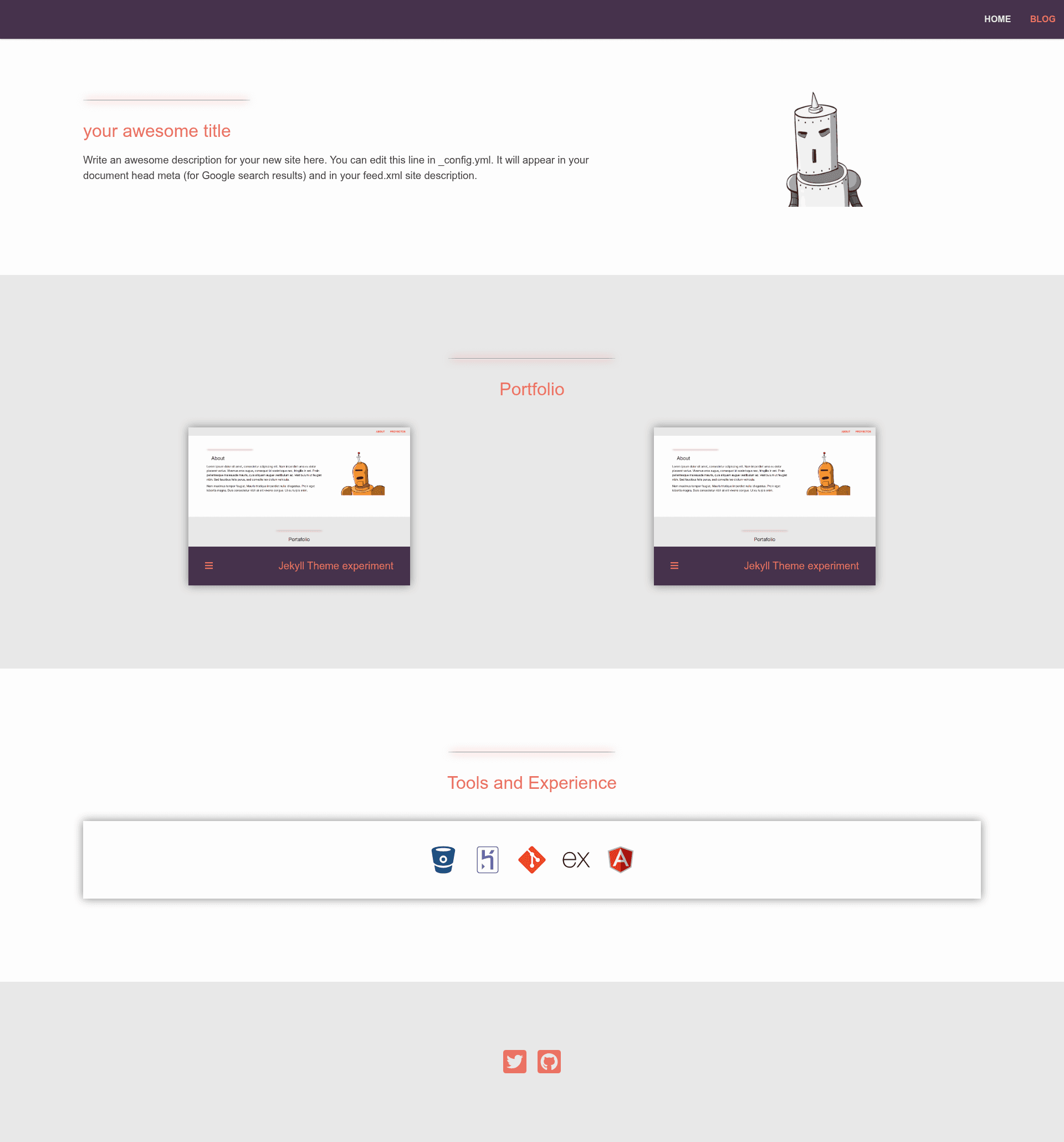
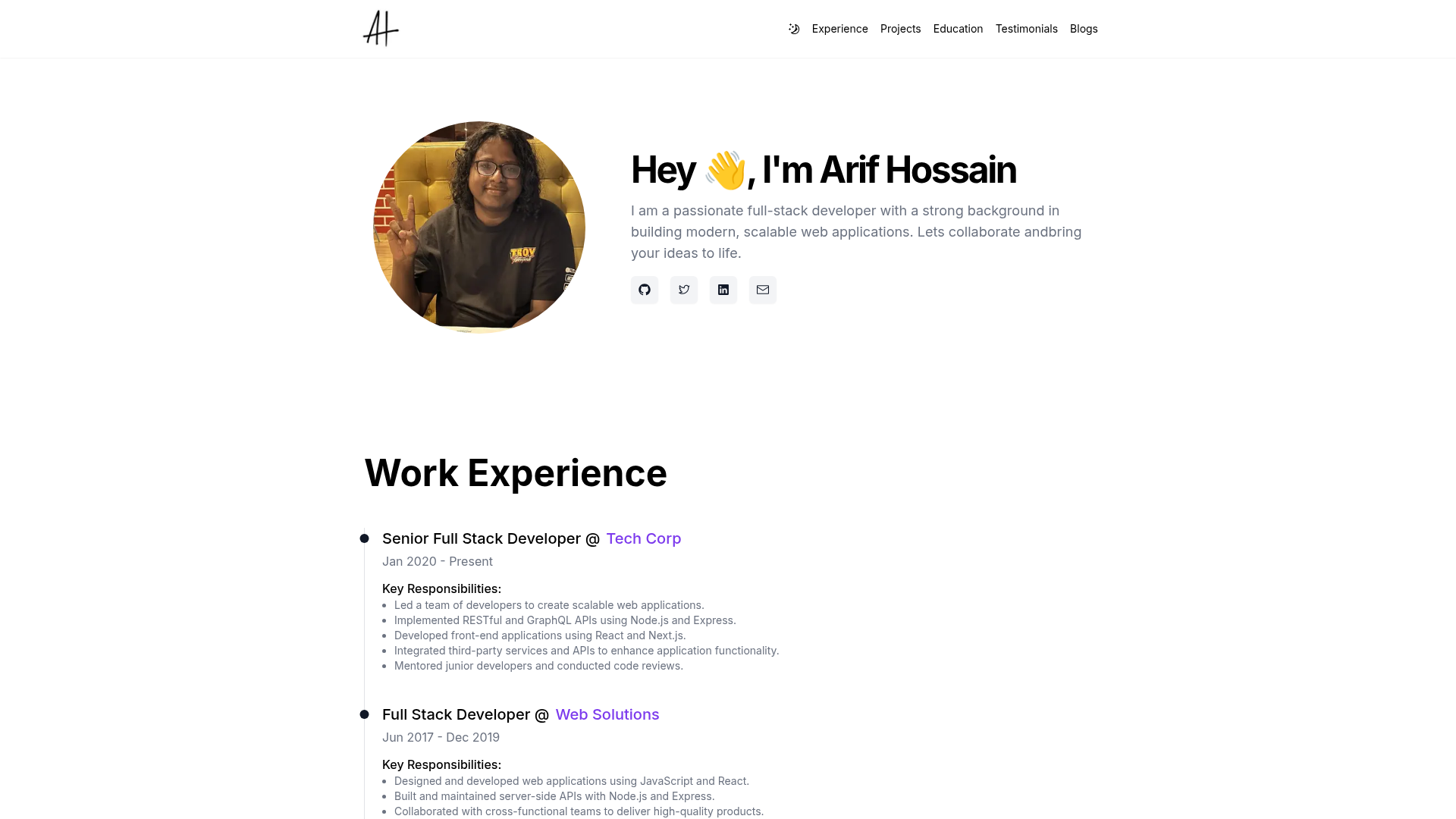
Jekyll Theme Experiment is an open-source Jekyll theme that transforms a default Jekyll site into a customizable one-page portfolio with about, portfolio, and tools sections, all managed through _config.yml. It is developed by anxhe and distributed as a Ruby gem, with a live demo at https://anxhe.github.io/jekyll-theme-experiment/.
What is Jekyll Theme Experiment?
Jekyll Theme Experiment is a portfolio-oriented Jekyll theme that replaces the default Minima theme in a new Jekyll site. It takes as input a standard Jekyll project plus YAML configuration values and produces a single-page home layout with an optional blog section. The theme runs on any Jekyll installation with Ruby, and its source is available on GitHub.
Key Features
- Config-driven sections — The about, portfolio, and tools sections are populated entirely from the
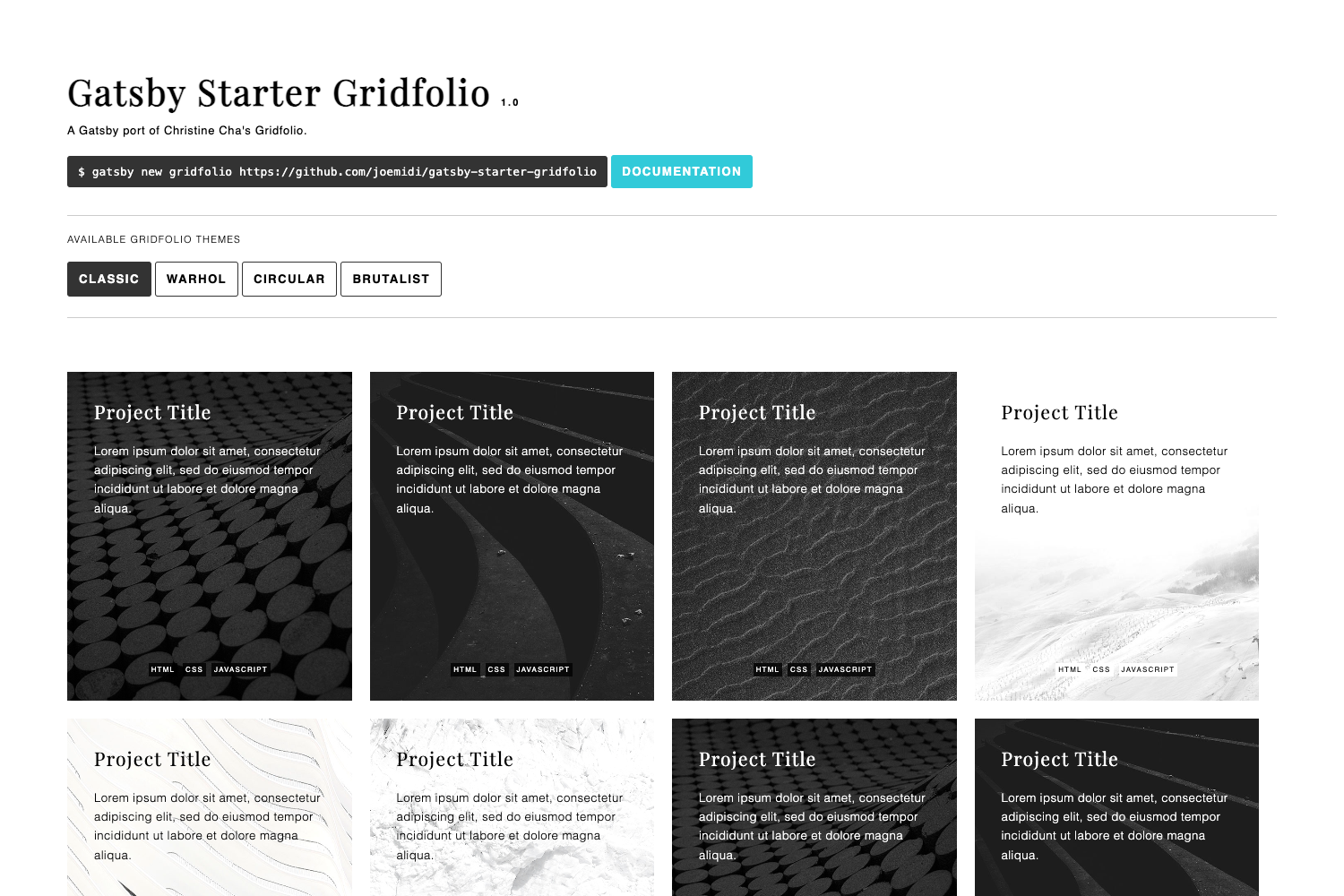
jekyll-theme-experimentkey in_config.yml, so you can add an avatar URL, project links, and tool icons without editing HTML. - Portfolio project grid — Define projects with name, link, GitHub URL, and an image relative URL; you may need to update a Sass variable in
_sass/main.scssdepending on project count. - Tools and experience list — Display tool icons by providing a relative URL to an SVG file under the tools section.
- Blog support — Create a
blog.mdfile withlayout: blogandpermalink: /blog/to add a blog listing page. - Navigation customization — The
header_pagessetting, inherited from Minima, controls which pages appear in the navigation and their order. - MIT licensed — The theme is free to use and modify under the MIT License, so commercial use is allowed.
Who is it for?
- Developers who want a fast personal portfolio; they install the theme, edit
_config.yml, and deploy the generated site to GitHub Pages. - Designers who need a clean one-page layout with an about section and project showcase, plus room for a blog.
- Jekyll users who are comfortable editing a Gemfile and
_config.ymland want to move beyond the default Minima theme.
What can you do with it?
- Showcase projects: Add entries with name, link, GitHub repo, and image to populate the portfolio grid.
- Introduce yourself: Set your avatar URL and about text to personalize the home page.
- List your tech stack: Use the tools section with SVG icons to display your experience.
- Run a blog: Keep a blog alongside the portfolio by creating a blog page with the provided layout.
How does Jekyll Theme Experiment work?
Installation follows the standard Jekyll gem-theme workflow: add the gem to your Gemfile, run bundle install, and set theme: jekyll-theme-experiment in _config.yml. You then fill the jekyll-theme-experiment configuration block with your content. To preview locally, run bundle exec jekyll serve and open http://127.0.0.1:4000/.
Pricing
Jekyll Theme Experiment is free and open source under the MIT License. There are no paid tiers, and you are free to use it in commercial projects.
FAQ
Is Jekyll Theme Experiment free?
Yes, the theme is released under the MIT License, so it is free to use, modify, and distribute, including for commercial purposes.
How do I install it?
Install Ruby, then run gem install bundler jekyll. In a new Jekyll site, add gem 'jekyll-theme-experiment' to your Gemfile, run bundle install, and set theme: jekyll-theme-experiment in _config.yml.
Can I use it with GitHub Pages?
The repository lists github-pages as a topic, and the demo is hosted at https://anxhe.github.io/jekyll-theme-experiment/, so it is compatible with GitHub Pages.
How do I customize the navigation?
Use the header_pages setting in _config.yml, following the Minima approach, to choose which pages appear and their order.
Do I need to edit HTML to add projects?
No, you edit the jekyll-theme-experiment portfolio configuration in _config.yml. For a large number of projects, you may need to adjust a Sass variable in _sass/main.scss.