Template details
Lander
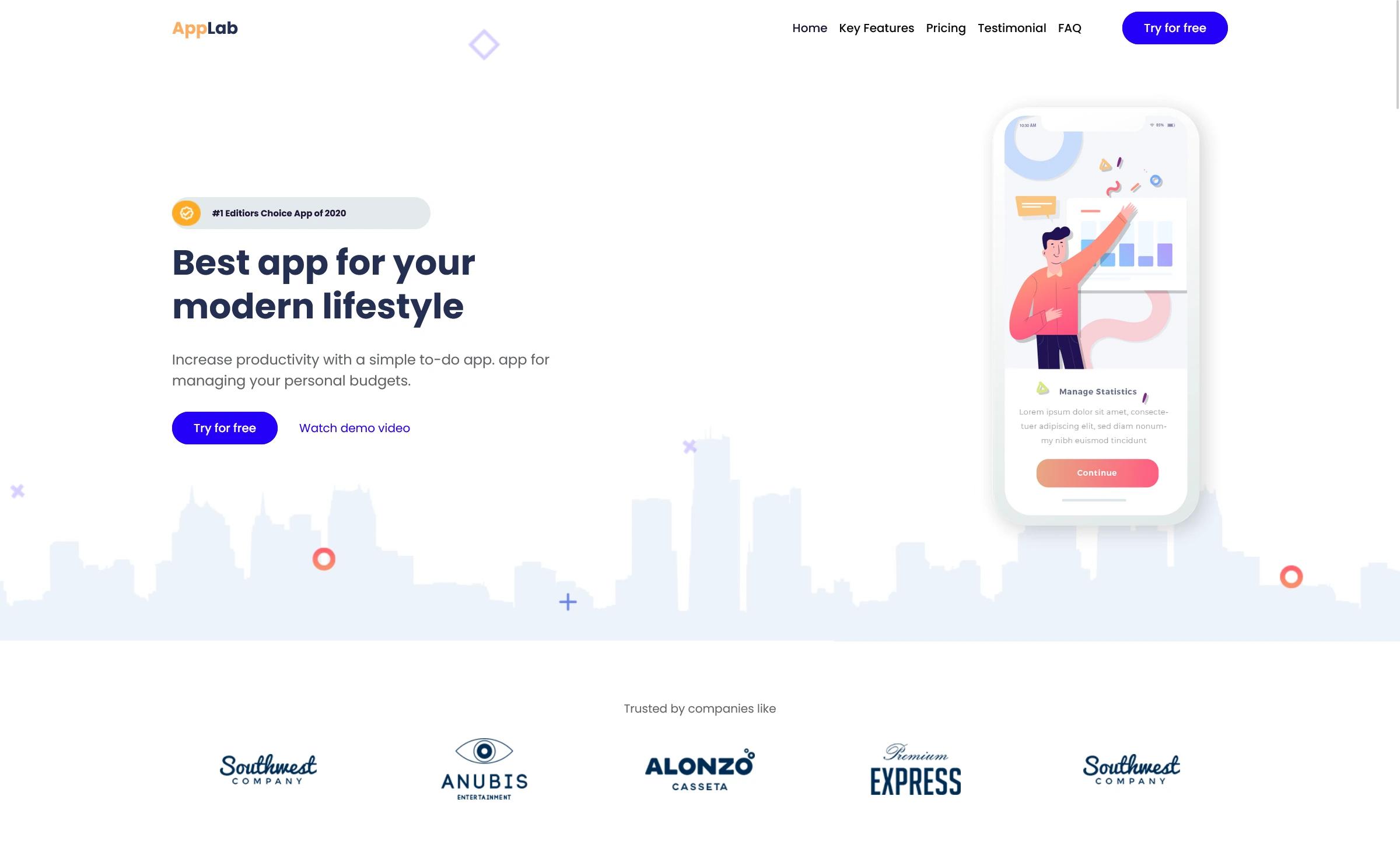
Free HTML5 Bootstrap 4 landing page template with sticky navigation, pricing table, video section, and gradient style for business and app landing pages.
About this template
Lander is a free HTML5 Bootstrap 4 landing page template from ThemeWagon, built by ShareBootstrap for single-page marketing websites that need a clean, minimal look.
What is Lander?
Lander is a static HTML5 landing page template built on Bootstrap 4 (v4.3.1) and FontAwesome icons. It takes a single-page HTML file plus CSS and JavaScript sources as its base, and outputs a fully responsive marketing page with sticky navigation, a pricing table, a video section, and call-to-action buttons. The template runs entirely in the browser with no build step and is distributed free by ThemeWagon, created by ShareBootstrap.
Key Features
- Bootstrap 4.3.1 — Built on the Bootstrap v4.3.1 framework with a responsive grid, utility classes, and components; compatible with Chrome, Edge, Firefox, Mobile, Opera, and Safari.
- Sticky top navigation with scrollspy — A fixed navigation bar that highlights the current section as visitors scroll through the single-page layout.
- Gradient style — The template uses a gradient color treatment throughout elements like headings and buttons for a modern visual identity.
- Pricing table — A built-in pricing table section for displaying multiple service tiers to prospective customers.
- Video section — A dedicated area to embed a product or intro video, commonly used for software and app demos.
- Call-to-action buttons — Multiple CTA buttons placed in different sections to push visitors toward sign-up or conversion.
- Sign-up form UI — A ready-made email sign-up form interface that can be wired to any backend or email service.
- On-hover effects — Hover animations on cards, buttons, and other components to add interactivity without JavaScript dependencies.
Who is it for?
Startups and SaaS teams: launch a product landing page in hours by replacing the demo content in the single HTML file. Digital agencies: use Lander as a starting point for client one-pagers, customizing the gradient colors and pricing table per project. Mobile app developers: present an app with the video section and feature blocks, then drive installs through the built-in CTA buttons.
What can you do with Lander?
- Software products: showcase features and pricing with the included pricing table and call-to-action sections.
- Mobile apps: place a demo video in the video section and list app highlights to boost conversion.
- Business landing pages: publish a clean single-page site with footer navigation and a sign-up form to capture leads.
- Agency portfolios: create a minimal one-page portfolio with hover effects and section navigation.
How does Lander work?
After downloading, you open the included HTML file and edit the content, CSS, and JavaScript source files directly. The template is static, so you can host it on any web server or open it locally; no build tools or server-side processing are needed. Demo images come from Unsplash and can be replaced with your own assets.
Pricing
Lander is free to download and use in commercial projects, with lifetime free updates according to the ThemeWagon license.
Alternatives
Other free Bootstrap 4 landing page templates from ThemeWagon include Eclipse, which targets e-learning websites, and Appru, which is designed specifically for app landing pages.
FAQ
Is Lander free?
Yes, Lander is free to download from ThemeWagon, and the license allows commercial use and lifetime free updates.
What Bootstrap version does Lander use?
Lander is built on Bootstrap v4.3.1 (the libraries section lists Bootstrap v4.1.3, but the key features specify v4.3.1).
What files are included in the download?
The package contains 1 HTML file, CSS files, JavaScript source files, FontAwesome font icons, library and plugin files, and all demo images.
Which browsers are supported?
The template is compatible with Chrome, Edge, Firefox, Opera, Safari, and mobile browsers.
Does Lander include a pricing table?
Yes, a pricing table section is part of the template, letting you display multiple plan tiers.