Template details
Lens Jekyll Theme
A Jekyll version of the 'Lens' theme by HTML5 UP.
About this template
Lens Jekyll Theme is a static-site template that ports HTML5 UP's Lens full-screen photo gallery design to Jekyll, giving photographers a ready-made gallery layout powered by the Jekyll static site generator.
What is the Lens Jekyll Theme?
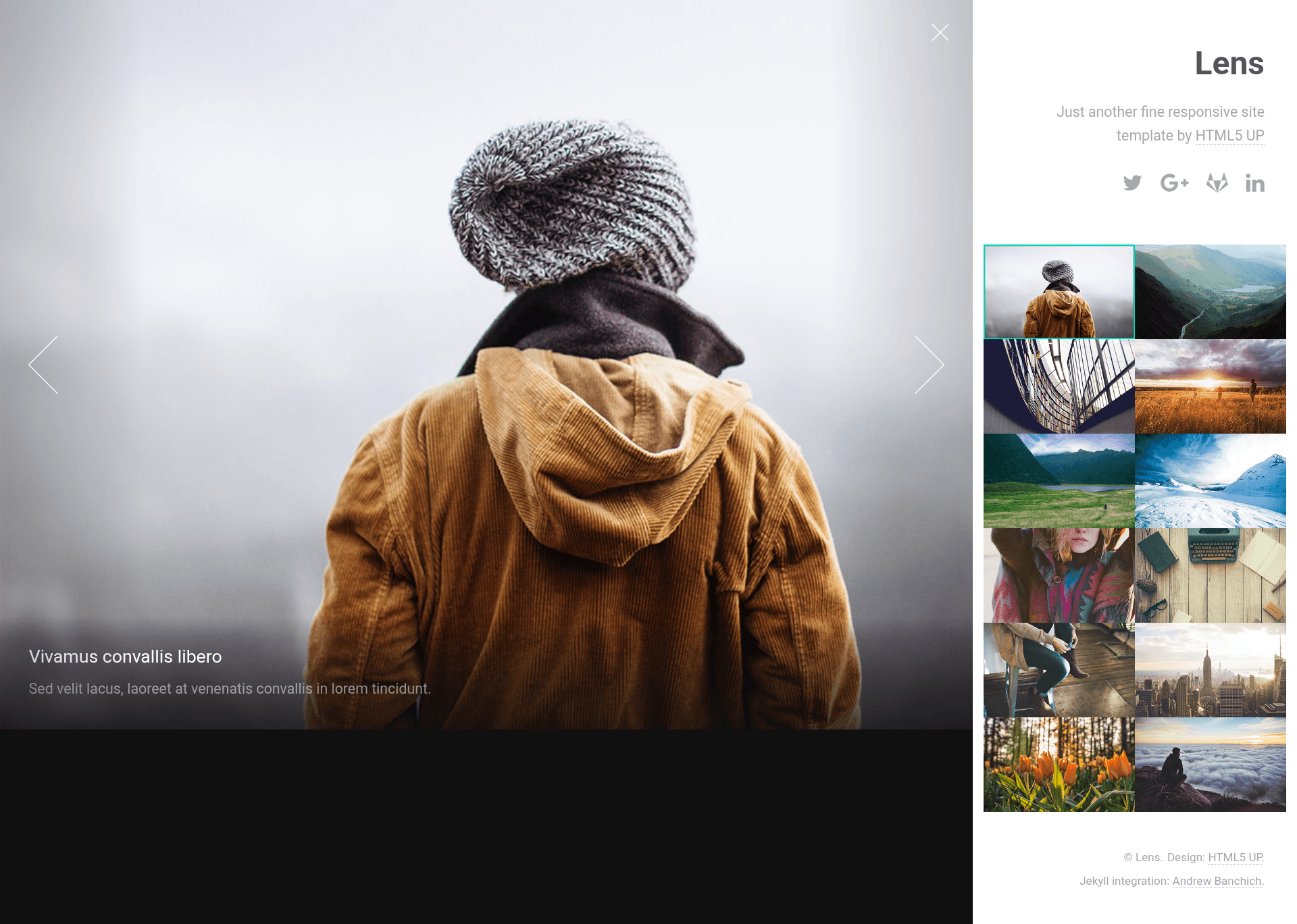
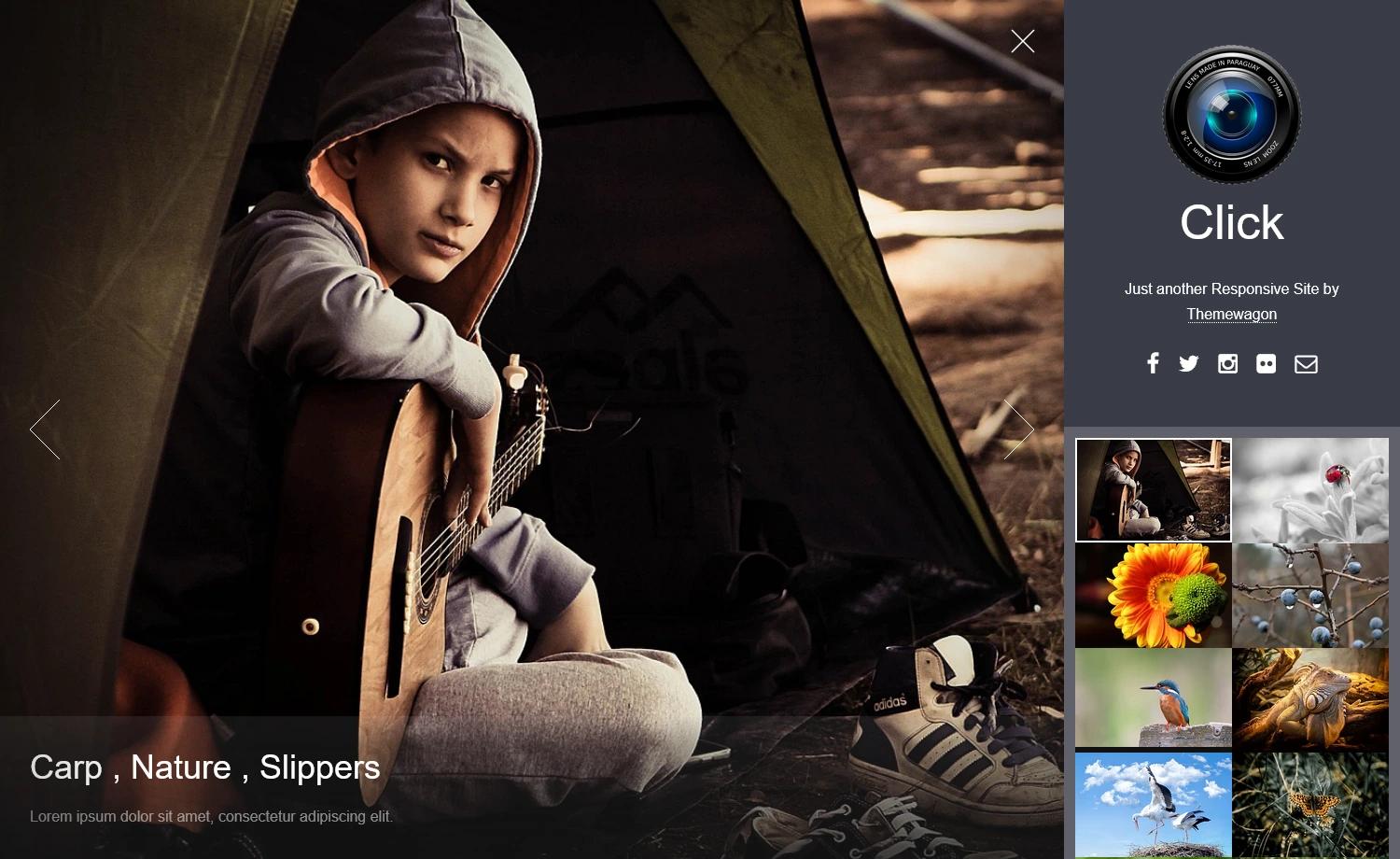
The Lens Jekyll Theme is a Jekyll port of HTML5 UP's Lens design, a full-screen and completely responsive photo gallery layout. It takes thumbnail image entries written as HTML articles and renders them into a two-pane interface: a main wrapper column with site content, a thumbnails grid, and a dynamic full-screen viewer for the selected image. The theme is authored by Andrew Banchich and hosted on GitLab, with a GitHub mirror, and uses the original HTML5 UP assets including jQuery, Font Awesome, Sass, html5shiv, and Respond.js.
Key Features
- Full-screen responsive viewer — Clicking a thumbnail loads the full-size image as the background of a viewer that scales with the browser; the optional
data-positionattribute on the anchor controls background-position to manage cropping. - Keyboard navigation — Arrow keys move between images (left/right for previous/next, up/down for adjacent in the grid), Space advances, Escape toggles the main wrapper; shortcuts are disabled at the xsmall breakpoint.
- Simple content structure — Images are added as
articleelements with ana.thumbnaillinking to the full-size file, animgthumbnail, anh2title, and apdescription; the viewer is created automatically on page load. - Jekyll native workflow — Uses standard Jekyll features like front matter, posts, and pages; setup is as simple as forking the repository and editing
_config.yml. - Sass-based theming — The main wrapper's side (right or left) is configured with the
misc.main-sidevariable inassets/sass/libs/_vars.scss, and other tweaks live inassets/js/main.js. - Responsive to mobile — The full-screen experience translates down to small devices, with the grid and viewer reflowing; keyboard shortcuts deactivate on the xsmall breakpoint.
Who is it for?
- Photographers — Build a full-screen portfolio where each portfolio item is just a thumbnail article with a full-size image and optional caption, no custom JavaScript required.
- Jekyll users — Deploy a gallery-focused theme on GitHub Pages or GitLab Pages by forking and editing
_config.yml. - Front-end designers — Customize the look by editing Sass variables and JavaScript settings to match a brand or client requirement.
What can you do with the Lens Jekyll Theme?
- Photographers: Add a grid of portfolio thumbnails that open in a full-screen viewer with keyboard navigation.
- Static-site maintainers: Publish a photo blog or gallery using standard Jekyll posts and pages, with the theme handling the gallery interactions.
- Theme developers: Use the project as a reference for porting HTML5 UP themes to Jekyll, or extend it with additional Sass and JS features.
How does the Lens Jekyll Theme work?
To add an image, create an article in the thumbnails section with an anchor classed thumbnail pointing to the full-size image, an img tag for the thumbnail, and optional h2 and p elements for title and description. On page load, Lens dynamically constructs the full-screen viewer and wires up the keyboard shortcuts, and the data-position attribute on the anchor lets you control how each image is positioned and cropped in the viewer.
Alternatives
- Parallelism by HTML5 UP — an earlier gallery design from the same author that uses a lightbox-style presentation rather than a full-screen viewer.
FAQ
Is the Lens Jekyll Theme free to use?
The original Lens design by HTML5 UP is released under the CCA 3.0 license and is free for personal and commercial use. The Jekyll port is hosted as an open repository on GitLab, but the README does not state a separate license for the port.
How do I install the Lens Jekyll Theme?
Fork the GitLab repository and start editing _config.yml. If using GitHub, fork the repo and create a branch named gh-pages before editing _config.yml. The GitHub repository is a mirror of the GitLab one.
How do I add images to the gallery?
Add an article element to the thumbnails section with an anchor using the class thumbnail, an href pointing to the full-size image, an img for the thumbnail, and optional h2 and p text. The viewer is created automatically.
What keyboard shortcuts are supported?
Left arrow goes to the previous image, right arrow to the next, up and down arrows move to the image above or below in the grid, Space advances to the next image, and Escape toggles the main wrapper. These are disabled when the xsmall breakpoint is active.
Can I move the main wrapper to the left side?
Yes. Change the misc.main-side variable in assets/sass/libs/_vars.scss to left and recompile the CSS. Other tweakable settings are at the top of assets/js/main.js.