Template details
Click - Free Responsive HTML5 Photography Template
Free one-page HTML5 photography template by ThemeWagon with responsive gallery, full-screen view, and jQuery animations.
About this template
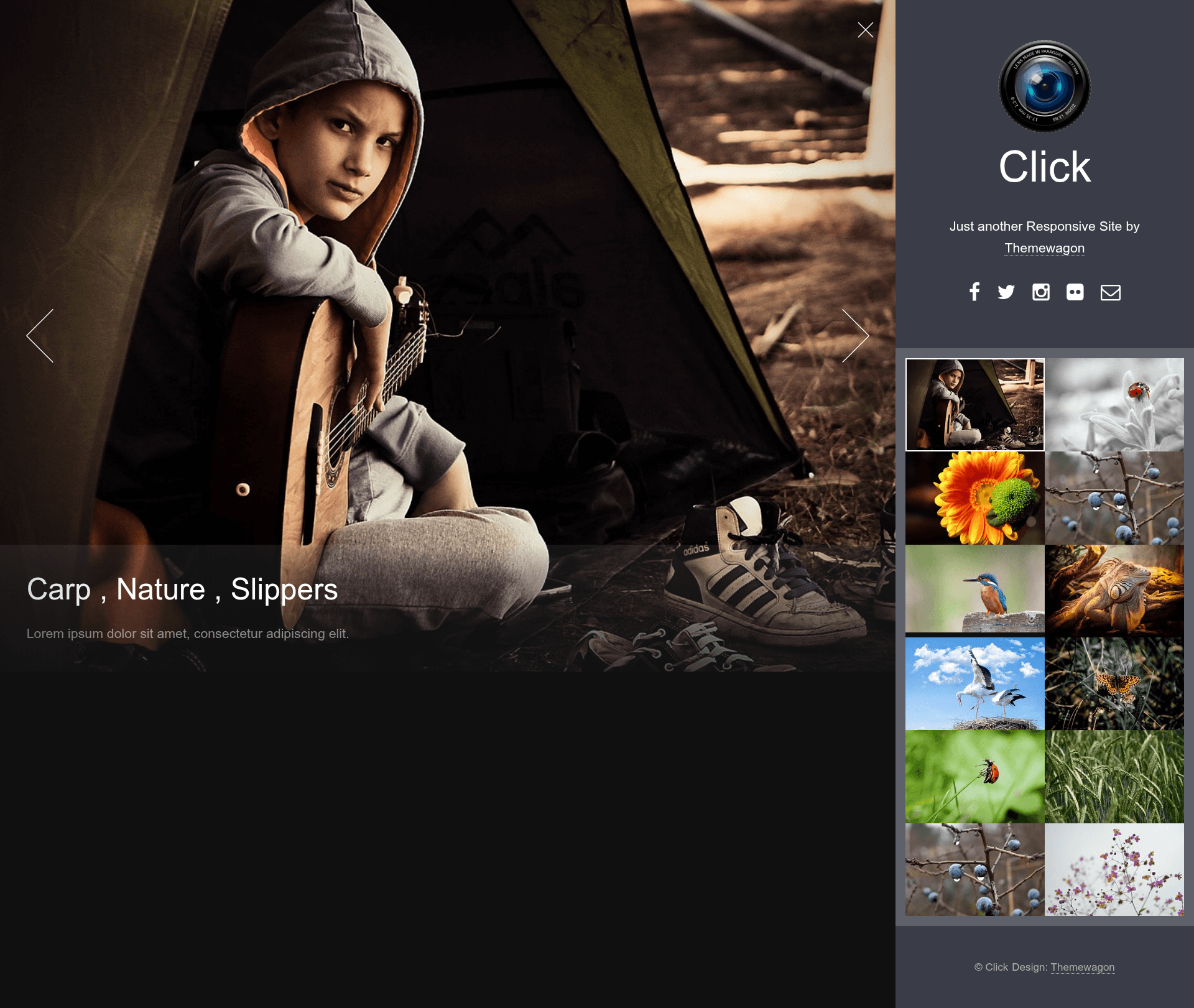
Click is a free, one-page HTML5 photography template from ThemeWagon that turns a set of photo thumbnails into a responsive portfolio site with a large viewport, full-screen viewing, and CSS3/jQuery animations.
What is Click?
Click is a free responsive HTML5 photography template created by ThemeWagon specifically for freelance photographers who want to showcase their work on a single-page website. It takes image thumbnails as input and produces a mobile-first, cross-browser gallery where clicking a thumbnail opens the photo in a large viewport, with an option to view it full screen. The template is built with HTML5, CSS3, and jQuery, integrates FontAwesome icons and Google Fonts, and runs entirely in the browser with no backend or build step. It is distributed under an open-source license that allows commercial use, and it has been downloaded over 12,000 times.
Key Features
- One-page responsive layout — the full site fits on a single page with a mobile-first design that works on phones, tablets, iPads, and desktops.
- Thumbnail gallery with large viewport — clicking any thumbnail opens a larger view in the page, and visitors can expand it to full screen.
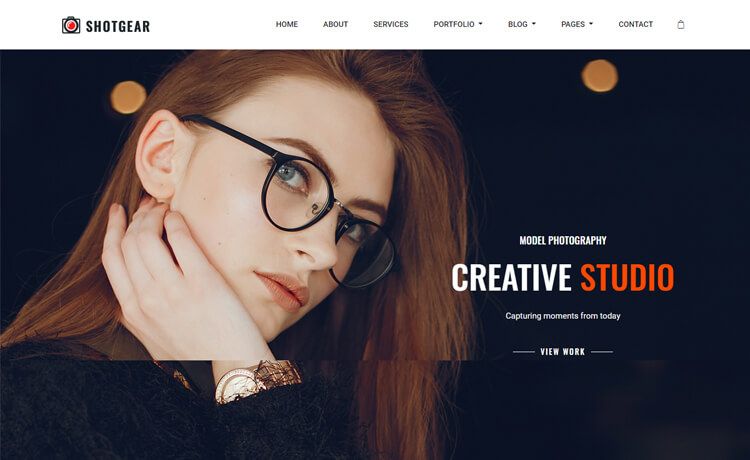
- Full-screen header background — a full-width header image gives the page a strong visual anchor.
- Sticky header — the header remains visible while visitors scroll through the gallery, keeping navigation accessible.
- Smooth CSS3 and jQuery animations — hover effects and view transitions use CSS3 animations and jQuery for a polished feel.
- FontAwesome icon integration — icons are provided by FontAwesome, so no separate icon images are required.
- SEO-optimized markup — the HTML is structured to help search engines understand the page content.
- Cross-browser compatibility — tested to work in Chrome, Edge, Firefox, Opera, Safari, and mobile browsers.
- Well-commented and clean code — the source includes comments to make customization easier.
- Free with commercial license — you can use Click in paid projects and receive lifetime free updates from ThemeWagon.
Who is it for?
- Freelance photographers — build a clean portfolio page to present their best shots with a gallery that supports full-screen display.
- Photography students and hobbyists — publish their captures online quickly without learning a heavy framework or managing a backend.
- Web developers and designers — use the commented HTML/CSS/jQuery code as a base for custom photography or portfolio sites.
What can you do with Click?
- Showcase a photo collection: Upload your thumbnails to the built-in grid; clicking any thumbnail shows the full-size version in the viewport.
- Create a minimal portfolio: Set the full-screen header to a signature photo, and let the sticky header guide visitors to the gallery.
- Customize the styling: Change colors, fonts, and layout by editing the commented CSS, using the included Google Fonts and FontAwesome icons.
Pros and cons
- Free for commercial use — the open-source license lets you charge clients for sites built with it.
- Lightweight and backend-free — no database or server-side code is needed; just static HTML, CSS, and jQuery.
- Built on jQuery — developers used to modern frameworks like React or Vue will need to work with plain JavaScript and jQuery.
- One-page structure — this template is not multi-page, so a separate blog or contact page would require adding new files and navigation.
Pricing
Click is free. ThemeWagon's license allows use in commercial projects and includes lifetime free updates; there is no paid tier mentioned for this specific template.
Alternatives
- Photographer – The Best Free Responsive Photography HTML5 Template — another free photography template from ThemeWagon that the vendor recommends alongside Click.
- Clickr – Free Bootstrap 5 HTML5 Agency Website Template — a free Bootstrap 5-based alternative oriented toward product photography agencies.
FAQ
Is Click free?
Yes, Click is free to download from ThemeWagon. Its license permits commercial use and provides lifetime free updates.
Does Click work on mobile devices?
Yes, the template is fully responsive and built with a mobile-first design concept, so it renders correctly on phones, tablets, iPads, and desktops.
What technologies does Click use?
Click is built with HTML5, CSS3, and jQuery, and it integrates FontAwesome icons and Google Fonts. No other libraries or frameworks are needed.
Can I upload my own photos?
Yes, you replace the placeholder thumbnails and the full-screen header background with your own images in the HTML/CSS files.
Does Click have multiple pages?
No, Click is a one-page template. Everything, including the header, gallery, and footer, is contained in a single page.