Template details
LogisticExpress
Free Bootstrap 4 HTML5 multi-page website template for logistic, moving, and freight forwarding companies.
About this template
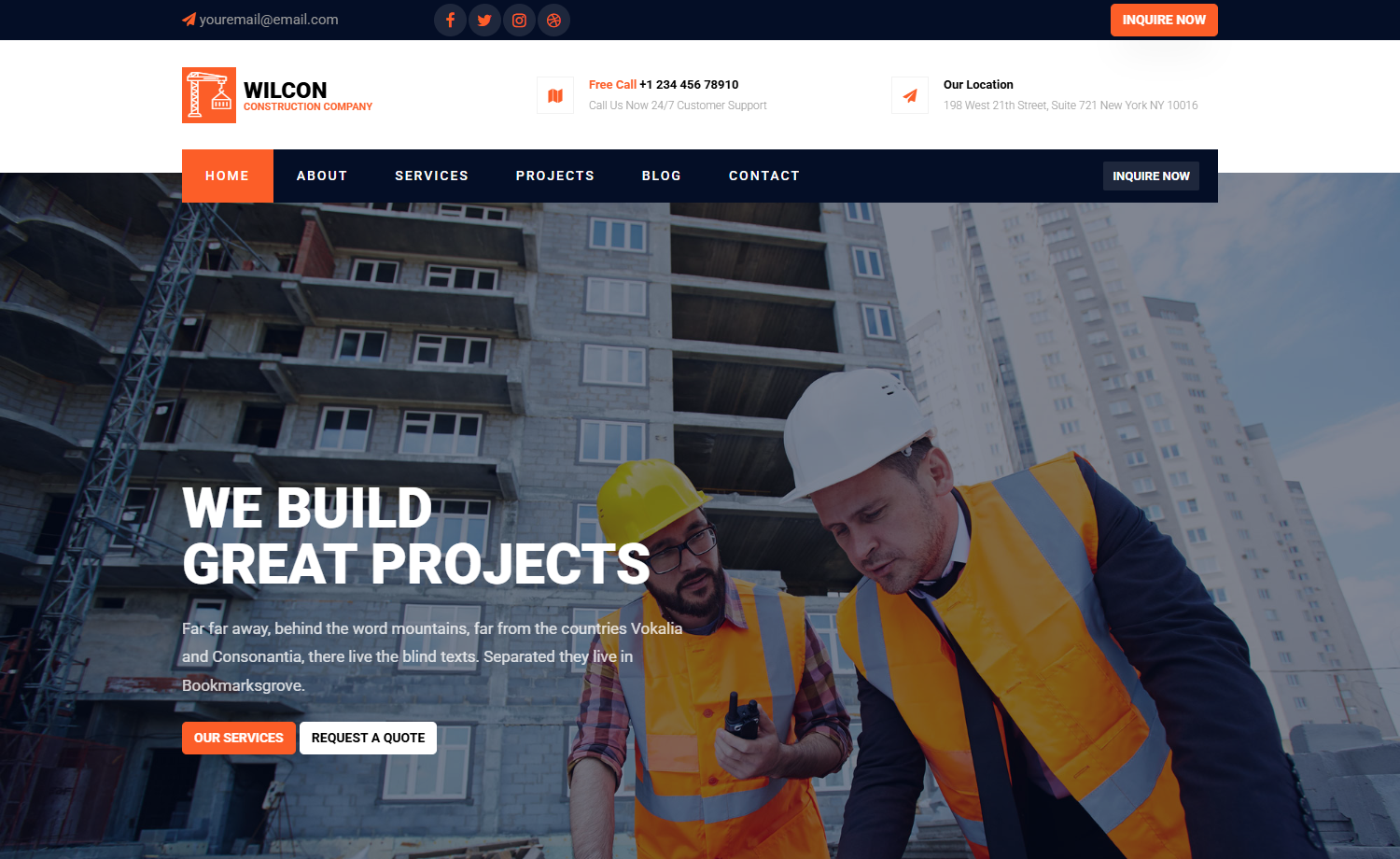
LogisticExpress is a free Bootstrap 4 HTML5 multi-page website template created by Colorlib for logistic companies, moving services, and freight forwarding businesses.
What is LogisticExpress?
LogisticExpress is a free, open-source website template built on Bootstrap 4 and HTML5 CSS3. It takes static content — text, images, maps, and form inputs — and renders it as a fully responsive multi-page corporate website. The template ships with 9 HTML files and 1 PHP file, plus CSS/SCSS source files, JavaScript files, font icons, documentation, and library plugins. It was created by Colorlib and distributed through ThemeWagon.
Key Features
- Bootstrap 4 framework — built on Bootstrap 4 with HTML5 and CSS3, ensuring a responsive grid, consistent components, and cross-browser compatibility with Chrome, Edge, Firefox, Opera, Safari, and mobile devices.
- Multi-page structure — includes 9 HTML files covering home, about, services, blog, and contact pages, plus a working contact form from a PHP file.
- Testimonial carousel — uses the Owl Carousel plugin to display customer reviews in a rotating slider, a common trust signal for service businesses.
- Google Maps and Instagram feeds — embeds Google Maps for location display and Instagram feeds in the footer to connect with social media.
- Newsletter and lead capture — includes an Ajax MailChimp subscription form, a free quote request form UI, and a comment form UI for user engagement.
- Navigation and UI extras — sticky top navigation bar with drop-down menu, breadcrumbs, CSS3 preloader, back-to-top button, pagination UI, and search option.
- Icon and styling assets — bundles FontAwesome, Flaticon, and Themify icon fonts, with SCSS source files for customization.
Who should use LogisticExpress?
- Logistic and freight forwarding companies: launch a multi-page corporate site with quote requests, contact forms, and Google Maps to generate leads.
- Moving and relocation services: showcase coverage areas with maps, build trust with testimonial carousels, and publish location updates on the blog.
- Web developers and freelancers: use the free Bootstrap 4 starter to build client sites, customizing the SCSS and JavaScript source files quickly.
What can you do with LogisticExpress?
- Lead generation: collect customer inquiries through the free quote form and working contact form.
- Newsletter growth: capture email subscribers with the Ajax MailChimp form and display Instagram feeds to build audience.
- Content publishing: maintain a blog section with pagination UI to share news, tips, and company updates.
- Local SEO: embed Google Maps to help customers find depots or office locations.
FAQ
Is LogisticExpress free?
Yes, LogisticExpress is free to download and can be used in commercial projects with lifetime free updates. As a free template, it requires credit or attribution and includes no support.
What does LogisticExpress include?
The package includes 9 HTML files, 1 PHP file, CSS and SCSS source files, JavaScript source files, font icons, documentation, and plugin libraries such as Bootstrap 4, Owl Carousel, FontAwesome, Flaticon, Themify Icons, Magnific Pop-Up, Ajax MailChimp, and Masonry.
Who created LogisticExpress?
LogisticExpress was created by Colorlib and is distributed through ThemeWagon. The current version is v1.0.0, released 6 years ago and updated 3 months ago.
Can I customize LogisticExpress?
Yes, the template provides SCSS and JavaScript source files for customization. However, the free version offers limited customization options compared to premium templates, which include Figma files and 24/7 support.
Which browsers does LogisticExpress support?
LogisticExpress is fully responsive and compatible with the latest versions of Chrome, Edge, Firefox, Opera, Safari, and all mobile devices.