Template details
Louie
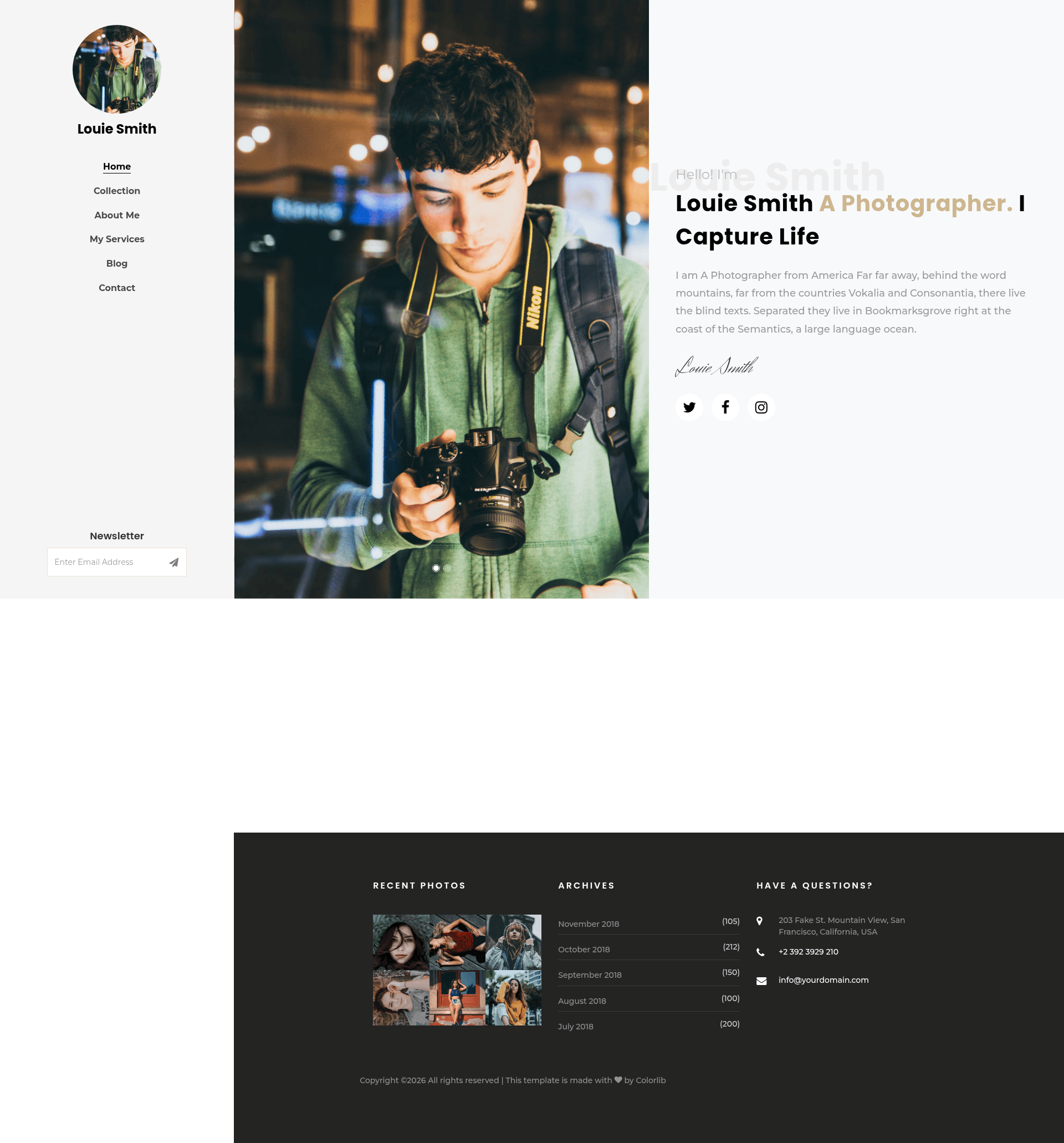
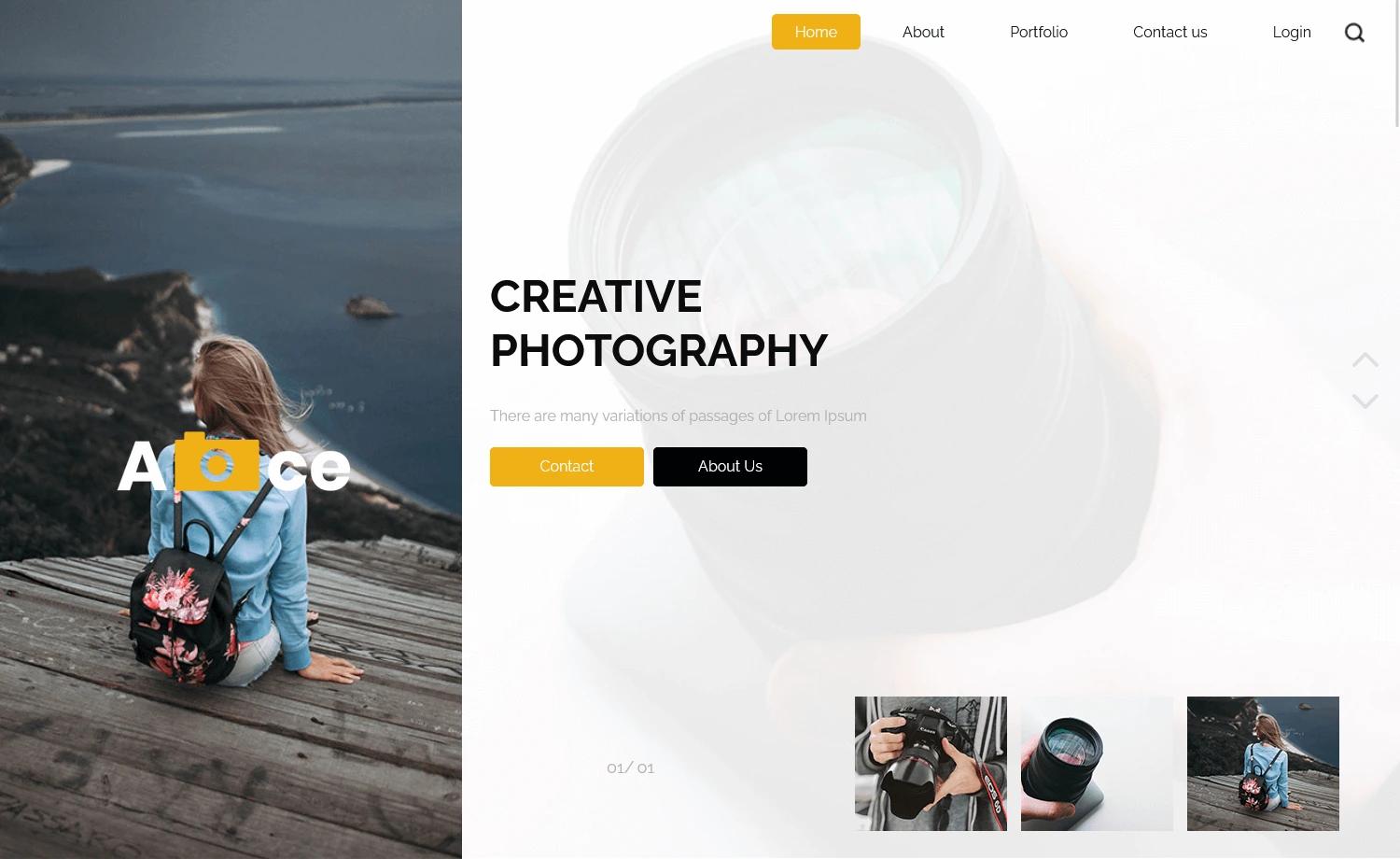
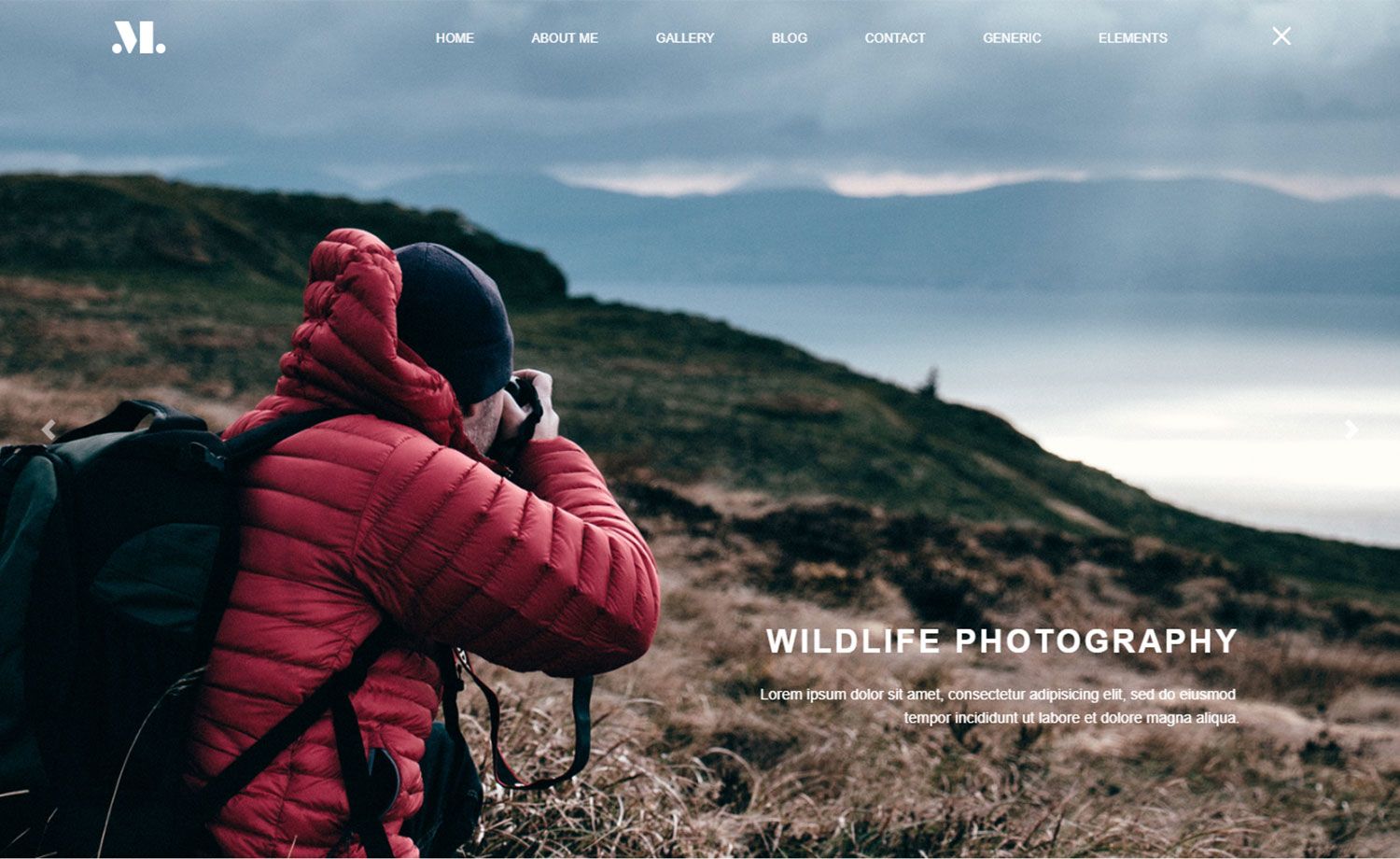
Free Bootstrap 4 HTML5 photography template with hero header, Instagram feeds, gallery, blog, and contact forms.
About this template
Louie is a free Bootstrap 4 HTML5 photography website template from ThemeWagon and Colorlib that gives photographers a complete multi-page portfolio site with a hero header, sticky sidebar, Instagram feeds, and a blog section.
What is Louie?
Louie is a multi-page HTML5 photography template built on Bootstrap 4. It comes as a static HTML/CSS/JS package with 7 HTML files, CSS and SCSS source files, JavaScript files, font icons, and library/plugin files. You use it by editing the markup and styles to replace demo images and content with your own photography work; the output is a fully responsive, cross-browser-compatible portfolio website. It was created by Colorlib and is distributed for free on ThemeWagon.
Key Features
- Bootstrap 4 foundation – The layout uses Bootstrap 4's grid, components, and utilities, so the template is responsive and tested in Chrome, Edge, Firefox, Opera, Safari, and mobile browsers.
- Hero header and call to action – A large introductory section with a call-to-action button gives visitors a clear first step, such as viewing the gallery or contacting you.
- Sticky sidebar – Navigation stays fixed on scroll, making it easy for visitors to move between pages on long gallery and blog layouts.
- Instagram Feeds – A built-in section to display Instagram photos, letting you link your social presence directly on the site.
- Image gallery with modal view – The gallery opens images in a Magnific Pop-Up lightbox, with hover effects on thumbnails.
- Blog section – Includes a blog page with pagination UI, search option, and a comment form UI, so you can publish photography stories and tips.
- Google Maps – An embedded Google Map helps show your studio location or shooting areas.
- SCSS source files – The package includes both CSS and SCSS files, plus JavaScript source files and plugin libraries like Owl Carousel and Icomoon for easier customization.
Who is it for?
- Professional photographers – To build a polished portfolio website with gallery, blog, and contact pages without hiring a developer.
- Creative studios and agencies – To showcase photography services and team credentials using a ready-made multi-page design.
- Freelance visual artists – To get online quickly with a free, mobile-friendly site that handles image-heavy content well.
What can you do with Louie?
- Portfolio showcase: Present your best work in the gallery with modal lightbox viewing and hover effects to keep visitors engaged.
- Photography blogging: Publish articles using the built-in blog layout, pagination, and search, and let readers leave comments via the comment form UI.
- Lead generation: Collect inquiries through the contact form, grow an email list with the newsletter subscription form, and direct visitors with the call-to-action button.
- Location display: Use the Google Maps section to show where you are based or where shoots happen.
Is Louie free?
Yes, Louie is completely free to download and use. The ThemeWagon download page lists it as open source, allows use in commercial projects, and includes lifetime free updates. No paid tier or premium version is advertised on the page.
Alternatives
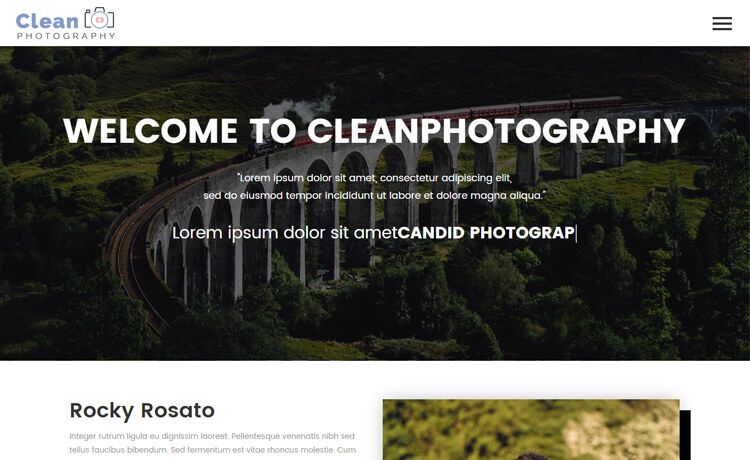
- Cleanphotography – Another free Bootstrap 4 photography template from ThemeWagon.
- Halen – A free Bootstrap 4 photography template from ThemeWagon.
- Proshoot – A free HTML5 Bootstrap 4 photography template from ThemeWagon.
FAQ
Does Louie work on mobile?
Yes. The template is 100% responsive and is listed as compatible with mobile browsers in addition to Chrome, Edge, Firefox, Opera, and Safari.
What files are included in the download?
The package includes 7 HTML files, CSS and SCSS files, JavaScript source files, font icon sets, and library/plugin files such as Bootstrap 4, Owl Carousel, Google Map, Icomoon, Flaticon, Ionicons, and Magnific Pop-Up.
Can I use Louie for a commercial photography business?
Yes. The download page states that the template is open source and can be used in commercial projects, with lifetime free updates.
Do I need coding skills to use Louie?
Basic HTML/CSS knowledge helps because it's a static template. The well-organized code and included SCSS files make customization straightforward, but you need to edit files rather than use a point-and-click builder.