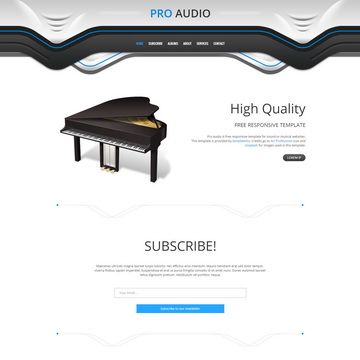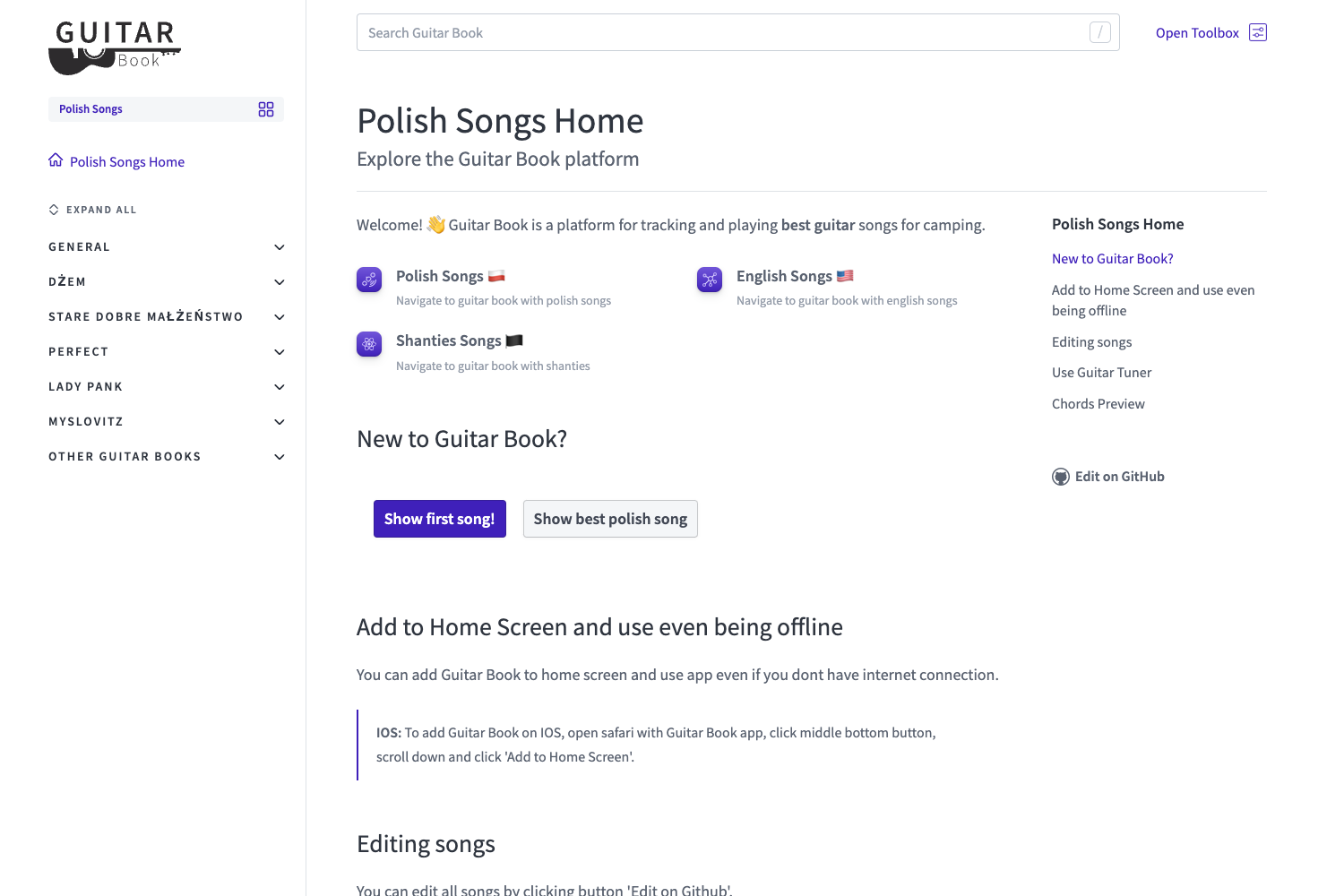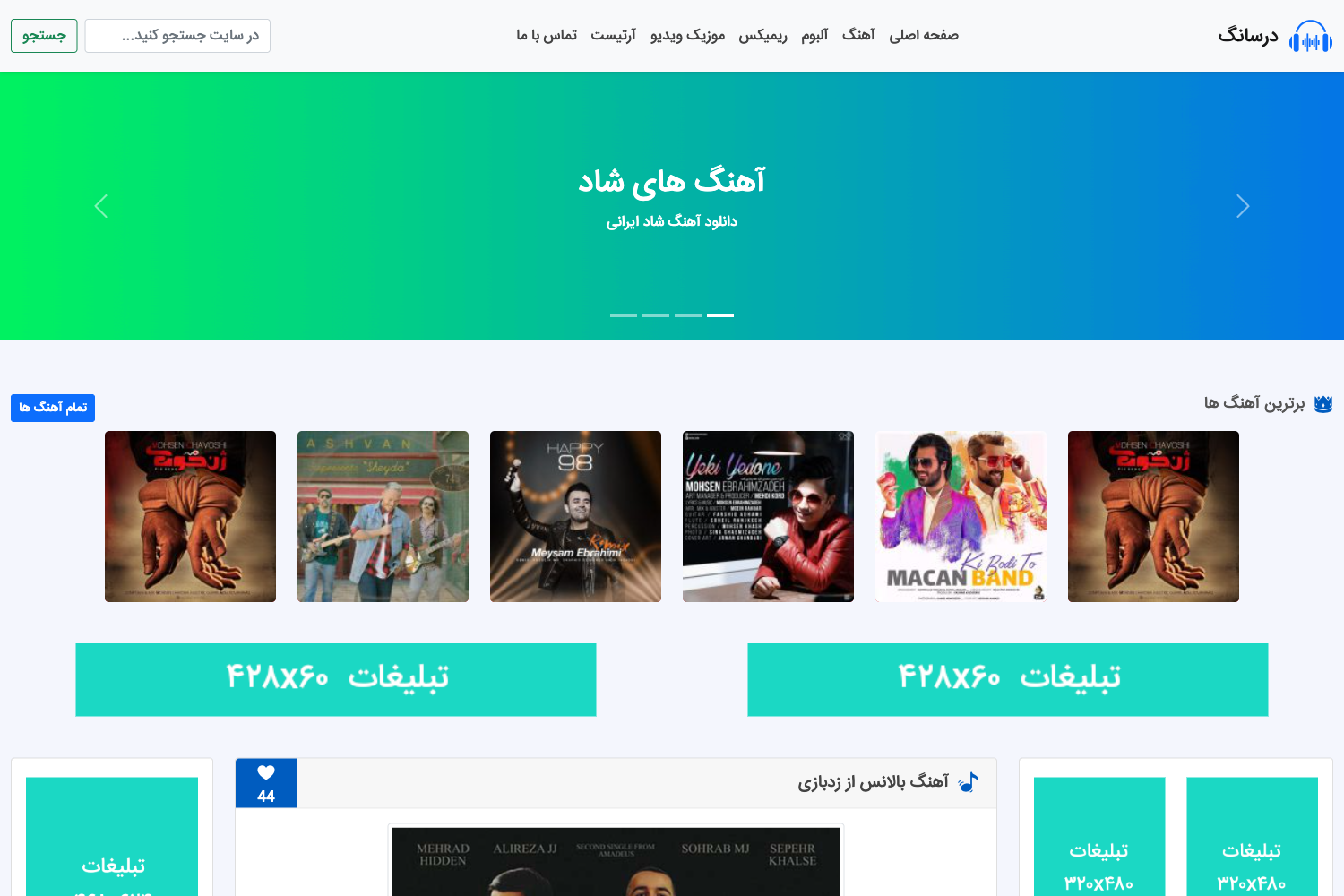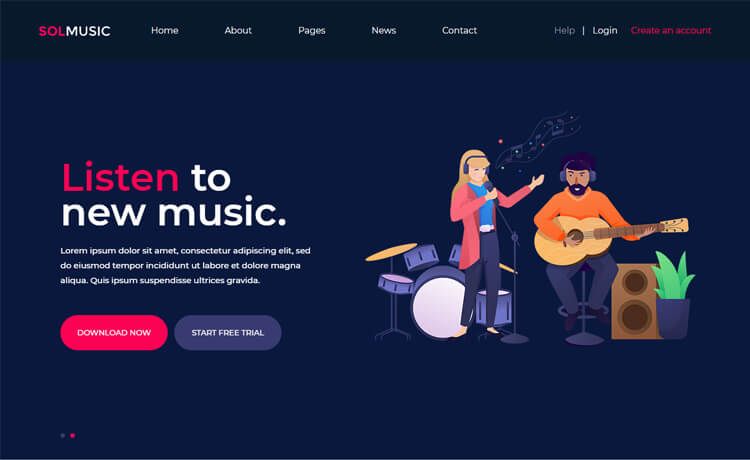
Template details
Minimal Music Project
A flexible Jekyll theme for music bands to showcase releases, news, and embedded players from streaming platforms.
About this template
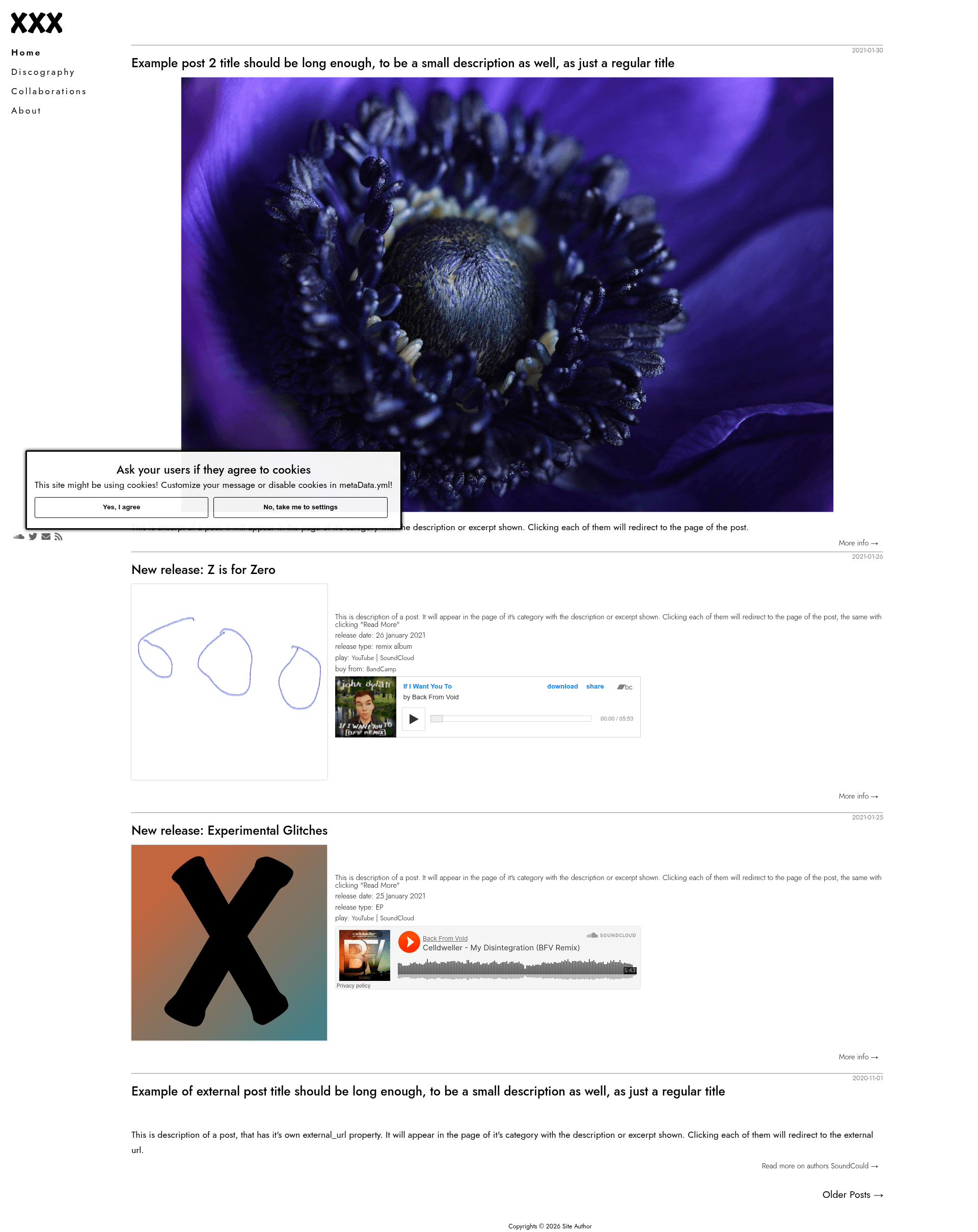
minimal-music-project is a flexible, extendable Jekyll theme for building a music band website with ready-made components to list all releases and news and to embed streaming players from Spotify, SoundCloud, YouTube, Bandcamp, and more.
What is minimal-music-project?
minimal-music-project is a Jekyll theme distributed as a Ruby gem and as a GitHub Pages-compatible remote theme. It takes Markdown posts and YAML data files as input and generates a static website with a news feed, a discography listing, and multimedia players. The theme is developed by ItsPatrq, is MIT-licensed, requires Jekyll 3.9 or newer, and has a live demo on Netlify at minimal-music-project.netlify.app.
Key Features
- Release and news pages — Posts with a
descriptionfront matter parameter, or using Jekyll's excerpt functionality, appear in the post feed and discography preview; pagination is handled by the jekyll-paginate-v2 plugin. - Multi-platform media embedding — The
embed_playerfront matter parameter supports SoundCloud tracks, Bandcamp songs, Spotify tracks/albums/playlists/episodes/shows, YouTube videos, Anchor.fm episodes, and direct audio files with a custom volume slider. - Responsive images — Each post can define
imagefor a fallback path andresponsiveImageas an array of objects withsrcandsizepairs that compile into an img srcset attribute. - Configurable menus and contacts — The
_data/menu.ymlfile defines navigation items with title, URL, category identifier, and tooltip, plus a contact section with Font Awesome icons and target attributes. - Cookie consent pop-up — The
_data/metaData.ymlfile controls the cookie pop-up's enabled state, message, button texts, and a consent list rendered on a dedicated cookies layout. - SEO support — The theme integrates jekyll-seo-tag for standard meta tags and offers a
clickToEnlargeImagesboolean to enable full-screen image viewing. - Custom CSS and JavaScript — The
_data/customs.ymlfile accepts lists of URLs for custom CSS and custom JavaScript files, enabling styling and behavior overrides.
Who is it for?
- Independent musicians and bands — create a professional homepage with discography and embedded players without writing HTML and CSS from scratch.
- Music bloggers and reviewers — publish posts with excerpts and embed tracks from multiple platforms to illustrate reviews.
- Podcasters — embed Spotify episodes or Anchor.fm episodes directly into posts to build a listenable episode archive.
- Music labels and collectives — present multiple artists or projects under one Jekyll site with a consistent layout.
What can you do with it?
- Embed a Spotify track: Put the track ID in the
embed_playerfront matter and the theme renders a working Spotify player on that post. - Build a discography: Publish one post per release with
imageorresponsiveImageto show cover art in the feed, and add anembed_playerfor previews. - Add cookie consent: Enable
cookiesin_data/metaData.ymlto show a pop-up with configurable message, button texts, and consent checkboxes.
How does it work?
Install the theme by adding the gem to your Gemfile, by setting remote_theme: ItsPatrq/minimal-music-project for GitHub Pages, or by forking the repository. Then configure the YAML data files, write posts with front matter for descriptions, images, and embedded players, and Jekyll builds the static site from those inputs. For development, run bundle exec jekyll serve to test the theme locally at localhost:4000.
FAQ
Is minimal-music-project free?
Yes, the theme is open source under the MIT License, so it can be freely used, modified, and distributed, including in commercial projects.
Does minimal-music-project work with GitHub Pages?
Yes, it supports the remote theme mechanism. Set remote_theme: ItsPatrq/minimal-music-project in your _config.yml, remove other themes, and the required plugins jekyll-paginate-v2 and jekyll-seo-tag will be handled by GitHub Pages.
Which media platforms can be embedded?
The embed_player parameter supports SoundCloud, Bandcamp, Spotify (tracks, albums, playlists, episodes, shows), YouTube, Anchor.fm, and direct audio files. Each platform has a distinct type value with specific source formatting instructions.
What Jekyll version do I need?
The theme supports Jekyll 3.9 and newer. The repository badge explicitly shows jekyll >= 3.9 as the version requirement.