Template details
@nanarino/stylus
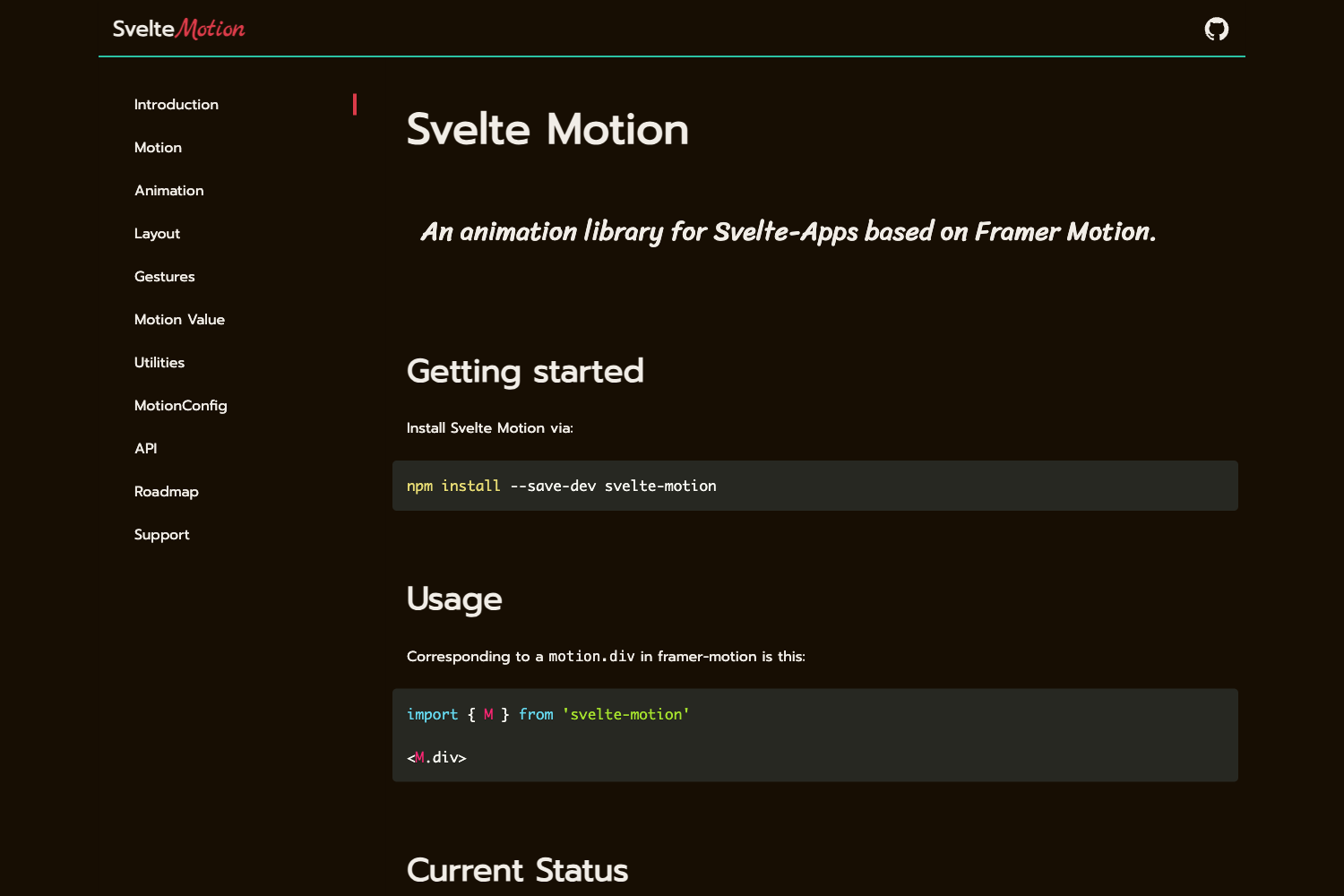
A pure CSS library written in Stylus for Astro and MDX projects, installable via pnpm with both compiled CSS and source Stylus exports.
About this template
@nanarino/stylus is a pure CSS library written in the Stylus preprocessor, published as an npm package and documented at nanarino.github.io/stylus, designed to style Astro and MDX projects.
What is @nanarino/stylus?
@nanarino/stylus is a pure CSS library written in Stylus, maintained by the nanarino project and documented at nanarino.github.io/stylus. It takes Stylus source or precompiled CSS as input and produces a themeable stylesheet for Astro- and MDX-based sites, with the repository tagged as both an astro-theme and an mdx-theme. Version 0.x was published under the name nanarinostyl and remains compatible with 1.x.
Key Features
- Stylus source and compiled CSS — Install once and consume either compiled CSS through
import '@nanarino/stylus'or the original Stylus source throughimport '@nanarino/stylus/lib/index.styl'for deeper customization. - PNPM and Node.js toolchain — Install with pnpm (
pnpm i @nanarino/stylus) and build with pnpm 10.16.0 on Node.js v22.19.0; the development server runs withpnpm dev. - Dual build targets —
pnpm build:docscompiles the documentation site whilepnpm build:stylcompiles the stylesheet itself, so palette and font changes can be rebuilt locally. - Arco Design palette — Colors are drawn from Arco's default color palette and icons from the official Arco icon library, giving the library a coherent, predefined design system.
- css-doodle backgrounds — Background patterns are generated with css-doodle, and the visual direction takes inspiration from affinity-css.
- Broad browser support — Officially supports Chrome 105+, Edge 105+, Firefox 121+, Opera 91+, Safari 18+, Chrome Android 105+, Firefox for Android 121+, Opera Android 72+, Safari on iOS 18+, and Samsung Internet 20.0.
- Project-specific coding constraints — The README documents Astro, MDX, and Stylus conventions, such as using
***instead of---for MDX horizontal rules, keeping Astro templates free of TSX expressions, and using@importfor CSS before@requirefor Stylus.
Who is it for?
- Astro theme developers — Use the library as the styling foundation for an astro-theme, with documented Astro constraints like
is:inlineand IIFE-wrapped inline client scripts keeping the integration clean. - MDX documentation authors — Style MDX-based documentation sites using predefined rules such as
***for horizontal rules and a ban on JS/TS comments inside MDX content. - Stylus users who want a starting point — Import the partial Stylus source to modify defaults such as the color palette and fonts, then run
pnpm build:stylto regenerate the stylesheet. - Design-system tinkerers — Reference the Arco palette, css-doodle backgrounds, and affinity-css-inspired approach as a basis for a custom style layer.
What can you do with @nanarino/stylus?
- Theme an Astro site: import the compiled CSS in a JSX entry (
import '@nanarino/stylus') and get a full color palette and background system based on Arco Design and css-doodle. - Reuse the Stylus source in a Stylus pipeline: import
@nanarino/stylus/lib/index.stylinto your own.stylfile to extend variables and mixins before compiling. - Rebuild the library locally: clone the repository, run
pnpm i, thenpnpm build:stylafter editing defaults like the color scheme or default fonts.
How does @nanarino/stylus work?
Install the package with pnpm, then import it in one of three ways: in JSX via import '@nanarino/stylus', in CSS via @import url('@nanarino/stylus'), or in Stylus via import '@nanarino/stylus/lib/index.styl'. For local development, clone the repository, run pnpm i to install dependencies, and pnpm dev to start the development server.
Browser compatibility
The library targets modern evergreen browsers with a support matrix of Chrome 105+, Edge 105+, Firefox 121+, Opera 91+, Safari 18+, Chrome Android 105+, Firefox for Android 121+, Opera Android 72+, Safari on iOS 18+, and Samsung Internet 20.0.