Template details
Next.js - Ethers.js - TypeScript
A boilerplate template for wallet dApp | Next.js - Ethers.js - TypeScript
About this template
Next.js - Ethers.js - TypeScript is a boilerplate template for building wallet dApps on Ethereum, pairing the Next.js React framework with Ethers.js for blockchain interaction.
What is this template?
This template is a starting point for a wallet-based decentralized application. It combines Next.js for the frontend, Ethers.js for Ethereum communication, and TypeScript for static typing. The repository is tagged with topics like blockchain, dapp, ethereum, and web3, and as a boilerplate it provides the basic structure needed to connect a browser wallet to Ethereum.
Key Features
- Next.js framework — A React-based web framework known for fast page loads and a responsive development experience.
- Ethers.js library — The Ethereum interaction layer used for connecting to wallets and reading/writing blockchain data.
- TypeScript support — The project is named for TypeScript, giving you type safety when building wallet functions.
- Quick setup — The README lists four steps: clone the repository, run
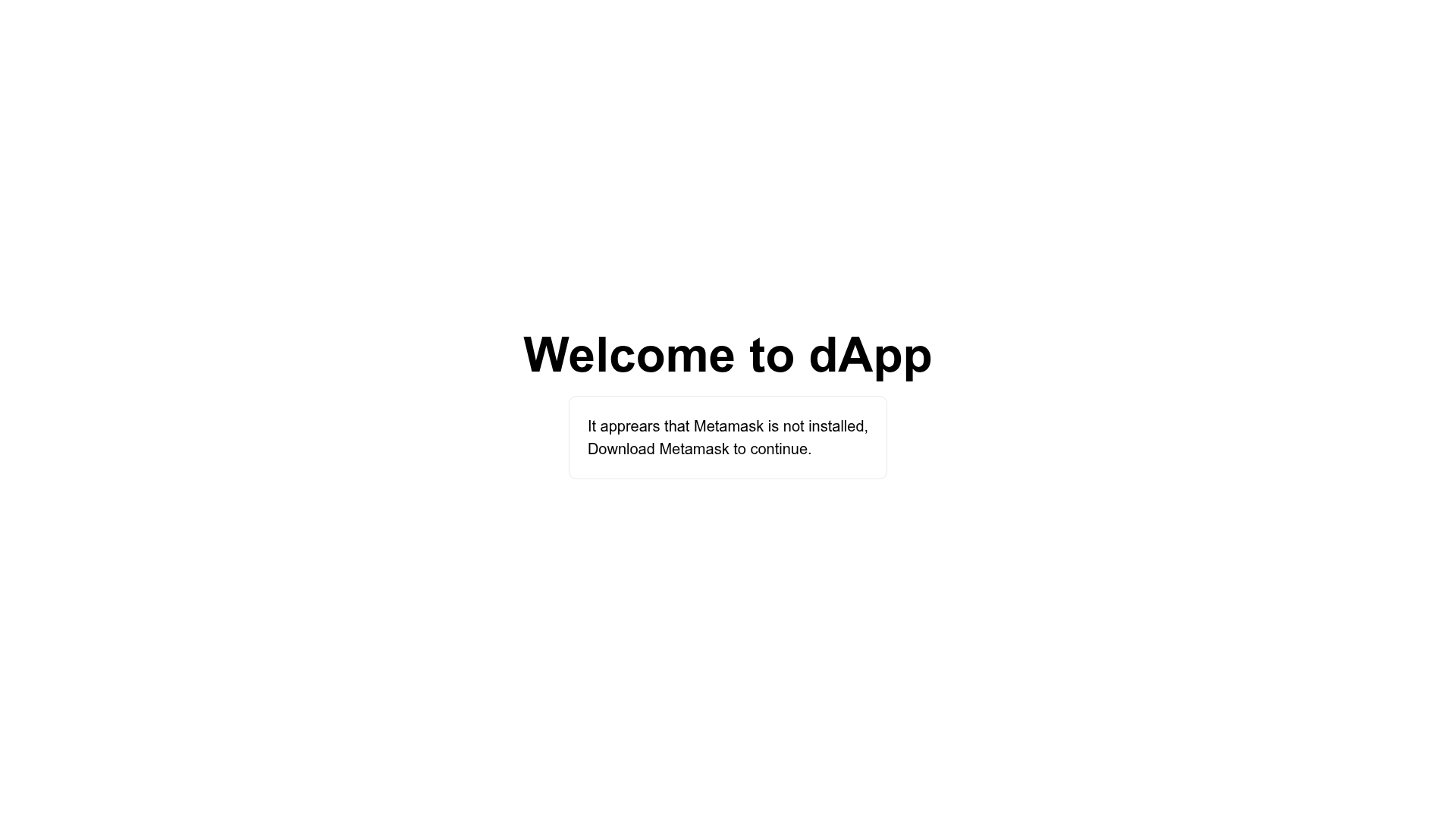
npm install, start the dev server withnpm run dev, and openhttp://localhost:3000in a browser. - Connection state UI — Commented-out screenshot placeholders reference a connected state, a default (not-connected) state, and a "no MetaMask" state, indicating the template accounts for common wallet connection scenarios.
- Wallet dApp focus — The topic list includes wallet-dapp, setting it apart from generic Next.js templates.
Who is it for?
- Web3 developers — Start a new Ethereum dApp project without wiring up Ethers.js and connection logic from scratch.
- Frontend engineers — Use the Next.js setup to build wallet connection interfaces with a familiar React development flow.
- Blockchain learners — Study a minimal codebase that shows how a Next.js app integrates with Ethers.js.
What can you do with it?
- Connect a wallet — The template lays out the UI states for wallet connection, including handling when MetaMask is not installed.
- Build a dApp frontend — Use the boilerplate as the base for NFT tools, DeFi dashboards, or any Ethereum-facing web app.
- Run a local dev server — After installing dependencies, the app runs on
http://localhost:3000for immediate testing.
How does this template work?
The README's getting-started steps describe a straightforward workflow: clone the repository, install dependencies with npm install, start the development server with npm run dev, and view the app at http://localhost:3000. The template relies on Ethers.js to handle Ethereum interactions and Next.js to serve and render the interface.
FAQ
How do I start the template?
Clone the repository, run npm install to install dependencies, then run npm run dev. Open your browser to http://localhost:3000 to see the app.
Is this template free to use?
The repository is publicly hosted on GitHub with no mention of paid licensing, and it is described as a boilerplate, so it is intended as a free starting point for developers.
Does it support MetaMask?
Based on the screenshot placeholders for "connected", "default", and "no MetaMask" states, the template appears to handle MetaMask installation status in its wallet connection flow.
What Ethereum library does it use?
The template uses Ethers.js, a JavaScript library for interacting with the Ethereum blockchain, listed in the project's built-with table.