Template details
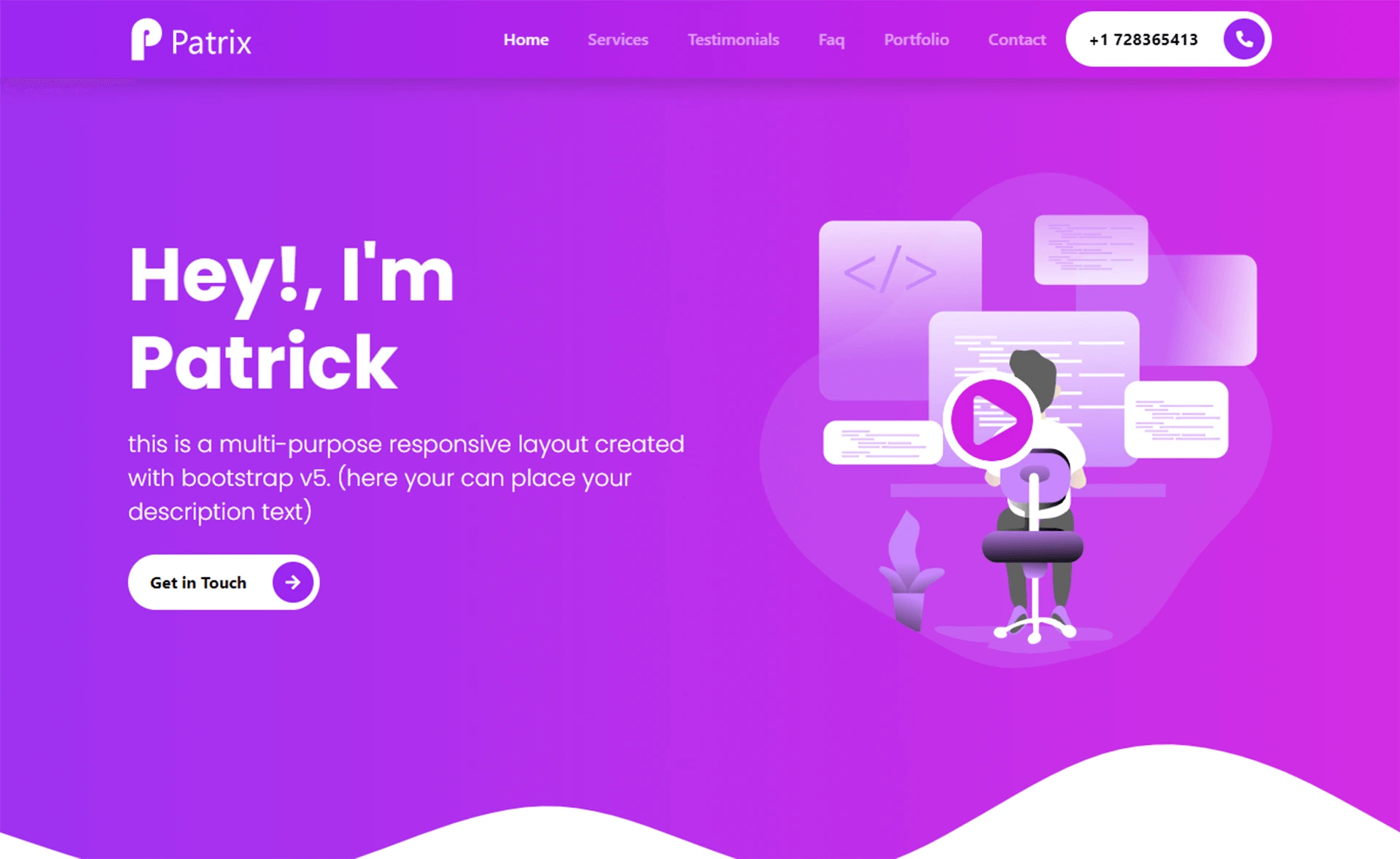
NextJS Tailwind App Presentation Page
Free Next.js + Tailwind CSS app presentation template with hero, features, FAQ, stats, and testimonial sections.
About this template
NextJS Tailwind App Presentation Page is a free, open-source landing page template from Creative Tim for presenting mobile and web applications, built on Next.js, Tailwind CSS, and Material Tailwind.
What is NextJS Tailwind App Presentation Page?
This template is a ready-made marketing page for apps, comprising hero, features, FAQ, stats, and testimonial sections that you populate with your own content. It runs on Next.js, a React framework, and uses Tailwind CSS for styling with Material Tailwind components. The template is version 1.0.0, published by Creative Tim in 2023, and its source code is available on GitHub.
Key Features
- Built with Next.js and Tailwind CSS — Uses the React framework Next.js for server-side rendering and Tailwind CSS for utility-first styling, with Material Tailwind providing reusable React components.
- Pre-built sections — Includes hero, features, FAQ, stats, and testimonials, covering the core sections of a product landing page.
- Free to download — The template is offered as a free product by Creative Tim, and the code is open source on GitHub.
- Documentation — Creative Tim provides documentation for installation and component usage on the Material Tailwind docs site.
- Browser support — Officially supports the last two versions of Chrome, Firefox, Edge, Safari, and Opera.
- Version 1.0.0 — The current release is version 1.0.0, first published in 2023.
Who is it for?
- App developers — Create a professional product page for a mobile or web app quickly by customizing the pre-built sections.
- Startups — Present an app concept or MVP to potential investors or early users with a polished landing page.
- Businesses — Showcase a company app with features and testimonials to build trust with customers.
What can you do with NextJS Tailwind App Presentation Page?
- Launch a product page: Replace the sample content in each section with your own app details and deploy the Next.js site to any hosting provider.
- Customize branding: Adjust colors, fonts, and spacing using Tailwind CSS utility classes to match your app's visual identity.
- Gather social proof: Use the testimonial section to display user reviews and the stats section to highlight key metrics.
How does NextJS Tailwind App Presentation Page work?
- Download the template from Creative Tim or clone the GitHub repository.
- Install Node.js LTS, then run
npm installin the project root to install dependencies. - Edit the React components that compose each section and run the development server to preview your changes.
Pricing
The template is free to download and use. Creative Tim's license agreement applies; you can review the license terms on their website.
FAQ
Is NextJS Tailwind App Presentation Page free?
Yes, the template is a free product from Creative Tim. You can download it directly from their website or clone the GitHub repository without paying a license fee.
What sections does the template include?
The template includes five main sections: hero, features, FAQ, stats, and testimonials. These are implemented as React components that you can edit to match your app's content.
How do I install the template?
Download the files, ensure you have Node.js LTS installed, then run npm install in the project root. After that, you can start the development server and begin customizing.
Which browsers are supported?
The template officially supports the last two versions of Chrome, Firefox, Edge, Safari, and Opera, as stated by Creative Tim.
Can I use this template for commercial projects?
The template is released under Creative Tim's license, which permits usage according to the terms specified on their license page. You should review those terms for commercial use details.