Template details
Nuxt Bootstrap Boilerplate
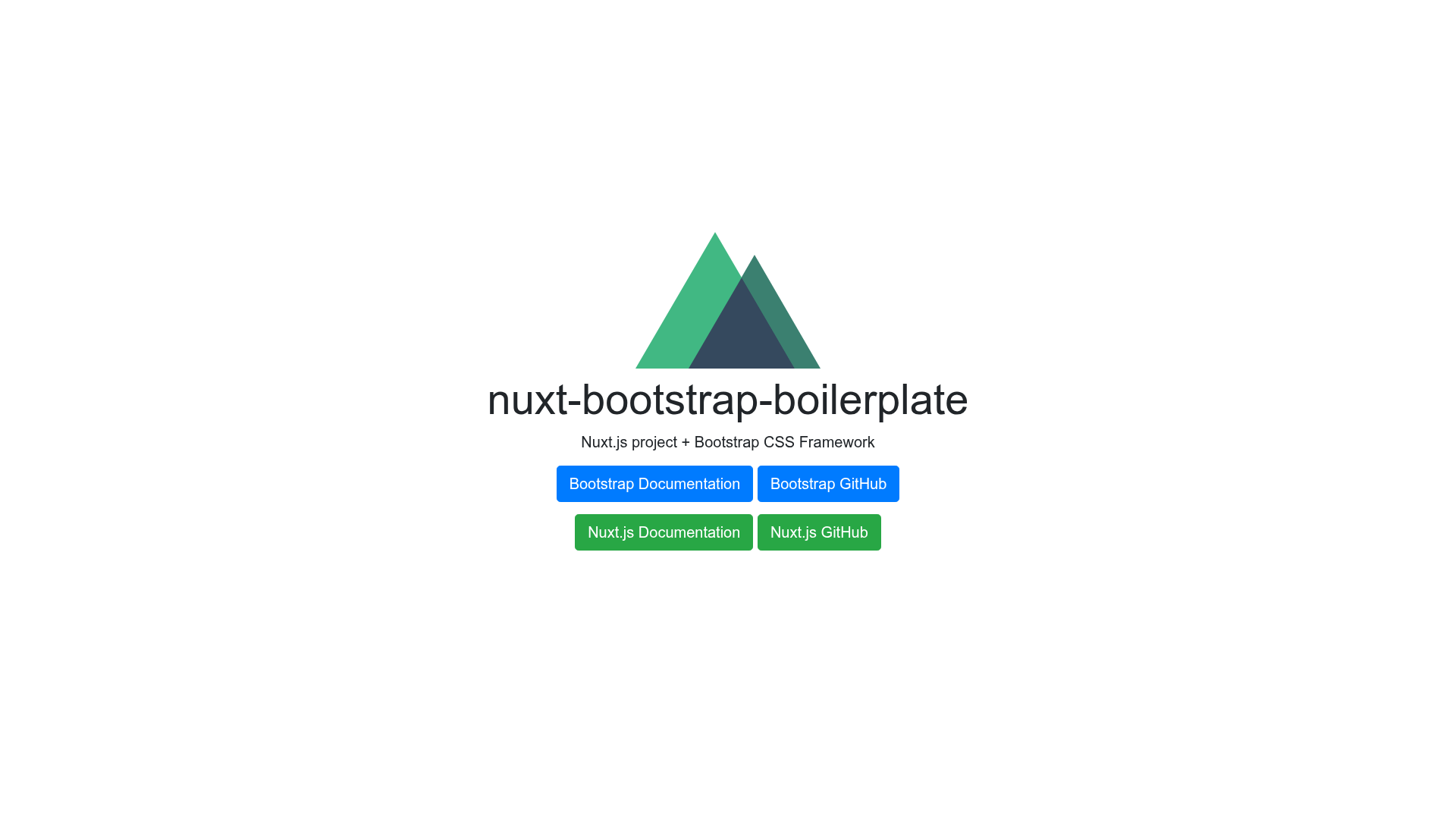
Nuxt.js project boilerplate that integrates Bootstrap CSS with SCSS variable overrides and static site generation.
About this template
Nuxt Bootstrap Boilerplate is a starter project that combines the Nuxt.js Vue framework with the Bootstrap CSS framework, giving developers a pre-configured foundation for building websites and static sites.
What is nuxt-bootstrap-boilerplate?
Nuxt Bootstrap Boilerplate is a Nuxt.js project template that ships with the Bootstrap CSS framework already integrated. It takes a standard Nuxt application structure and adds Bootstrap's global styles, grid system, and components, so you can start building pages with familiar Bootstrap classes immediately. The project is hosted on GitHub under the SafeStudio organization and is available for anyone to clone, modify, and deploy. It supports both server-rendered production builds and fully static site generation.
Key Features
- Nuxt.js framework — Runs on Nuxt.js, the Vue-based universal application framework, with the standard
pages/,components/, andnuxt.config.jslayout. - Bootstrap CSS — Bootstrap is included out of the box, so you can use its responsive grid, utility classes, and styled components without additional setup.
- Bootstrap variable override — A dedicated file,
assets/scss/_bootstrap_override.scss, lets you customize Bootstrap's SCSS variables before compilation to theme the entire site. - Hot reload development server —
npm run devstarts a local development server atlocalhost:3000with hot module reloading. - Production build and server —
npm run buildcompiles the project for production, andnpm startlaunches the server to serve it. - Static site generation —
npm run generateexports the project as static HTML files, ideal for hosting on any static file server or CDN. - Package manager flexibility — Dependencies can be installed with either
npm installoryarn install. - Automated dependency updates — The repository integrates with Greenkeeper, which automatically opens pull requests to keep dependencies current.
Who is it for?
- Nuxt.js beginners — Developers new to Nuxt can use this boilerplate to see how a Nuxt project is organized while having Bootstrap already configured, so they can focus on learning Vue components and routing.
- Front-end developers — Those who need a quick Bootstrap-themed starting point for a Nuxt project can clone this repo and run
npm installto get a working environment in minutes. - Static site creators — Anyone who wants to produce a static website with the Nuxt ecosystem can use
npm run generateto output clean HTML files for deployment.
What can you do with nuxt-bootstrap-boilerplate?
- Build a responsive landing page — Use the existing Nuxt pages structure combined with Bootstrap's grid and utility classes to create a mobile-friendly landing page quickly.
- Prototype a Nuxt application — Set up routes and components in the
pages/directory while relying on Bootstrap for styling, skipping the initial CSS setup. - Customize the Bootstrap theme — Edit
_bootstrap_override.scssto change colors, spacing, and other global SCSS variables, and see the changes reflected across the entire site.
How does nuxt-bootstrap-boilerplate work?
Start by cloning the repository and running npm install or yarn install to fetch dependencies. Then use the npm scripts described above to run a development server, build for production, or generate a static version. Bootstrap is imported through the project's SCSS pipeline, and the override file lets you adjust its variables before the CSS is compiled.
Pricing
Nuxt Bootstrap Boilerplate is free and open source. It is published as a public GitHub repository, so there are no fees to use, modify, or distribute it.
FAQ
Is nuxt-bootstrap-boilerplate free?
Yes, it is completely free and open source. You can use it for personal or commercial projects without any charge.
How do I override Bootstrap variables?
Open assets/scss/_bootstrap_override.scss and define your custom SCSS variable values. These will be applied when Bootstrap is compiled, giving you control over the theme.
Can I generate a static site from this boilerplate?
Yes, run npm run generate to create a static version of the site in the dist directory, which can be hosted on any static hosting service.
What is the purpose of the Greenkeeper badge?
The badge indicates that the repository uses Greenkeeper to automatically monitor and update npm dependencies via pull requests, helping keep the boilerplate up to date.