Template details
QBAdminUI
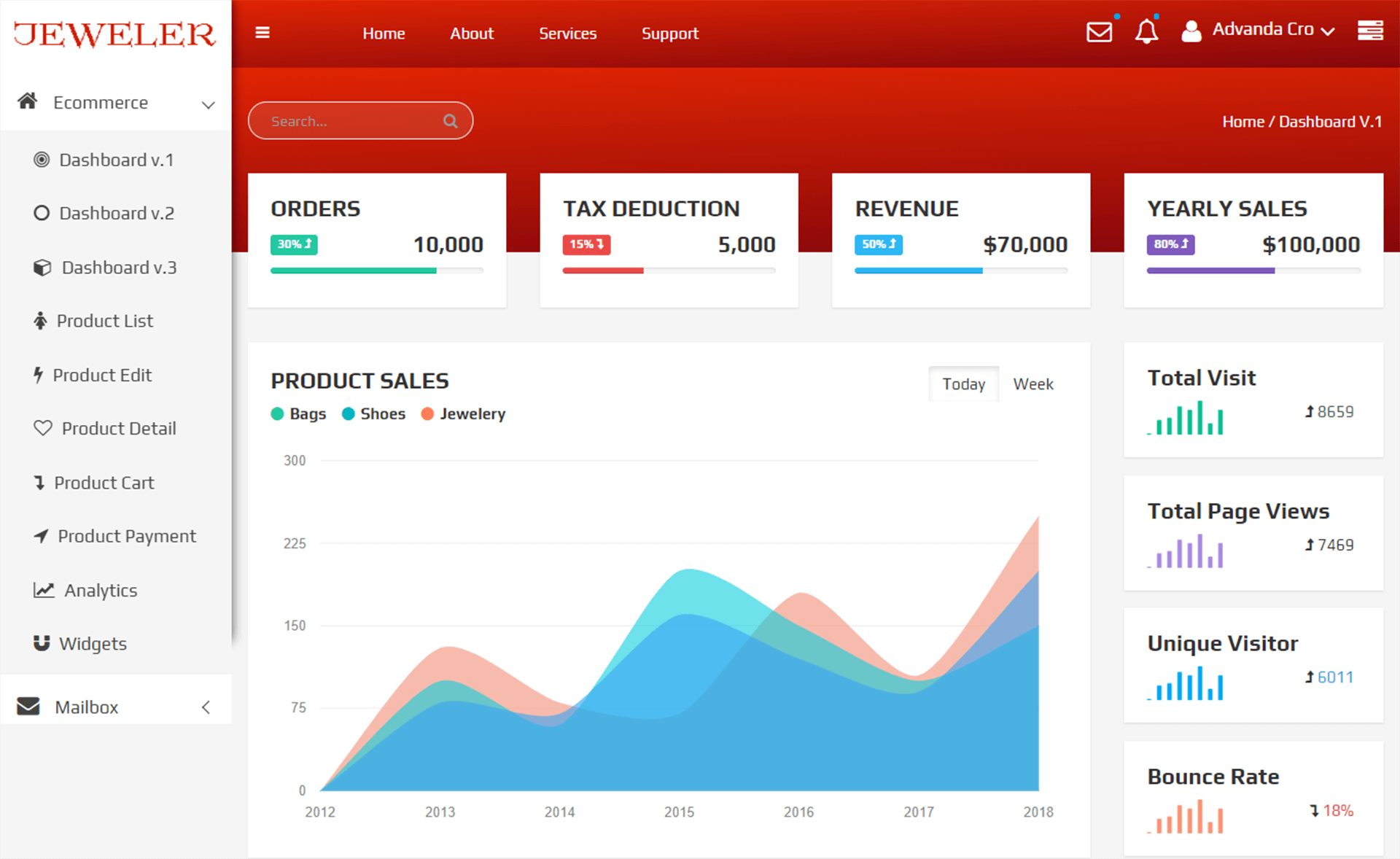
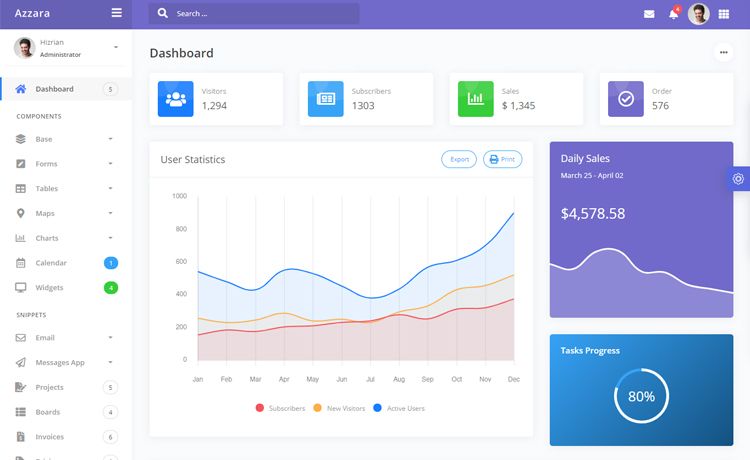
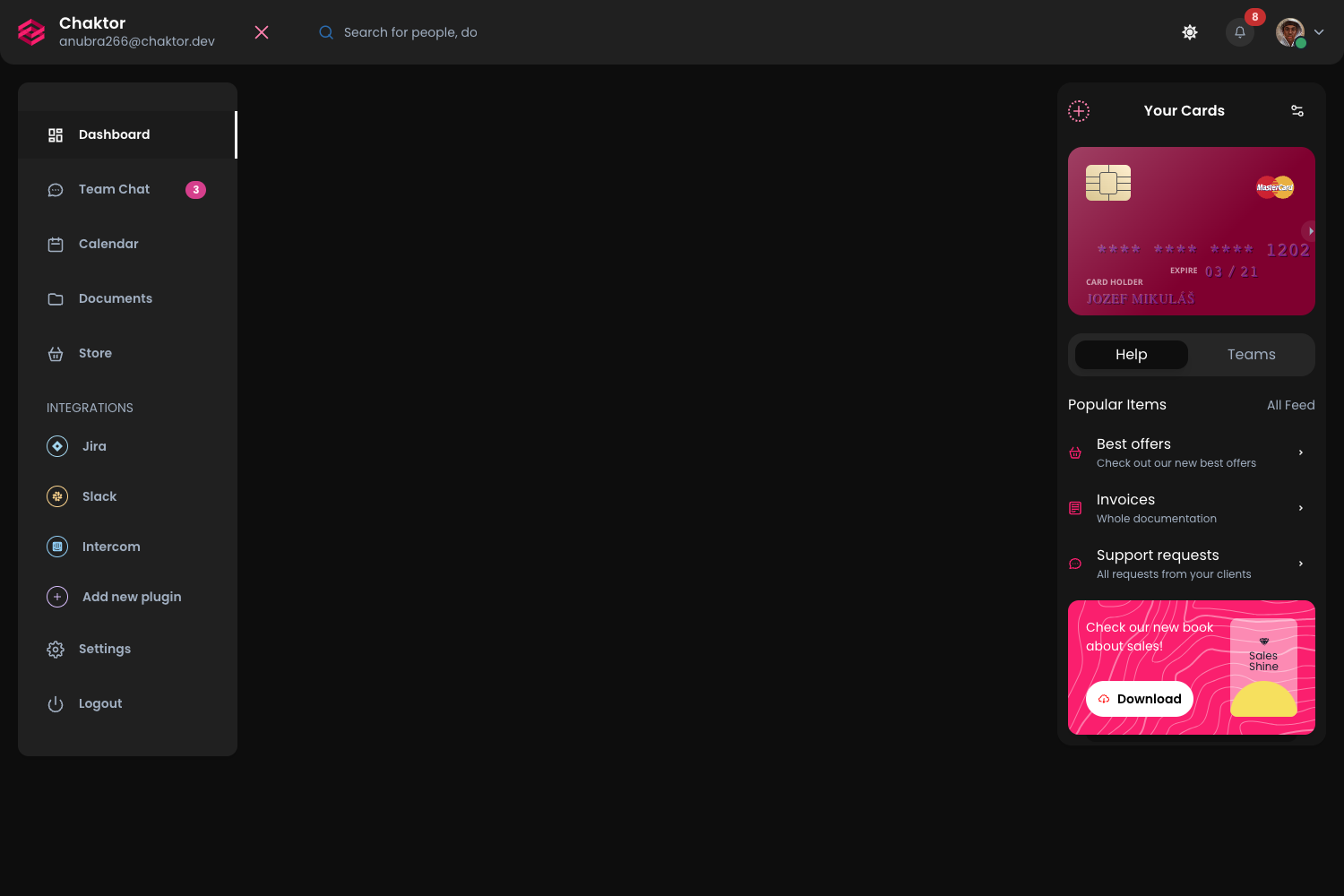
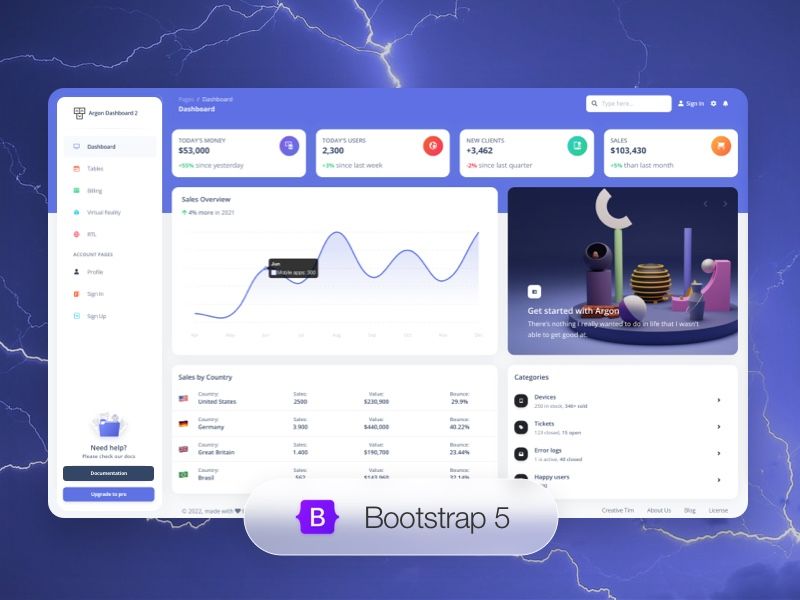
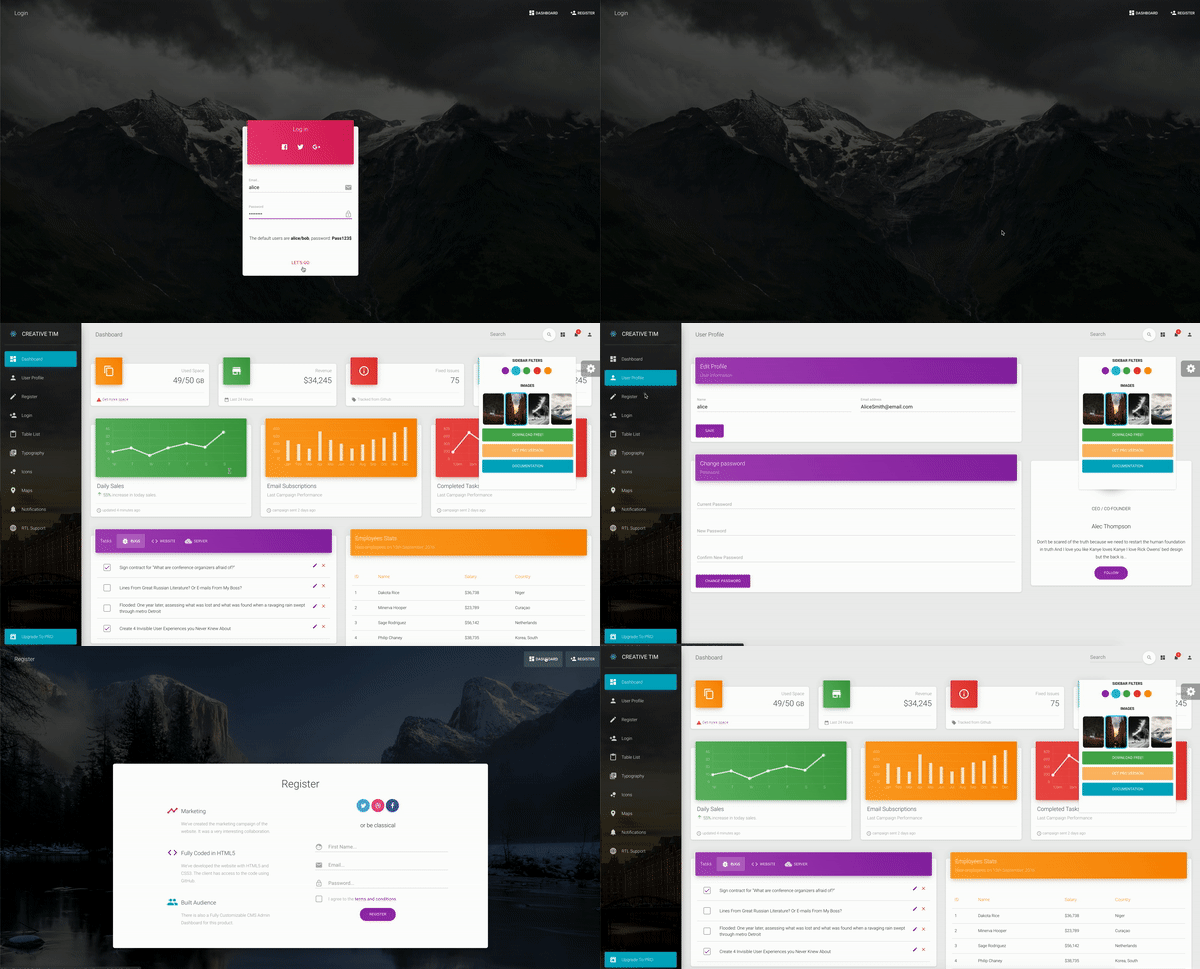
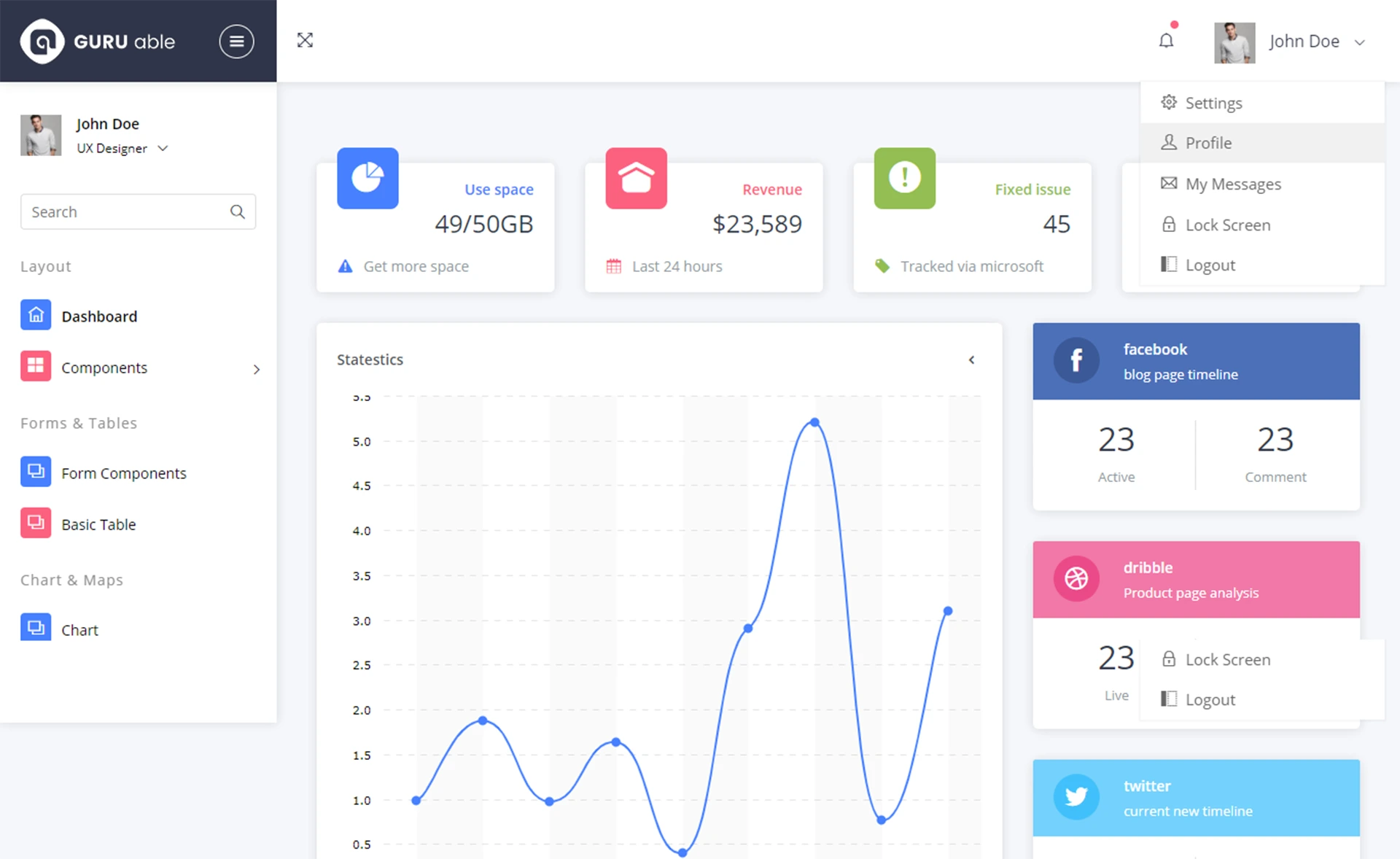
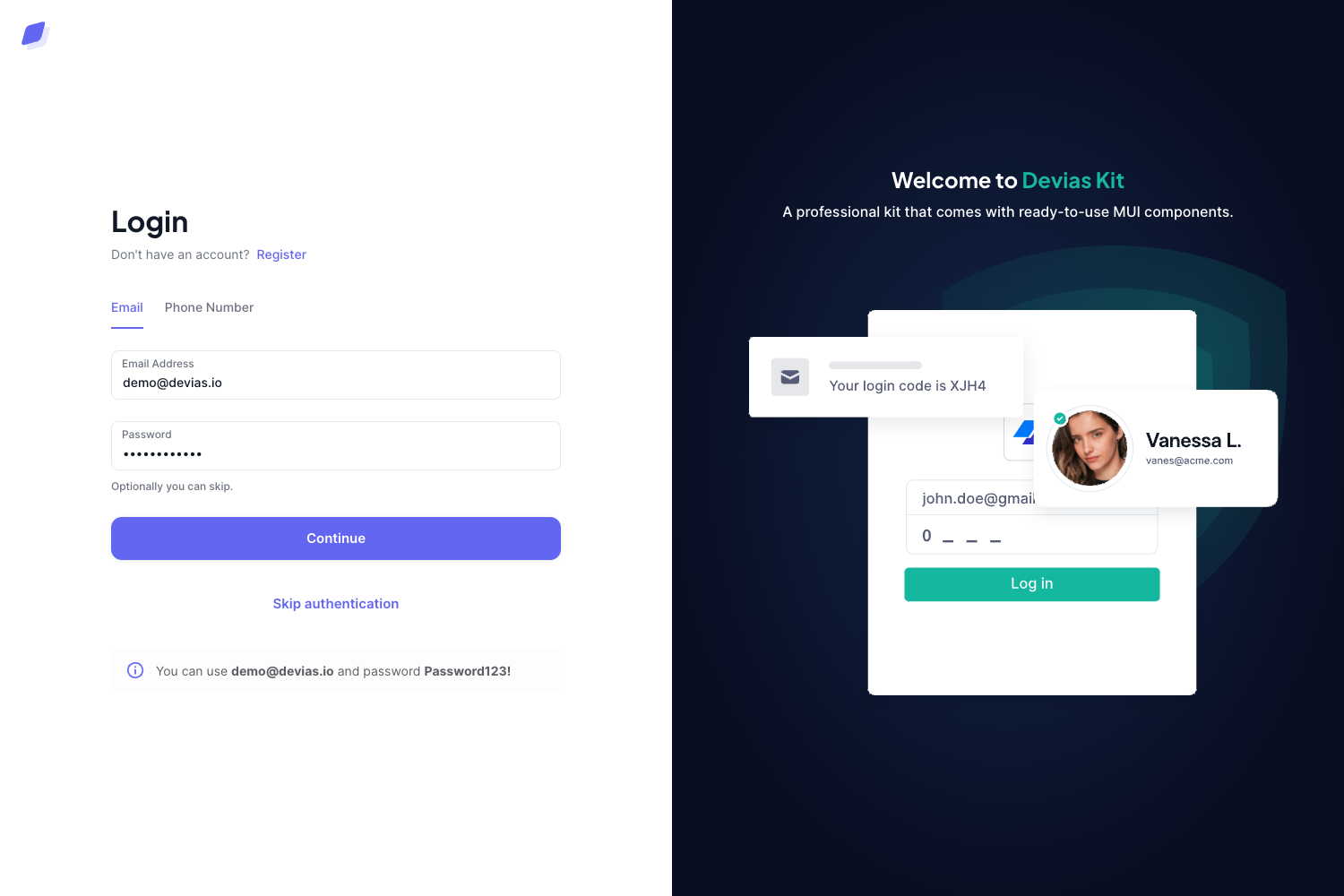
QBAdminUI is a free admin dashboard template built with Bootstrap 4 and Font Awesome, using HTML5 and Sass to speed up backend UI development.
About this template
QBAdminUI is a free admin dashboard template built on Bootstrap 4, Font Awesome, HTML5, and Sass, designed to accelerate the creation of admin panels and dashboard interfaces. The template was published as an open-source project on GitHub, where its repository includes topics such as admin-dashboard, adminpanel, bootstrap4, css, dashboard-templates, html5, sass, and ui-design. As of its metadata, the repository has 12 stars, indicating a small but existing user base.
What is QBAdminUI?
QBAdminUI is a front-end template that provides a ready-made layout and UI components for admin dashboards. It takes Bootstrap 4's grid system, components, and utilities as its foundation and layers on Font Awesome icons for visual elements. The template outputs static HTML and CSS files that developers can integrate into their backend projects. It is built with Sass, meaning the stylesheets are written in Sass and can be compiled to CSS, allowing for customization through Sass variables and mixins.
Key Features
- Bootstrap 4 Base — QBAdminUI uses Bootstrap 4's responsive grid, components (such as cards, modals, buttons, and forms), and utility classes, giving you a consistent and tested design system.
- Font Awesome Icons — The template includes support for Font Awesome icons, allowing you to add scalable vector icons to navigation, buttons, alerts, and other interface elements without extra setup.
- Sass Preprocessing — Styles are written in Sass, which means you can customize variables like colors, spacing, and breakpoints before compiling to CSS, enabling theme adjustments from a single configuration.
- HTML5 Markup — The structure is written in valid HTML5, providing semantic elements and a clean base for accessibility and SEO.
- Open-Source and Free — QBAdminUI is released for free, so you can download, modify, and redistribute it without licensing fees, as long as you follow the repository's license terms.
- Dashboard-Template Focus — The template is purpose-built for admin panels, featuring starter layouts and UI patterns commonly used in management systems, analytics views, and backend interfaces.
Who is it for?
- Backend developers — who need a quick front-end for their admin panels without designing from scratch. They can plug the static HTML into their server-rendered or API-driven applications.
- Full-stack developers — building custom dashboards with the Bootstrap ecosystem can use QBAdminUI as a starting point and extend it with their own JavaScript or frameworks like Laravel or Django.
- UI designers — who want a Bootstrap-based canvas for wireframing admin panel layouts can reuse the template's Sass variables to quickly generate themed mockups.
What can you do with QBAdminUI?
- Create admin panels: Assemble a management interface with tables, forms, and modal dialogs using Bootstrap 4 components and Font Awesome icons.
- Customize the look: Adjust the Sass variables to change primary colors, spacing, and fonts, then recompile to get a brand-aligned dashboard.
- Prototype new features: Quickly mock up dashboard pages and share them with stakeholders, since the template produces plain HTML files that open directly in a browser.
Pricing
QBAdminUI is free. The repository description explicitly states it is a "free admin dashboard template," and the project is hosted publicly on GitHub, so you can access the code without payment.
FAQ
Is QBAdminUI free?
Yes, QBAdminUI is a free admin dashboard template. The GitHub repository description labels it as free, and there is no mention of paid tiers or premium features.
What technologies does QBAdminUI use?
QBAdminUI is built with Bootstrap 4, Font Awesome icons, HTML5, and Sass. The styles are preprocessed with Sass, and the layout relies on Bootstrap 4's grid and component system.
Does QBAdminUI include JavaScript functionality?
The repository metadata does not specify bundled JavaScript behavior. Bootstrap 4's own JavaScript plugins (such as modals, dropdowns, and carousels) can be included separately, but QBAdminUI itself is described as a template based on Bootstrap 4 and Font Awesome, focusing on layout and styling.
Can I contribute to QBAdminUI on GitHub?
Since the project is hosted on GitHub with public repository topics, you can generally fork and submit pull requests. The repository has a small community (12 stars), so contributions would be directed to the original maintainer.