Template details
Material Dashboard React Aspnet
Free React + ASP.NET Core admin dashboard with Material UI, IdentityServer auth, and Docker setup.
About this template
Material Dashboard React Aspnet is a free, MIT-licensed admin dashboard template from Creative Tim that pairs a React frontend built with Material UI against an ASP.NET Core IdentityServer backend, giving you a fully coded full-stack starter with Docker support.
What is Material Dashboard React Aspnet?
The template is a full-stack admin dashboard starter. It takes the form of two projects inside one repository: a React application in the React folder and a C# .NET Core IdentityServer in the IdentityServer folder. It produces a working dashboard with login, registration, and user-profile management. The main demo runs on localhost:3000 for the dashboard and localhost:5000 for the IdentityServer's OpenID configuration.
Key Features
- Docker Compose setup — run
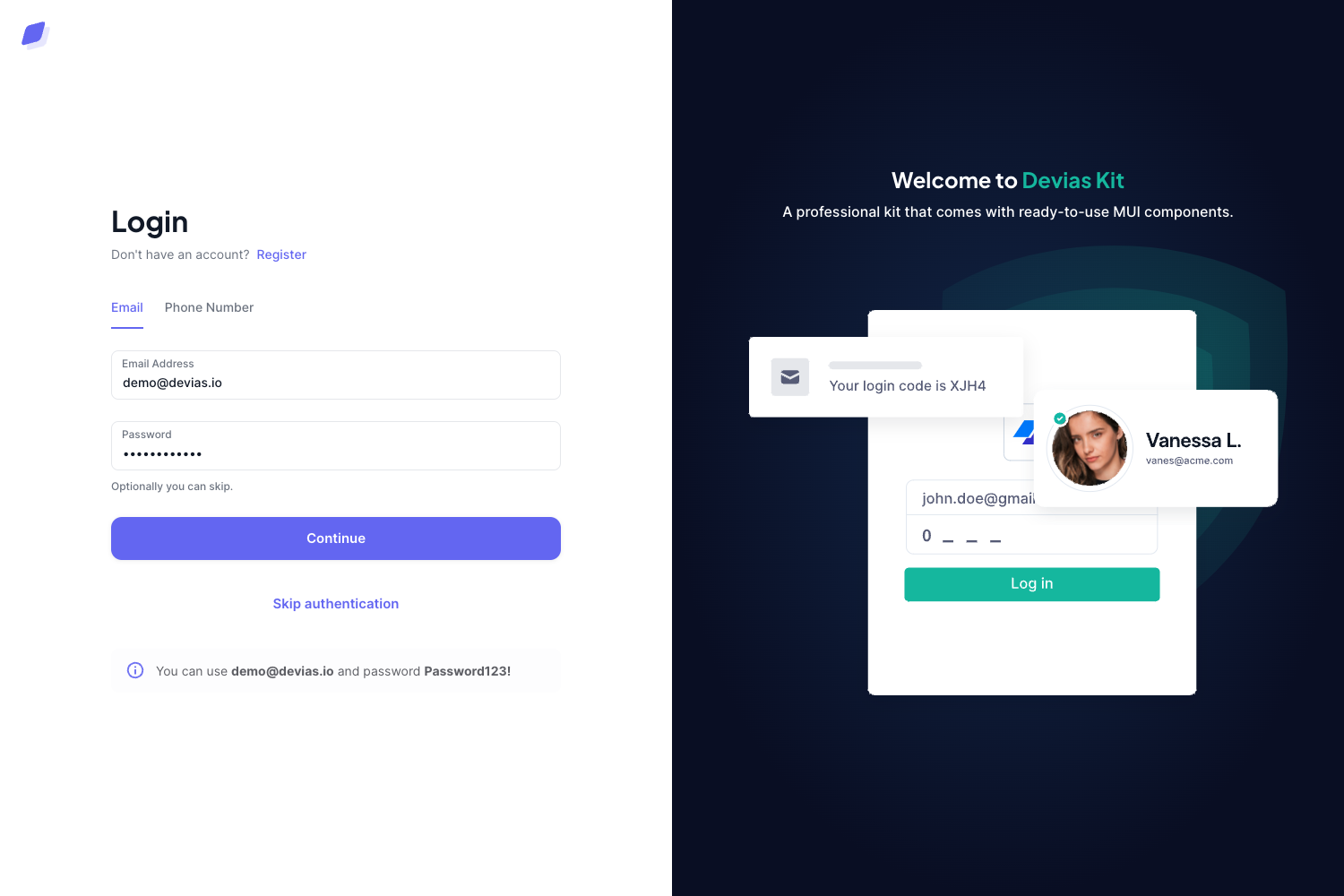
docker-compose up --buildfrom the project root to start both the React frontend and the IdentityServer; the first run builds the images, then the dashboard is available at localhost:3000. - IdentityServer authentication — implements the resource owner password OAuth flow with two default accounts (alice and bob, password Pass123$) and includes pages for registration, profile updates, and password changes.
- Over 30 frontend components — Material-UI-based React components such as cards, custom inputs, buttons, tables, snackbars, and typography, with SASS files for color and style modifications.
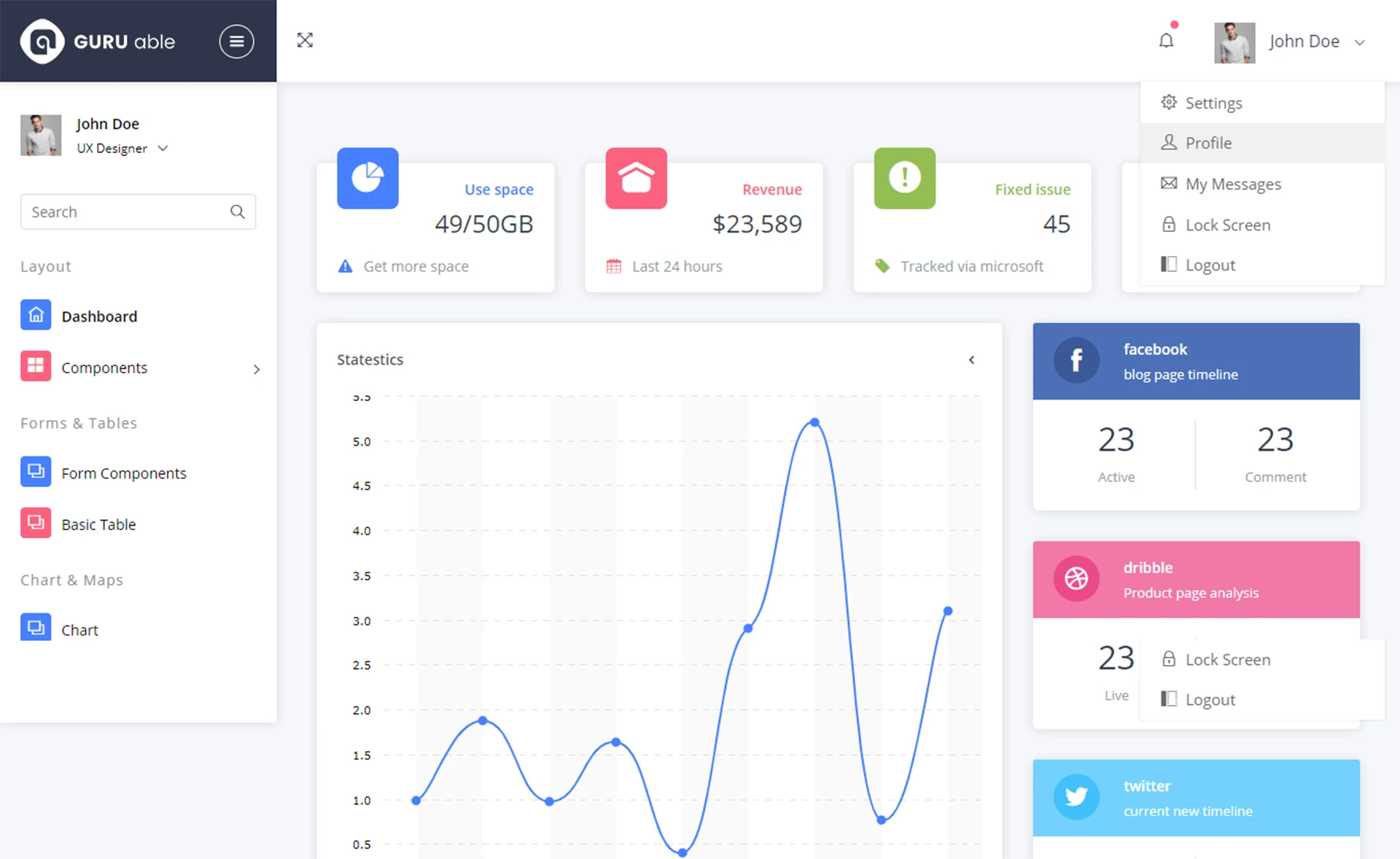
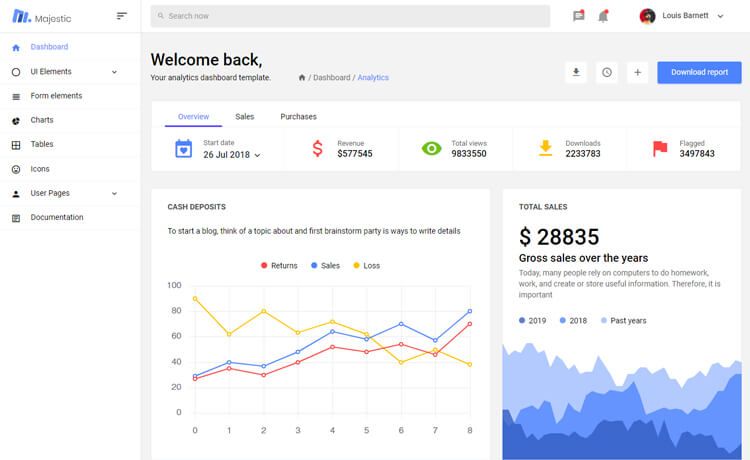
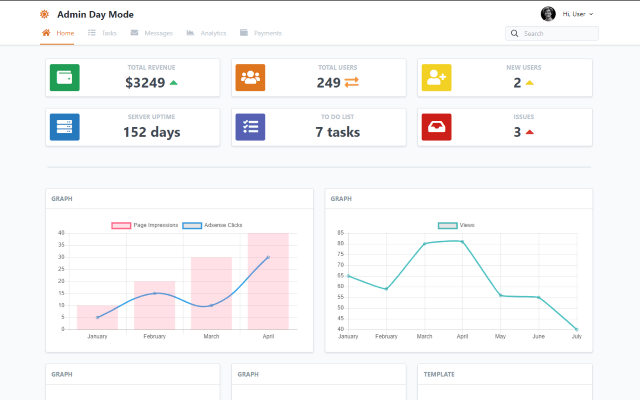
- Prebuilt example pages — Dashboard, User Profile, Tables, Maps, Notifications, Icons, Typography, an RTL page, and an Upgrade to Pro page are included as an App.js route structure.
- React-chartist charts — the dashboard page includes chart examples powered by the react-chartist library.
- Detailed documentation — component documentation and the ASP.NET integration guide are hosted at demos.creative-tim.com/material-dashboard-react.
- Browser support — the last two versions of Chrome, Firefox, Edge, Safari, and Opera are officially supported.
Who is it for?
- Full-stack developers — build an admin panel with a .NET backend without writing an auth server from scratch; the IdentityServer handles login, registration, and profile management.
- React developers — use the Material UI components and page layouts as the starting point for a dashboard interface.
- Startups prototyping internal tools — the docker-compose workflow brings up frontend and backend together, reducing setup time.
- Agencies — deliver a branded admin dashboard to clients by restyling the components via SASS and swapping in the client's own backend later.
What can you do with it?
- Authenticate users: log in with the seeded alice and bob accounts, or register a new user through the IdentityServer Quickstart UI.
- Manage profiles: update a user's profile and change their password from the User Profile page.
- Extend the OAuth setup: modify
oauth.jsin the React services folder andConfig.cs/Startup.csin the IdentityServer to support other grant types or client configurations. - Compose dashboard views: reuse the cards, tables, notifications, maps, and chart components to assemble custom pages.
How does it work?
The quick start requires Docker Desktop. After cloning the repository, run docker-compose up --build from the root; the first run builds the images for both projects. Once complete, the dashboard runs on localhost:3000 and the IdentityServer metadata is available at localhost:5000. The two applications communicate over OAuth using the resource owner password flow by default.
FAQ
Is Material Dashboard React Aspnet free?
Yes. It is licensed under MIT and can be downloaded for free from GitHub or the Creative Tim product page.
What are the default login credentials?
Two test users are seeded: alice and bob, both with the password Pass123$. Use these accounts to log in through the IdentityServer demo.
Which OAuth flow does it use?
The default integration uses the resource owner password flow. To change it, edit the files listed in the Usage section: oauth.js, Config.cs, Startup.cs, and AccountOptions.cs.
Do I need Docker?
Docker Desktop is the recommended way to run the full stack, but you can also download the repository and run the React and IdentityServer projects separately if you have Node and .NET Core installed.
What browsers are supported?
The template officially supports the last two versions of Chrome, Firefox, Edge, Safari, and Opera.