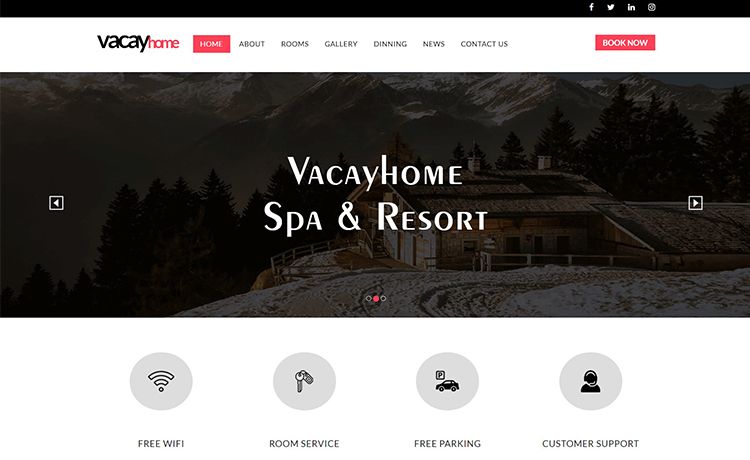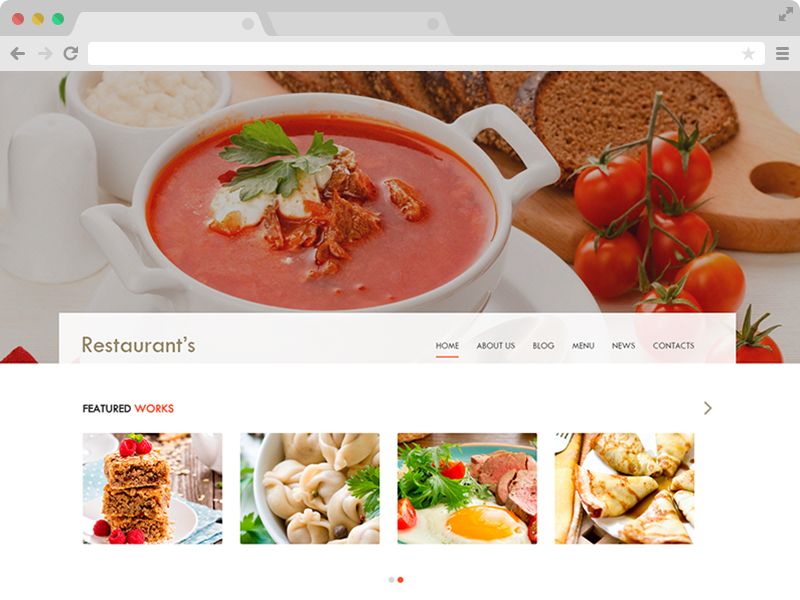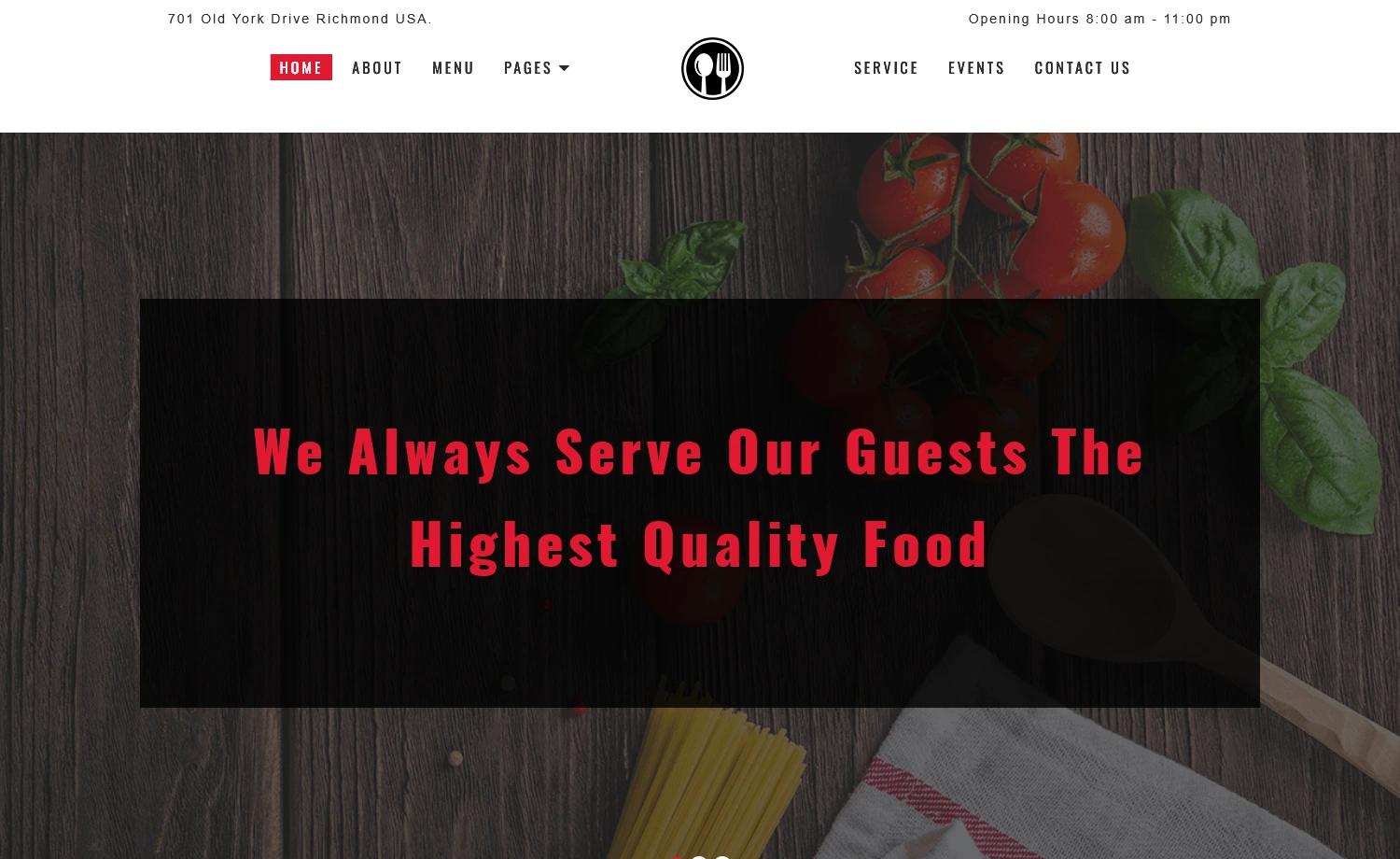
Template details
Restaurant Theme
An easy-to-use restaurant homepage theme built with JavaScript, HTML5, SASS, and Bootstrap 4, bundled with Webpack.
About this template
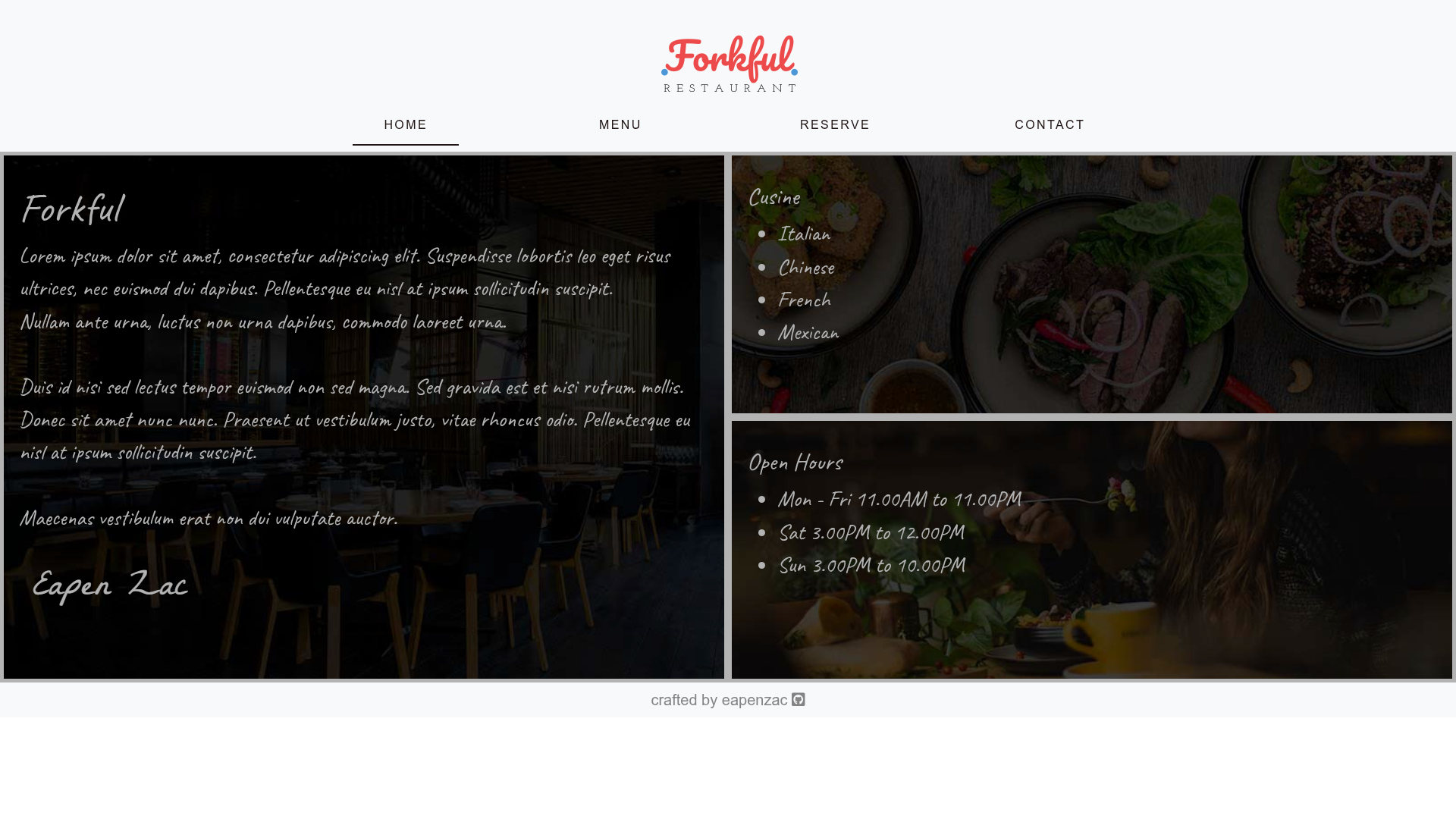
Restaurant Theme is an open-source restaurant homepage template built with JavaScript, HTML5, and SASS, bundled with Webpack and styled using Bootstrap 4. It renders a single responsive page that presents a restaurant's information and a menu that can be changed dynamically by editing a JSON file.
What is Restaurant Theme?
Restaurant Theme is a static website template that generates a restaurant homepage from modular JavaScript, HTML5, and SASS source files. It takes a JSON file as the menu data source and outputs a fully rendered page with a responsive layout, ready to be hosted on any static server. The template is authored by @eapenzacharias and is viewable live on GitHub Pages.
Key Features
- Responsive & Clean Design — The layout adapts to mobile and desktop screens using Bootstrap 4's grid system, giving the page a consistent look across devices.
- Bootstrap 4 — The entire UI is built on Bootstrap 4 components, providing a familiar grid, navigation, and utility classes without extra CSS frameworks.
- Font Awesome Icons — Icons are sourced from Font Awesome, giving the page a professional set of glyphs for menu items, contact info, and social links.
- Google Fonts — Typography is loaded from Google Fonts, allowing restaurant branding without hosting font files locally.
- Dynamically changeable menu with JSON — The menu items are stored in a JSON file, so editing the data updates the rendered menu without touching the markup or styles.
- SASS styling — Styles are written in SASS and compiled into plain CSS via the build process, making custom themes easier to maintain.
- Webpack bundling — The JavaScript, SASS, and assets are bundled with Webpack ^4.41.6, demonstrating a modern front-end build pipeline.
Who is it for?
- Restaurant owners who need a clean, single-page website to display their menu and contact information without a complex CMS.
- Front-end developers who want a small project to learn how SASS, Webpack, and modular JavaScript work together in a real build.
- Coding students looking for a simple, readable codebase that shows how to separate data (JSON) from presentation (HTML/SASS).
What can you do with Restaurant Theme?
- Launch a restaurant homepage: Clone the repository, replace the JSON menu with your own items, and deploy the generated static files to any hosting service.
- Practice webpack workflows: Use the project to experiment with Webpack bundling, asset loading, and development servers.
- Build a portfolio piece: Present the themed homepage as a front-end project that demonstrates responsive design and dynamic data rendering.
How does Restaurant Theme work?
The source files are organized as HTML structure, SASS styles, and JavaScript modules. The menu content lives in a JSON file, and when the page loads, the JavaScript reads that JSON and injects the menu items into the DOM. To change the menu, you edit the JSON and rebuild the bundle with Webpack; the static output is then deployed to GitHub Pages or any static host.
FAQ
Is Restaurant Theme free to use?
Yes, the source code is publicly available on GitHub, and the repository's open nature means you can clone, modify, and deploy it for your own use. No paid plans or licenses are mentioned in the documentation.
What does the JSON menu contain?
The JSON file stores the menu categories and items, including names and descriptions. The exact structure is defined by the data the project loads, so you can extend it as long as your JavaScript expects the same fields.
Does the template include multiple pages?
No, Restaurant Theme is a single-page theme focused on the homepage. It renders one responsive page that contains the hero content and the dynamic menu section.