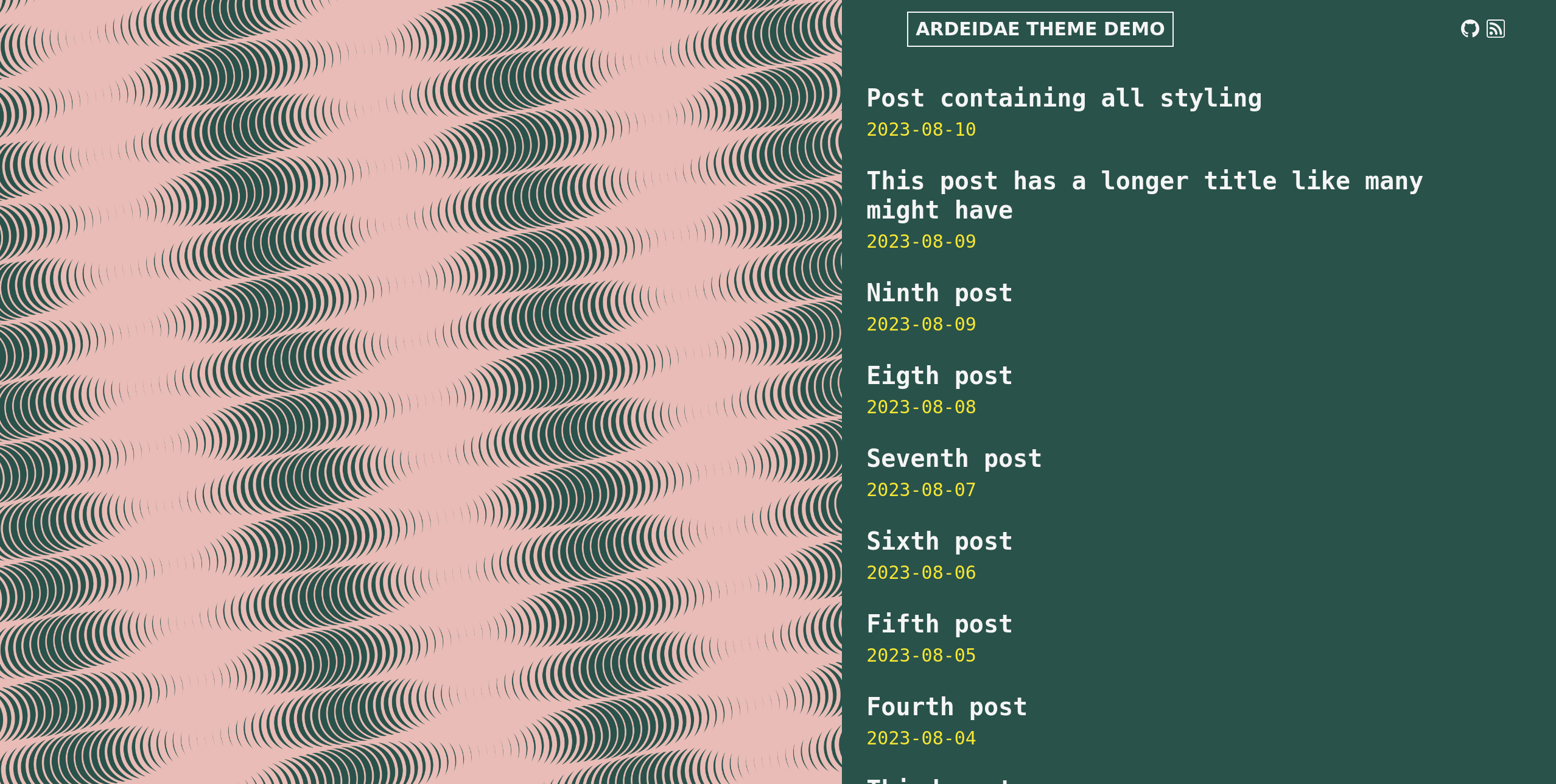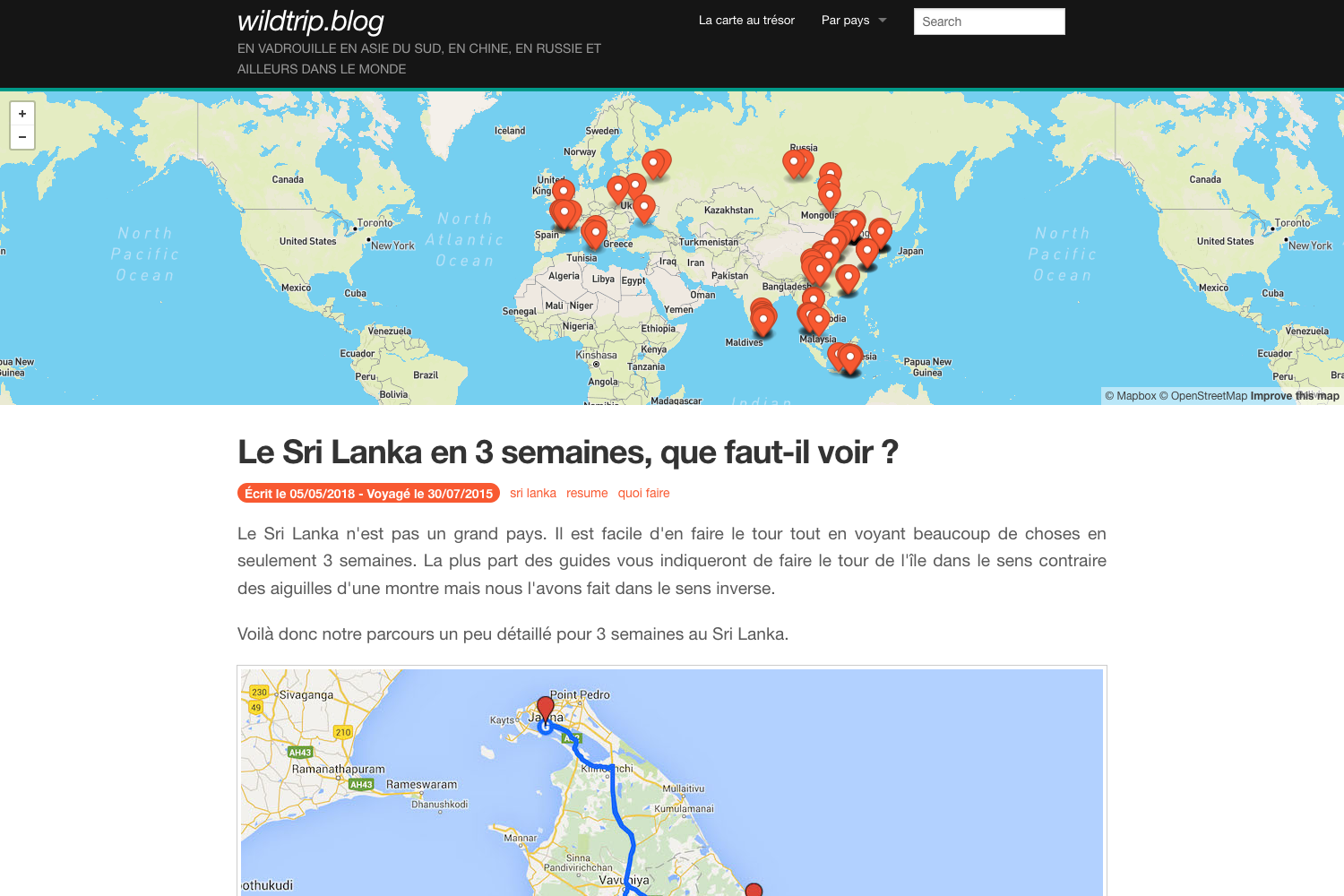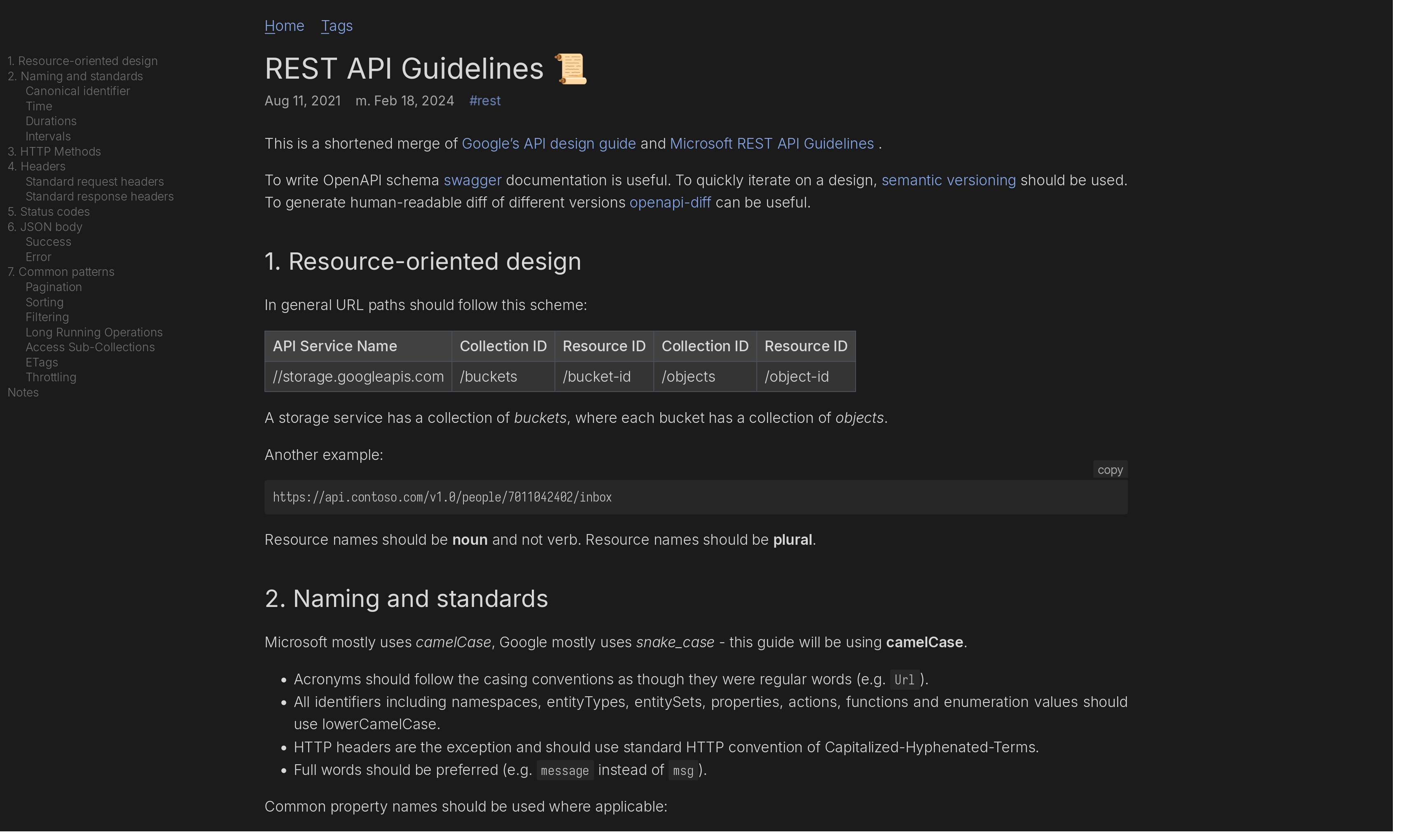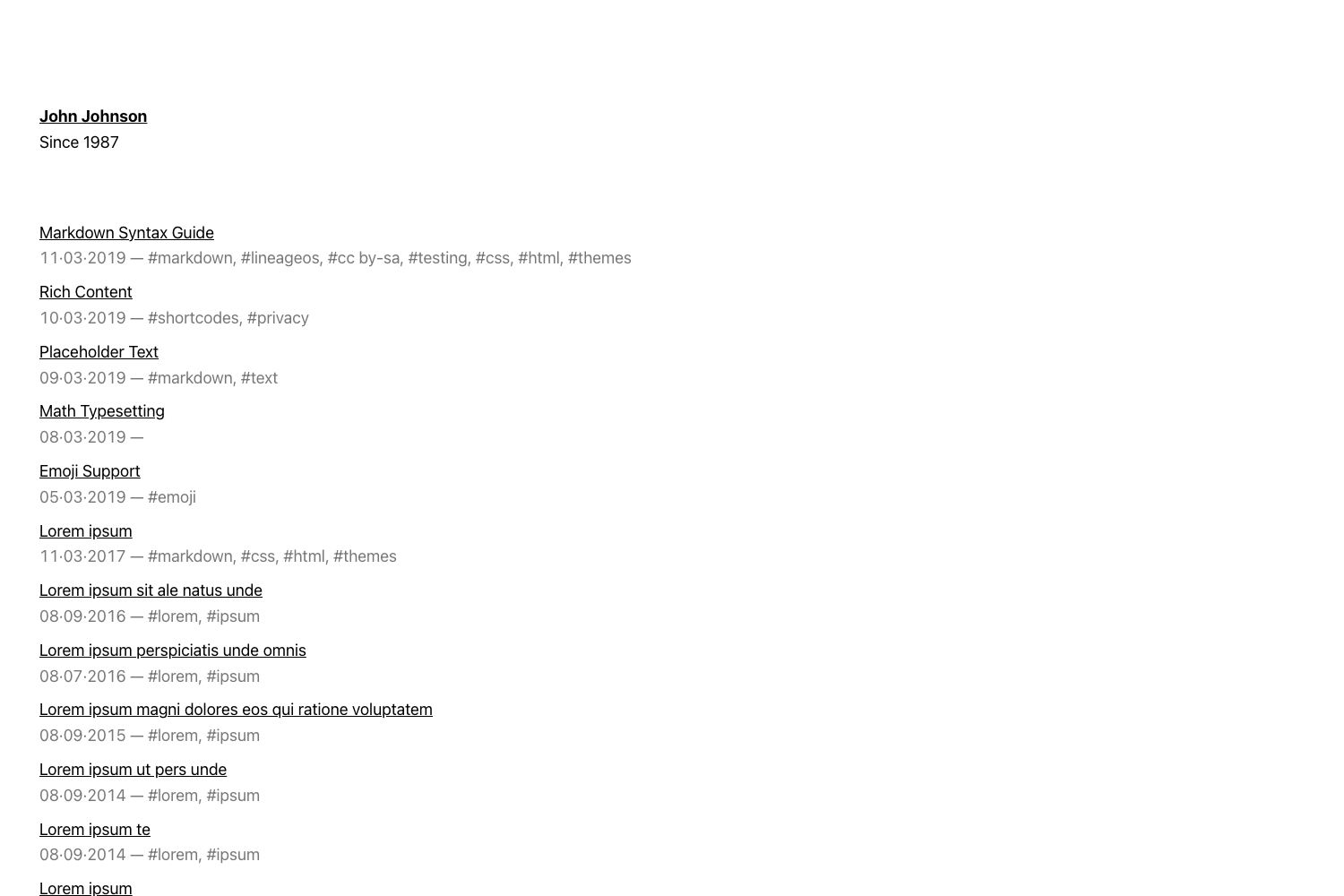
Template details
Silverlux
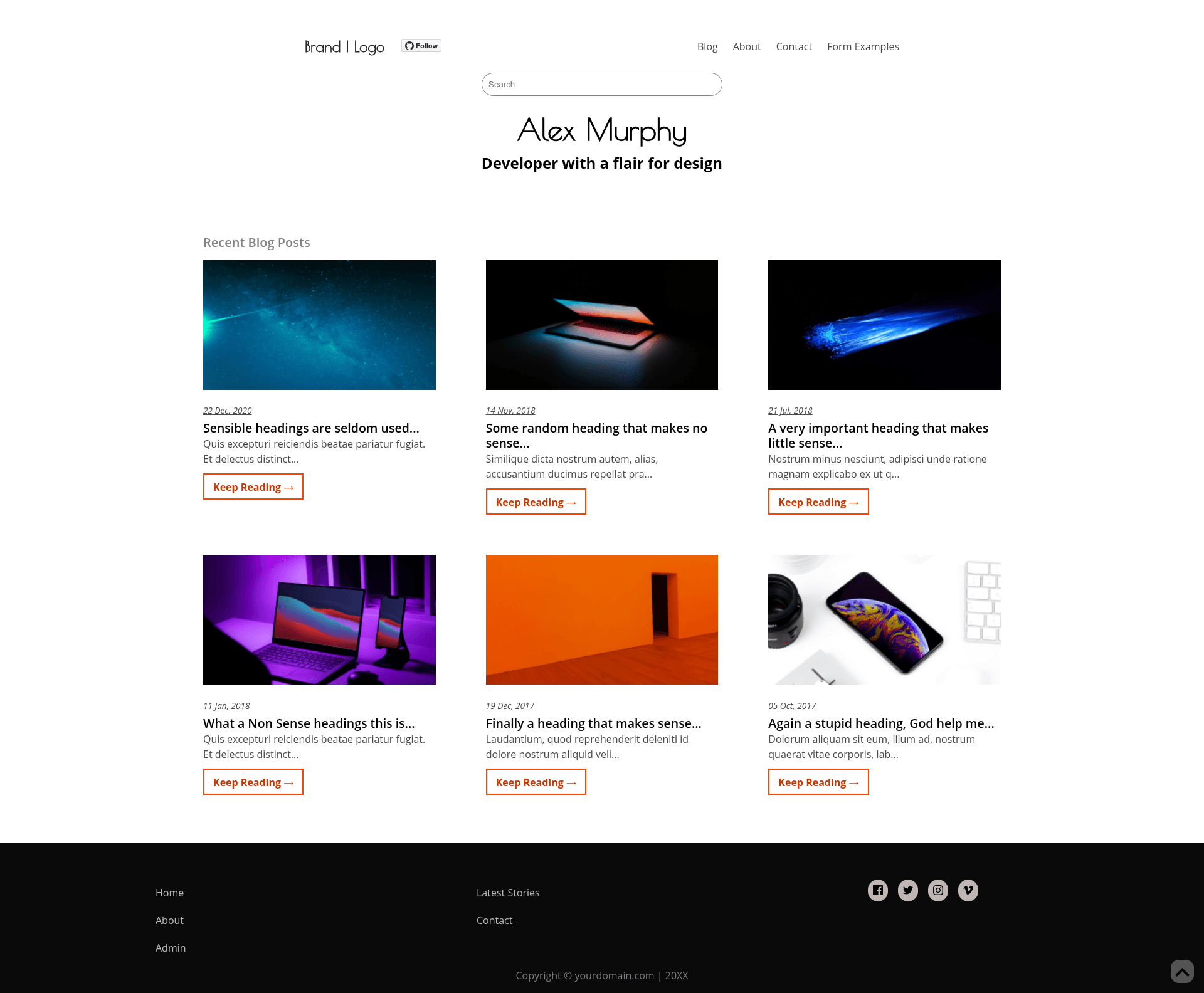
Fully-responsive Gatsby blog template with Netlify CMS, tags, Fuse.js search, and Disqus comments.
About this template
Silverlux is a fully-responsive Gatsby-based blog template that uses Netlify CMS as its content management system and follows the JAMstack architecture, making it deployable to Netlify or any static host.
What is Silverlux?
Silverlux (formerly named Gatsby-netlifycms-starter-template) is an open-source starter template for building blogging web-apps with Gatsby, React, and GraphQL. It takes content authored through Netlify CMS (stored as Git-backed markdown) and outputs a pre-rendered static site with automatic JS chunk loading. The template is maintained by developer simarmannsingh, published on GitHub, and licensed under MIT.
Key Features
- Netlify CMS integration — Add, edit, and publish blog posts through the Netlify CMS admin UI; content is stored in your Git repository.
- Editable pages — About, Blog-Collection, and Contact pages are editable from the CMS, and the Contact page includes Netlify Form support.
- Full-text search — Fuse.js powers search across posts, introduced in v1.4.
- Tags support — Each tag gets its own archive page listing posts under that tag.
- Disqus comments and Likes — Comment functionality via Disqus; configure the
DISQUS_SHORTNAMEenvironment variable to activate it. - Optimized CSS with PurgeCSS — Bulma's default ~170KB stylesheet is reduced to 16–18KB by
gatsby-plugin-purgecss. - Lighthouse audits — Perfect scores on SEO, Accessibility, and Performance.
- Cookie consent and scroll-to-top — Both are included on every page.
Who is Silverlux for?
- Bloggers who want a free static site — Deploy with the one-click Netlify button, which creates a repo and connects the CMS automatically.
- Developers wanting a Gatsby + Netlify CMS starter — The project is modular (separate components for everything) and exposes GraphQL and Gatsby CLI workflows for customization.
- Content teams — Editors can manage About, contact info, and posts from the Netlify CMS admin instead of editing code.
What can you do with Silverlux?
- Launch a personal blog for free: Click the Deploy to Netlify button to create a new repository in GitHub, GitLab, or Bitbucket and get a live site with continuous deployment.
- Write posts from a browser: Use the Netlify CMS interface to author markdown posts, edit pages, and manage tags.
- Customize the template in code: Clone or fork the repository, install dependencies with yarn, run
yarn startfor development oryarn buildfor a production build.
How does Silverlux work?
The template offers two setup paths. The recommended path is the Deploy to Netlify button, which handles repository creation and continuous deployment automatically. For advanced users, the manual path is to fork the repo, install Node dependencies, and connect your own Netlify project; local development requires Node v8.2.0 or higher and the Gatsby and Netlify CLIs, with npx netlify-cms-proxy-server to run the CMS locally.
Pricing
Silverlux is free to use and open source under the MIT license.
FAQ
Is Silverlux free?
Yes. The template is MIT-licensed and free, and you can deploy it on Netlify's free tier, so a basic blog can be hosted at no cost.
What do I need to run Silverlux locally?
You need Node v8.2.0 or higher (the docs recommend using nvm to switch to 14.20), Gatsby CLI, Netlify CLI, and the project's dependencies installed via yarn install. After that, yarn start launches development mode.
How do I enable Disqus comments?
Register your site on Disqus to get a shortname, then set that shortname as the DISQUS_SHORTNAME environment variable in the .env file. If you deploy on a platform like Heroku, add the environment variable there too.
Can I host Silverlux somewhere other than Netlify?
Yes. Netlify CMS and Netlify are independent products; the template uses Git as a single source of truth, so you can host the built static files on any platform, though continuous deployment via Netlify is the easiest path.
Why is my CSS so small?
Because gatsby-plugin-purgecss removes unused Bulma styles, trimming the built stylesheet from roughly 170KB down to 16–18KB.