Template details
Ardeidae
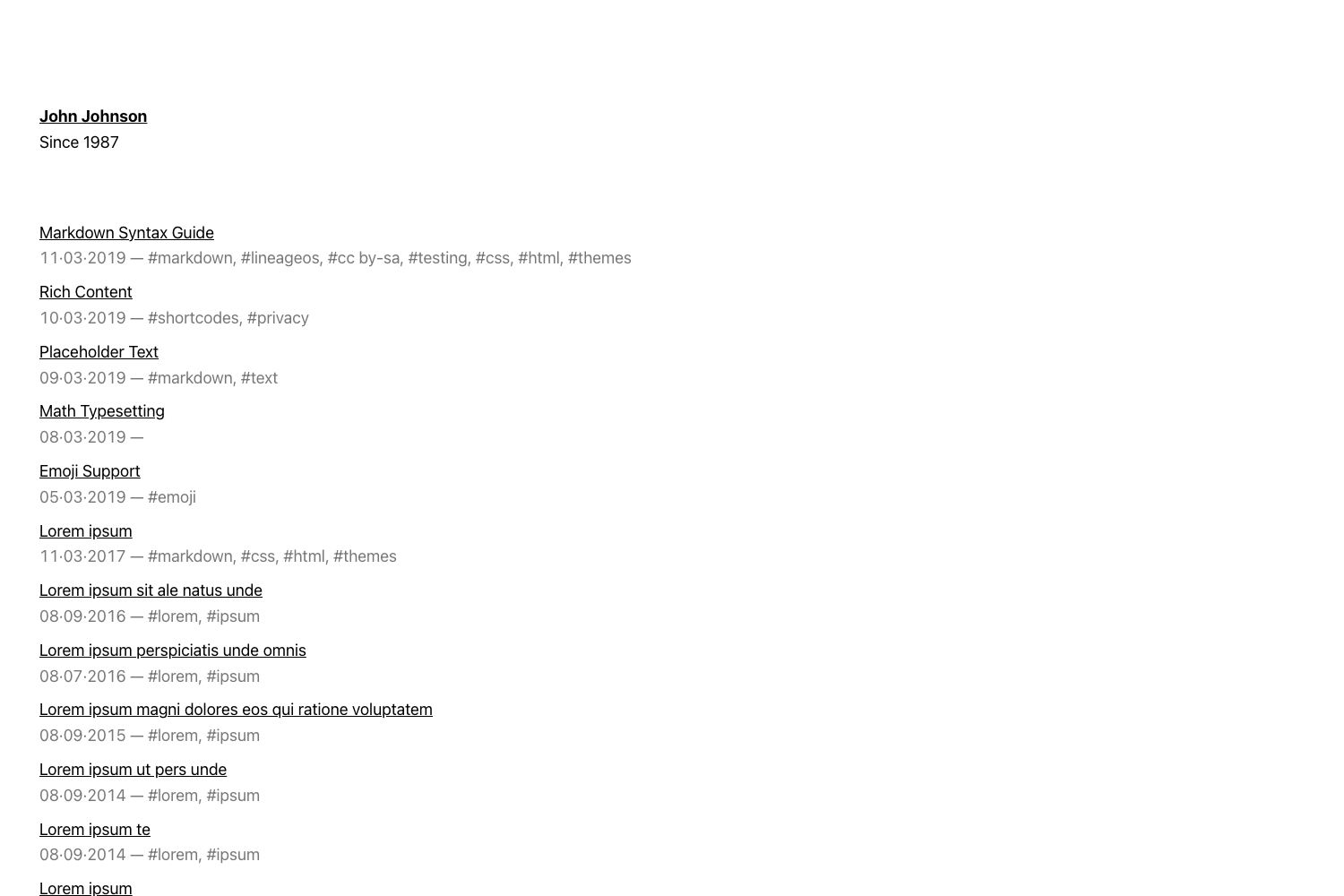
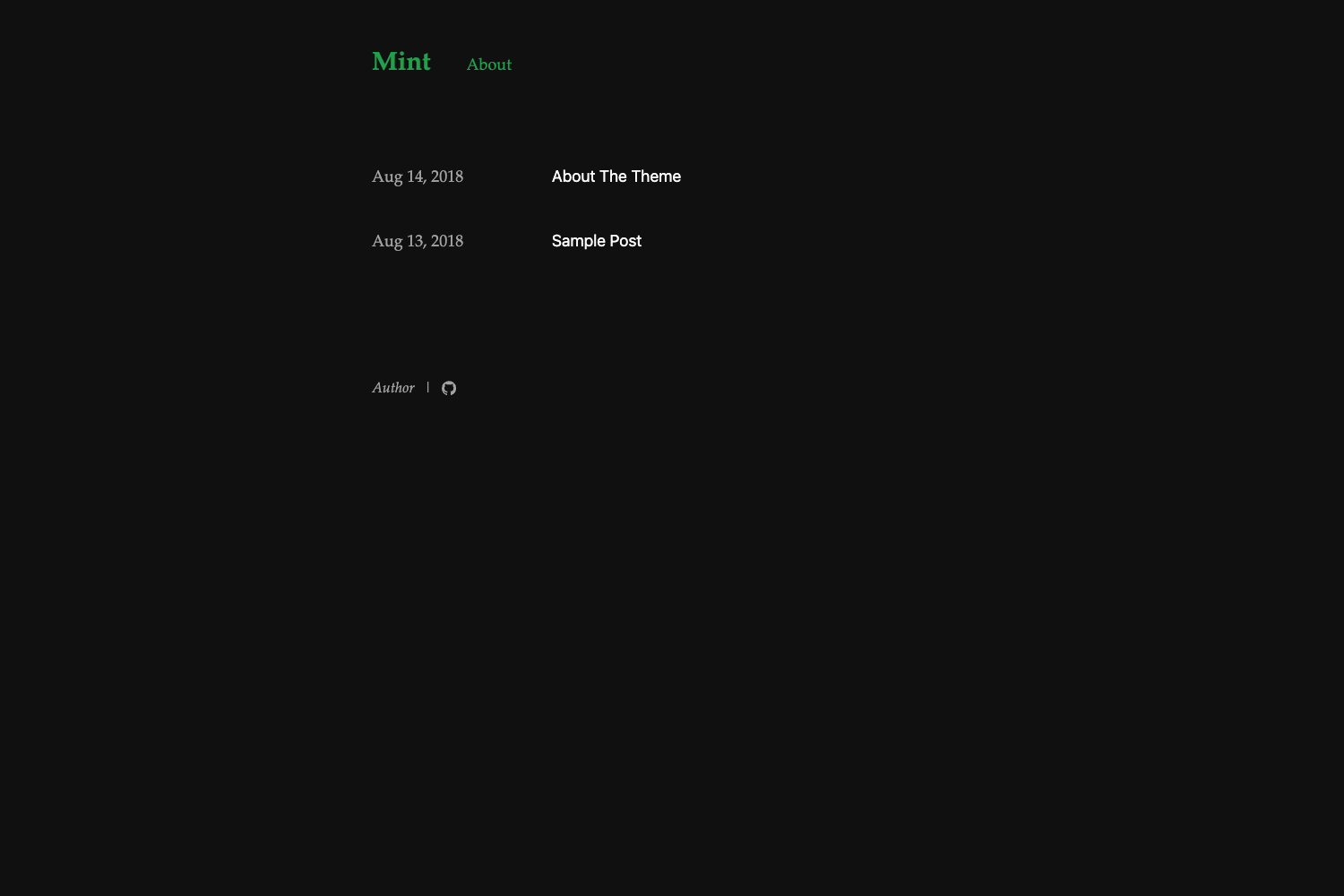
A Hugo blog theme that adds generative art to each post, with configurable email and GitHub links.
About this template
Ardeidae is a Hugo blog theme that pairs every post with an automatically generated artwork, giving each article a unique visual header.
What is Ardeidae?
Ardeidae is a static-site blog theme built for Hugo, the open-source static site generator. It takes standard Markdown blog posts as input and renders a homepage listing of posts plus individual post pages, each accompanied by a generative art composition. The theme is developed by Luis Sousa Rego and published in the GitHub repository LuisSousaRego/Ardeidae.
Key Features
- Generative art per post — Each blog post receives its own procedural artwork, so no two articles share the same visual.
- Hugo-native — Installs as a Hugo theme via the standard quick-start workflow; content is written in Markdown and built to static HTML.
- Configurable via config.toml — Supports an email address, a date format string, and a GitHub URL as theme parameters, which control footer contact details and post date display.
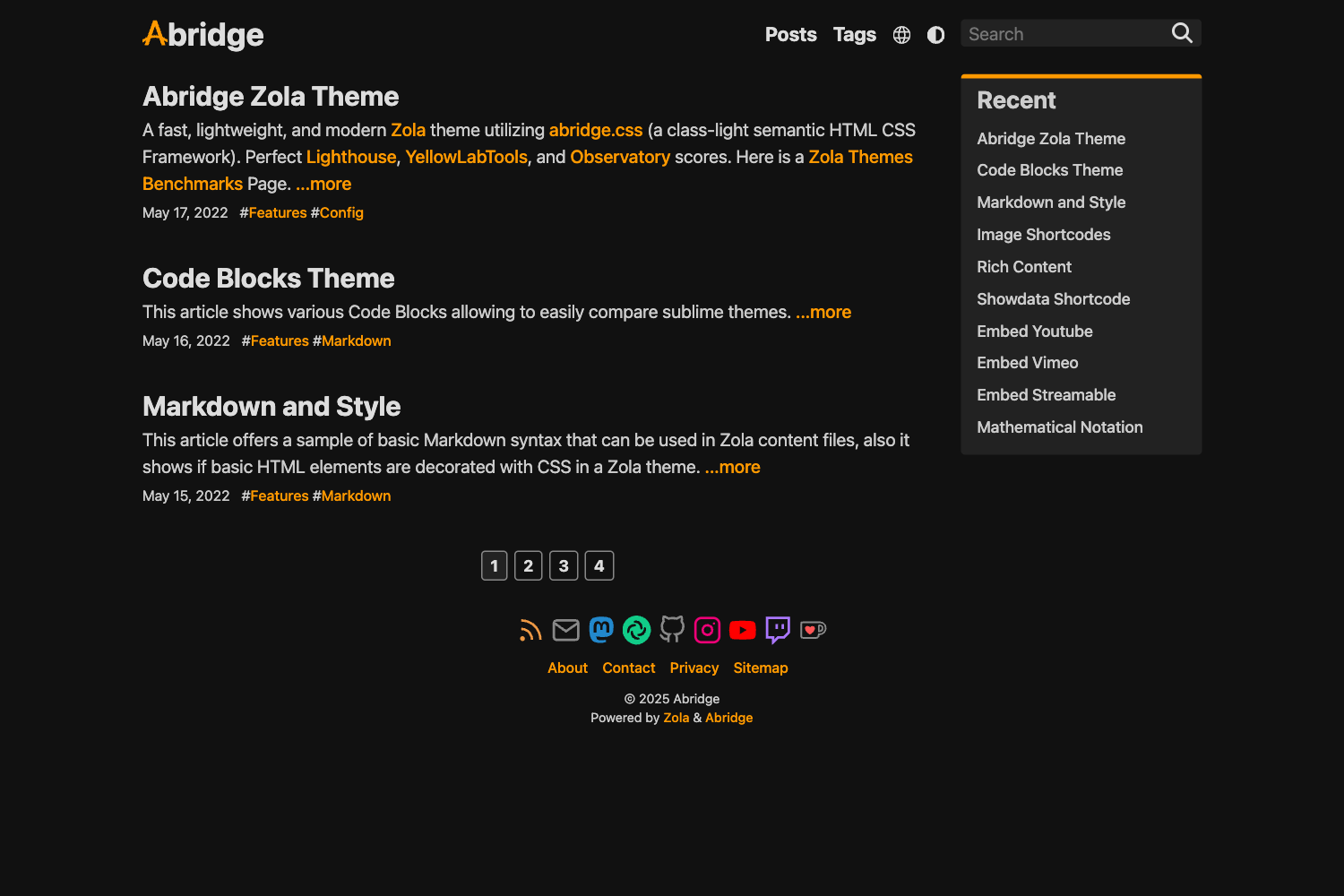
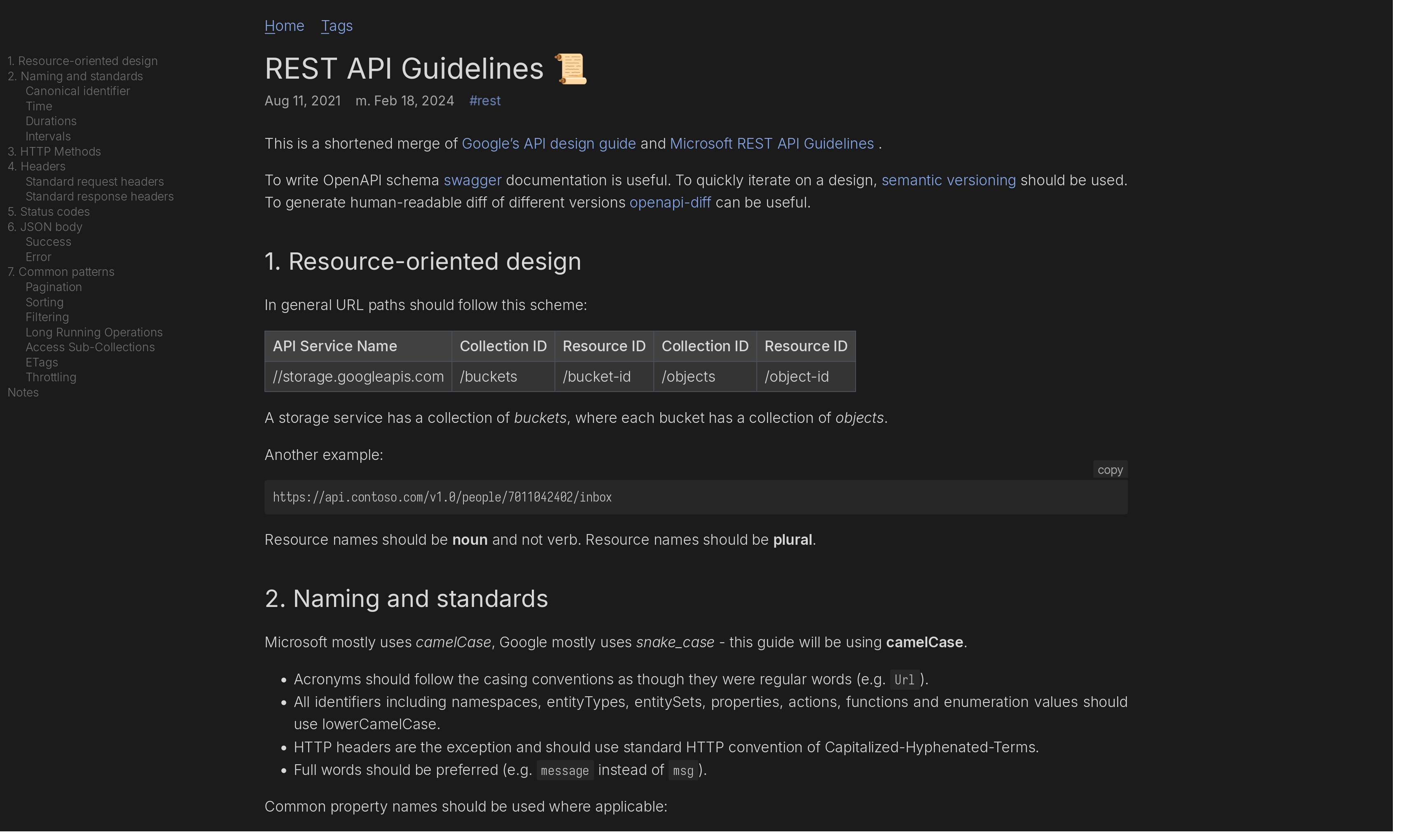
- Live demo — A running example at luisrego.com/ardeidae-demo shows both the homepage layout and a sample post with its art.
- Minimal setup — Requires only three optional parameters to get started; the theme works with a default configuration.
- Open on GitHub — Source code is publicly accessible for review, forking, or customization.
Who is it for?
- Bloggers seeking a distinctive look — Use Ardeidae to give each article a one-of-a-kind generative header instead of relying on stock images.
- Hugo users — Those already familiar with Hugo can install and configure the theme quickly using the official theme installation steps.
- Developers curious about generative art — The theme's source code serves as a practical example of how to integrate procedural imagery into a static blog.
What can you do with Ardeidae?
- Launch a visual blog fast — Install the theme, set email and GitHub parameters, and publish a blog with algorithmic art on every post.
- Preview before committing — Explore the demo site to see exactly how posts and the homepage look before installing the theme.
- Customize the footer — Use the email and github config parameters to display your own contact details and profile links on the generated site.
How does Ardeidae work?
Install Hugo using its official quick-start guide, then add Ardeidae as your site theme. Modify config.toml to include an email address, a date format, and a GitHub URL. Finally, write Markdown posts; Hugo builds the site and Ardeidae injects a generative artwork into each post's layout.