Template details
Swipe One Page Bootstrap 5 Template
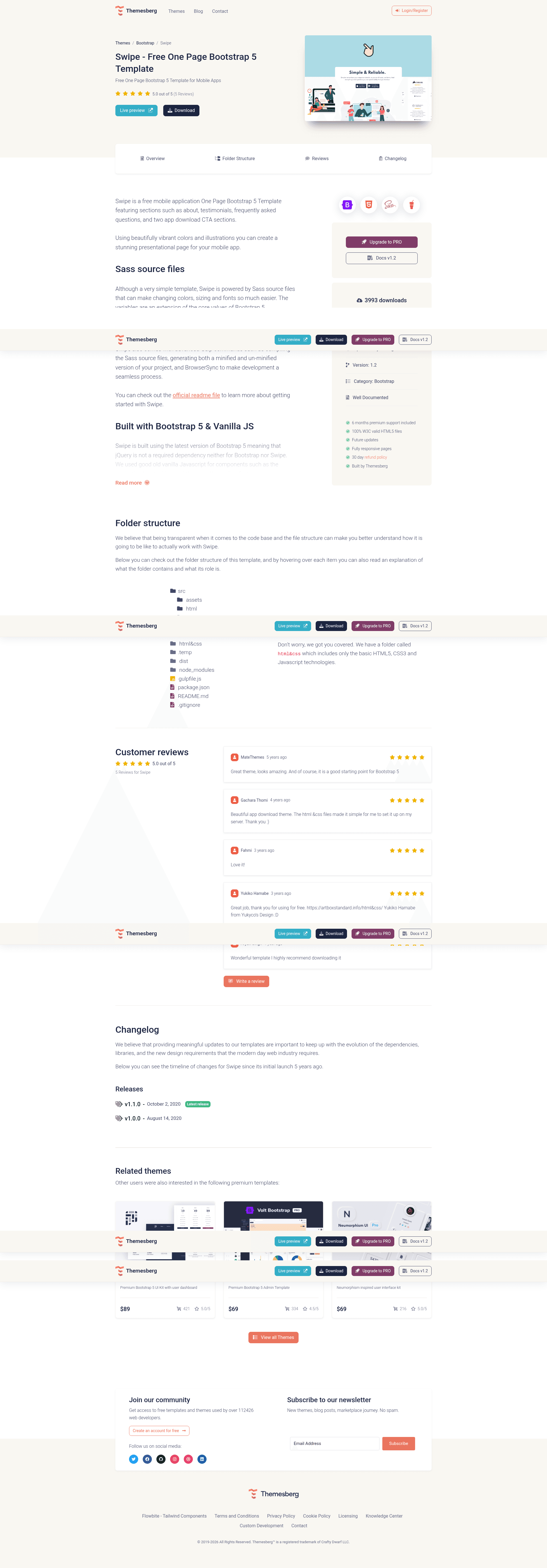
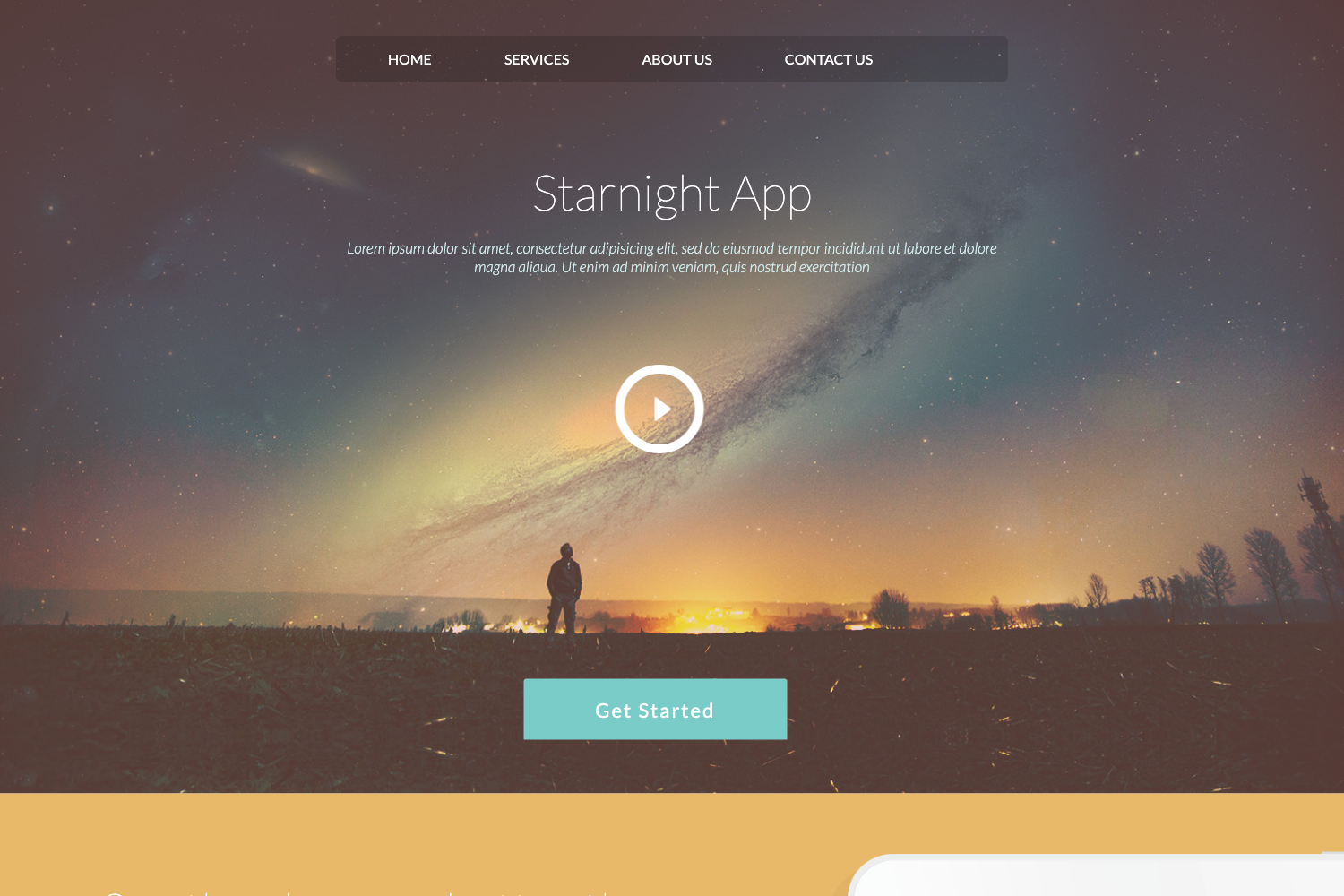
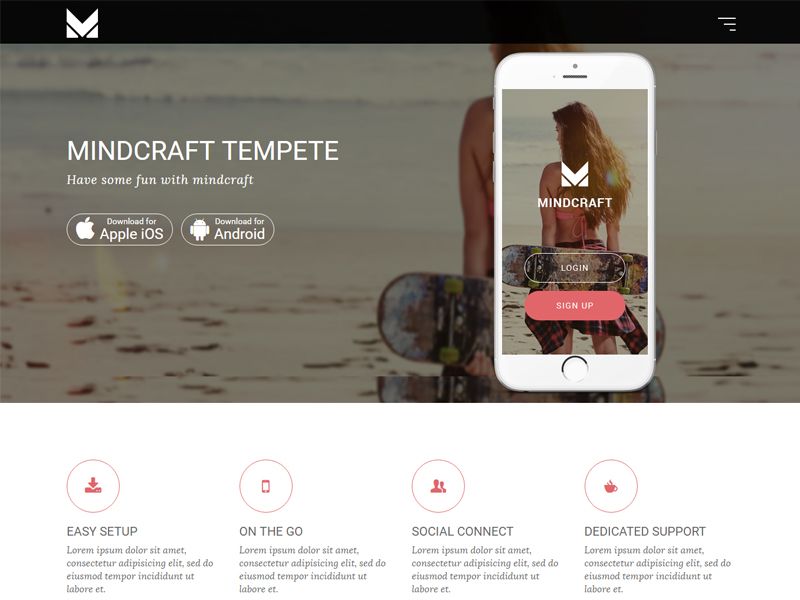
Free one-page Bootstrap 5 template by Themesberg for showcasing mobile apps, built with Gulp and Sass.
About this template
Swipe is a free one-page Bootstrap 5 template from Themesberg for showcasing mobile applications, built around a Gulp and Sass workflow with both source and minified distribution builds.
What is Swipe?
Swipe is a free, one-page Bootstrap 5 template made by Themesberg (Crafty Dwarf SRL) for presenting a mobile app. You download or clone the source, run Gulp commands, and get a static landing page in HTML, CSS, and JavaScript that can be opened directly in a browser or deployed to any static host. It includes a live preview at demo.themesberg.com and a product page on the Themesberg website.
Key Features
- Bootstrap 5 framework — built on the most widely used CSS framework, giving you the standard grid, components, and utility classes for responsive layout.
- Gulp build workflow — a gulpfile compiles assets, monitors changes in
assets/scss/,assets/js/, andcomponents/folders, and injects updated CSS automatically. - Sass preprocessor — styles live in the
assets/scss/folder, allowing you to customize variables and write modular CSS with Sass. - BrowserSync live reload — running
gulpserves the project and opens/index.htmlin your default browser, refreshing on file changes. - Plain HTML/CSS build — the command
gulp build:devgenerates anhtml&cssfolder with unminified CSS, HTML, and JavaScript, so you can use it without Node, Gulp, or Npm. - Minified distribution —
gulp build:distoutputs adistfolder containing minified CSS, HTML, and JavaScript for production deployment. - Wide browser support — officially supports the last two versions of Chrome, Firefox, Edge, Safari, and Opera.
- Free download — available at no cost from Themesberg and as a public repository you can clone.
Who is it for?
- Mobile app developers — launch a clean one-page marketing site for an iOS, Android, or cross-platform app without writing a landing page from scratch.
- Startup founders — set up a simple product page with a demo link and app store references in a single session.
- Frontend developers — use the Gulp and Sass pipeline as a starting point for a Bootstrap 5 project, or grab the plain
html&cssoutput to drop into any existing site.
What can you do with Swipe?
- Create a product landing page: replace the sample content in
index.htmlwith your app's name, screenshots, feature list, and download buttons, then serve it locally with BrowserSync. - Customize the design: edit Sass variables in
assets/scss/to change colors, fonts, and spacing, and watch Gulp recompile and inject the new CSS. - Build a deployable bundle: run
gulp build:distto produce a minifieddistfolder ready to upload to Netlify, GitHub Pages, or any static host.
How does Swipe work?
To use the source version, you need Node and the Gulp CLI installed. After cloning the repository, run npm install to fetch dependencies, then run gulp in the swipe/ folder to start a local server with BrowserSync. Press CTRL+C to stop the server.
Pros and cons
- Pros: free to download and use; offers two output modes (unminified and minified); uses a popular, well-documented stack (Bootstrap, Sass, Gulp); includes live reload for fast iteration.
- Cons: customizing the source requires Node and Gulp; browser support is limited to the last two versions of each listed browser.
Pricing
Swipe is free. It is listed under Themesberg's free themes and can be downloaded from the product page or cloned from the repository. The accompanying licensing terms are defined on the Themesberg licensing page.
Alternatives
- Start Bootstrap — another source of free Bootstrap templates with a similar one-page style.
FAQ
Is Swipe free?
Yes, Swipe is a free template from Themesberg. You can download it from the Themesberg product page or clone the repository, and it is covered by the standard Themesberg license agreement.
What tools do I need to customize Swipe?
To work with the source files you need Node.js, the Gulp CLI (installed with npm install gulp-cli -g), and the project dependencies installed via npm install. If you only want to edit HTML and CSS, use the generated html&css folder from gulp build:dev.
How do I get a minified version of Swipe?
Run gulp build:dist in the project folder. This creates a dist directory with minified CSS, HTML, and JavaScript that you can upload directly to a web host.
What browsers does Swipe support?
The template officially supports the last two versions of Chrome, Firefox, Edge, Safari, and Opera. Older browser versions are not part of the official support list.
Who created Swipe?
Swipe was created and is maintained by Themesberg, also known as Crafty Dwarf SRL. The copyright notice and licensing terms are listed on the Themesberg licensing page.