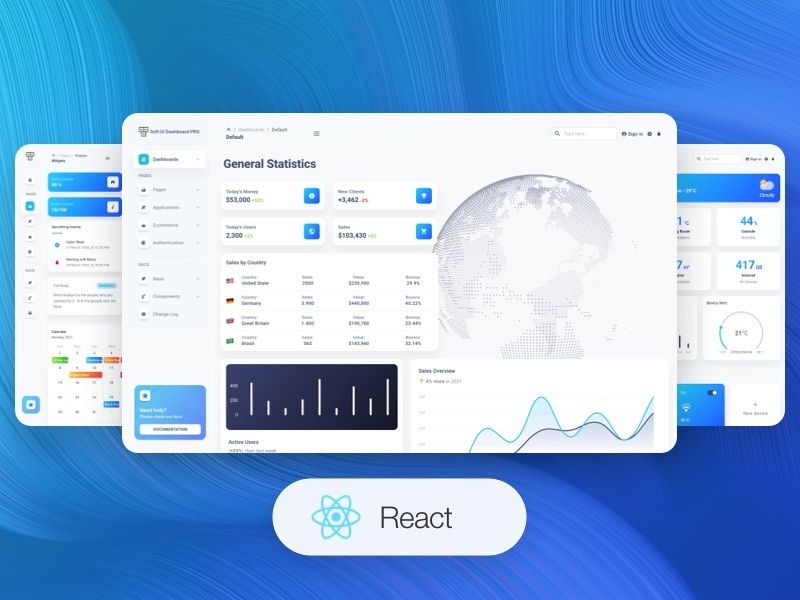
Template details
Vuetify Material Dashboard
Open-source Vue admin dashboard template built with Vuetify, Vuex, and Vue Router for building Material Design interfaces.
About this template
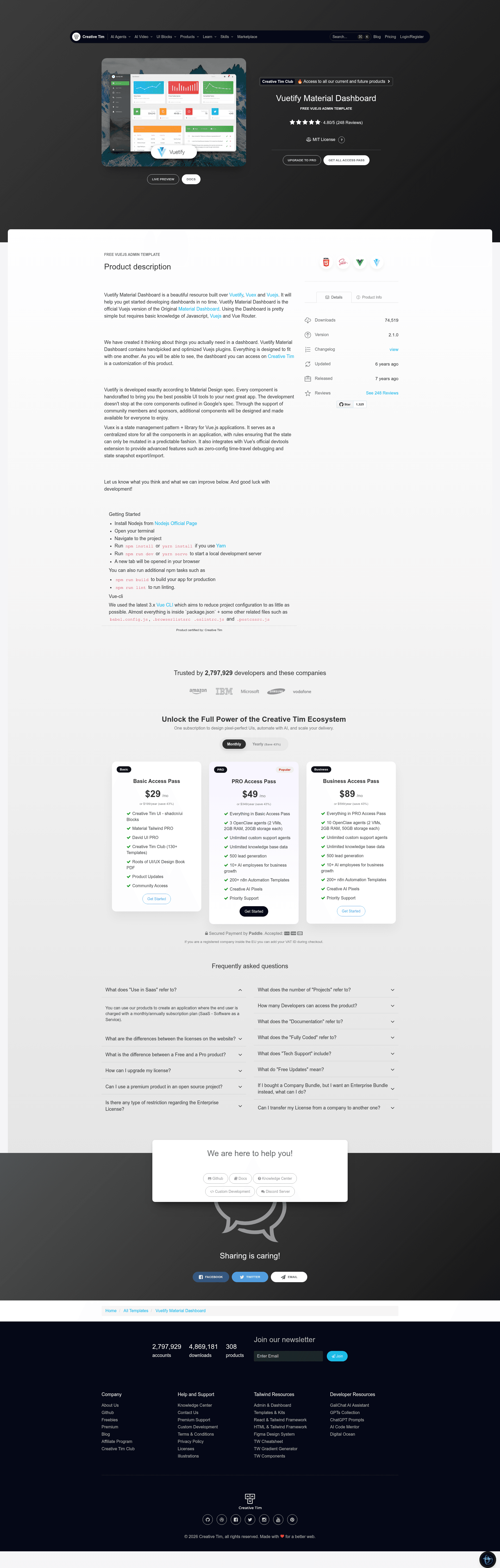
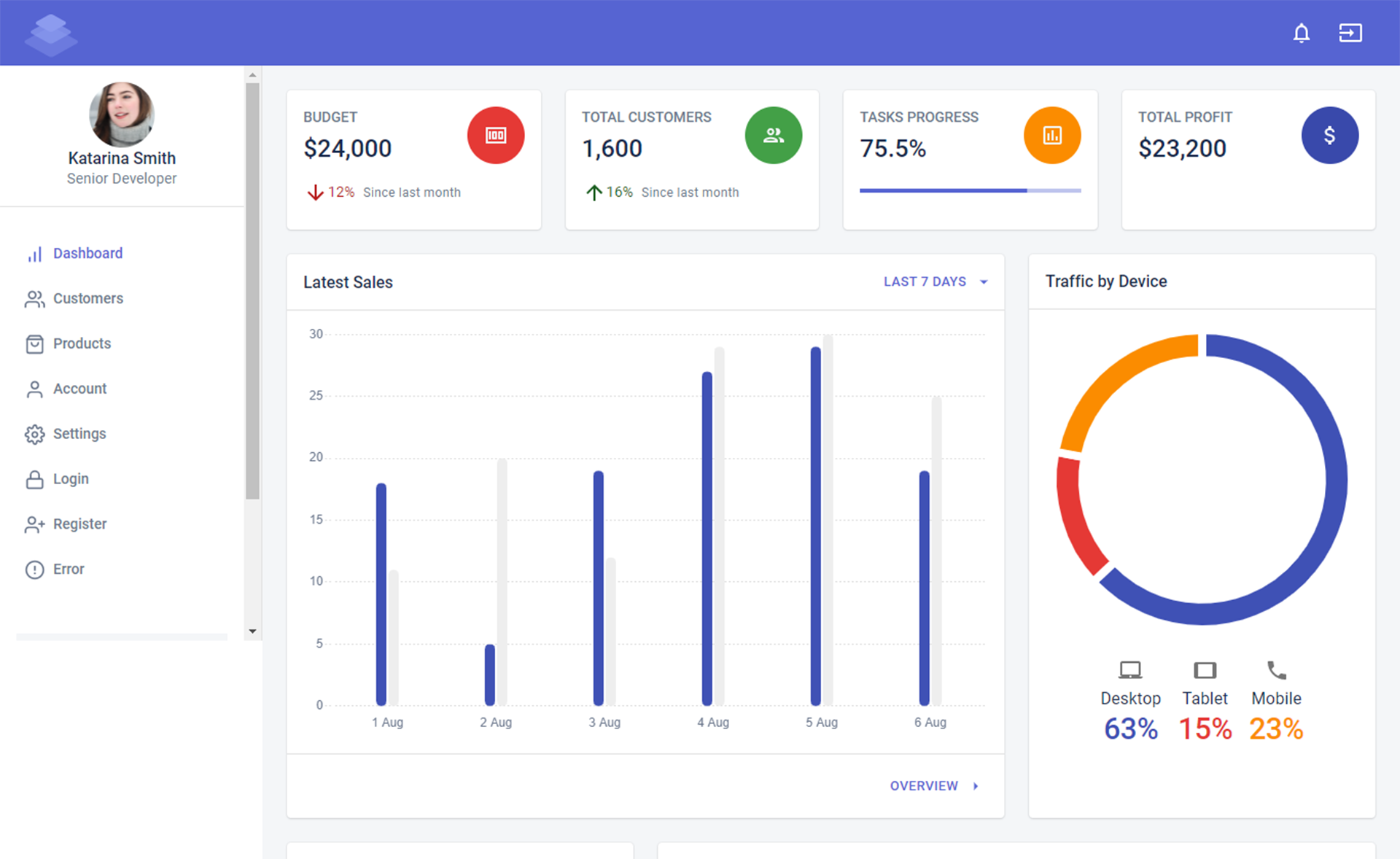
Vuetify Material Dashboard is an open-source admin dashboard template by Creative Tim, built on Vue, Vuetify, Vuex, and Vue Router, that provides a ready-made Material Design UI for backend panels and data-heavy applications.
What is Vuetify Material Dashboard?
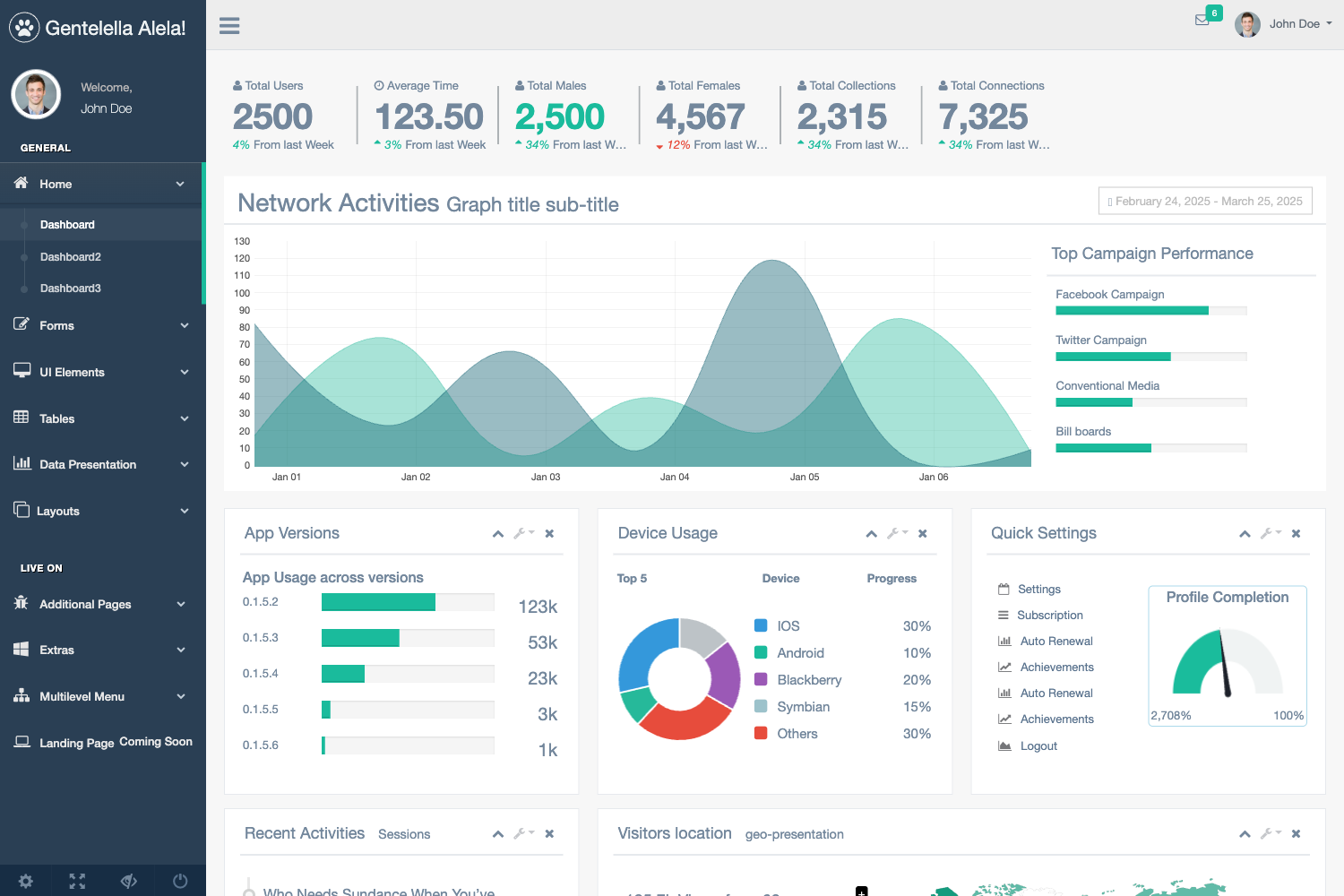
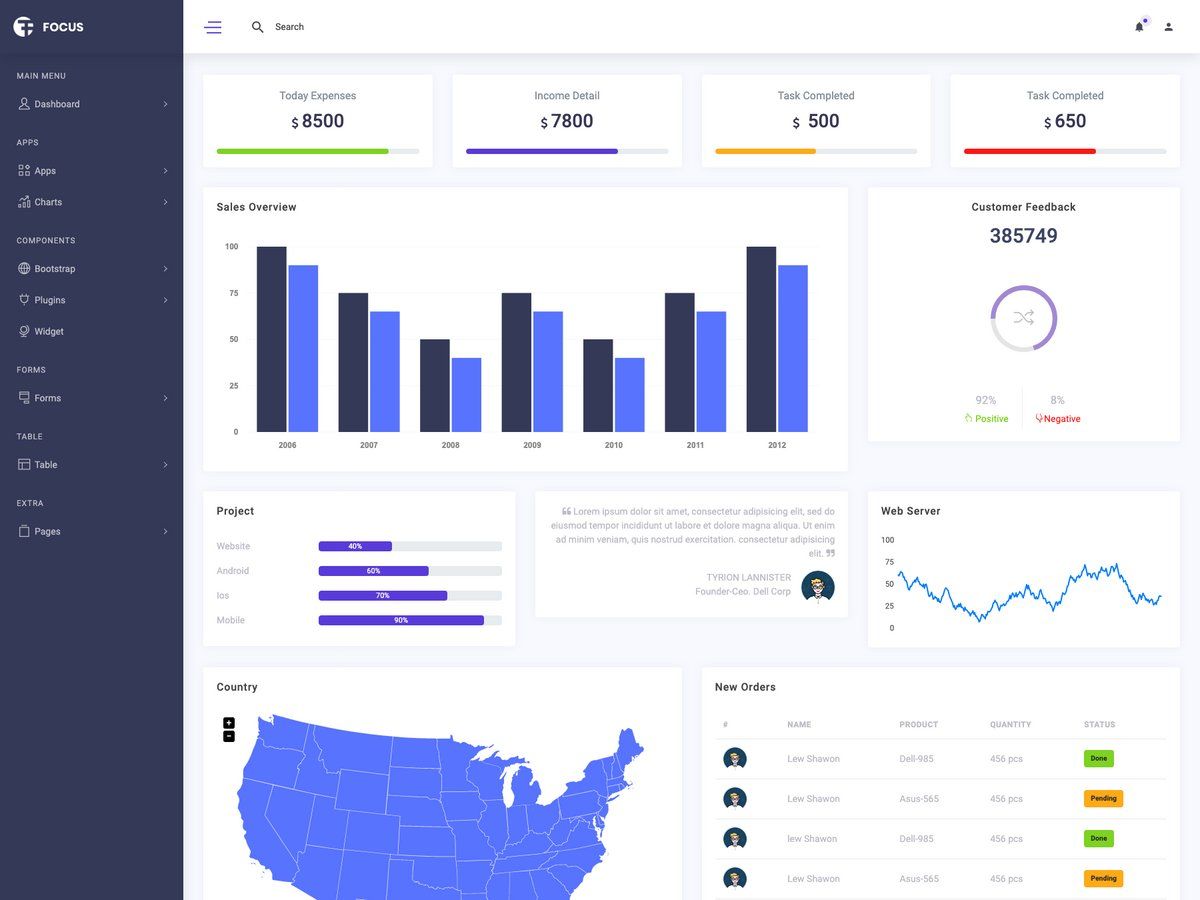
Vuetify Material Dashboard is the official Vue.js version of Creative Tim's Material Dashboard PRO, released under the Creative Tim license. It takes a Vue project scaffold and delivers a styled admin interface with pre-built views such as Dashboard, Charts, Widgets, UserProfile, RegularTables, and GoogleMaps, plus a library of reusable Vuetify components. The project runs on the Vue CLI 3.x toolchain, uses Vuetify as its component framework, Vuex for state management, and Vue Router for navigation. It can be installed with npm or Yarn and started with a single development command.
Key Features
- Vuetify + Vuex + Vue Router stack — The template wires together Vuetify, Vuex, and Vue Router out of the box, with a
store.js,router.js, and a Vuetify plugin already configured. - Reusable base components — The
src/components/basefolder ships with MaterialAlert, MaterialCard, MaterialChartCard, MaterialSnackbar, MaterialStatsCard, MaterialTabs, MaterialTestimony, as well as Card, Item, ItemGroup, ItemSubGroup, and Subheading. - Pre-built dashboard views — The
src/views/dashboarddirectory includes Dashboard, Charts, Widgets, component examples (Buttons, Grid, Icons, Notifications, Tabs, Typography), GoogleMaps, UserProfile, and RegularTables. - Chartist integration — A
chartist.jsplugin is included and used by MaterialChartCard, so you can feed chart data and labels into chart cards. - Form validation with vee-validate — A
vee-validate.jsplugin is preloaded for handling form validation in your pages. - Sass styling layer — The template includes
src/sass/main.scss,overrides.sass, and a custom_sidebar.sassfor Vuetify Material styling overrides. - Testing and quality tooling — Unit and end-to-end test scaffolding is present (
tests/unit,tests/e2ewith Cypress), along withnpm run lintfor code linting andnpm run buildfor production bundles.
Who is it for?
- Vue developers who need a head start on a Material Design admin panel and want to skip wiring up a Vuetify theme, router, and state store by hand.
- Product teams building internal dashboards, analytics portals, or user administration interfaces that need a polished, consistent UI without a large design investment.
- Agencies and freelancers who want a clean, free base theme they can customize and rebrand for client projects, using the included Sass overrides and component library.
What can you do with Vuetify Material Dashboard?
- Customize views and add routes: Modify the existing pages under
src/views/dashboardand register new routes insrc/router.jsto build your own dashboard structure. - Swap chart data: Replace the sample Chartist datasets in the chart cards to show your own metrics and time-series.
- Reuse Material components: Use the base components like MaterialCard, MaterialAlert, and MaterialSnackbar in your own views to keep a consistent design language.
- Change the look and feel: Adjust the Vuetify theme in
src/plugins/vuetify.jsand the Sass variables insrc/sassto match your brand colors and spacing.
How does the template work?
To run Vuetify Material Dashboard, install Node.js, navigate to the project folder, run npm install (or yarn install), then npm run dev (or yarn serve) to start a local development server that opens a browser tab. For production, run npm run build to compile the app, and npm run lint to check the code style.
FAQ
Is Vuetify Material Dashboard free?
Yes, this is an open-source product available for free download from the Creative Tim website under their license. A paid PRO version with additional pages, components, and priorities is also listed on their site.
What do I need to know to use it?
The documentation states that using the dashboard requires basic knowledge of JavaScript, Vue.js, and Vue Router. The Vuetify components are documented and you can explore the included examples to learn how they behave.
What browsers are supported?
The template officially supports the last two versions of Chrome, Firefox, Edge, Safari, and Opera, as listed in the readme.
Where is the documentation?
The documentation for Vuetify components is hosted on the Vuetify website at the API explorer section. The readme links directly to https://vuetifyjs.com/en/components/api-explorer.