Template details
WebSlides
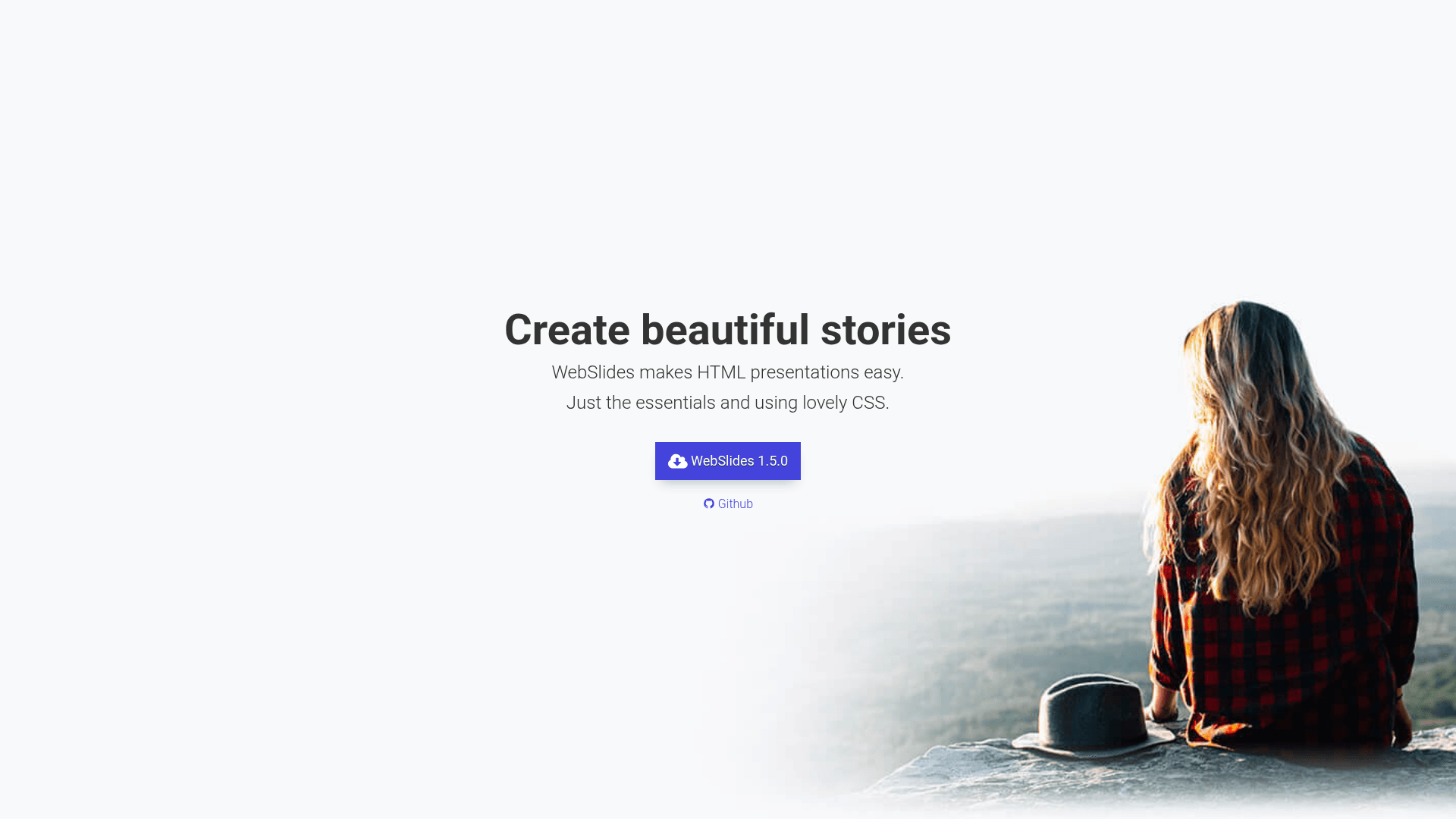
Create HTML presentations, landings, and longforms in seconds with WebSlides.
About this template
WebSlides is an open-source HTML presentation framework that lets you build slide decks, landing pages, and longform stories using only basic HTML and CSS skills.
What is WebSlides?
WebSlides is a lightweight framework for creating presentations in the browser. You write standard HTML markup — each <section> element inside a #webslides container becomes an individual slide — and WebSlides handles navigation, styling, and responsive layout. It is created by @jlantunez using Cactus and is based on SimpleSlides by @JennSchiffer. The downloadable package includes demos, CSS files (base.css, colors.css, optional svg-icons.css), and JavaScript files (webslides.js, optional svg-icons.js).
Key Features
- Navigation — Supports horizontal and vertical sliding between slides, with remote presenter control, touchpad, keyboard shortcuts, and swipe gestures.
- Slide counter — Displays the current slide number and total slides automatically.
- Permalinks — Each slide gets a direct URL so you can jump to a specific slide.
- Autoslide — Slides can advance automatically after a set interval.
- Click-to-navigate — Click anywhere on a slide to move forward.
- CSS alignments — Simple utility classes for positioning content, including vertical centering, using the
.wrapcontainer (1200px width). - 40+ components — Prebuilt blocks for backgrounds (images/videos), quotes, cards, covers, and more.
- Flexible blocks —
.flexblockclasses create equal-height, auto-fill grids for clients, metrics, and other layouts. - Typography — Bundles Roboto, Maitree (serif), and San Francisco fonts, with a vertical rhythm based on multiples of 8.
Who is it for?
WebSlides targets anyone who needs to produce polished presentations without learning a complex tool. Designers can craft on-brand slide decks using custom CSS and the included component classes. Marketers can assemble landing pages and longform content quickly. Journalists can build narrative-driven longform stories with scrolling and animations. Developers can extend it with plugins and integrate libraries like Unsplash, animate.css, particles.js, and Animate on Scroll.
What can you do with WebSlides?
- Create presentation decks: Write HTML slides with headings, images, and media, then present directly from the browser with keyboard navigation.
- Build landing pages: Use the same framework to produce single-page marketing sites with backgrounds, cards, and metrics blocks.
- Produce longform articles: Combine vertical sliding with Animate on Scroll for immersive editorial pieces.
- Prototype ideas: Quickly test a visual story or pitch deck without setting up a full web stack.
How does WebSlides work?
Download the latest zip from webslides.tv, include the CSS and JS files in your HTML, and wrap your slides in <article id="webslides">. Each child <section> becomes a slide; add classes like .bg-black or .aligncenter to style it. To enable vertical sliding, add the .vertical class to the article element. The framework's wiki documents the core API and plugin development for deeper customization.
Pros and cons
Pros:
- Free and open source under the MIT license.
- No dependencies — works with plain HTML, CSS, and a single JavaScript file.
- Lightweight and fast to customize; downloads come with demo content.
- Extensible via plugins and third-party libraries.
Cons:
- Requires basic HTML and CSS knowledge — there is no visual drag-and-drop editor.
- No built-in cloud hosting or collaboration; you manage your own files.
Pricing
WebSlides is completely free, distributed under the MIT open-source license. The download includes all demos and images for demo purposes; you can use it for personal and commercial projects without licensing fees.
Alternatives
- reveal.js — another open-source HTML presentation framework offering similar slide navigation.
FAQ
Is WebSlides free?
Yes, WebSlides is free and open-source under the MIT license. You can download it from webslides.tv and use it in personal and commercial projects without paying licensing fees.
What do I need to use WebSlides?
You need basic knowledge of HTML and CSS. The framework works in any modern browser and requires no build tools; just include the CSS and JS files in your page.
Can I create landing pages with WebSlides?
Yes, WebSlides includes components like covers, cards, and metrics blocks that are suitable for building landing pages and longform content, not just traditional slide decks.
How do I navigate between slides?
WebSlides provides keyboard shortcuts, touchpad swipe gestures, and click-to-navigate. You can also enable autoslide mode to advance slides automatically and use permalinks to jump directly to specific slides.