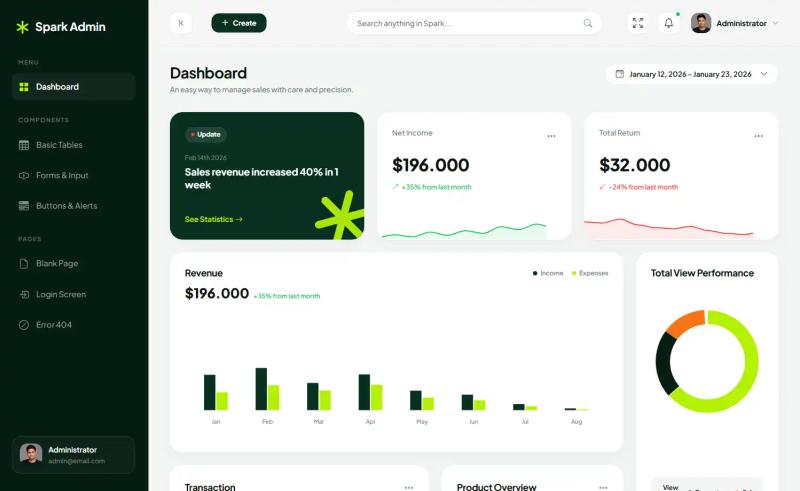
AdminToolkit is a Tailwind CSS-based admin dashboard template written in vanilla JavaScript and bundled with Vite, shipping more than 50 pre-built pages for dashboards, analytics, product management, user management, and invoicing.
What is AdminToolkit?
AdminToolkit is an open-source admin dashboard template built on Tailwind CSS 3.x+ and vanilla JavaScript, published on GitHub by developer mostafizurhimself under the repository name admintoolkit-html. It provides static HTML pages plus reusable UI components that you customize and connect to your own backend; the template itself ships no server, database, or authentication layer. Output is a set of responsive admin screens you extend, restyle, or strip down. It is released under the MIT license and processed through Vite for local development and production builds.
What makes AdminToolkit stand out?
- Tailwind CSS 3.x+ styling — every page and component is styled with utility classes rather than a proprietary CSS layer, so you can restyle by editing class names or extending the Tailwind config.
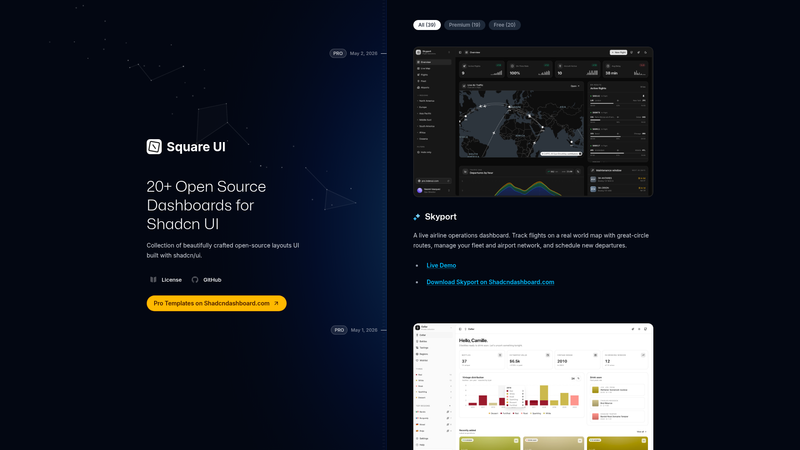
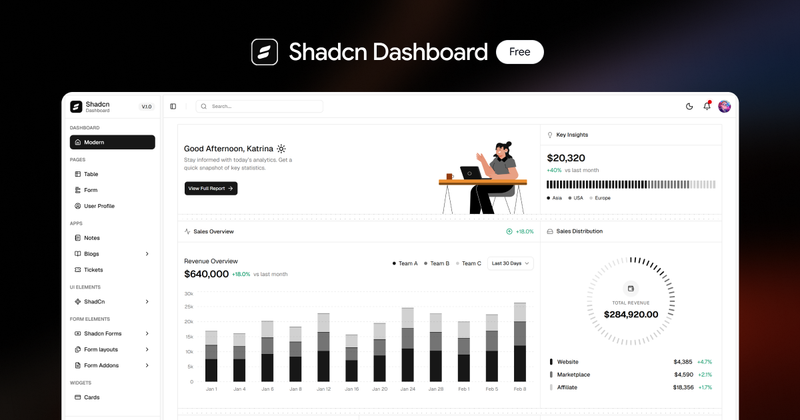
- More than 50 pre-built pages — dashboards, analytics views, product management, user management, and invoice management screens are included out of the box.
- Light and dark themes — includes a theme switcher and auto-detects the preferred theme from the user's device settings.
- Pre-built UI components — icons, buttons, tables, forms, and charts are provided as ready-to-use building blocks.
- Pre-built app layouts — page shells for admin applications are already assembled, so new screens start from an existing structure.
- Responsive layout — pages are built to adapt across desktop and smaller viewports.
- Organized, developer-friendly codebase — the project documents a contribution flow through its CONTRIBUTING.md guide.
- Vite tooling —
yarn dev,yarn build, andyarn startcover development, production build, and preview.
Who should use AdminToolkit?
- Frontend developers building an internal admin panel: clone the repo and replace the demo tables and charts with real data from your own API.
- Full-stack developers who want an HTML-first base: use the Tailwind markup directly in a Django, Laravel, or Rails view layer without adopting a JavaScript framework.
- Designers and prototypers: assemble clickable dashboard flows from the 50+ existing pages instead of drawing every screen from scratch.
- Teams without a dedicated designer: adopt the included layouts and dark mode behavior as a working baseline and adjust brand colors through Tailwind.
What can you do with AdminToolkit?
- SaaS product teams: stand up an account, product, and invoice management area using the pre-built management pages, then hook the forms to your billing backend.
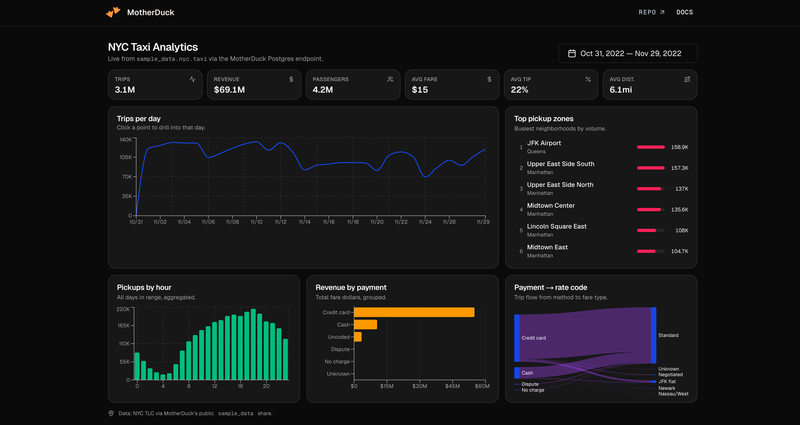
- Analytics dashboards: use the analytics pages and chart components as the starting point for reporting screens fed by your own metrics API.
- Internal tooling: adapt the table and form components into CRUD screens for user and order administration.
- Rapid prototypes: demo a full admin interface in light or dark mode before committing to a heavier framework stack.
How does AdminToolkit work?
Getting started follows a four-step sequence documented in the repository. Clone the project with git clone [email protected]:mostafizurhimself/admintoolkit-html.git, install packages with yarn install, run yarn dev for the local development server, then yarn build followed by yarn start to produce and preview the production build.
Pricing
AdminToolkit is free and open source, distributed under the MIT license, which permits commercial use and modification. The repository links a Buy Me A Coffee page for optional support.
Alternatives
Other Tailwind CSS admin dashboard templates in the same category include TailAdmin and the Flowbite Admin Dashboard.
FAQ
Is AdminToolkit free to use?
Yes. AdminToolkit is released under the MIT license, so you can use it in personal and commercial projects, modify the source, and redistribute it. The only optional cost mentioned is a Buy Me A Coffee link for supporting the author.
Is there a React or Vue version of AdminToolkit?
No. The repository's todo list explicitly marks React, Vue, Angular, and Laravel versions as not yet built, along with RTL support and multi-language support. The current release is HTML and vanilla JavaScript only.
Does AdminToolkit support dark mode?
Yes. The template ships light and dark themes and can auto-detect the theme from the user's device preference, so the interface matches system settings without manual switching. A theme toggle is available for users who want to override the detected setting.
How many pages come with AdminToolkit?
The project includes more than 50 pre-built pages covering dashboards, analytics, product management, user management, and invoice management, plus pre-built app layouts and reusable components such as icons, buttons, tables, forms, and charts.
What technology does AdminToolkit use?
AdminToolkit is built with Tailwind CSS 3.x+ and vanilla JavaScript, with Vite handling the development server, production build, and preview. There is no framework dependency, so the markup can be dropped into any server-rendered backend.