Template details
Aether Astro Theme
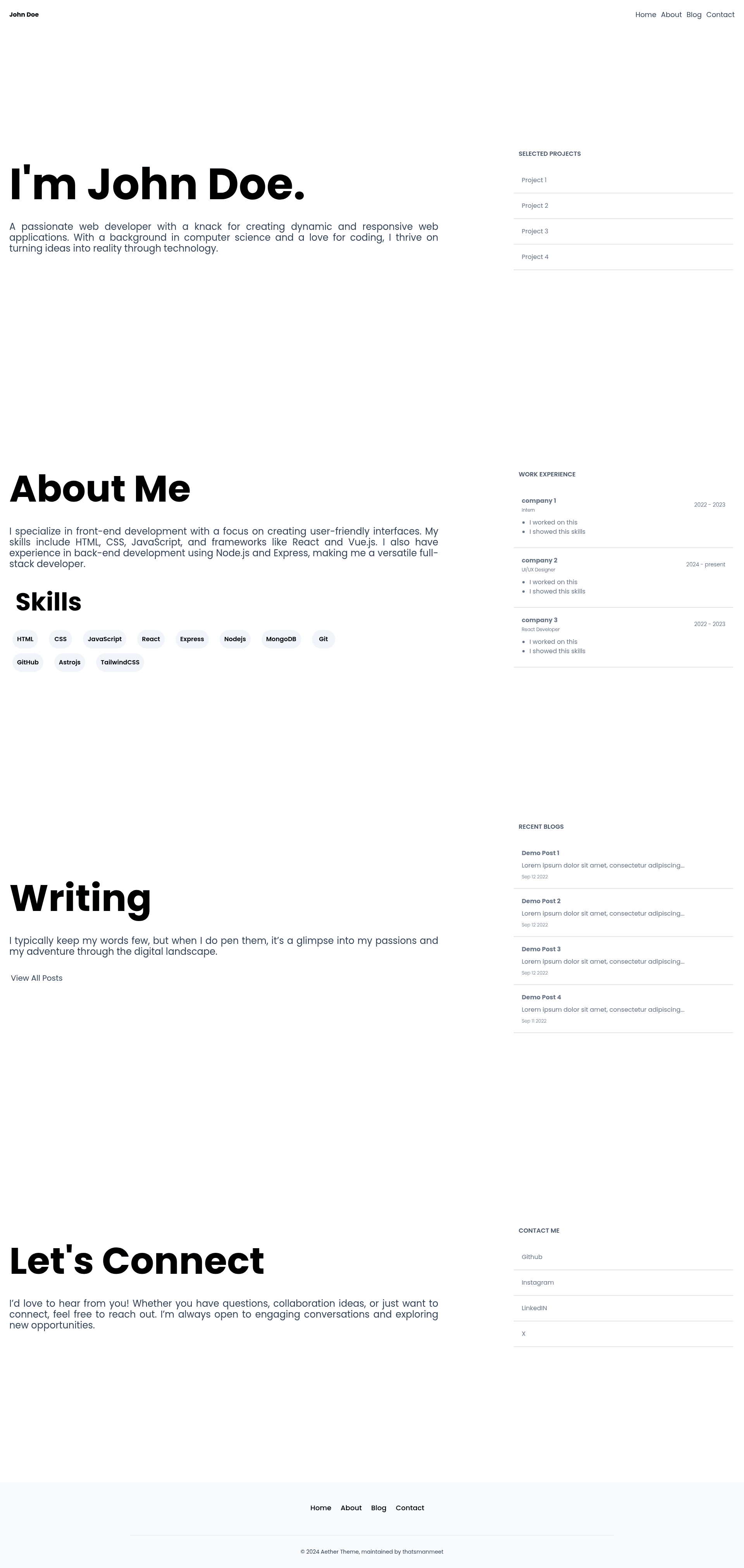
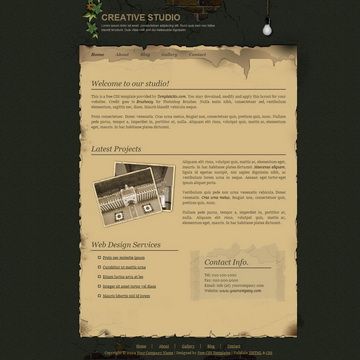
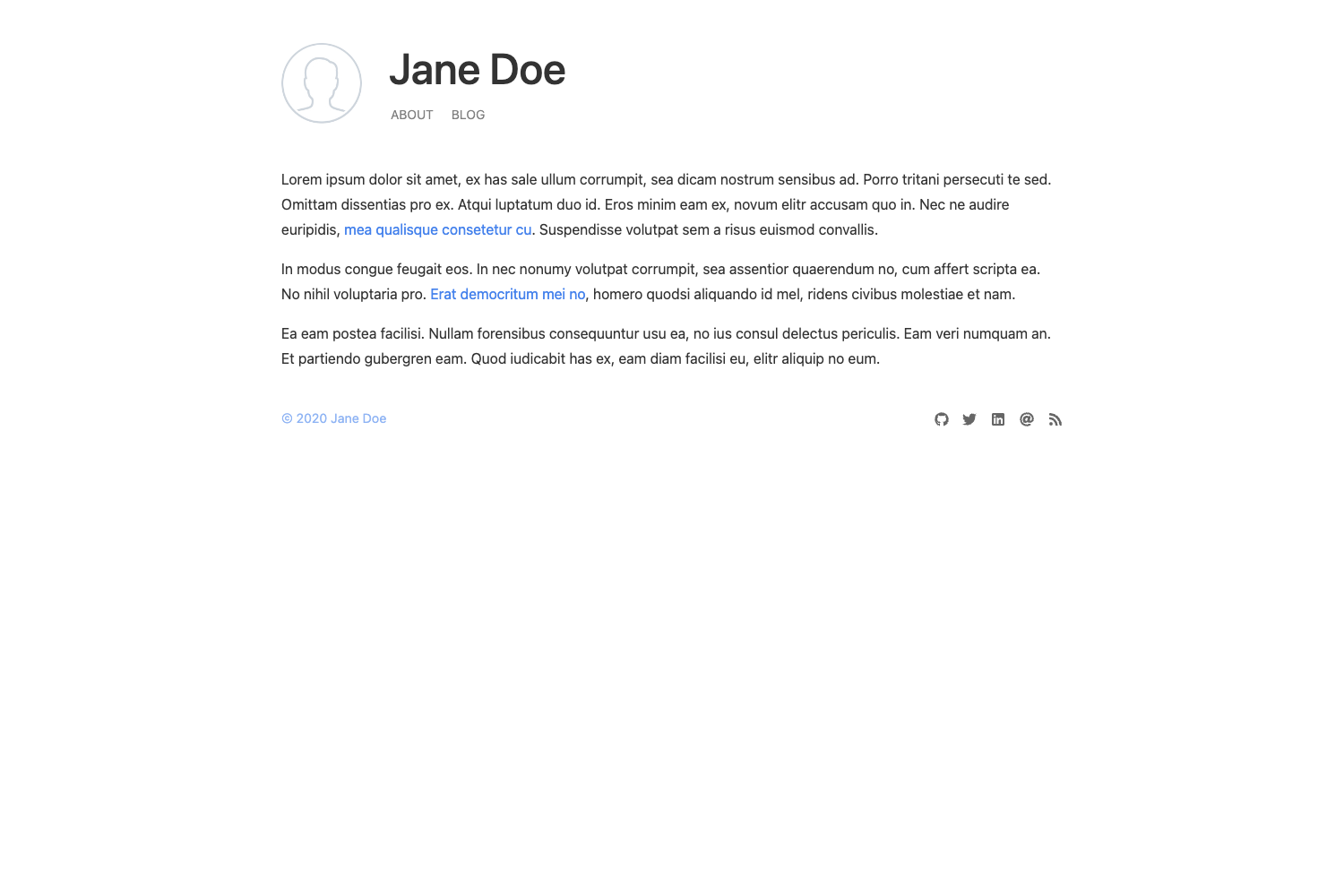
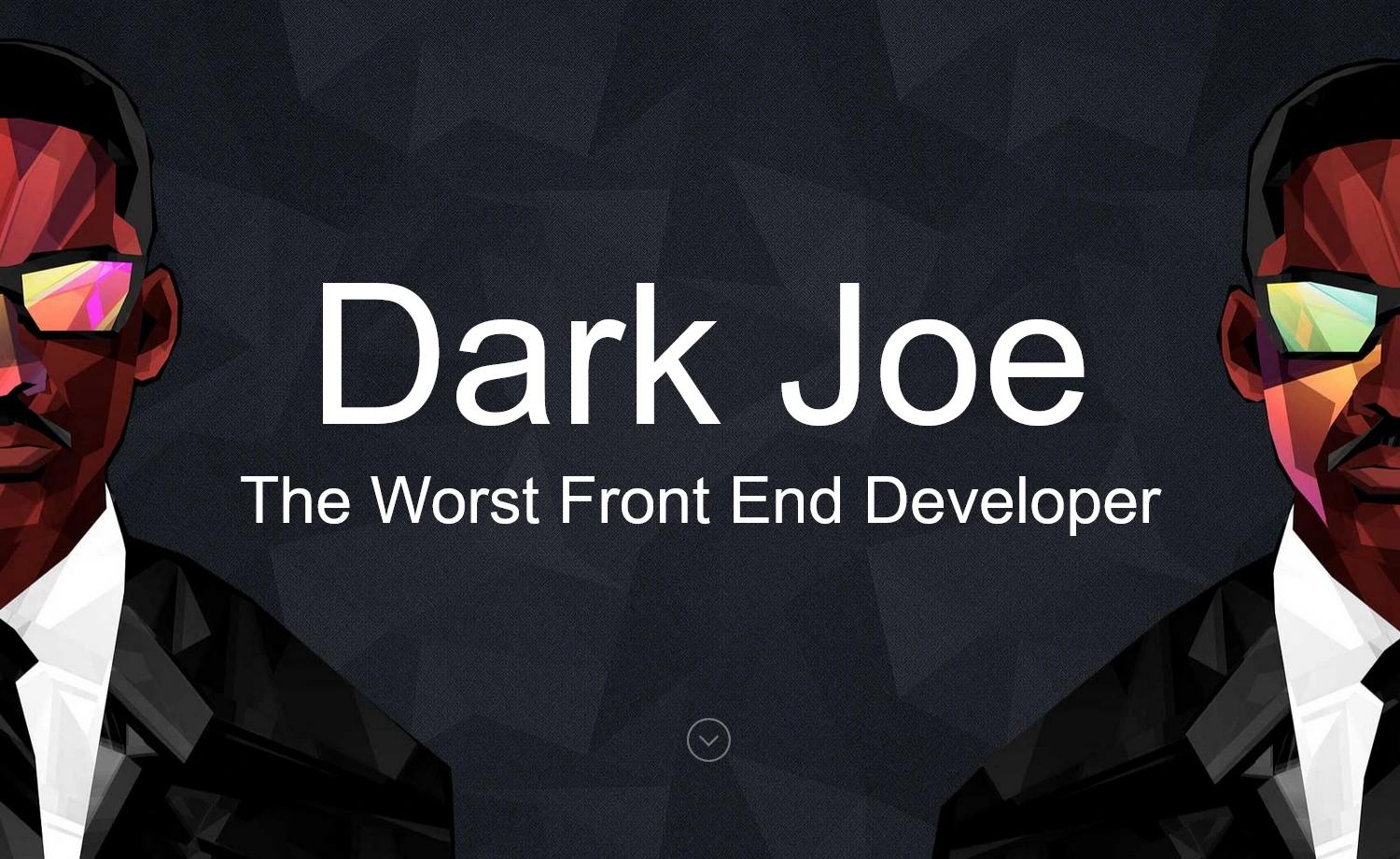
A minimalist Astro.js portfolio theme with single-file configuration and a perfect Lighthouse score.
About this template
Aether Astro Theme is a minimalist portfolio theme built with Astro.js, a static site generator that outputs plain HTML for fast loading. The theme is designed for developers who want a personal portfolio and blog without pulling in heavy client-side JavaScript.
What is the Aether Astro Theme?
The Aether Astro Theme is an open-source portfolio theme for Astro.js that turns a single configuration file plus markdown blog posts into a static portfolio website. It takes your site settings from src/data.js and blog posts from src/pages/blogs, then runs npm run build to produce a production-ready dist folder. The theme was created by thatsmanmeet and is released under the MIT License.
Key Features
- Minimal & lightweight design — A clean layout with no heavy UI frameworks, keeping page weight low and rendering fast.
- Perfect Lighthouse score — The theme reports perfect scores across performance, accessibility, best practices, and SEO, giving your site a verified speed baseline.
- Single-file configuration — All global site settings live in
src/data.js, so you can customize the entire site by editing just one file. - Markdown blog support — Add posts as
.mdfiles insrc/pages/blogs, using the provided frontmatter fields like title, description, pubDate, heroImage, badge, and author. - Automatic sitemap & robots.txt — Set the
siteproperty inastro.config.mjsand the build generatessitemap.xmlandrobots.txtautomatically. - Standard npm workflow — Use
npm run devfor local development,npm run buildfor production builds, andnpm run previewto preview the built site.
Who is the Aether Astro Theme for?
- Developers — Set up a personal portfolio in minutes by cloning the repository, editing
src/data.js, and deploying the generated static files. - Freelancers and designers — Showcase project work with a clean, fast-loading interface that leaves a strong first impression.
- Bloggers — Write posts in markdown and publish them through the built-in blog section without managing a separate CMS.
What can you do with the Aether Astro Theme?
- Launch a personal portfolio: Display your projects, skills, and contact information by filling in
src/data.jsand adding your own content. - Publish markdown blog posts: Create
.mdfiles in the blogs folder with the provided frontmatter to add dated posts to your site. - Deploy a high-performance static site: Build the
distfolder and host it on any static host to benefit from the theme's speed and minimal JavaScript.
How does the Aether Astro Theme work?
Start by cloning the repository and running npm install. Then configure your site details in src/data.js and add blog posts as markdown files, copying the frontmatter template from any existing post. Run npm run dev to see changes locally, then npm run build to generate the static site in dist. For correct sitemap generation, add your live site URL to the site field in astro.config.mjs before building.
FAQ
Is the Aether Astro Theme free?
Yes, the theme is released under the MIT License, so it is free to use, modify, and distribute, including for commercial projects.
How do I add a new blog post?
Create a new markdown file in src/pages/blogs, copy the frontmatter structure from an existing post, and fill in the title, description, publish date, hero image, badge, and author. The build will automatically include it.
Will the theme generate a sitemap?
Yes, if you set the site property in astro.config.mjs to your production URL, the build process will generate both sitemap.xml and robots.txt.
What commands do I need for development?
Use npm run dev to start the local development server, npm run build to create the production build, and npm run preview to preview the production output locally.
Does the theme include a perfect Lighthouse score out of the box?
The theme's documentation states that it achieves a perfect Lighthouse score in all categories. Actual results can vary depending on the content you add and your hosting setup.