Template details
Personal-Website
Modern portfolio website template built with Next.js 16, Once UI, TypeScript, featuring MDX content, GitHub integration, and dark/light mode.
About this template
Personal-Website is an open-source portfolio template built with Next.js 16, Once UI, and TypeScript that generates a static personal site with project showcase, GitHub repository integration, and MDX-powered content.
What is Personal-Website?
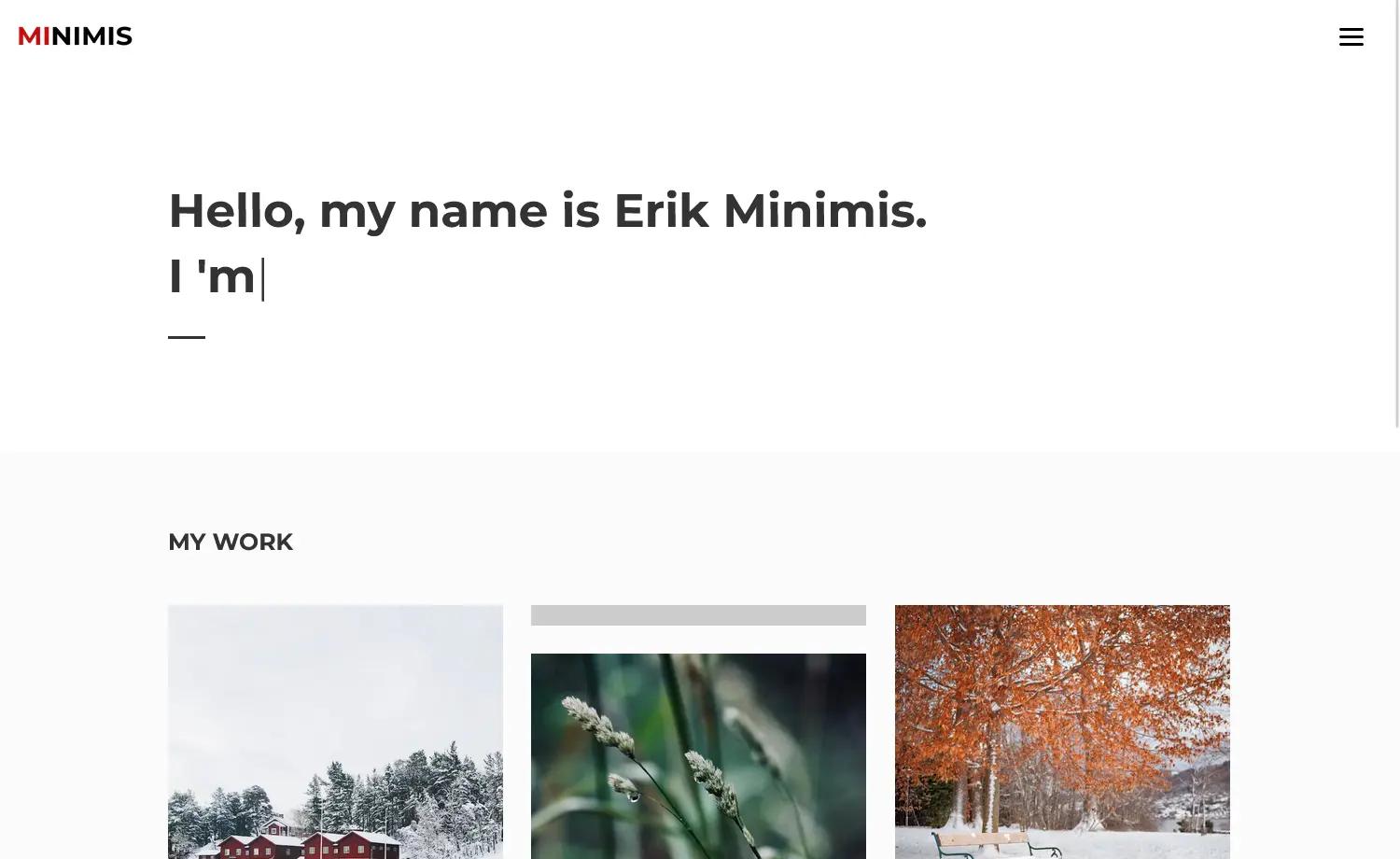
Personal-Website is an open-source portfolio template built with Next.js 16.2, Once UI System 1.4, and TypeScript 5.8. It produces a static-rendered personal site with About, Work, Gallery, and GitHub pages, and it is maintained by Umut Bayraktar, founder of Codeshare Technology Ltd. The template takes a developer's profile data and MDX project files as input and outputs a deployable Next.js application with SEO meta tags and Open Graph support.
Key Features
- Next.js 16 with App Router — Uses the latest React framework for static generation and fast page loads.
- Once UI System 1.4 — Component library for accessible, styled UI; configuration is centralized in once-ui.config.ts.
- MDX content — Write project posts as MDX files with frontmatter for title, date, summary, images, team, and links; they automatically appear on the Work page.
- GitHub integration — The github page auto-fetches public repositories for a configured username, with a highlight list for pinned repos.
- Dark/light mode — Theme switching follows the system preference, and colors (brand, accent, neutral) are configurable.
- TypeScript 5.8 — Full type safety across the codebase.
- Responsive layout — Optimized for all devices, with a simple design.
- Deployment-ready — Can be exported as a static site (npm run export) or deployed to Vercel with automatic builds.
Who is it for?
- Frontend developers who want a ready-made portfolio with modern tooling and a clean design.
- Full-stack developers who want to showcase projects, GitHub repos, and work experience.
- Freelancers or founders who need a personal site with a gallery and writing space.
- Anyone comfortable with Next.js and TypeScript who can configure site-data.tsx.
What can you do with it?
- Showcase your projects: Create MDX files in src/app/work/projects/; they are listed automatically on the Work page.
- Display your GitHub activity: Update your username in site-data.tsx and the GitHub page lists your public repositories.
- Protect pages with a password: Set a password via the PAGE_ACCESS_PASSWORD environment variable and enable protected routes in once-ui.config.ts.
- Customize the theme: Adjust brand, accent, and neutral colors in once-ui.config.ts.
How does Personal-Website work?
After cloning the repository, run npm install and npm run dev to start the development server on localhost:3000. Personalize the site by editing src/resources/site-data.tsx for personal information, social links, projects, and work experience, then add MDX files to create project entries. For production, run npm run build and npm start, or push the repository to GitHub and import it into Vercel for automatic deployment.
FAQ
Is Personal-Website free?
Yes, the project is open source under the MIT License, so it is free to use and modify.
What tech stack does it use?
It uses Next.js 16.2, Once UI System 1.4, TypeScript 5.8, SCSS Modules for styling, MDX for content, and React Icons. Deployment is recommended on Vercel.
Can I add my own projects?
Yes, create a new MDX file in src/app/work/projects/ with frontmatter fields like title, publishedAt, summary, images, and link. The project will automatically appear on the Work page.
Does it support dark mode?
Yes, dark/light mode is included with system preference detection, and you can set the brand, accent, and neutral colors in once-ui.config.ts.
How do I protect pages with a password?
Set an optional PAGE_ACCESS_PASSWORD in a .env.local file and enable protected routes in once-ui.config.ts. This works for any route, such as /about.