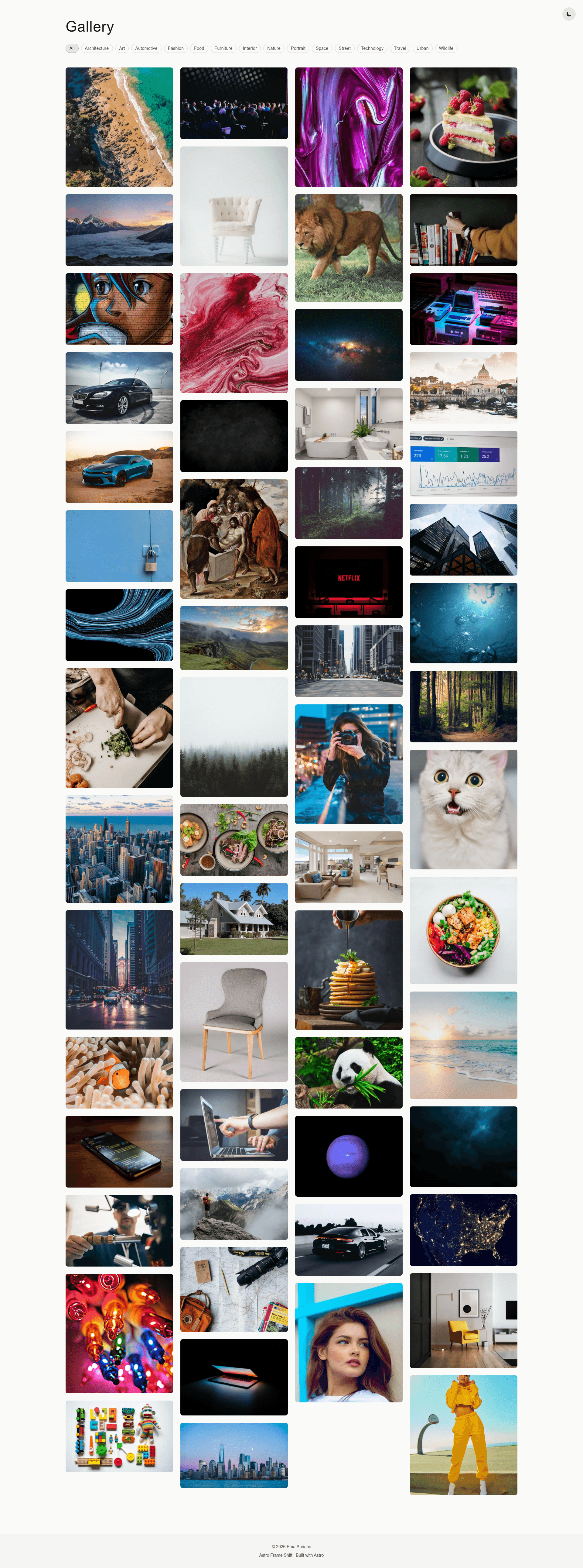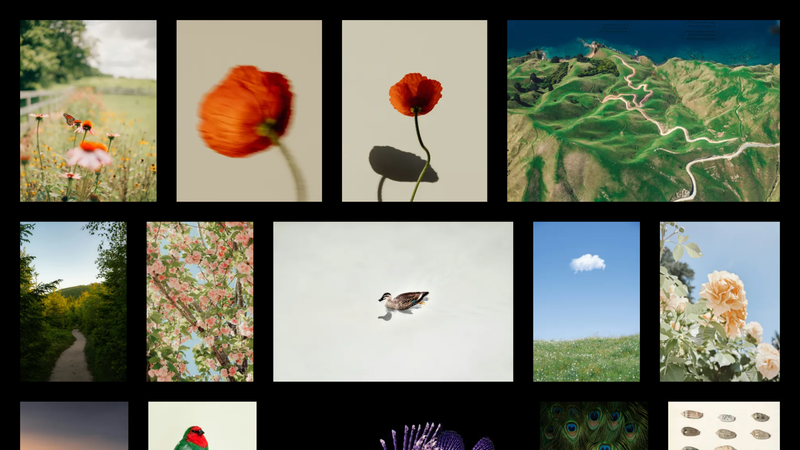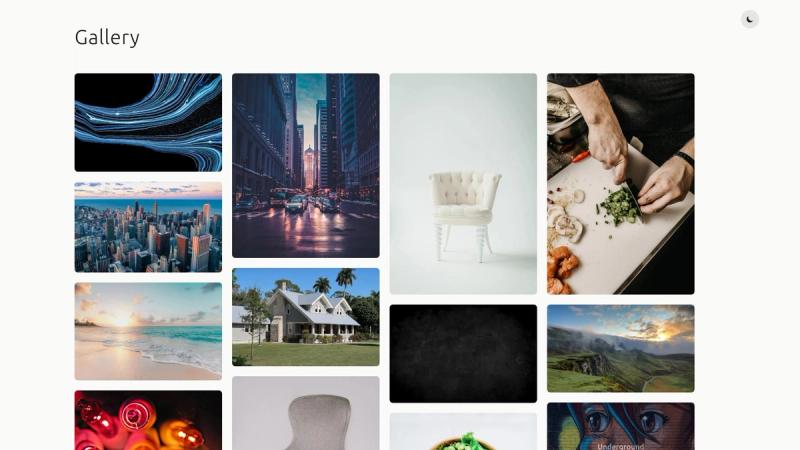
Astro Frame Shift is a minimalist photo gallery template for the Astro framework; it generates a static site with a borderless masonry grid, real per-category routes, and View Transitions for smooth page navigation. The gallery is built around a structured JSON data file of 60+ images, with dark/light theme support and build-time URL validation.
What is Astro Frame Shift?
Astro Frame Shift is a front-end template for photographers and visual catalogues, pre-built with Astro 7 support and Tailwind CSS. Its input is a structured src/data/gallery.json data file containing image URLs and metadata; its output is a pre-rendered static site with a grid index page at src/pages/index.astro and individual detail pages at src/pages/image/[id].astro.
What makes Astro Frame Shift stand out?
The template keeps visual design intentionally minimal — no borders, no shadows, and image information only on hover. It provides a CSS-only responsive masonry layout that adapts from 1 to 4 columns based on screen size, plus a persistent dark/light theme toggle built into src/components/ThemeToggle.astro.
Other notable features:
- Image validation script — scripts/check-images.ts is a TypeScript script that checks every image URL in the gallery data and fails the build if any URL is unreachable; it can also be run independently with yarn check-images.
- Category pages as real routes — filter tags become actual pages under /category/ so Astro View Transitions work when switching categories, instead of client-side hiding.
- Metadata model — each entry in src/data/gallery.json stores src, alt, title, description, categories, date, photographer, and an optional photographerLink.
- Related image ranking — images can belong to multiple categories, and related images are ranked by tag overlap.
- Optimized image delivery — Astro's built-in Image component handles responsive sizes and WebP conversion; the design also includes lazy loading.
- Typed content collection — src/content/config.ts defines the schema, giving type safety when editing gallery entries.
Who is Astro Frame Shift for?
Astro Frame Shift is aimed at developers and content authors who want a lightweight, static photo gallery without pulling in a heavy client-side JavaScript framework. It suits Astro developers who need a clean starting point for a personal portfolio or image-heavy site, and photographers who want to present a curated set of 60+ images organized by categories such as Architecture, Nature, Street Photography, and Portraits.
Use cases
- Photographers: publish a portfolio by replacing the sample entries in src/data/gallery.json with their own image URLs and metadata, then run yarn build to produce a static site.
- Small editorial teams: set up a category-filtered visual archive where each category has its own URL, making galleries shareable and indexable.
- Astro developers: use the template as a reference for integrating View Transitions, theme persistence, and build-time image validation into a content-collection workflow.
How does adding images work?
Adding images is done through the data file rather than a CMS. Open src/data/gallery.json, append an object with the same structure shown in the README, run yarn check-images to verify the URL is reachable, then use yarn dev or yarn build to preview or publish.
FAQ
Is Astro Frame Shift free to use?
The template is distributed as a GitHub repository, so downloading and reusing the code does not involve a listed paid tier. No licensing text appears in the README, so check the repository's license file before commercial deployment.
Which Astro version does it require?
The template's README states that the theme is Astro 7 ready, indicating the project is designed to work with Astro 7. The documented setup uses Yarn as the package manager.
What styling and fonts does it use?
It uses Tailwind CSS with a stone color palette for light mode and a slate palette for dark mode. Typography is set with Inter for general text and JetBrains Mono for monospaced elements.
How can I change the theme colors?
The README points to tailwind.config.mjs for customizing the color palette, while dark/light switching is handled by src/components/ThemeToggle.astro with persistence built into src/layouts/Layout.astro.
How do I check that my image links work?
Run yarn check-images to validate all image URLs in the gallery data automatically; the same check runs during yarn build and reports any failed URLs for manual review.