Template details
Astro Sanity Minimal Starter
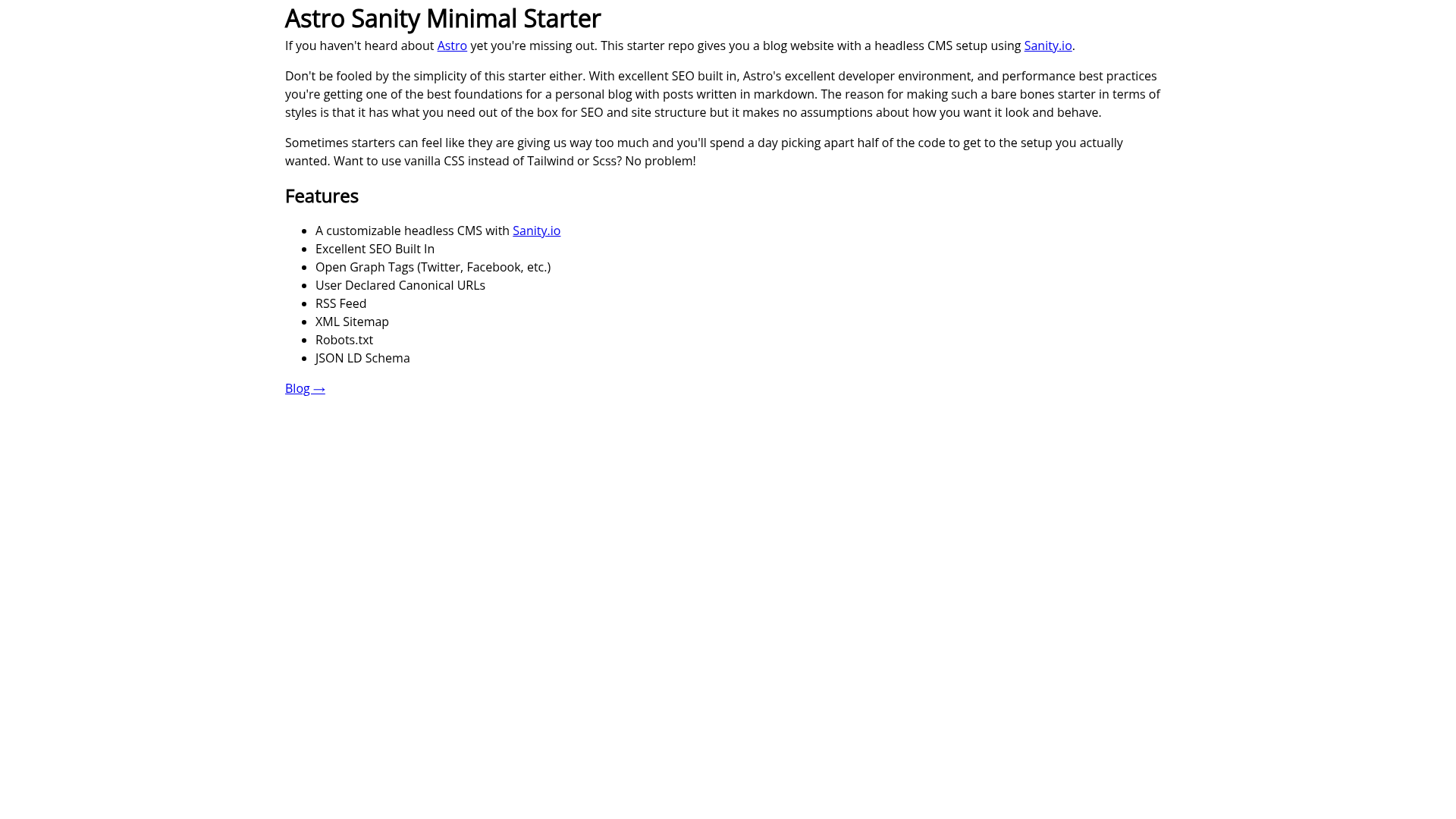
A minimal Astro blog starter with Sanity.io headless CMS, built-in SEO, RSS, sitemap, and minimal styles.
About this template
Astro Sanity Minimal Starter is a starter boilerplate that connects the Astro static-site framework to a Sanity.io headless CMS, producing a markdown-based blog with SEO features preconfigured. It was created by Jaydan Urwin and is available as a GitHub template with a live demo on Netlify.
What is Astro Sanity Minimal Starter?
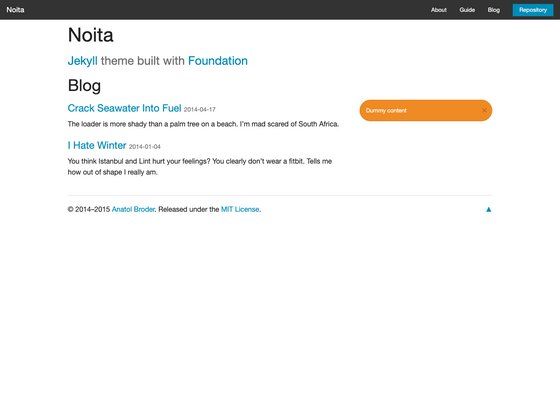
Astro Sanity Minimal Starter is a two-part repository: an Astro website in the astro folder and a Sanity Studio in the sanity folder. The Astro site is the public blog, and the Sanity Studio (running separately on localhost:3333) acts as its content editor. The starter intentionally ships with extremely minimal styles so that it makes no assumptions about the visual design, while still including everything needed for a structurally sound blog with good SEO.
Key Features
- Sanity.io headless CMS — Content is managed through a dedicated Sanity Studio that runs on localhost:3333, separate from the Astro frontend.
- Built-in SEO — Open Graph tags for Twitter and Facebook, user-declared canonical URLs, an RSS feed, an XML sitemap, a robots.txt file, and JSON-LD schema are all preconfigured.
- Markdown posts — Blog posts are authored in markdown, keeping the content simple to write and maintain.
- Minimal styles — The starter's styling is described as "extremely minimal," so you can swap in vanilla CSS, Tailwind, or SCSS without removing a framework the starter forced on you.
- Performant Google Fonts — The Google Fonts integration is set up with performance in mind.
- Simple project structure — Two folders keep the Astro frontend and the Sanity backend clearly separated, making it easy to extend either side.
Who is it for?
- Indie bloggers who want a solid technical foundation for a personal blog without a heavy theme or CSS framework to fight with.
- Astro developers who need a minimal, SEO-ready starting point so they can focus on building a custom design and content model.
- Sanity users looking for a compact reference implementation of how to wire Sanity into an Astro site, including environment configuration and CORS setup.
What can you do with it?
- Publish blog posts: write content in the Sanity Studio, and the Astro site builds a static blog with an RSS feed and XML sitemap for readers and search engines.
- Customize the design: replace the minimal CSS with your preferred approach (vanilla CSS, Tailwind, SCSS) without needing to uninstall an included framework.
- Extend the SEO setup: the preconfigured Open Graph tags, canonical URLs, and JSON-LD schema can be adjusted to match your site's domain and social accounts.
How does it work?
The repository uses Sanity CLI to initialize the Studio: after creating a repo from the template, you install the Sanity CLI, run sanity install and sanity init inside the sanity folder, then copy the project ID into the .env file in the astro folder as PUBLIC_SANITY_PROJECT_ID. You also need to add http://localhost:3000 to your Sanity project's allowed CORS origins. After that, npm install and npm start inside the astro folder runs the site at localhost:3000.
FAQ
Does this template include a CSS framework?
No. The starter ships with extremely minimal styles and makes no assumptions about your styling approach, so you can bring vanilla CSS, Tailwind, SCSS, or another method.
How do I run the Sanity Studio locally?
Open a terminal in the sanity folder, run sanity install, then sanity start. The Studio runs at http://localhost:3333.
How do I connect the Astro site to Sanity?
Copy your Sanity project ID into the astro folder's .env file as PUBLIC_SANITY_PROJECT_ID, and add http://localhost:3000 to your Sanity project's allowed CORS origins.
How do I build the site for production?
Run npm run build inside the astro folder to produce a production build of the static site.