Template details
Starter Next.js TypeScript
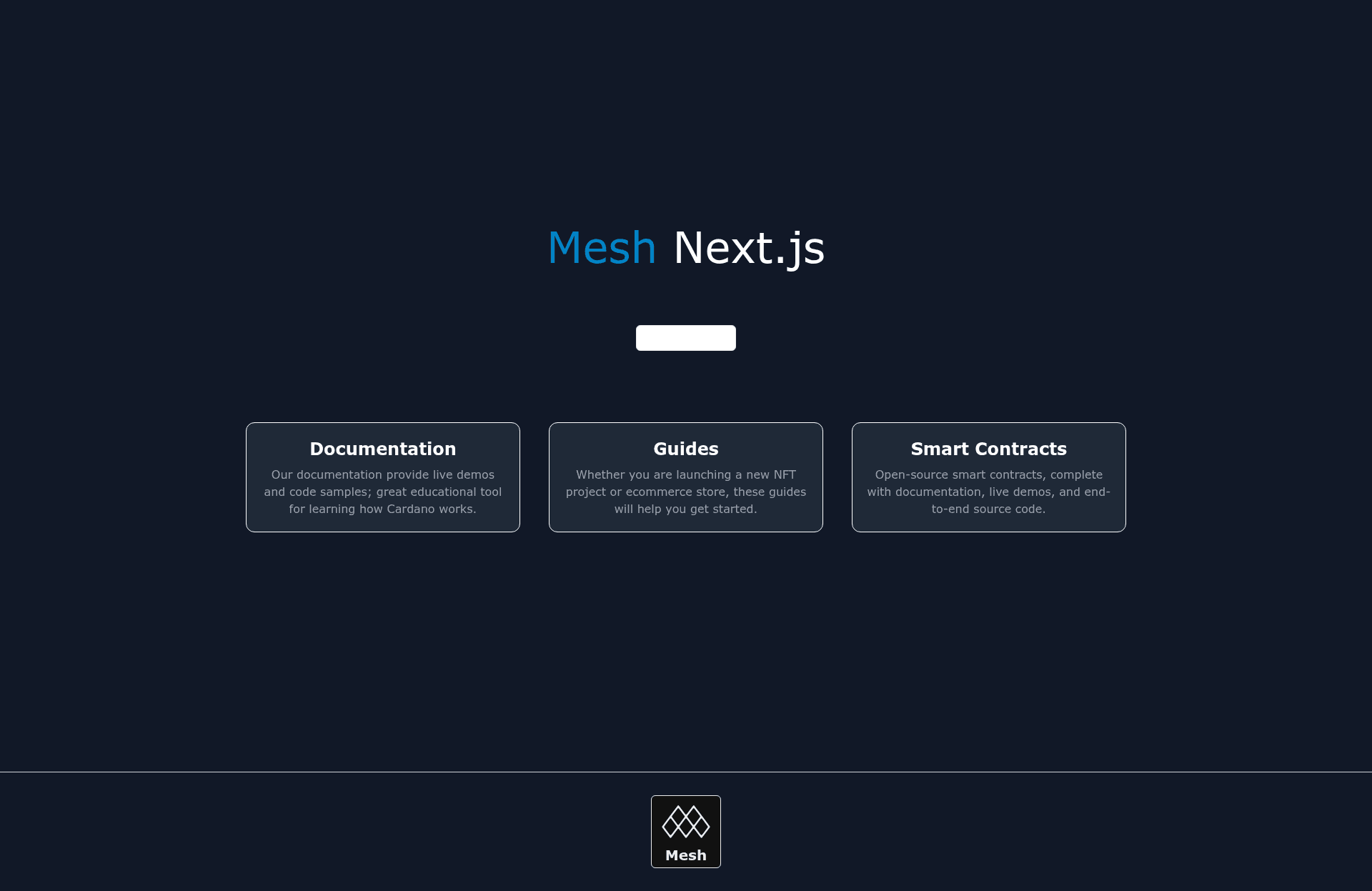
Start a new project on Next.js. This starter template consists of a connect wallet button and wallet integration.
About this template
Starter Next.js TypeScript is a boilerplate template created by Mesh (meshjs.dev) for bootstrapping new Next.js projects with a pre-built connect wallet button and wallet integration.
What is Starter Next.js TypeScript?
Starter Next.js TypeScript is a boilerplate template for Next.js applications that comes with a connect wallet button and wallet integration out of the box. It takes a project name as input and produces a working Next.js project in TypeScript, ready for Web3 features. The template is part of the Mesh ecosystem, which provides APIs, guides, smart contracts, and React components for decentralized development.
Key Features
- Next.js and TypeScript foundation — The template is preconfigured with Next.js and TypeScript, providing a typed, production-ready starting point.
- Connect wallet button — A ready-to-use button component that lets users connect their wallet without building custom UI.
- Wallet integration — The template handles wallet connection state, enabling your app to read wallet addresses and states immediately.
- Mesh React components and hooks — Integrated with Mesh's frontend components and React hooks for wallet connections, as documented on the Mesh React page.
- Access to Mesh APIs — Links to Mesh's API documentation for wallet integrations and transaction builders, so you can extend the starter with blockchain operations.
- Smart contract examples — The template points to Mesh's open-source smart contracts with documentation and live demos, useful for adding on-chain logic.
- CLI scaffolding — You can create a new project instantly by running
npx meshjs app-namein your terminal.
Who is it for?
- Web3 developers who want a Next.js project with wallet support without manually configuring the connection layer.
- Full-stack developers needing a TypeScript base for a dApp frontend that can interact with Mesh APIs and smart contracts.
- Developers new to Mesh who want a reference implementation showing how to use Mesh's React components and hooks for wallet state management.
What can you do with Starter Next.js TypeScript?
- Start a new dApp frontend: Run
npx meshjs app-nameto scaffold a Next.js TypeScript app that already has a connect wallet button and wallet integration, saving setup time. - Learn wallet integration: Study the template's code to see how Mesh's wallet components are wired into a Next.js page, then reuse that pattern elsewhere.
- Prototype a Web3 feature: Use the starter as a base, then extend it with Mesh's APIs and smart contracts to test ideas quickly.
- Build on the Mesh ecosystem: The included links to Mesh APIs, guides, and smart contracts make it easy to explore available tools for your project.
How does Starter Next.js TypeScript work?
To use the template, open your terminal and run npx meshjs app-name, where app-name is the name of your project directory. The CLI scaffolds a Next.js TypeScript project that includes the connect wallet button and wallet integration. After scaffolding, you can start the development server and begin building immediately.
FAQ
How do I create a project with this template?
Run npx meshjs app-name in your terminal, replacing app-name with the name of your new project. This generates a Next.js TypeScript project with the connect wallet button and wallet integration already set up.
Does the template include wallet connection UI?
Yes, the template consists of a connect wallet button and wallet integration, so you get a working wallet connection interface out of the box.
What is Mesh?
Mesh is a Web3 development platform that provides APIs, guides, smart contracts, and React components for building decentralized applications. This template is part of the Mesh ecosystem and integrates its wallet components.
Is the template open source?
The page encourages users to star the Mesh GitHub repository, indicating the template is publicly available on GitHub, though the specific license is not stated on this page.
What does the template run on?
It runs on Next.js, a React framework, and uses TypeScript for type safety.