Template details
Astro Snipcart
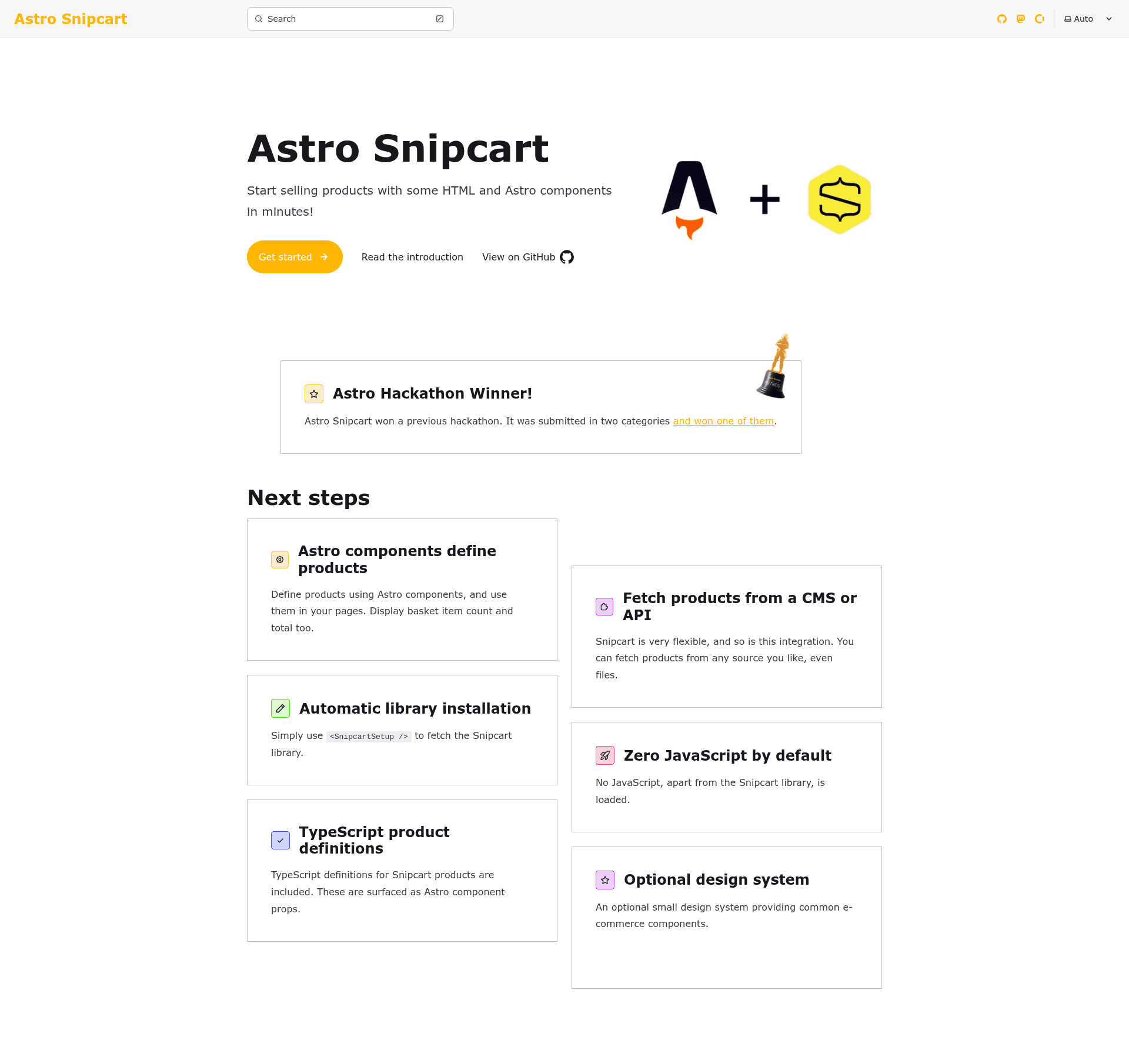
Allows for the creation of E-Commerce sites using the Astro framework and Snipcart. Start your e-commerce business in minutes!
About this template
Astro Snipcart is an open-source Astro integration that lets developers build Snipcart-powered e-commerce sites from just a few lines of HTML and Astro components.
What is Astro Snipcart?
Astro Snipcart is an open-source integration between the Astro framework and the Snipcart e-commerce platform, maintained by Lloyd Atkinson. It takes Astro components and TypeScript-based product definitions as input and produces a working storefront with Snipcart checkout, basket display, and total price widgets as output. The project is distributed as two npm packages — @lloydjatkinson/astro-snipcart (core components) and @lloydjatkinson/astro-snipcart-design-system (optional Tailwind-based design system) — and the repository is a pnpm monorepo.
Key Features
- Automatic Snipcart library installation — The integration injects the Snipcart JavaScript library for you, so you don't need to add manual script tags.
- Zero JavaScript by default — Apart from Snipcart itself, the components ship with no client-side JavaScript, keeping Astro pages lightweight.
- Headless core components — The core integration components carry no visual styling or theme, so developers can build their own UI on top.
- Product definition components — Products are declared with Astro components, with all product fields surfaced as TypeScript-based component props for type safety.
- Basket and total price components — Ready-made components display the basket contents and running total, so you can add cart UI to any page.
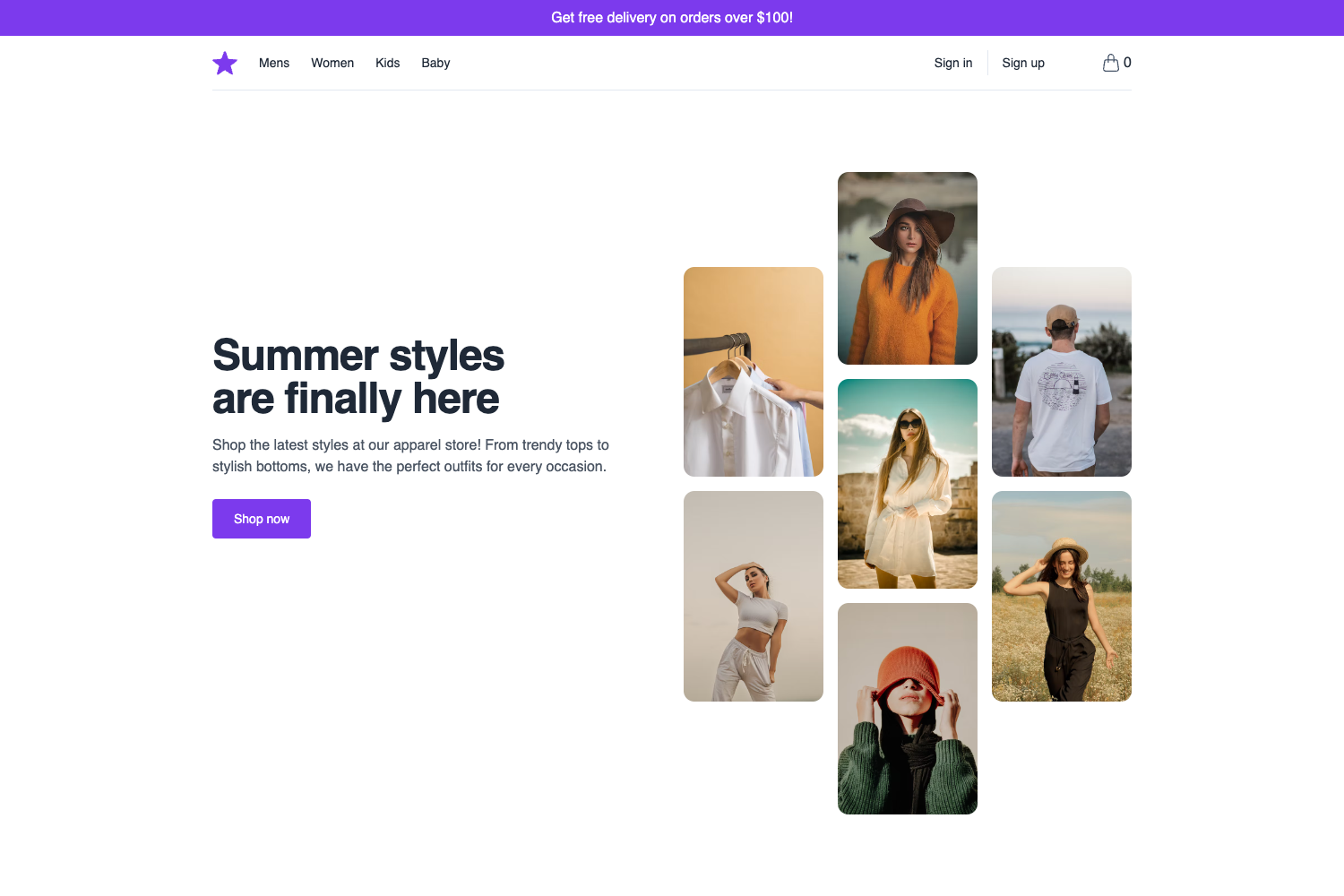
- Optional design system — The @lloydjatkinson/astro-snipcart-design-system package adds reusable e-commerce components such as Price, Stack, and Text, built on Tailwind CSS.
- Subscription support on the roadmap — Future plans include support for subscriptions in addition to one-time products.
Who is it for?
- Astro developers — Build a storefront without a separate e-commerce backend, with product definitions living directly in Astro components.
- JAMstack site owners — Use Snipcart's hosted checkout while keeping the front-end static and JavaScript-light.
- Design-system-focused teams — Pair the core integration with the optional design system to assemble themed storefronts quickly.
What can you do with Astro Snipcart?
- Indie developers and startups: Set up an online shop in minutes by installing the core package and adding product components to existing Astro pages.
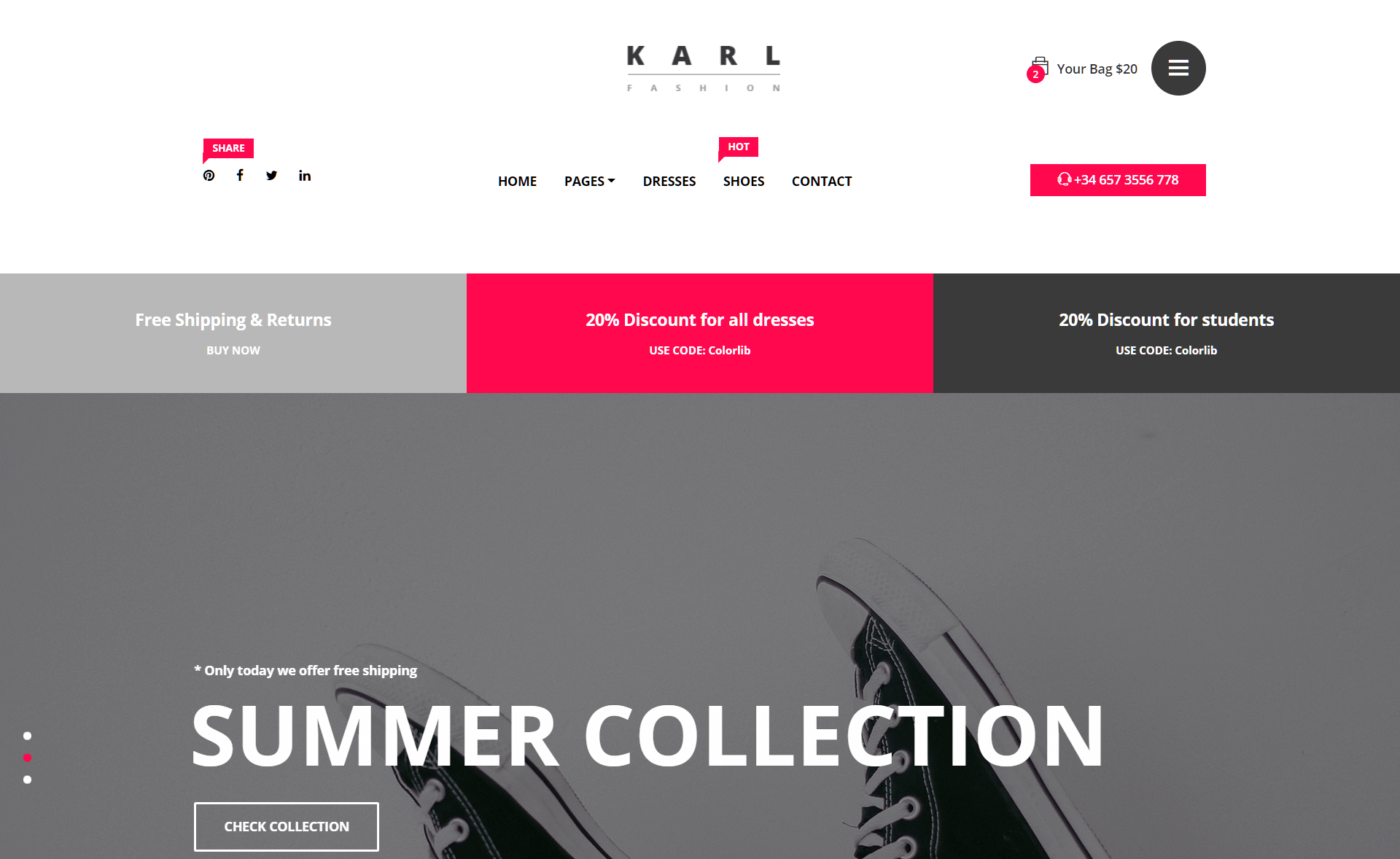
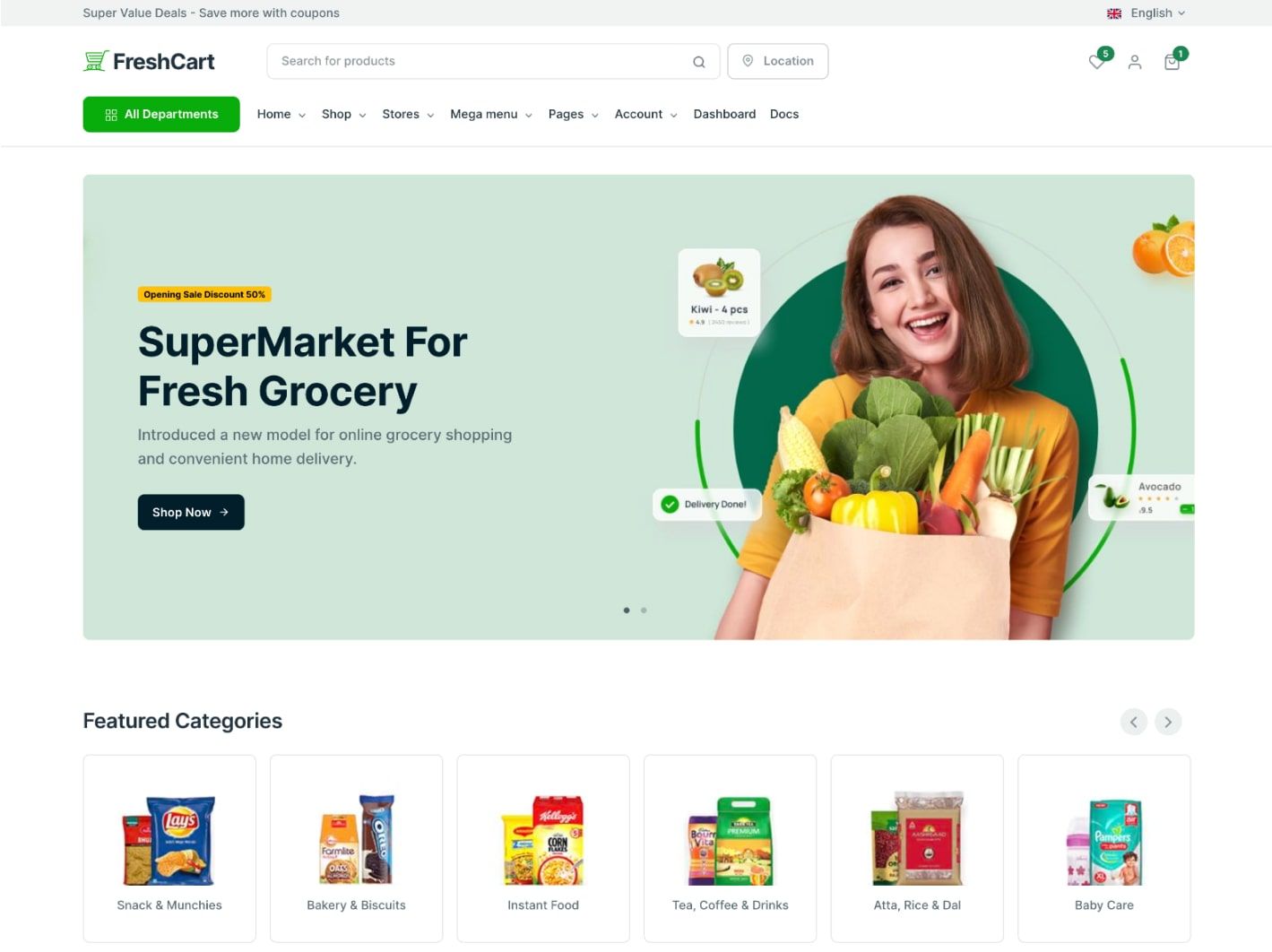
- Agencies building client storefronts: Use the optional design system to create branded e-commerce pages while Snipcart handles transactions.
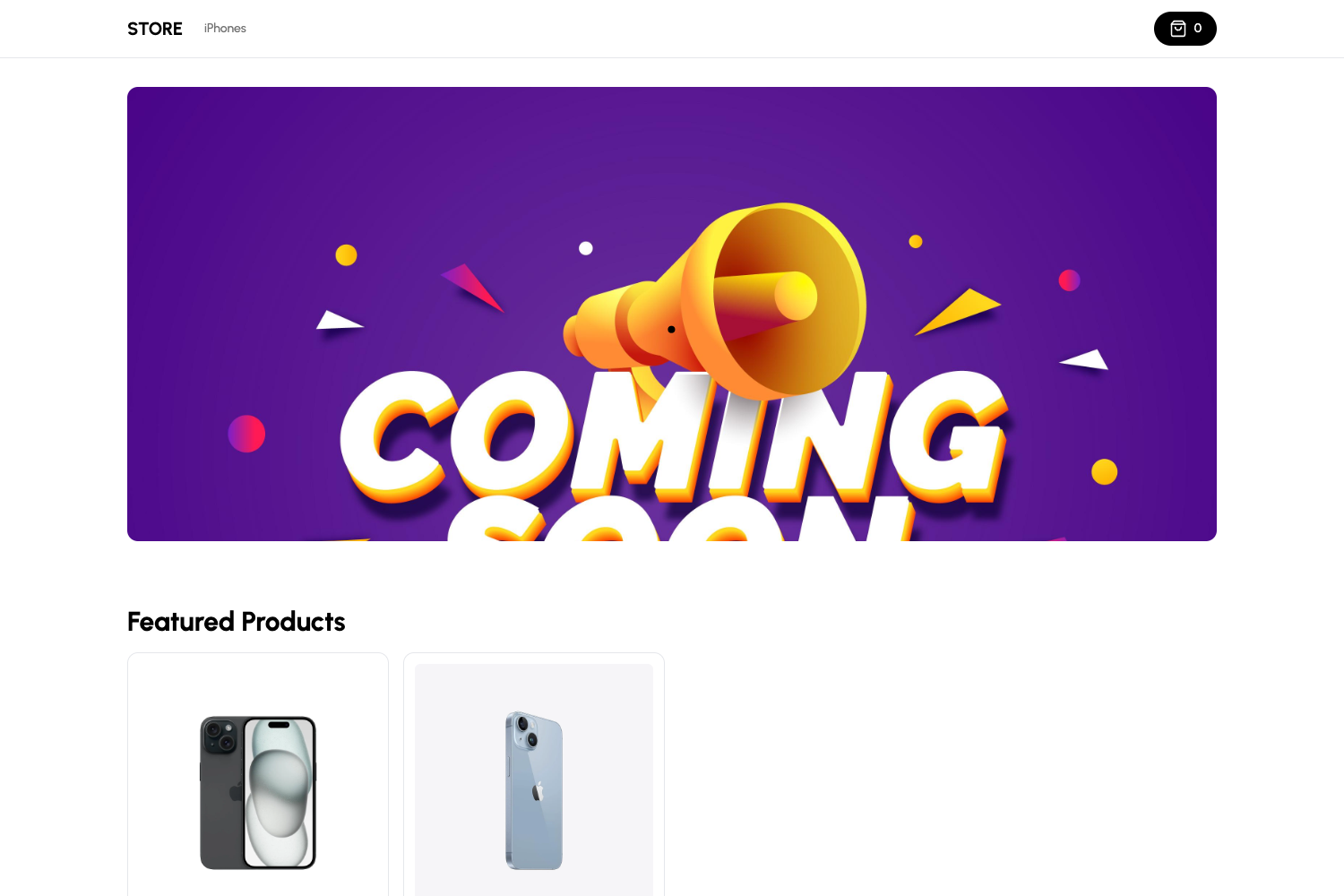
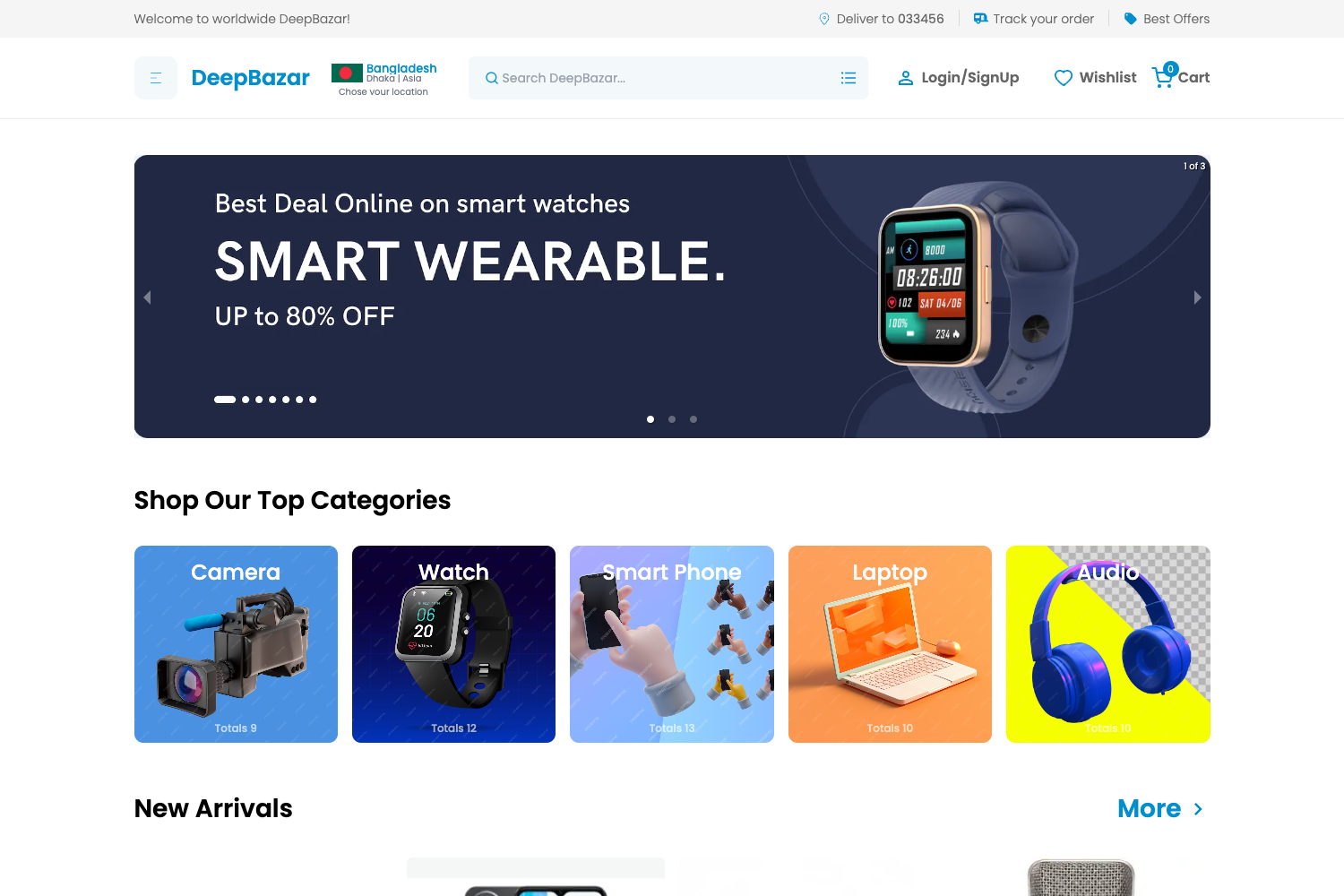
- Developers prototyping checkout flows: Explore the live playground (astro-snipcart-playground.vercel.app) as a reference for real-world site designs.
How does Astro Snipcart work?
Install the core package via npm (npm install @lloydjatkinson/astro-snipcart), then add the provided Astro components to your pages. The integration loads the Snipcart library and wires product definitions to Snipcart's checkout. For the design system, you also install @lloydjatkinson/astro-snipcart-design-system and configure Tailwind as described in the documentation.
Pricing
The Astro Snipcart packages are free and open source under the MIT license. Snipcart's hosted service is a separate paid product.
FAQ
Is Astro Snipcart free?
Yes, both @lloydjatkinson/astro-snipcart and @lloydjatkinson/astro-snipcart-design-system are open source under the MIT license.
Does Astro Snipcart require JavaScript?
The core components ship with zero JavaScript by default, apart from the Snipcart library itself. Your Astro pages stay lightweight while checkout is handled by Snipcart.
How do I install Astro Snipcart?
Install the core package with npm install @lloydjatkinson/astro-snipcart. To use the optional design system, also run npm install @lloydjatkinson/astro-snipcart-design-system and configure Tailwind per the documentation.
Does Astro Snipcart support subscriptions?
Subscription support is planned but not yet implemented; the current version handles product-based e-commerce.
Where can I see a live example?
The live playground is at astro-snipcart-playground.vercel.app, and the documentation is at astro-snipcart.vercel.app/en/introduction.