Template details
Dropship Store
Full-stack e-commerce storefront with Next.js 13, Tailwind, Prisma, and MySQL, featuring Stripe checkout and a CMS dashboard.
About this template
Dropship Store is a full-stack e-commerce storefront template built on Next.js 13 App Router, React, Tailwind CSS, Prisma, and MySQL, paired with a CMS dashboard that manages products, categories, and orders.
What is Dropship Store?
Dropship Store is the customer-facing half of a two-part full-stack e-commerce kit; the separate Dropship Admin repository acts as the CMS, admin, and API provider that this storefront depends on. The template runs on the Next.js 13 App Router with React, is styled with Tailwind CSS, and uses Prisma to connect to a MySQL database intended for PlanetScale. It outputs product listing and detail pages, billboard sections, category and filter navigation, and a Stripe-powered checkout with webhook handling. Clerk authentication is introduced as part of the stack, and the admin dashboard uses Shadcn UI components.
Key Features
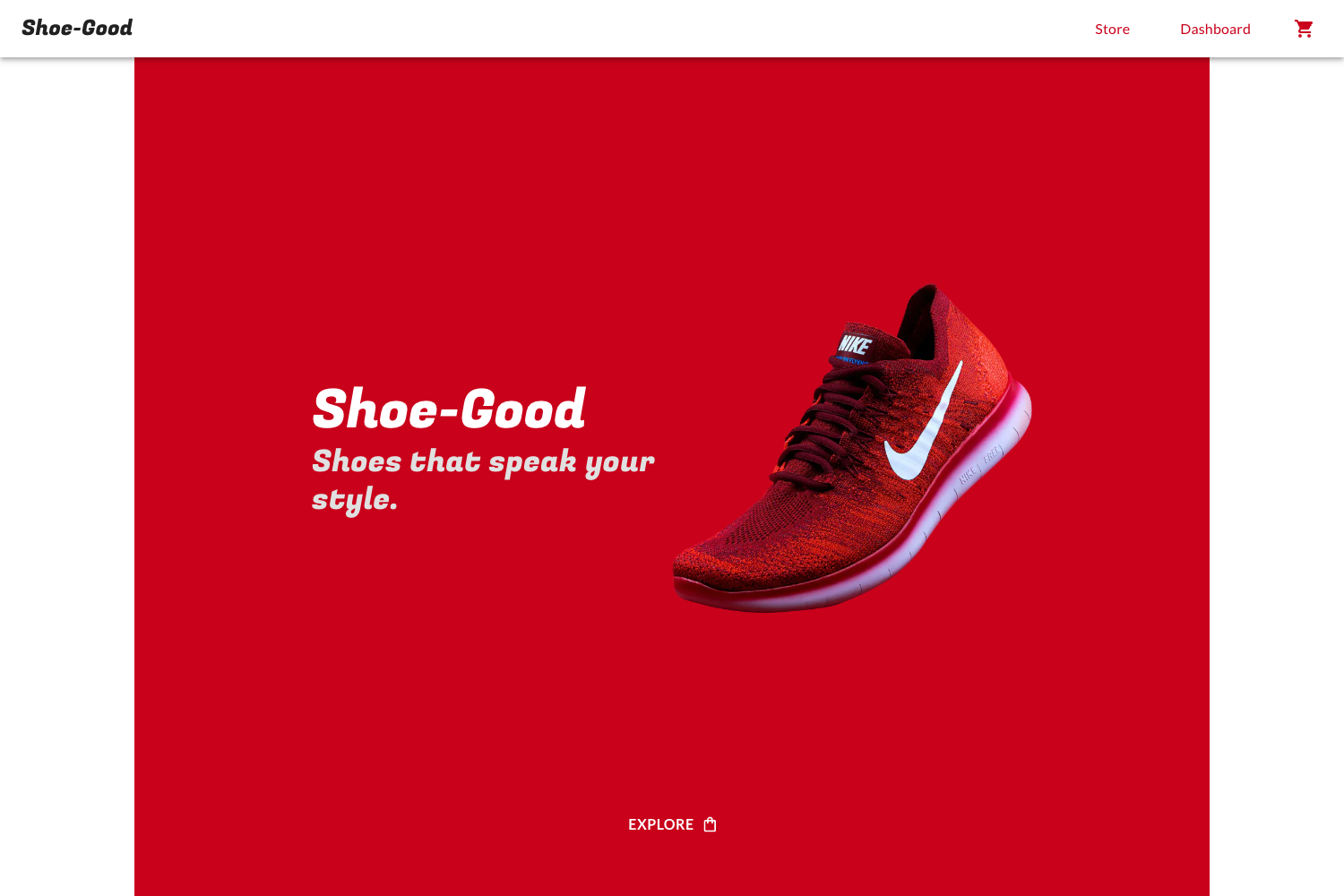
- Multi-store management — One CMS controls multiple independent stores (e.g., a shoe store, a laptop store, a suit store), and the admin generates per-store API routes.
- Complete catalog CRUD — Create, update, and delete categories, products, product images, and filters such as color and size from the admin.
- Billboard system — Manage large homepage banner texts, attach them to a category or use them standalone, with generated API support.
- Featured products — Mark products as featured so they appear on the storefront homepage.
- Search with pagination — Search categories, products, sizes, colors, and billboards with pagination included in the admin.
- Orders and revenue analytics — View orders, sales figures, and revenue graphs in the dashboard.
- Stripe checkout and webhooks — Complete order creation and payment processing through Stripe, with webhook events handled.
- Modern stack — Next.js 13 App Router, React, Tailwind CSS, Prisma, MySQL via PlanetScale, and Clerk authentication for user login.
Who is it for?
- Dropshipping entrepreneurs — Stand up a branded storefront quickly while managing products and orders through the admin CMS.
- Full-stack developers — Learn how Next.js 13, Prisma, PlanetScale, Stripe, and Clerk fit together in a production-style template.
- SaaS founders running multi-brand stores — Control several separate stores from one dashboard and generate distinct API routes for each.
What can you do with it?
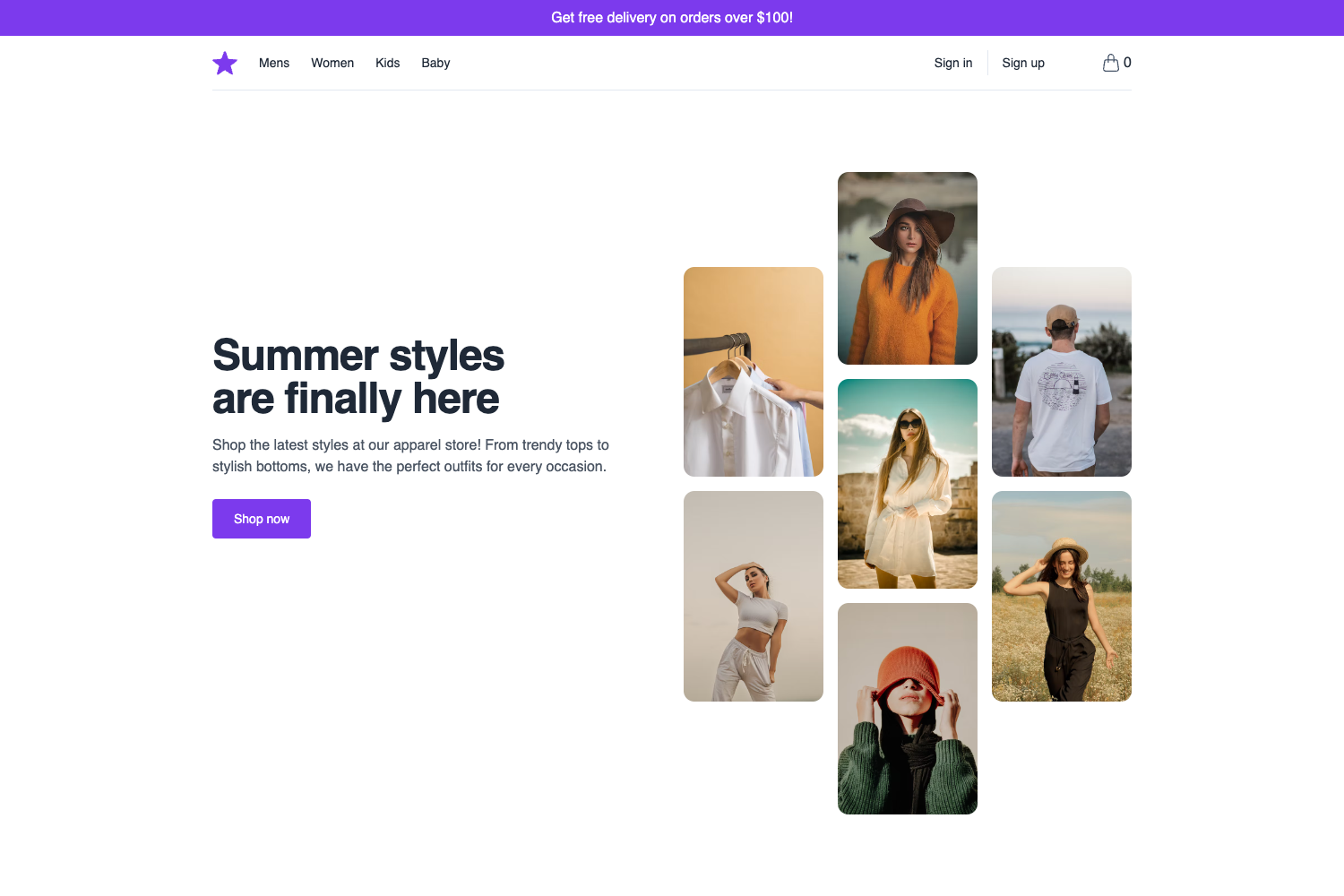
- Launch a multi-category storefront — Use categories, filters, and billboards to organize products and guide customers from homepage to checkout.
- Experiment with Stripe payments — Test the entire purchase flow using Stripe testing cards from the Stripe documentation.
- Build a custom CMS-driven store — Extend the admin's category/product/filter APIs to create unique storefronts without writing payment and inventory code from scratch.
How does it work?
Set up the Dropship Admin repository first so it can serve the API, then clone this storefront, install dependencies with npm i, create a .env file containing NEXT_PUBLIC_API_URL pointing to the admin's API, and run npm run dev. The storefront requires Node version 14.x. For testing checkout, use Stripe testing cards.
Pros and cons
- Pros — The CMS handles multiple stores from one dashboard; the stack is modern and well-known; Stripe checkout and webhooks come pre-integrated; the admin auto-generates API routes.
- Cons — This repo only works after the separate Dropship Admin repository is set up; the prerequisites specify Node version 14.x.
Alternatives
- Shopify — A hosted e-commerce platform with its own checkout and store management, not a Next.js template.
- Medusa — An open-source headless commerce platform that also offers a Next.js storefront and admin.
FAQ
Do I need the Dropship Admin repository?
Yes. The storefront relies on the admin dashboard to generate API routes and manage content. The README states "MAKE SURE YOU HAVE ADMIN SETUP FIRST!" before using this store.
What Node version is required for this template?
The prerequisites section lists Node version 14.x. Make sure your development environment uses Node 14.x to avoid compatibility issues.
How do I configure the environment file?
Create a .env file in the project root and set NEXT_PUBLIC_API_URL to the URL of your Dropship Admin API. This variable is required for the storefront to fetch products and other data.
How can I test payments without a live Stripe account?
Use Stripe testing cards, as linked in the README. The template is configured to handle Stripe checkout and webhooks, so test cards let you exercise the full order flow.
What database does the template use?
Prisma with MySQL, and the README explicitly mentions MySQL + Prisma + PlanetScale. You'll need to provision a MySQL-compatible database such as PlanetScale for the admin and storefront to share.