Template details
Astrolus
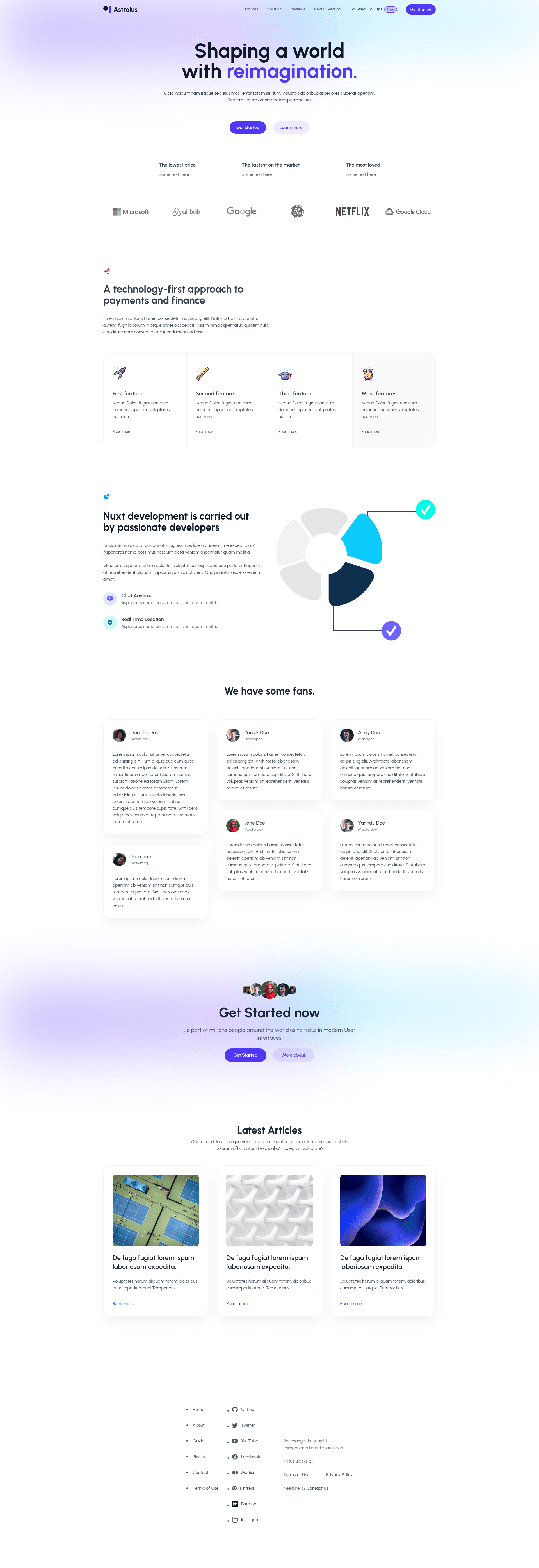
Modern home page template built with Astro and Tailwind CSS using Tailus blocks, with light and dark themes.
About this template
Astrolus is an open-source home page template for the Astro static site generator, styled with Tailwind CSS and Tailus blocks, that ships with light and dark themes and a minimal single-page structure.
What is Astrolus?
Astrolus is a minimal home page template built with Astro and Tailwind CSS, using Tailus blocks for its UI elements. It accepts a standard Astro project structure — with src/pages/index.astro defining the page, src/layouts/Layout.astro wrapping it, and src/components/Card.astro providing a sample component — and outputs a static landing page. The repository is hosted on GitHub and has collected 310 stars.
Key Features
- Astro framework — Uses Astro, which renders .astro and .md files in src/pages/ as routes and supports components from Astro, React, Vue, Svelte, or Preact in src/components/.
- Tailwind CSS styling — Applies utility-first styling through Tailwind CSS, with Tailus blocks providing ready-made layout patterns.
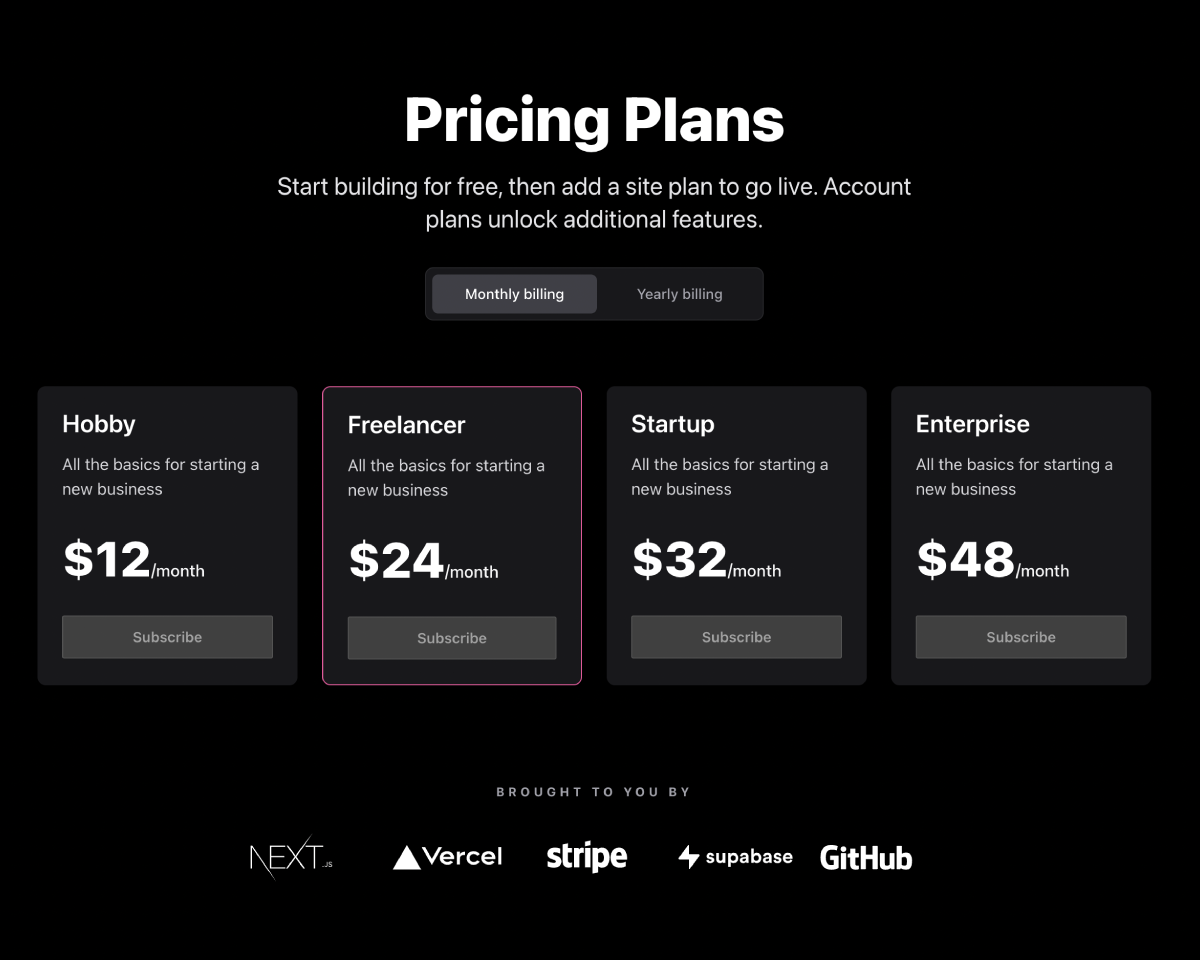
- Light and dark themes — Includes two color schemes, displayed in the project's screenshots as astrolus-light.png and astrolus-dark.png.
- Standard project structure — Follows Astro conventions with public/ for static assets, including favicon.svg, plus separate folders for components, layouts, and pages.
- Simple CLI workflow — Provides npm scripts for install, dev server at localhost:3000, build to ./dist/, and local preview.
- Single-page focus — The default setup contains one page, src/pages/index.astro, making it easy to redeploy as a personal home page or product landing page.
Who is it for?
- Developers new to Astro — Use the minimal structure to see how Layout.astro wraps index.astro and how components are imported.
- Freelancers building client landing pages — Clone the template, rewrite the content in index.astro, and build a deployable static site in minutes.
- Open-source hobbyists — Fork the repo, customize the Tailus blocks, and contribute back to the 310-star project.
What can you do with Astrolus?
- Personal home page: Replace the sample Card.astro content with your own bio and links, then build to a static ./dist/ folder.
- Product launch page: Adapt the single layout to highlight a product's hero section, features, and call-to-action using the built-in light and dark themes.
- Astro learning project: Explore how the template wires together pages, layouts, and components, and use the
npm run astroCLI to add new integrations.
How does Astrolus work?
Astrolus follows the standard Astro workflow. After cloning the repository, run npm install to install dependencies, then npm run dev to start the development server at localhost:3000. When ready to publish, npm run build creates a production site in ./dist/, and npm run preview lets you test that build locally before deploying.