Template details
Aurora
A fully responsive Hugo theme featuring a minimalist and user-friendly design.
About this template
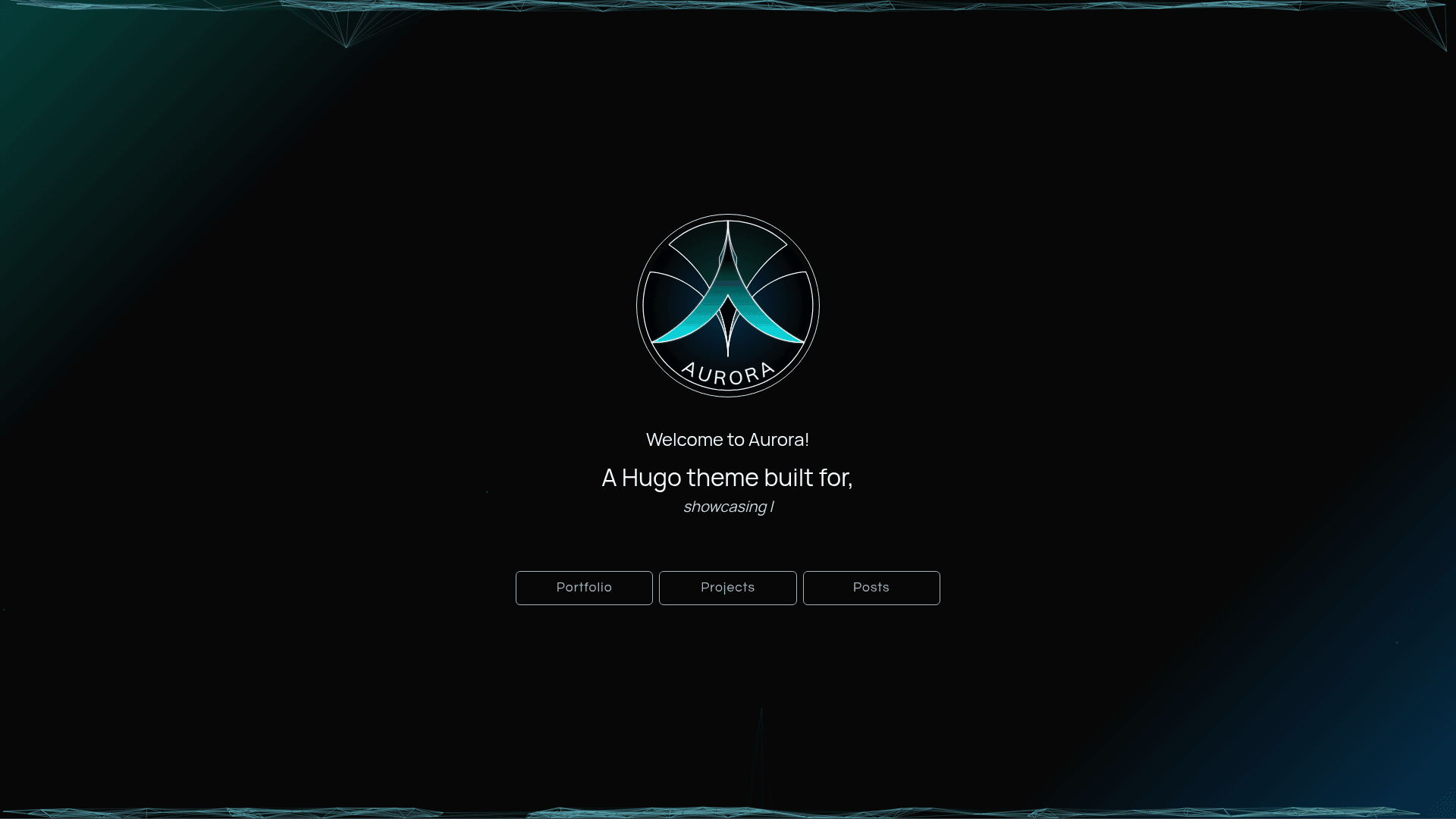
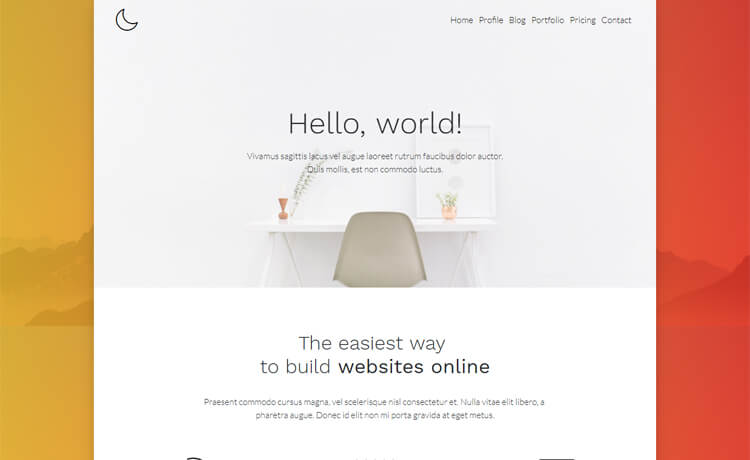
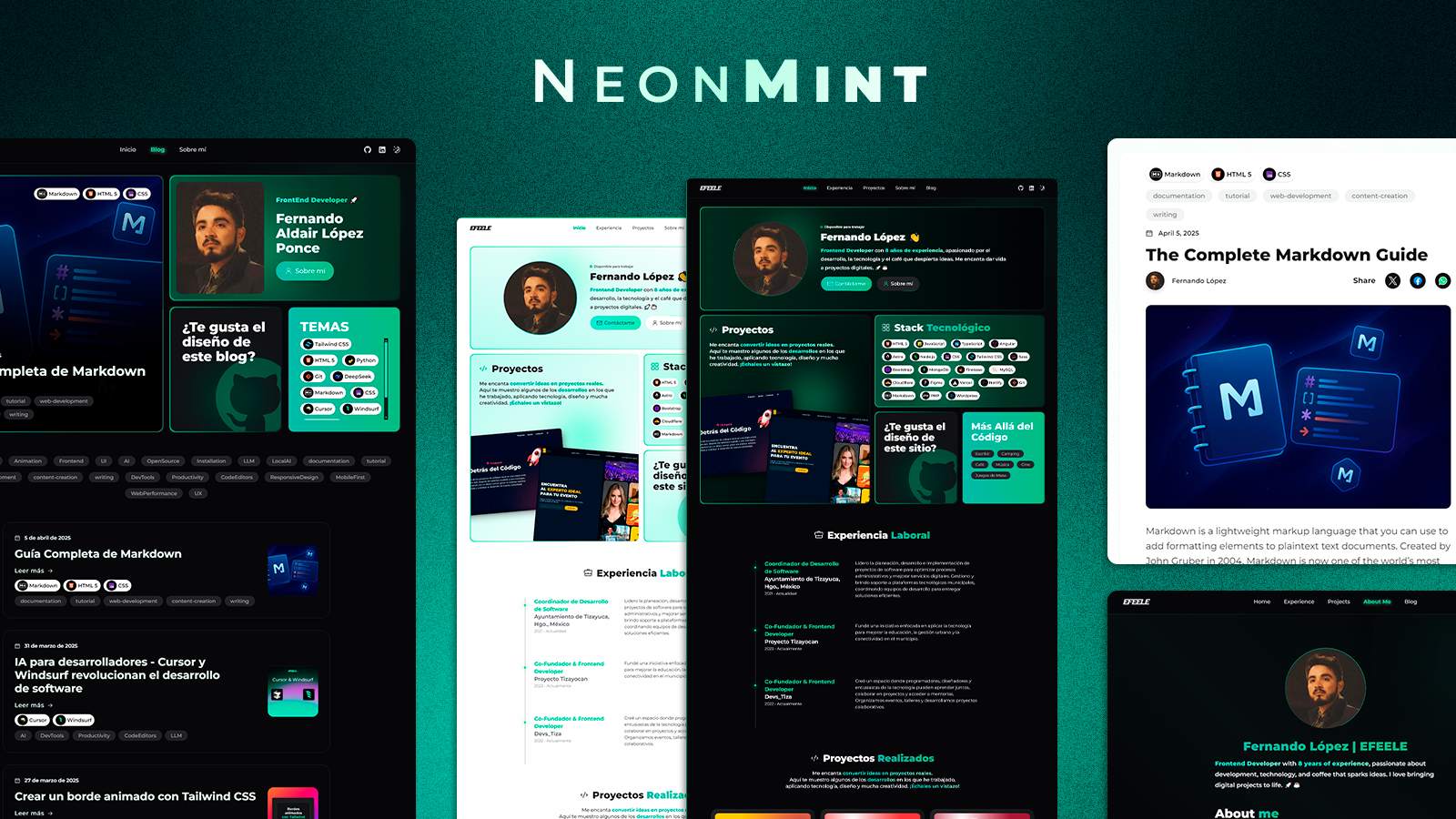
Aurora is a minimalist, fully responsive Hugo theme for building personal portfolio and blog sites, with a card-based layout, dark theme, and built-in privacy-friendly analytics. It is distributed as a Hugo module and maintained by nszilard.
What is Aurora?
Aurora is a Hugo theme that turns a Hugo site's content and configuration into a static website with a clean, card-based design. It runs on the Hugo static site generator, requiring Hugo v0.111.0 or later with the extended feature set, plus Go 1.18 and Node LTS (v16+) for asset processing. The theme is installed as a Hugo module via the path github.com/nszilard/aurora and configured through a hugo.yaml file.
What makes Aurora stand out?
- Minimalist card design — Content is displayed as cards, giving a visually clean, lightweight layout suitable for portfolios and blogs.
- Fully responsive layout — The theme adapts to mobile, tablet, and desktop viewports so the site works across devices.
- Experience timeline and project cards — Dedicated sections let you present a chronological work history and individual projects, typical for a portfolio.
- Dark theme — A built-in dark theme is available, which is enabled via Hugo configuration.
- Post categories and topics — Blog posts can be organized by categories and topics for navigation and filtering.
- Syntax highlighting — Code blocks are highlighted out of the box, useful for technical blogs.
- Privacy-friendly analytics — Optional integration with Cloudflare Web Analytics and GoatCounter; both are cookie-free and GDPR compliant.
- PWA support — The theme supports Progressive Web App features, allowing the site to be installed and used offline.
- PurgeCSS optimization — The theme's CSS can be minimized using @fullhuman/postcss-purgecss and postcss-cli, which removes unused styles based on hugo_stats.json.
Who should use Aurora?
- Portfolio owners — Freelancers, designers, and developers who want a clean, card-based site to showcase experience and project work.
- Bloggers — Writers who need a fast, minimalist Hugo blog with categories, topics, and syntax-highlighted code blocks.
- Developers — Hugo users who want a theme they can extend and customize, since it is installed via Hugo modules and configured from a single hugo.yaml file.
What can you do with Aurora?
- Publish a personal portfolio — Use the experience timeline and project cards to present your career history and selected work in a visually clean grid.
- Run a technical blog — Write posts in Markdown, organize them by categories and topics, and highlight code snippets without adding a separate syntax highlighter.
- Add analytics without cookies — Enable Cloudflare Web Analytics or GoatCounter from hugo.yaml to track traffic while respecting visitor privacy.
- Make the site installable and offline-capable — Turn on PWA support so visitors can add the site to their home screen and browse when disconnected.
How does Aurora work?
Installation follows a standard Hugo module workflow: run hugo mod init to create a go.mod file, add the Aurora import to the module section of hugo.yaml, and run hugo mod get -u github.com/nszilard/aurora followed by hugo mod tidy. For CSS optimization, install PostCSS and PurgeCSS, then add a postcss.config.js file that reads hugo_stats.json to remove unused CSS classes.