Template details
AutoPhugo
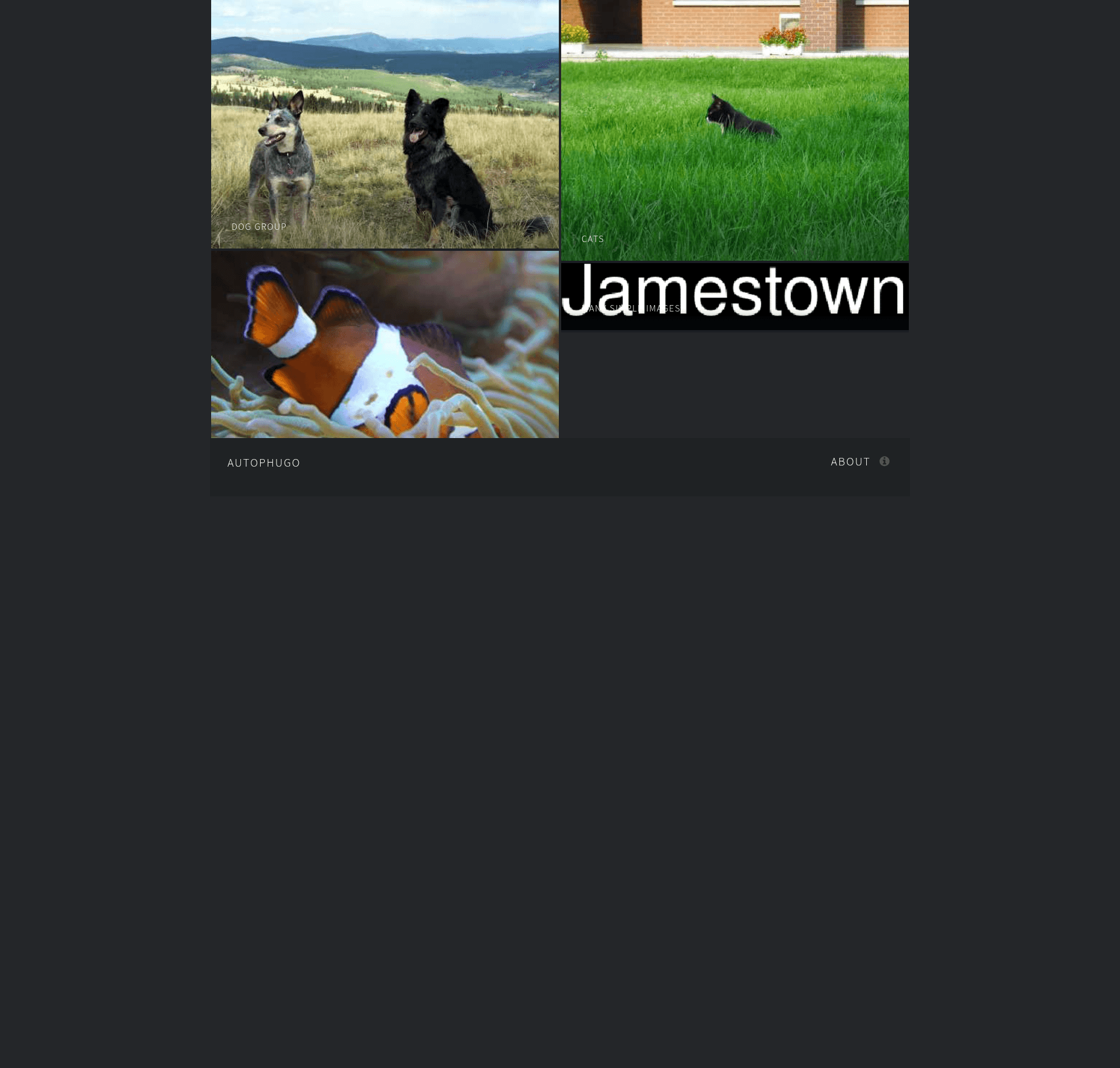
AutoPhugo is a Hugo gallery/photoblog theme that automatically builds albums, resizes images, and supports sub-albums and taxonomies.
About this template
AutoPhugo is a gallery and photoblog theme for the Hugo static site generator that automatically builds albums from image files and produces resized thumbnails and display images.
What is AutoPhugo?
AutoPhugo is a responsive gallery and photoblog theme for Hugo, ported from the HTML5 UP Multiverse template and developed as an improved fork of the original Phugo theme by Aerohub (Pavel Kanyshev). It takes albums of images placed in the assets directory and generates a complete photo gallery website with thumbnails, full-size display images, sub-albums, and taxonomy pages. The theme runs on Hugo and is maintained by kc0bfv, with a live preview available at kc0bfv.github.io/autophugo.
Key Features
- Automated image scaling — AutoPhugo resizes every uploaded image into a thumbnail and a full-size display version using Hugo's image processing; default widths are 480px thumbnails at 50% quality and 960px full images at 90% quality, and both are configurable.
- Multi-level album support — Albums can contain images, sub-albums, or a mix of both; the assets directory layout mirrors the content directory tree, so nested galleries are built automatically.
- Contact form — A built-in contact form is controlled via the footer.contact site parameters, with options to hide it, set a real email address, and customize headline, button text, and reset text.
- Taxonomies and tags — Images and sub-albums can be tagged and categorized; enabling taxonomies_links adds links to taxonomy pages in the footer and on tagged items.
- Google Analytics integration — Add your tracking ID through standard Hugo configuration to enable analytics on the generated site.
- Customizable header and footer — Site parameters support navigation links, an "About" footer popout paragraph, social media links, and copyright text.
- Advanced resize options — Instead of the default width/quality settings, you can specify a full_size or thumb_size string directly for Hugo's Resize function, or change the full-image resize method between Resize, Fit, and None.
- Responsive layout — The theme is fully responsive, uses HTML5 and CSS3, and includes FontAwesome icons and the Magnific Popup lightbox.
Who should use AutoPhugo?
Photographers who want a clean, automatic portfolio gallery without manually writing shortcodes for each image — they just drop files into an album directory and run hugo new. Hugo users who need a photoblog or gallery theme with sub-album organization and taxonomy support. Self-hosted site owners who want a contact form, Google Analytics, and downloadable images straight from a static site build.
What can you do with AutoPhugo?
- Create a photo gallery site: Organize images into albums and sub-albums; the theme generates thumbnails and full-size views, with a Magnific Popup lightbox for viewing.
- Customize image processing: Set thumbnail and full-size widths/quality, or use advanced strings for Hugo's Resize and Fit methods, including a "None" mode that skips scaling entirely.
- Tag and categorize images: Add taxonomies to individual images and sub-albums, then enable footer links to taxonomy pages.
- Build fast with incremental resources: Hugo caches generated images in the resources directory, so only the first build after adding an album takes extra time; unused images are not deployed.
How does AutoPhugo work?
You create an album by placing its photos in an assets/NAME-OF-YOUR-ALBUM directory, deleting the default archetypes/default.md, and running hugo new NAME-OF-YOUR-ALBUM/_index.md. The generated front matter contains an albumthumb and a resources array listing image filenames; you can edit it to set photo titles, alt text, and descriptions. Hugo then processes the images during the build and outputs a static public directory.