Template details
BCMS Astro Agency Starter
Astro.js starter kit for building agency websites with BCMS, a headless CMS — minimal codebase that hooks directly into your BCMS project.
About this template
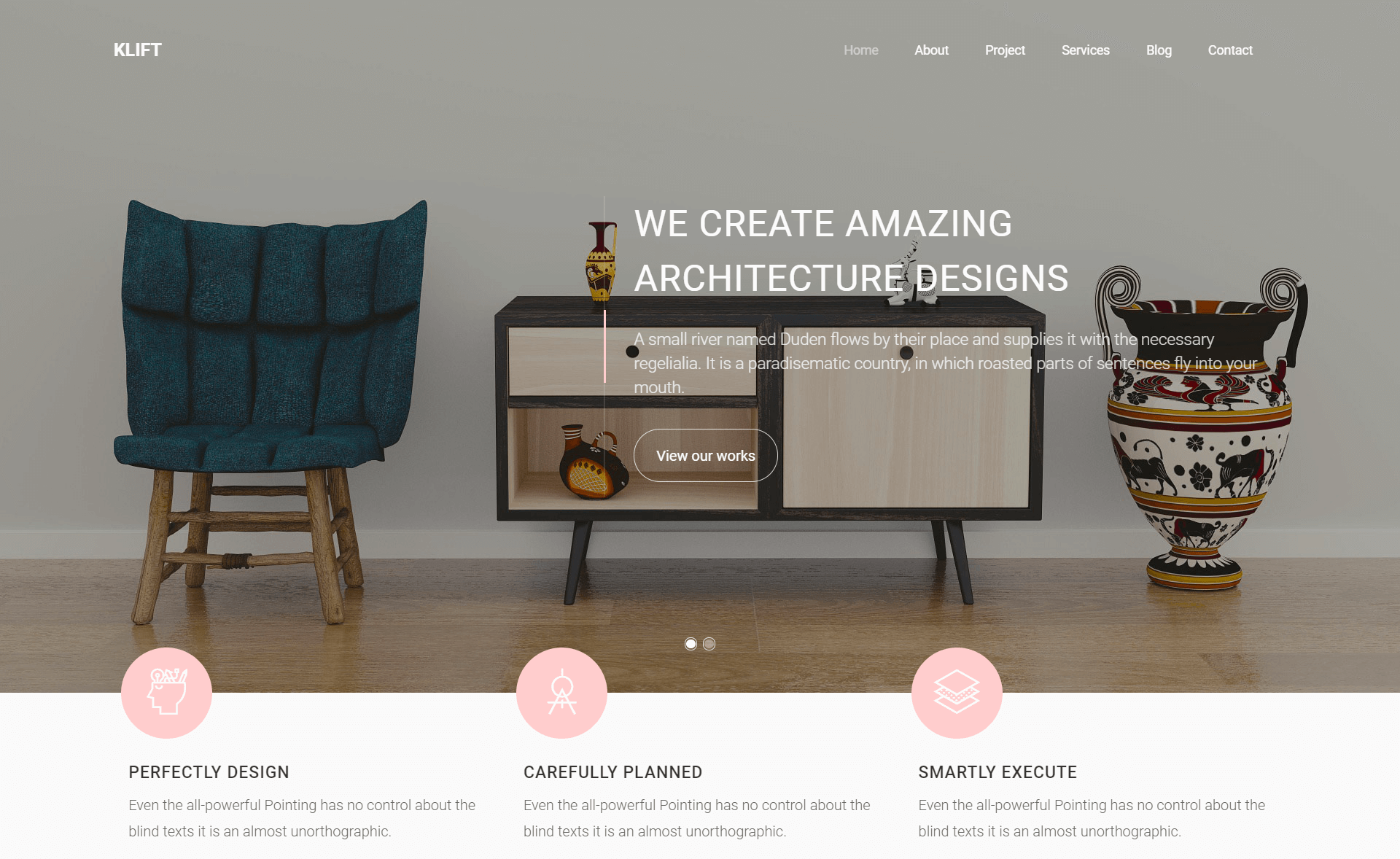
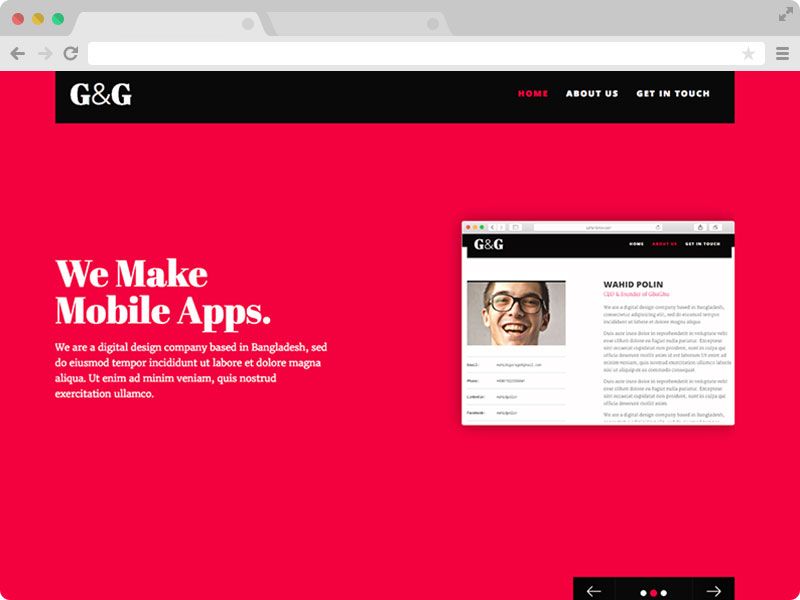
The BCMS Astro Agency Starter is a boilerplate for building agency websites with Astro.js and the BCMS headless CMS, providing a clean, extendable codebase that connects directly to your BCMS project.
What is the BCMS Agency code starter for Astro.js?
This is an Astro.js starter kit distributed by the BCMS team. It is part of the official BCMS starters collection and provides a minimal codebase that hooks directly into a BCMS project, so content lives in the CMS while the frontend is rendered as a static or server-rendered Astro site. The starter is built and tested against Astro 6 and requires Node.js 22.x or newer and npm 10.x or newer. It is designed to be extended and scaled, making it a starting point rather than a finished theme.
Key Features
- CLI scaffolding — Create a new project with
npx @thebcms/cli create astro starter agencyand follow the prompts. - Astro 6 compatibility — Built and tested against Astro 6.x, with support for modern static and server rendering (SSG/SSR).
- Direct BCMS integration — The codebase is pre-wired to connect to your BCMS project, reducing setup time.
- Minimal and clean structure — The starter intentionally keeps the codebase small, which makes it easy to audit and customize.
- Tailwind CSS styling — Repository topics include Tailwind CSS, suggesting the starter uses Tailwind for utility-first styling.
- Official documentation — Backed by BCMS docs specifically for Astro integration at thebcms.com/docs/integrations/astro, plus a Discord community for support.
- Agency-focused design — The starter is tailored for agency websites, with the structure and sample content developed around that use case.
Who is it for?
- Agency developers — who need a fast, component-based starting point for a client site and want to manage content in BCMS.
- Freelance web designers — who want a clean Astro project that already handles the CMS connection so they can focus on custom front-end work.
- Developers learning Astro + headless CMS — who want to see a working example of an Astro site integrated with BCMS, including the CLI workflow and project structure.
What can you do with this starter?
- Launch an agency website — Scaffold the starter, connect your BCMS project, then replace the sample content and styles with your branding to ship a marketing site.
- Build a portfolio for a studio — Use the agency-focused layout as a base for showcasing work, services, and team information, with content editable in BCMS.
- Prototype client projects — Rapidly spin up a new Astro project with CMS integration already in place, so you can demonstrate pages backed by real content instead of static placeholders.
How does it work?
Create a new project by running npx @thebcms/cli create astro starter agency and answering the prompts. The CLI scaffolds an Astro 6 project configured to connect to BCMS. After that, follow the BCMS documentation for the Astro integration to connect your content models and start populating pages.
FAQ
What are the requirements for this starter?
The starter requires Node.js 22.x or newer, npm 10.x or newer, and Astro 6.x. The project is built and tested against Astro 6, so using an older Astro version may not be supported.
How do I create a new project from this starter?
Run the command npx @thebcms/cli create astro starter agency in your terminal and follow the interactive prompts. The CLI will generate the Astro project files for you.
Where can I find more BCMS starters?
The BCMS starters page at thebcms.com/starters lists all available starter kits, including versions for Gatsby, Next.js, Nuxt, and others. The Astro integration documentation is available at thebcms.com/docs/integrations/astro.