Template details
Berenice
A Hugo theme for building media galleries that mix photos and videoclips in a Pinterest-style vertical layout.
About this template
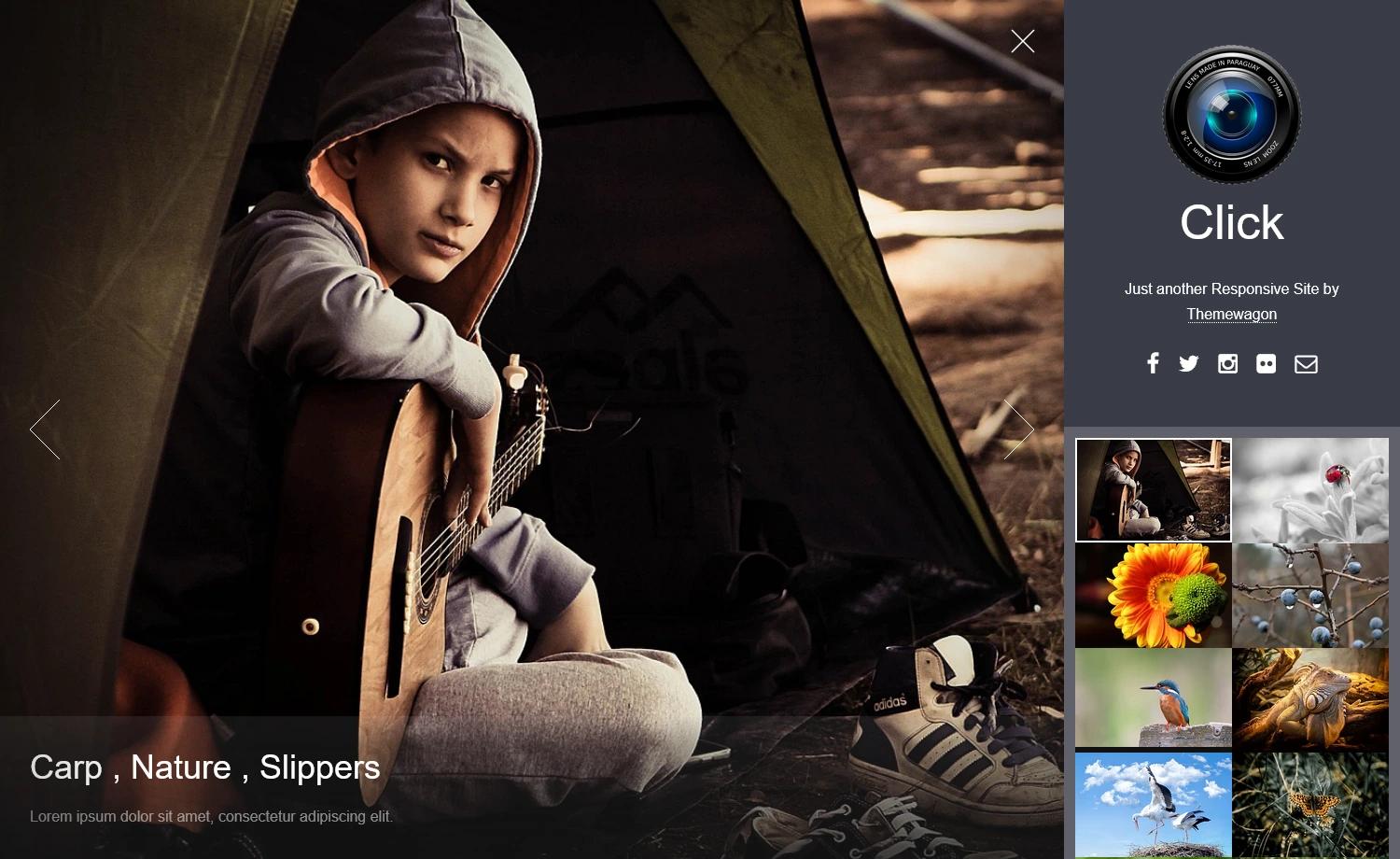
Berenice is a Hugo theme for constructing media galleries that combine photographs and videoclips, displayed in a vertical Pinterest-style layout with a fullscreen lightgallery lightbox.
What is Berenice?
Berenice is a Hugo theme that transforms a folder of images and videos into a static photo album website. It takes content directories containing either an index.md (single-page album) or _index.md (list page that links to child albums) and generates a responsive, vertically stacked gallery. The theme was authored by 22decembre and is available on GitHub. Its core goal is to display videos inline in a photo gallery, which the inspiration theme (Nico Kaiser's Hugo Theme Gallery) did not support.
Key Features
- Pinterest-style vertical layout — Galleries are displayed in a vertical masonry-like arrangement, with videos pushed toward the bottom of each album and play automatically on a loop, muted, and without native controls.
- Lightgallery lightbox with video support — When a visitor clicks a photo or video, it opens fullscreen in a lightgallery 2.7.1 window using the video and zoom plugins, enabling playback with sound and back-and-forth browsing through the gallery.
- Built with Tailwind CSS — The theme's styling is implemented using Tailwind CSS, making it easy to customize with utility classes.
- Hugo image processing — Media files are copied and scaled into the
publicdirectory using Hugo's built-in image processing, while original files in thecontentdirectory remain untouched. - Recursive folder structure — Each content folder can be either a single-page album (contains
index.mdwith atitleandfeatured_image) or a list page (contains_index.mdand displays child folders as album thumbnails). - Minimal configuration — The only required settings are
baseURL,languageCode,title, andtheme; an optionaltimeout = "120s"gives Hugo enough time to process many pictures, andHugoFootertoggles a footer with links to Hugo, the theme, and the author. - Author metadata — Front matter supports
[params.author]withnameandemailfields to attribute the site owner.
Who is it for?
Berenice is built for photographers and videographers who want a self-hosted, static gallery site without a CMS. Hugo users who need mixed-media albums — photos alongside short video clips — will find the built-in video lightbox behavior the main differentiator. It also suits hobbyists who prefer editing Markdown front matter and dropping files into folders over using a database-backed gallery application.
What can you do with Berenice?
- Personal photography portfolios: Display a home page listing albums (list pages) and each album as a vertical gallery of photographs, with the
featured_imageused as the thumbnail link. - Mixed-media storytelling: Create albums that combine stills and short clips; videos autoplay muted in the grid and become fully controllable when opened fullscreen via lightgallery.
- Family or event albums: Organize a year's photos into monthly folders with
_index.mdandindex.mdfiles, relying on the recursive structure to build a browsable nested archive. - Self-hosted static site: Generate a fast, dependency-free gallery that runs anywhere Hugo can be deployed (Netlify, GitHub Pages, etc.) without server-side image handling.
How does Berenice work?
Install it by cloning the repository into ~/hugo/themes/ and setting theme = "Berenice" in config.toml. Then create content folders: each folder contains either an index.md (album) or _index.md (list of child albums), plus the media files. Write front matter with title, date, and featured_image, then run Hugo with a timeout setting to let image processing finish.
Alternatives
Berenice's direct predecessor is Nico Kaiser's Hugo Theme Gallery, which uses Photoswipe instead of lightgallery and does not support controlling videoclips in the lightbox.
FAQ
Can I have both an index.md and an _index.md in the same folder?
No. An album folder cannot both display pictures and present links to child albums. Choose one: either a single-page album or a list page.
Can a video be used as the featured_image?
No. The README states that you should not use a videoclip as a featured_image; only pictures are supported for the album thumbnail.
Is Berenice free to use?
Berenice is hosted on GitHub and can be cloned directly without any purchase, so you can use it for your own site. The README does not mention any paid licensing.
What is the timeout setting for?
The example config sets timeout = "120s" to give Hugo enough time to process all the pictures the theme may need to copy and scale. Without it, large albums may time out during the build.
How do I display videos in the gallery?
Place video files in the same content folder as your images. In the vertical layout they appear toward the bottom, loop while muted and without controls. When clicked, they open in the lightgallery window where playback and sound become available.