Template details
Blagor
An open-source Jamstack blog template built with GatsbyJS and Netlify CMS for personal and professional blogs.
About this template
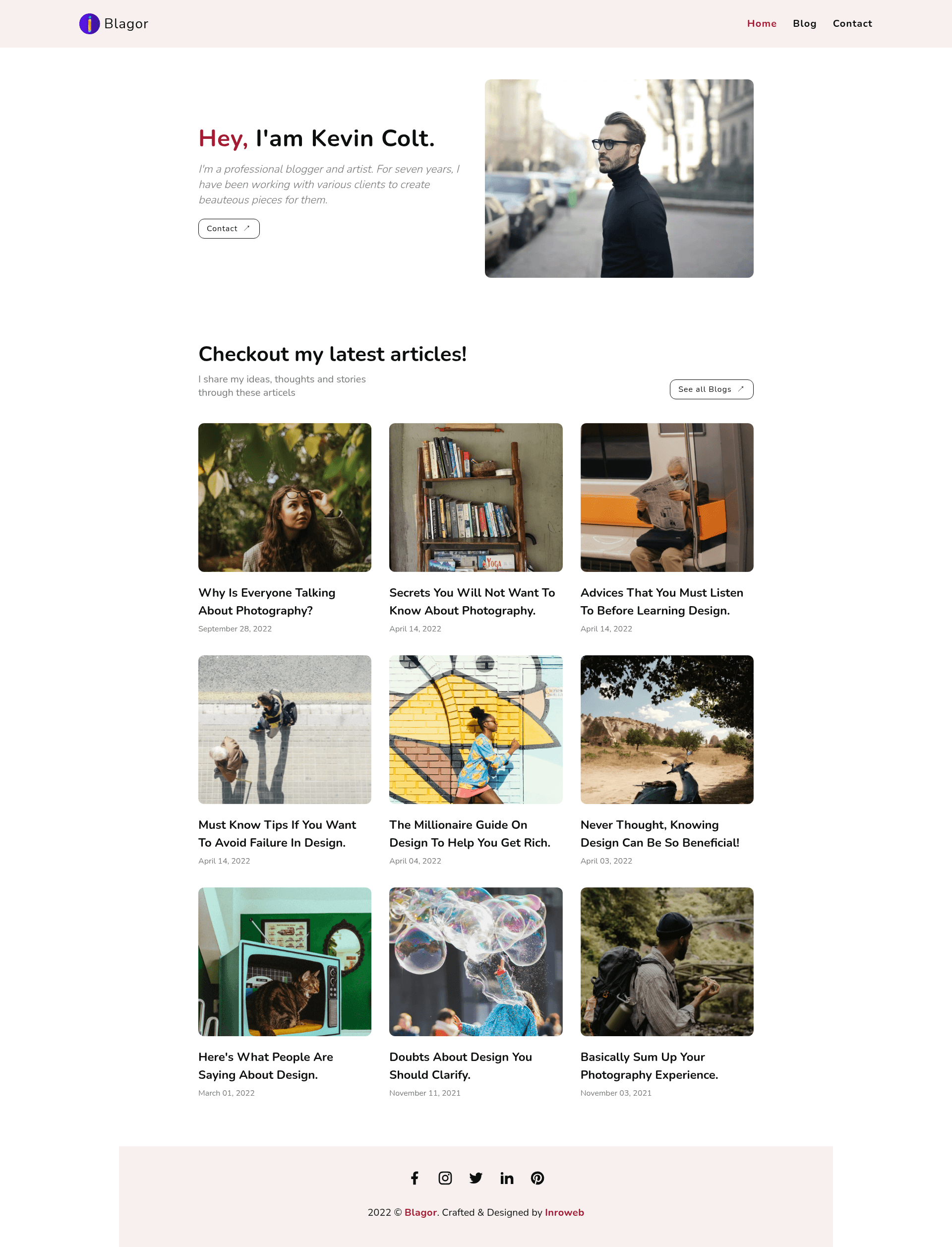
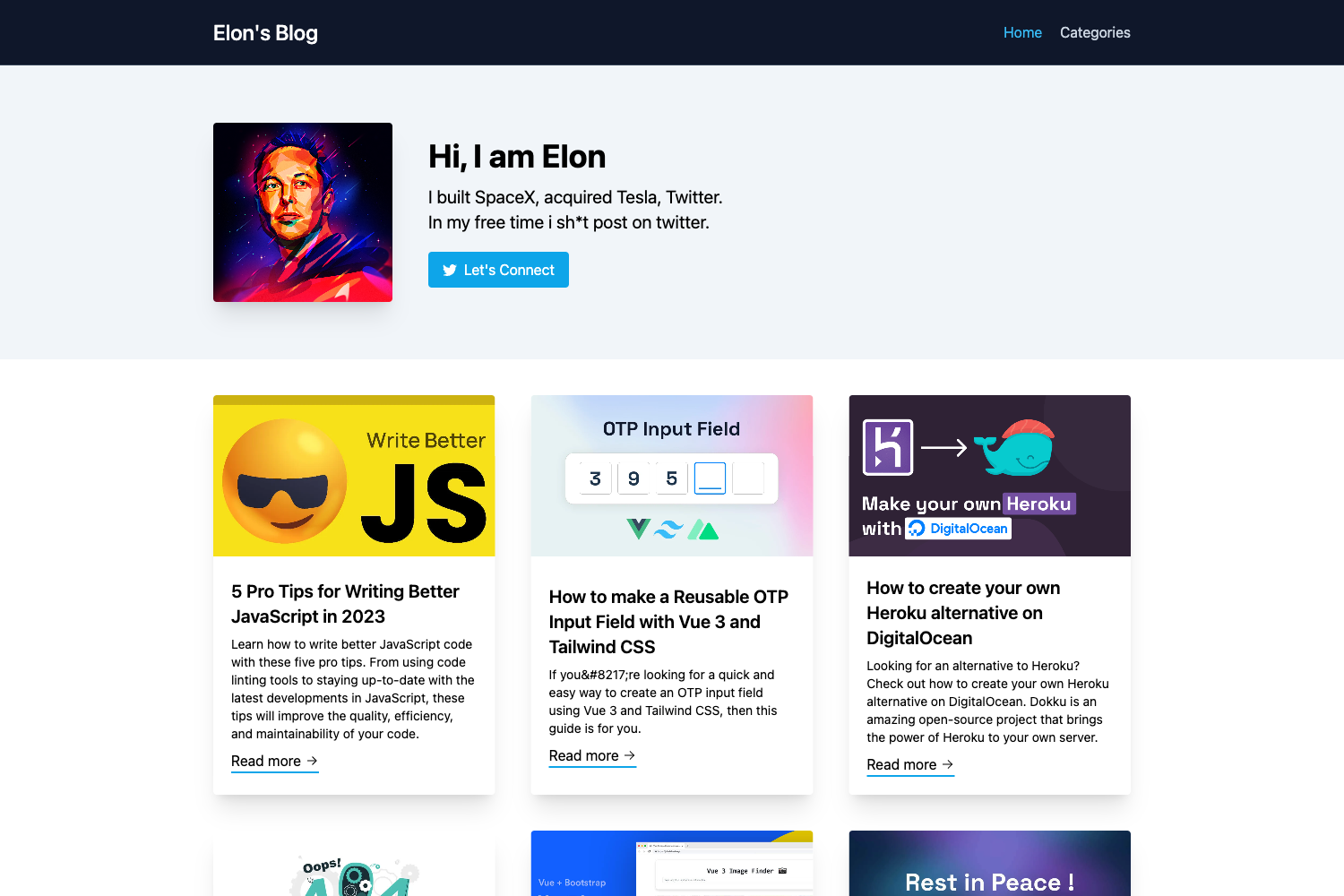
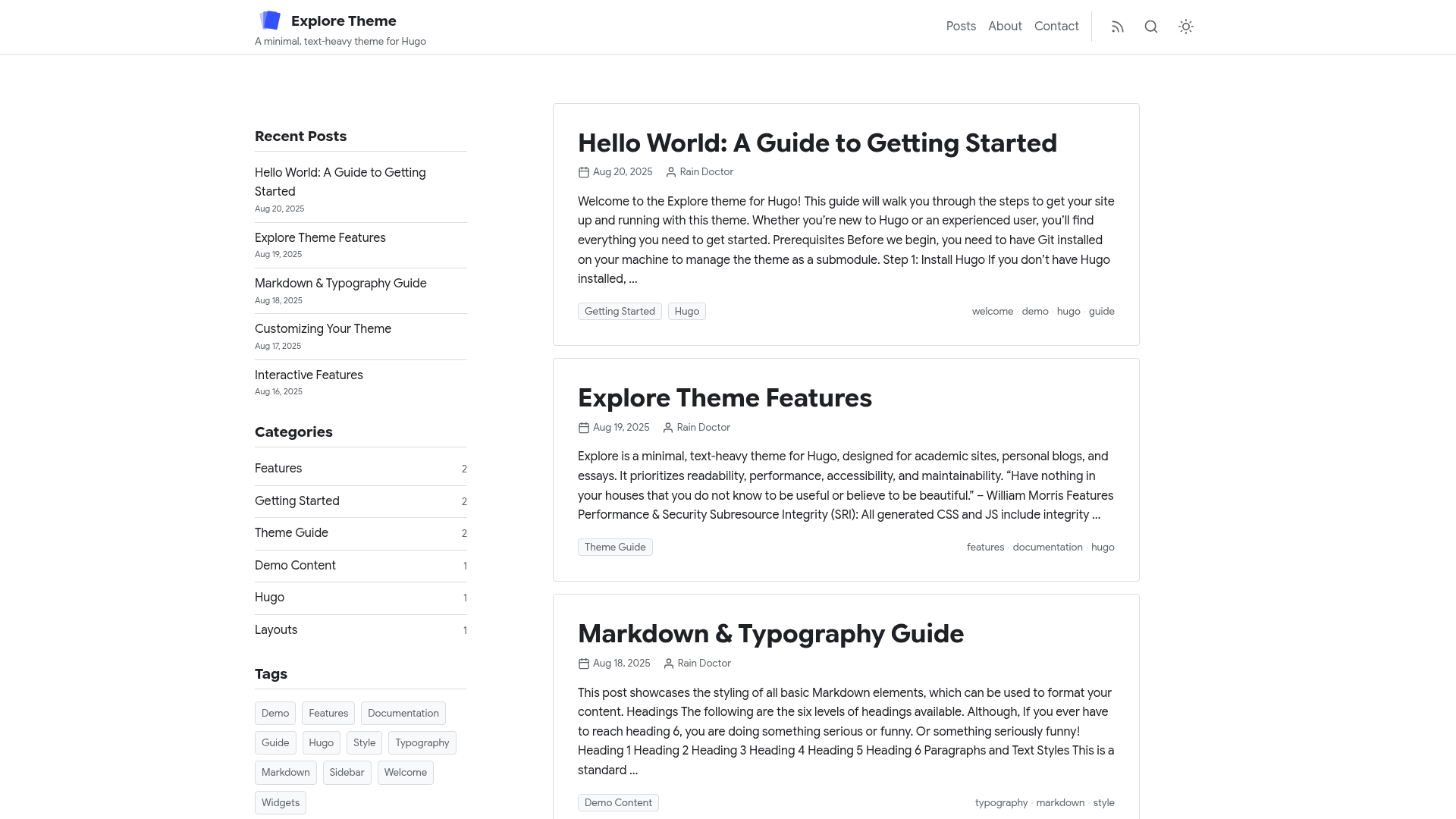
Blagor is an open-source Jamstack blog template built with GatsbyJS and Netlify CMS that produces a personal and professional blog with landing, blog, and contact pages. Created by Inroweb, the template is designed for developers and content editors who want a fast, static-site blogging workflow with a browser-based CMS.
What is Blagor?
Blagor is a free, open-source Gatsby starter that combines the GatsbyJS static site framework with Netlify CMS for content management. It takes blog posts, theme colors, and site settings as CMS input and outputs a responsive static website with landing, blog, and contact pages. The template is maintained by Inroweb, has a live demo on Netlify, and is available on GitHub for anyone to clone, modify, and deploy.
Key Features
- CMS-driven content editing — Netlify CMS lets you add, modify, or delete blog posts, theme colors, and site settings without editing code.
- Landing, blog, and contact pages — Includes three core page types that cover the essential needs of a blog.
- Netlify Contact Form — A built-in form that leverages Netlify's form handling to collect messages without a custom backend.
- Google Analytics — Integrated tracking snippet to monitor visitor traffic.
- Blog tags — Posts can be organized by tags to improve navigation and content discovery.
- Pagination — Blog post lists are automatically paginated for longer archives.
- Theme UI styling — The interface is styled with Theme UI, making it straightforward to customize colors and typography.
- SEO optimized — The template includes SEO best practices such as meta descriptions and semantic markup.
- Social media icons — Placeholder links to social profiles are included and configurable from the CMS.
- Responsive web design — The layout adjusts to any screen size, from mobile to desktop.
Who is it for?
- Jamstack developers — developers who want a pre-configured Gatsby and Netlify CMS starter instead of wiring the pieces together themselves.
- Personal bloggers — individuals who want a fast, free, static blog with an easy CMS for writing and publishing posts.
- Small professional teams — teams that need a simple content workflow where non-developers can update posts and styling through the Netlify CMS admin.
What can you do with Blagor?
- Independent writers: Publish a personal blog with a landing page, tag-based navigation, and a contact form, writing posts through the Netlify CMS admin.
- Agencies: Use Blagor as a base for client projects, customizing theme colors and site settings from the CMS without developer involvement.
- Open-source contributors: Fork the GitHub repository, experiment with the GatsbyJS codebase, and submit feedback or improvements back to Inroweb.
How does Blagor work?
To get started, clone the GitHub repository and run yarn install then yarn start to launch the Gatsby development server. For production, connect the repository to Netlify and follow the Netlify CMS Quick Start Guide to enable authentication; after deployment, content editors can log in at the /admin route to manage the site.
FAQ
Is Blagor free?
Yes, Blagor is open-source and free to use. It's published on GitHub under the Inroweb organization, and you can clone or fork it without cost.
What do I need to run Blagor locally?
You need Node.js version 16 or higher, the Gatsby CLI, and the Netlify CLI. After installing those, clone the repo and run yarn install or npm install followed by yarn start or npm start.
Does Blagor use Netlify CMS?
Yes, Blagor is built with Netlify CMS for content management. You can add, modify, or delete blog posts, theme colors, and settings through the CMS admin interface after setting up authentication.
Can I deploy Blagor to Netlify?
Yes, the template is designed for Netlify deployment. It includes a Netlify deployment badge and can be connected directly to a Netlify site through Git integration.