Template details
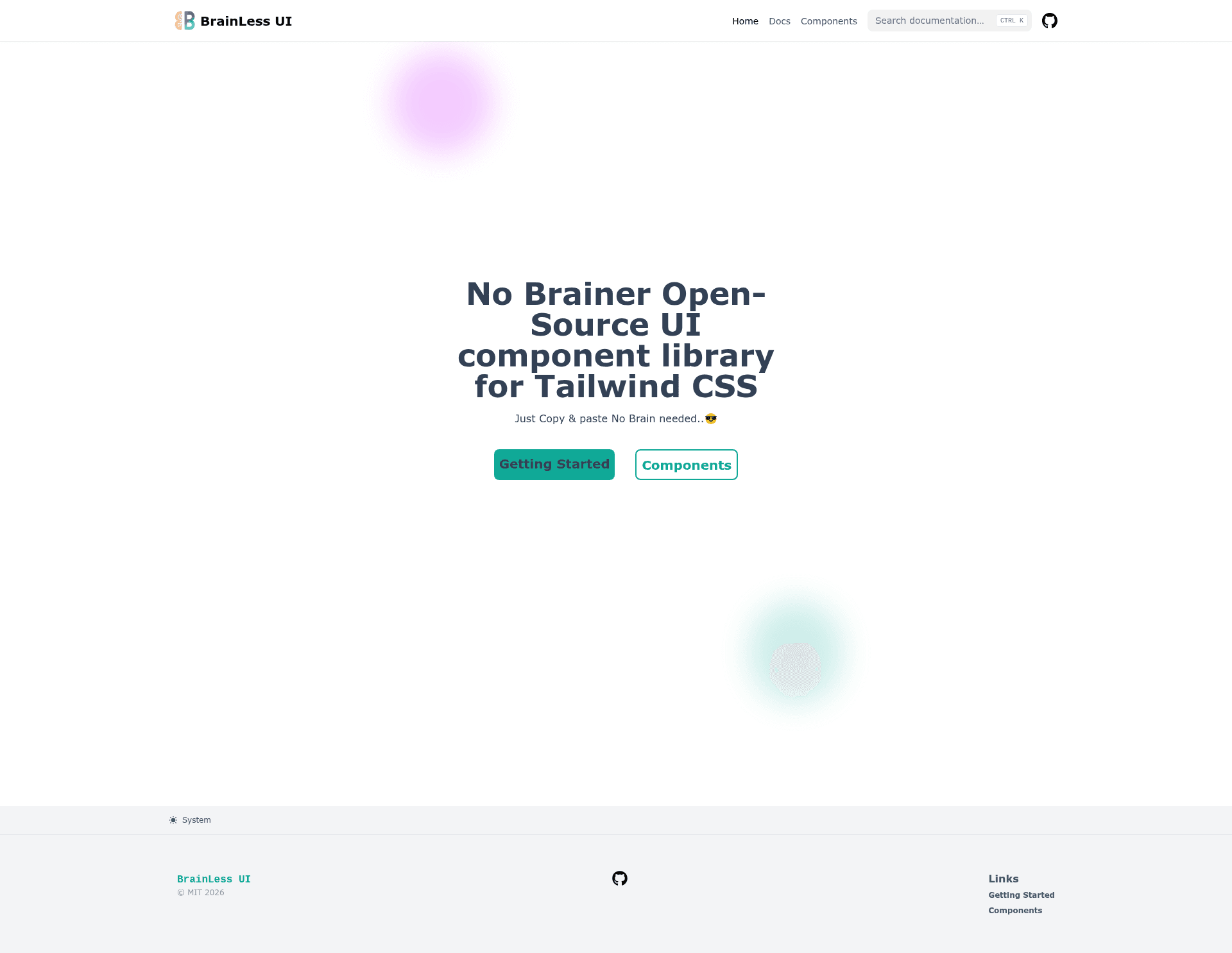
BrainLess UI
Open Source Tailwind CSS Prebuild Components
About this template
BrainLess UI is an open-source component library that ships prebuilt Tailwind CSS components inside a Next.js application bootstrapped with create-next-app.
What is BrainLess UI?
BrainLess UI is an open-source project that provides prebuilt components styled with Tailwind CSS, bundled in a Next.js application. It takes a set of reusable UI components as its core asset and produces a runnable Next.js site that you can use as a starting point for building and showcasing those components. The project is built on the Next.js framework using the Pages Router, as indicated by the presence of pages/index.js and pages/api/hello.js. The repository metadata describes it as "Open Source Tailwind CSS Prebuild Components," and it is maintained as a public repository with a zero-star rating at the time of analysis.
Key Features
- Next.js Pages Router — The project uses the classic pages directory structure, with pages/index.js as the entry point and pages/api for API routes.
- Tailwind CSS integration — Described as a Tailwind CSS prebuilt component library, so styling is built around Tailwind's utility-first approach.
- API routes — The pages/api directory maps to /api/* endpoints, with a default hello endpoint at /api/hello that you can edit in pages/api/hello.js.
- Development hot-reload — Running npm run dev starts a development server at http://localhost:3000, and edits to pages/index.js are reflected instantly.
- Vercel deployment — The standard create-next-app setup includes ready integration with the Vercel Platform, with commands documented in the README.
- Open source — The project is published as an open-source repository, so you can freely use, modify, and distribute the components.
Who is it for?
- Next.js developers who want a preconfigured environment to build and test Tailwind CSS components before copying them into larger applications.
- Front-end designers who need a quick sandbox to prototype component styles with Tailwind utility classes in a React context.
- Open-source contributors looking to share their Tailwind component collections and use the project as a base for documentation or live examples.
What can you do with BrainLess UI?
- Rapid prototyping: Spin up the dev server and modify pages/index.js to see Tailwind-styled components rendered in the browser immediately.
- Component collection curation: Use the site as a gallery to display prebuilt UI parts such as buttons, cards, or navigation bars, all styled with Tailwind.
- API route experimentation: Take advantage of the included API route example at /api/hello to test data fetching and backend logic alongside your components.
How does BrainLess UI work?
To get started, install dependencies and run the development server with npm run dev (or yarn dev). This serves the application at http://localhost:3000. You edit the main page in pages/index.js, and the browser auto-updates. API routes are grouped under the pages/api directory and are accessible at paths like /api/hello; each file exports a handler function.
FAQ
Is BrainLess UI free?
Yes, the project is open source, as described in its repository metadata. You can use, modify, and share it under open-source licensing terms, and it does not require any paid subscription to run locally.
How do I run the project?
Clone the repository, install dependencies with npm install (or yarn), then execute npm run dev. The app becomes available at http://localhost:3000, and edits to pages/index.js are shown live.
How do I deploy BrainLess UI?
The README points to the Vercel Platform as the easiest deployment route. You can connect the repository to Vercel, and the deployment pipeline is set up automatically because the project is a standard Next.js app.
Does BrainLess UI require a backend?
No. The project runs as a static Next.js site for the component display. The optional API routes provide serverless functions under /api, but the core component page does not depend on them.