Template details
Business_app
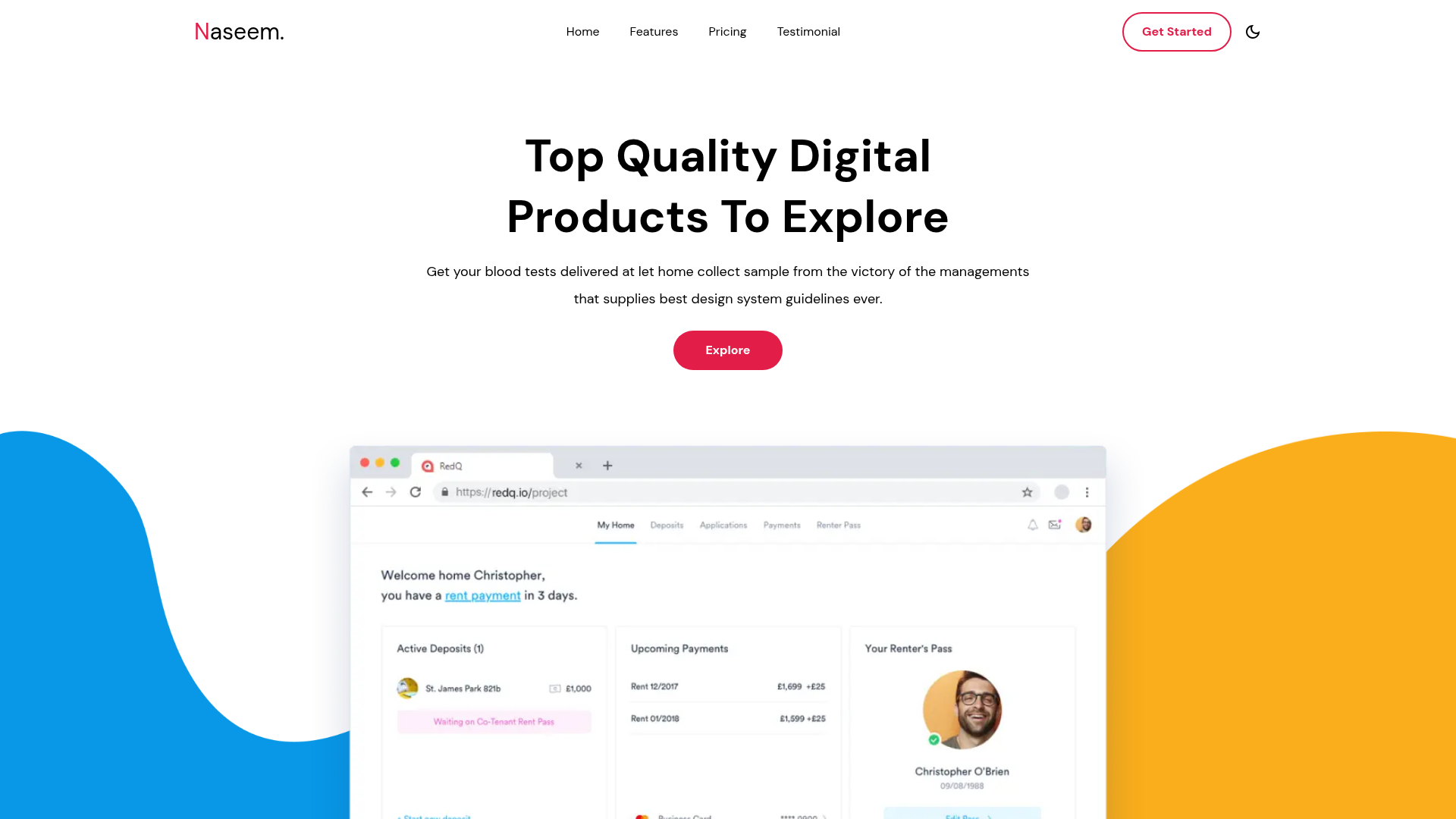
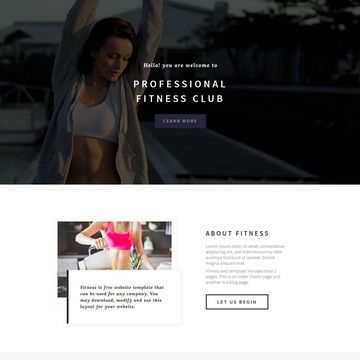
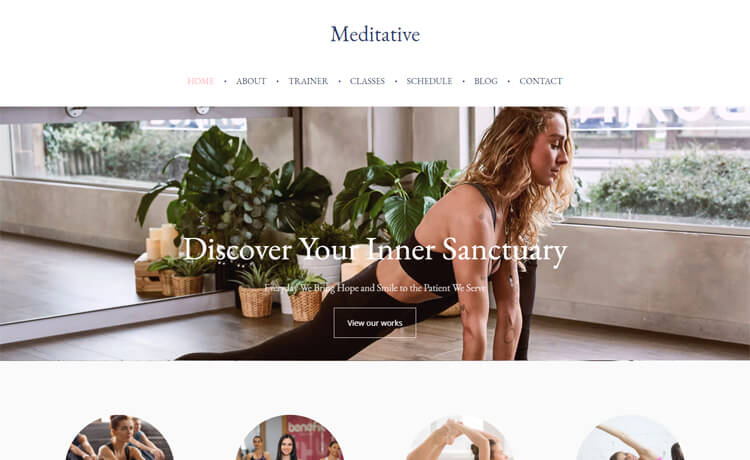
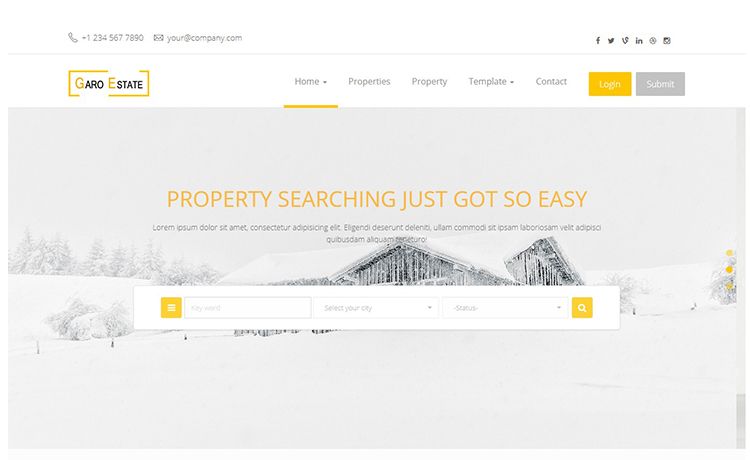
Next.js 13 business website template with Tailwind CSS and Material UI components.
About this template
Business_app is a Next.js 13 business website template that combines Tailwind CSS utility styling with Material UI components, bootstrapped from create-next-app to give you a working App Router project from day one.
What is Business_app?
Business_app is a Next.js 13 business website template bootstrapped with create-next-app, using the App Router (app/page.js) for file-based routing and next/font for optimized font loading. It combines Tailwind CSS for utility-first styling with Material UI (MUI) components, making it a starting point for business landing pages, corporate sites, or internal web apps. The template runs on Node.js and is configured for deployment on Vercel.
Key Features
- Next.js 13 App Router — The project uses the app/ directory with a single page.js entry, enabling server components, nested layouts, and automatic route handling.
- Tailwind CSS — Utility-first CSS framework preinstalled, with the repository's next-tailwind-preset topic indicating a Tailwind configuration preset is included.
- Material UI Components — MUI (formerly Material-UI) is present in the project topics (material-ui, material-components, material-design), providing a component library for buttons, forms, navigation, and more.
- next/font Optimization — Automatically optimizes and loads the Inter Google Font, reducing layout shift and improving performance.
- Hot Reloading Development Server — Run npm run dev (or yarn dev / pnpm dev) to start the server at http://localhost:3000; edits to app/page.js refresh automatically.
- Vercel Deployment — One-click deployment is supported through the Vercel Platform from the create-next-app readme, with official Next.js deployment documentation linked.
Who is it for?
- Business owners — Stand up a professional website for a company or startup without starting from scratch.
- Front-end developers — Customize a modern React/Next.js codebase that already includes Tailwind and MUI wiring.
- Rapid prototypers — Quickly create a business-facing landing page using create-next-app's familiar structure.
What can you do with it?
- Launch a corporate landing page — Edit app/page.js and apply Tailwind classes and MUI components to build hero sections, feature grids, and contact blocks.
- Set up a multi-page business site — Use Next.js file-based routing to add pages like About, Services, and Contact by creating new files under app/.
- Prototype a startup MVP — Pair the preconfigured toolchain with Vercel's CI/CD to ship a live business site in minutes.
How does it work?
Business_app follows the standard create-next-app workflow: install dependencies, run the development server with npm run dev, then edit app/page.js to change the visible page. The page auto-updates as you edit the file. The built-in next/font integration loads Inter automatically, and deployment is handled through the Vercel Platform or any Node.js-compatible host.
FAQ
How do I start the development server?
Run npm run dev (or yarn dev / pnpm dev) from the project root, then open http://localhost:3000. The page reloads automatically when you edit app/page.js.
Does Business_app include a custom font?
Yes, the project uses next/font to automatically optimize and load Inter, a custom Google Font, without requiring manual font setup.
Can I deploy this template to Vercel?
Yes, Business_app is designed for easy deployment on the Vercel Platform, and the create-next-app readme links to the official Next.js deployment documentation.