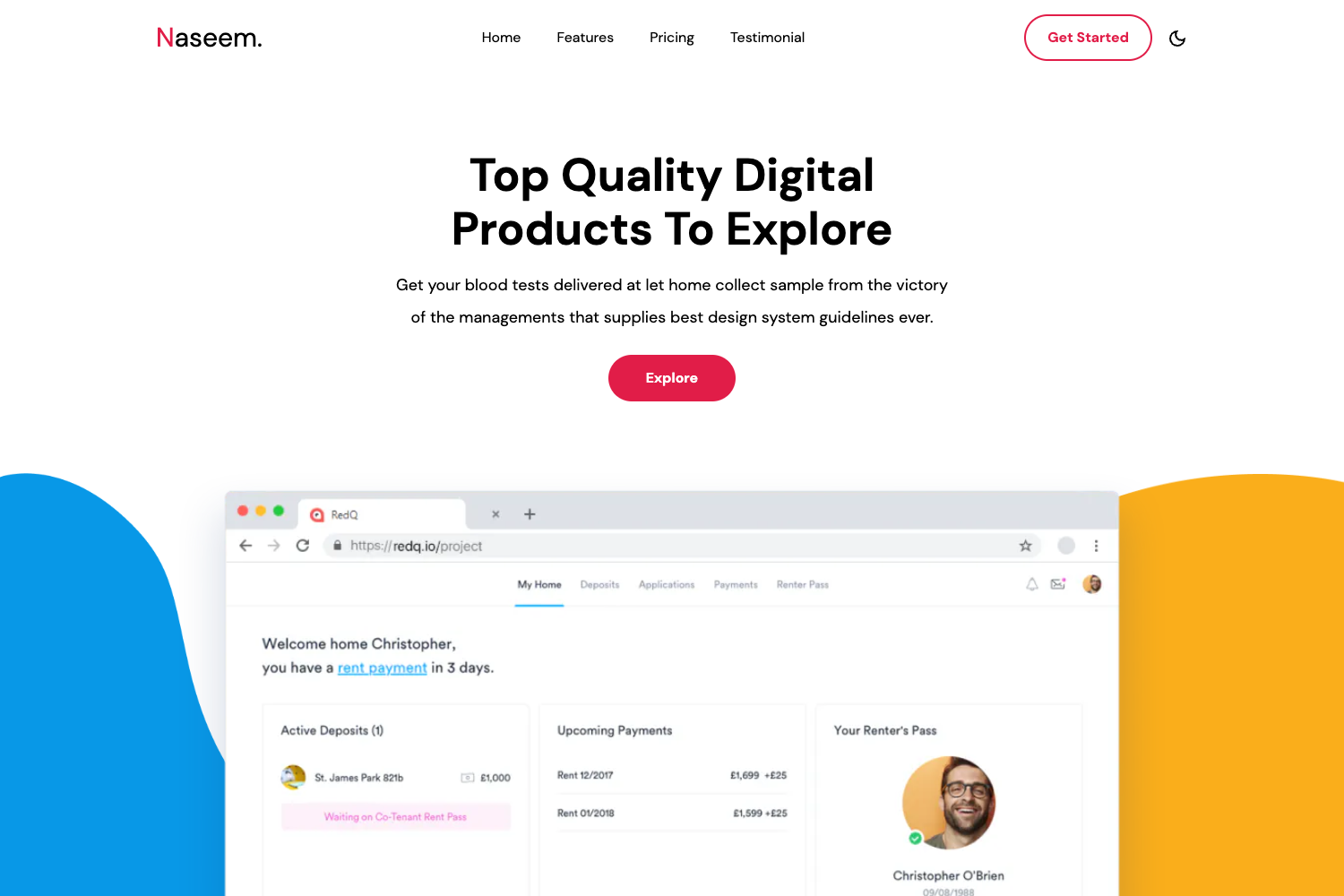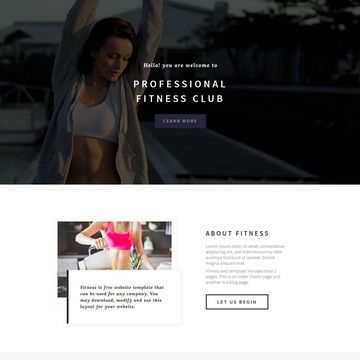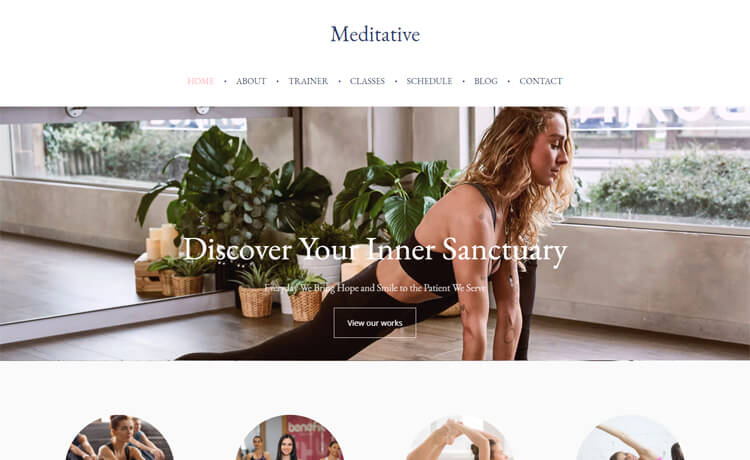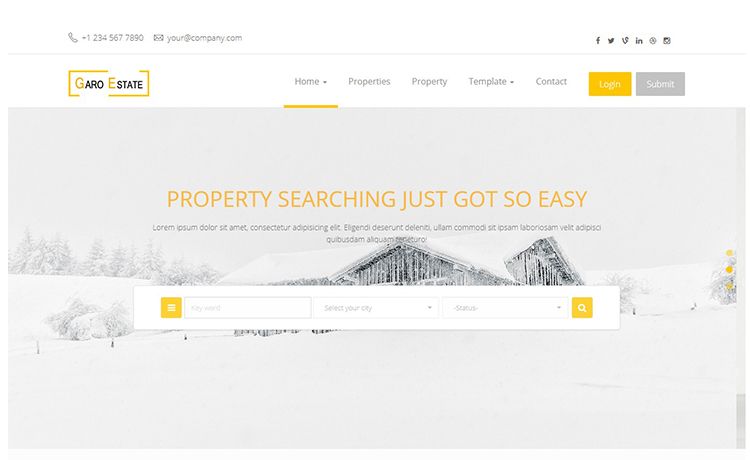
Template details
Business App
Next.js 13 business website template using Tailwind CSS and Material UI, bootstrapped via create-next-app.
About this template
Business App is a Next.js business website template built with Tailwind CSS and Material UI, bootstrapped from create-next-app to serve as a ready-to-edit starting point for company sites.
What is Business App?
Business App is a business website template built on the Next.js App Router and initialized via create-next-app. It takes a minimal app structure with app/page.js as the main editable page and produces a fully styled, deployable web app that can be customized with your own content and design. The template runs locally with npm, yarn, or pnpm and is optimized for deployment to Vercel, the platform from the creators of Next.js. Based on its repository tags, the template is tailored for business apps, incorporating Material Design principles and Material UI components plus Tailwind CSS for utility-first styling.
Key Features
- Next.js 13 App Router — The project uses the app directory introduced in Next.js 13; editing app/page.js auto-updates the rendered page in the browser during development.
- Tailwind CSS — Utility-first CSS classes are available for building responsive layouts directly in your JSX, a fact reflected in the repository's next-tailwind and tailwind-css topics.
- Material UI components — The repository includes material-ui, material-components, and material-design tags, indicating that Material Design components and theming are part of the template.
- next/font optimization — The default setup uses next/font to automatically optimize and load Inter, a Google Font, without manual font embedding.
- Multi-package-manager support — You can run the dev server with npm run dev, yarn dev, or pnpm dev, giving flexibility across Node.js workflows.
- Vercel deployment — The README points directly to the Vercel Platform for one-click deployment, with a live preview at nextjsbusiness.vercel.app.
Who is it for?
- Small business owners — Launch a company website with a modern React stack, then edit the text and styling in app/page.js to match your brand.
- Front-end developers — Use the preconfigured Tailwind and Material UI setup as a clean base for client projects, skipping the boilerplate configuration.
- Startup teams — Get a business-facing web app online fast by deploying the template to Vercel and iterating on the page components.
What can you do with Business App?
- Create a corporate landing page: Replace the default content in app/page.js with your company's headline, services, and contact details, then hot-reload to preview changes instantly.
- Build with pre-integrated styling: Combine Tailwind utility classes with Material UI components to scaffold forms, buttons, navigation, and cards for a business site.
- Preview and ship via Vercel: Run the development server locally, then connect the repository to Vercel for automatic production deployments.
How does Business App work?
After cloning, install dependencies and start the server with npm run dev (or the Yarn/Pnpm equivalent). Open http://localhost:3000 to see the default page. Any edit to app/page.js triggers a live reload. For production, the README directs you to deploy on the Vercel platform, which builds the Next.js app with zero extra configuration.