Template details
Butane Jekyll Theme
A Jekyll theme for building static websites, installed by cloning the GitHub repository and served with jekyll serve.
About this template
Butane Jekyll Theme is a GitHub-hosted Jekyll theme that provides a static site layout and can be set up locally by cloning the repository and running jekyll serve.
What is Butane Jekyll Theme?
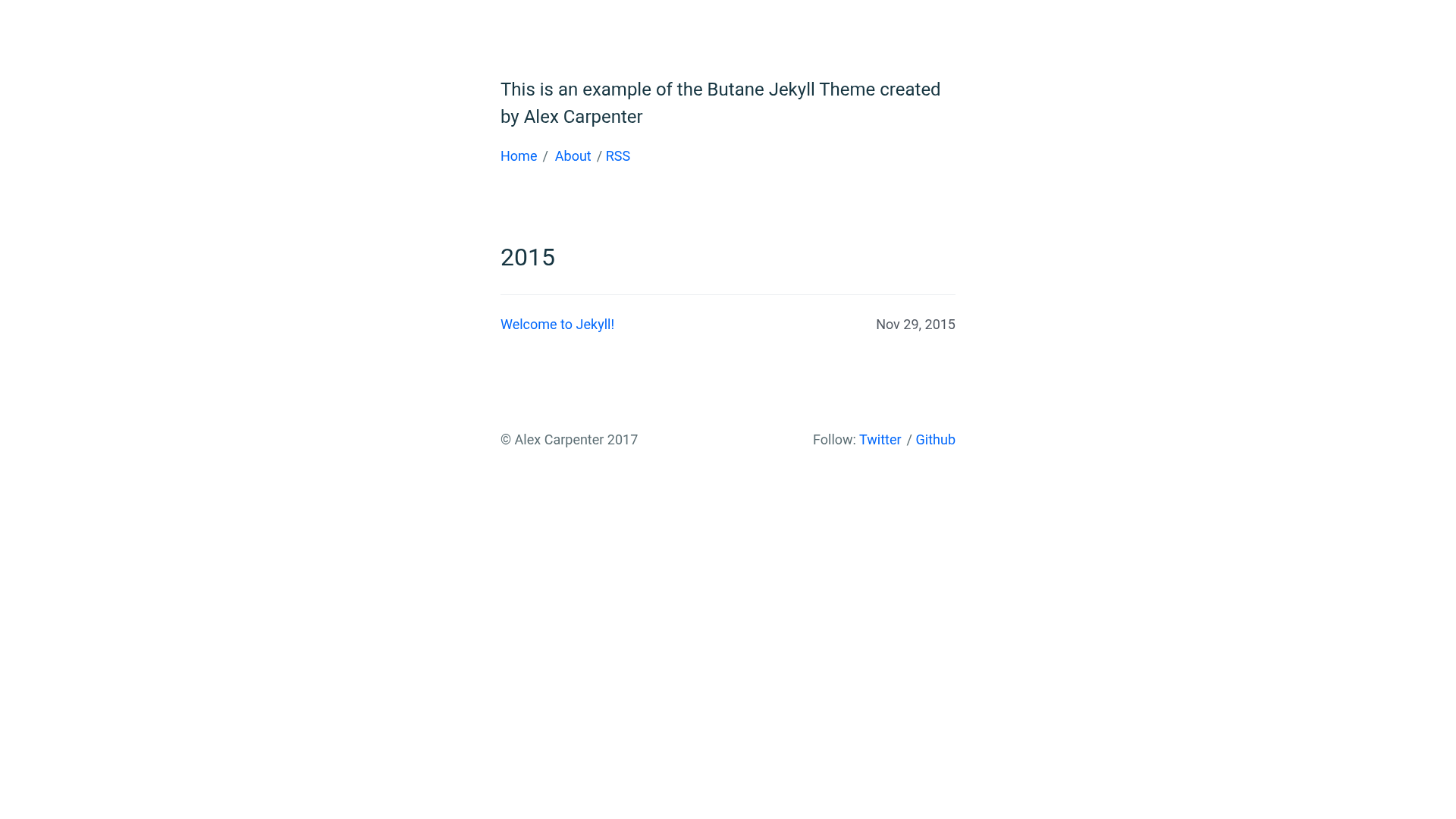
Butane Jekyll Theme is a GitHub-hosted Jekyll theme created by the user alexcarpenter. As a theme for Jekyll, it supplies the templates and styling that Jekyll uses to convert Markdown and other content files into a static HTML website. The theme's repository includes a CHANGELOG.md file, and the recommended setup process is to clone the repository, remove that file, and then serve the site with the jekyll serve command. It currently has 92 stars on GitHub, indicating some community interest.
Key Features
Butane Jekyll Theme comes with a straightforward installation and a standard Jekyll structure. The following features stand out:
- Git-based installation — The theme is distributed via a public GitHub repository, so you install it by running git clone on the provided URL.
- Jekyll serve workflow — After cloning, the theme is run with the jekyll serve command, which starts a local development server for previewing the site.
- CHANGELOG.md included — The repository ships with a CHANGELOG.md file, and the setup instructions advise removing it with rm -rf CHANGELOG.md.
- GitHub stars — The repository has earned 92 stars on GitHub, reflecting a modest level of adoption.
- Jekyll architecture — The theme is built on Jekyll, so it leverages Liquid templates and the standard Jekyll file structure for pages, posts, and layouts.
Who is it for?
Butane Jekyll Theme is best suited for developers who are already using Jekyll. The following roles can benefit:
- Jekyll developers — Developers who are building static websites with Jekyll can use this theme as a pre-made starting point instead of designing their own layout.
- Static site hobbyists — People who prefer the simplicity of running a local Jekyll server can clone this theme and have a Jekyll site running in minutes.
What can you do with Butane Jekyll Theme?
With this theme, you can quickly set up a Jekyll site locally. Two common tasks are:
- Quick prototyping — Clone the repository and run jekyll serve to immediately see the theme's default layout in the browser.
- Customization — Remove the CHANGELOG.md and then modify the theme's templates and styles to create a unique site.
How does Butane Jekyll Theme work?
The theme works through a simple setup process. First, clone the repository from GitHub. Second, change into the created directory. Third, delete the CHANGELOG.md file. Finally, run the jekyll serve command to build and serve the site locally.
FAQ
How do I install Butane Jekyll Theme?
Clone the repository using git clone https://github.com/alexcarpenter/butane-jekyll-theme.git, navigate into the folder with cd butane-jekyll-theme, remove the CHANGELOG.md file with rm -rf CHANGELOG.md, and then run jekyll serve to start the development server.
Is Butane Jekyll Theme a Jekyll theme?
Yes, the repository description explicitly says "Butane Jekyll Theme" and it is listed with the Jekyll topic on GitHub, meaning it is designed to be used as a theme within Jekyll projects.
What is in the repository?
The repository contains the files for a Jekyll theme, plus a CHANGELOG.md that the setup instructions tell you to remove. It is publicly accessible and has 92 stars at the time of this analysis.
Who is the developer of Butane Jekyll Theme?
The repository is hosted under the GitHub username alexcarpenter, which indicates that Alex Carpenter is the likely creator of the theme.