Template details
Bootstrap 4 Web Page Component Templates
A collection of 12 common Bootstrap 4 web page component templates including login, signup, galleries, pricing, and footer.
About this template
Bootstrap4 Web Page Component Templates is a GitHub repository that aggregates 12 of the most commonly used web-page component templates built with Bootstrap 4.
What is the Bootstrap 4 Web Page Component Templates repository?
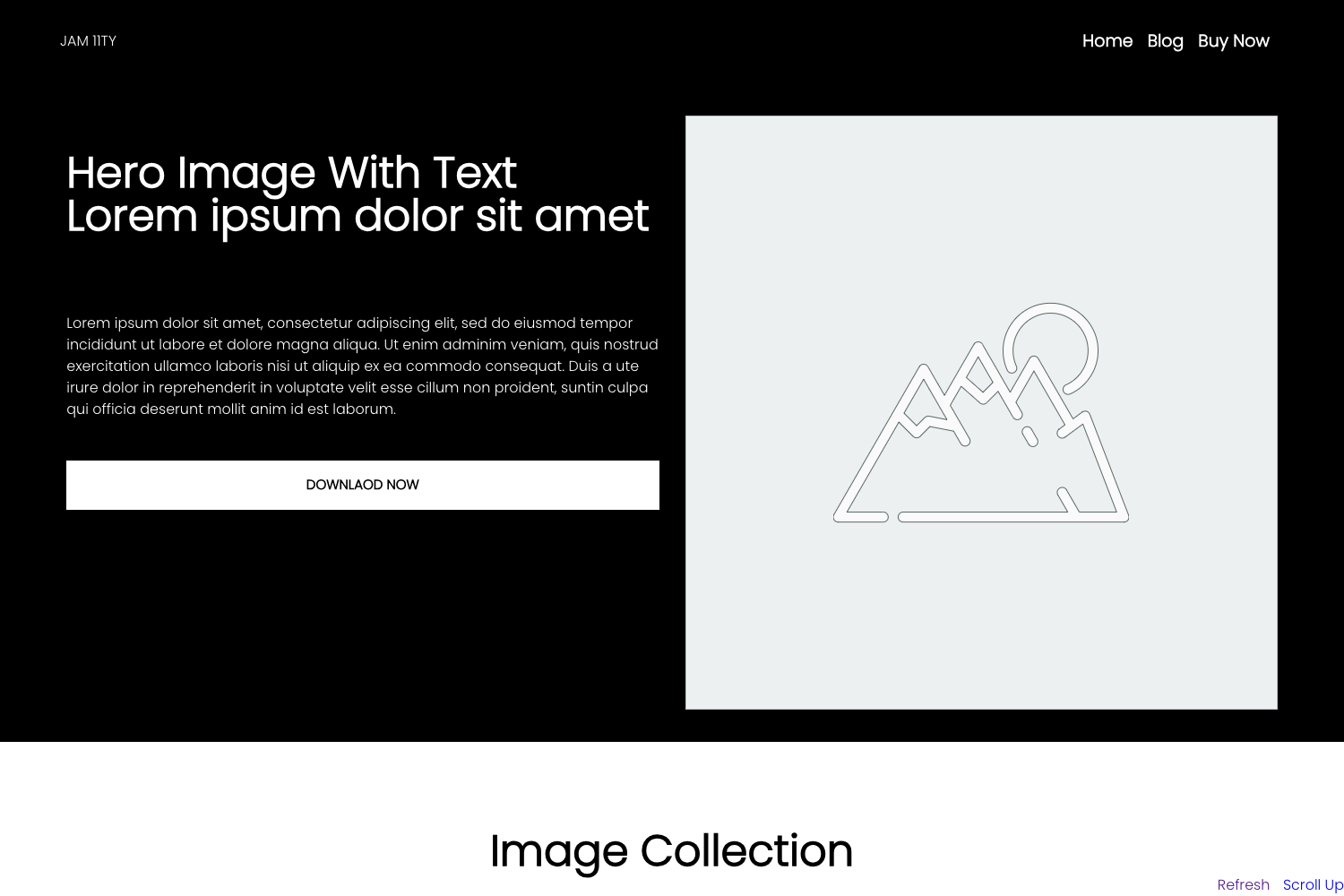
This open-source collection provides ready-to-copy HTML/CSS patterns for login pages, sign-up forms, footers, contact sections, employee tables, pricing tables, sitemaps, shortcuts, audio galleries, photo galleries, video galleries, and thank-you pages. The repository is structured so each component lives in its own folder with a PNG screenshot, making it straightforward to preview and extract the markup you need. With 118 stars on GitHub, it serves as a practical community resource for developers who work with Bootstrap 4.
Key Features
- 12 component templates — The set covers Login, Create-Account (sign-up), Footer, Contact, Employees, Pricing Table, Sitemap, Shortcuts, Audio-Gallery, Photo Gallery, Video Gallery, and Thank You pages.
- Bootstrap 4 framework — All components use Bootstrap 4 for layout and styling, making them consistent with existing Bootstrap-based projects.
- Separate folders per component — Each template is isolated in its own directory, so you can copy exactly the component you need without pulling in unrelated files.
- Authentication pages — The Login and Create-Account templates provide the UI for user sign-in and registration flows.
- Media gallery layouts — Audio, photo, and video gallery components are included for content-heavy or portfolio sites.
- Business/data components — An employees table and a pricing table template present structured data in tabular layouts.
- Utility and navigation pages — Sitemap and shortcuts templates help users navigate a site, while the thank-you page handles post-submission feedback.
- Contact component — A contact section is provided for collecting messages or displaying contact information.
Who is it for?
- Front-end developers — who need quick Bootstrap 4 markup for common interface patterns and want to avoid writing layout CSS from scratch.
- Rapid prototypers — who want to assemble a demo or MVP with standard page structures like auth forms, galleries, and pricing sections.
- Bootstrap learners — who are studying Bootstrap 4 and want reference implementations of typical page components to examine and modify.
What can you do with these templates?
- Build a login flow: Copy the Login and Create-Account templates into a web app to provide authentication screens.
- Assemble a business site: Combine the Contact, Footer, and Pricing Table components to create a standard corporate or product page.
- Showcase media work: Drop the Audio-Gallery, Photo Gallery, or Video Gallery templates into a portfolio to display creative projects.
- Add utility pages: Use the Sitemap, Shortcuts, and Thank-You templates to round out a site's navigation and post-form messaging.
Alternatives
- Start Bootstrap — a larger catalog of free Bootstrap themes and templates with a similar component-focused approach.
- BootstrapMade — a provider of free and premium Bootstrap website templates, many of which resemble these page components.
FAQ
Is this collection free to use?
The repository is publicly available on GitHub, and no license or pricing information is stated, so the templates can be downloaded and used without charge. Check the repository for any license file before relying on it commercially.
What exactly is included?
The repository contains 12 distinct Bootstrap 4 components: Login, Create-Account (sign-up), Footer, Contact, Employees, Pricing Table, Sitemap, Shortcuts, Audio-Gallery, Photo Gallery, Video Gallery, and Thank You. Each has a representative PNG screenshot in its folder.
Does it use Bootstrap 4 or Bootstrap 5?
The repository title and description explicitly say the templates are made using Bootstrap 4, so they are designed for that version of the framework.
Can I use only one component without the rest?
Yes, the repository is split into per-component folders, so you can copy a single folder such as Login/ or Pricing-Table/ into your project without taking the entire collection.
Are the templates responsive?
Because they are built on Bootstrap 4, the layouts inherit the framework's responsive grid and utility classes. The repository does not include a live demo, but the components should scale across screen sizes using standard Bootstrap behavior.